




Chat online
Start chat
Featuring a robust set of capabilities, ArcGIS Pro allows you to visualize, analyze, and share projects with your team or anyone around the world.

Combine multiple data sources to make maps that are as smart as they are beautiful. Use scientific analytical tools on 2D, 3D, and 4D data to identify patterns, make predictions, and answer questions. Quickly share projects and information within your organization, online, and through mobile apps.
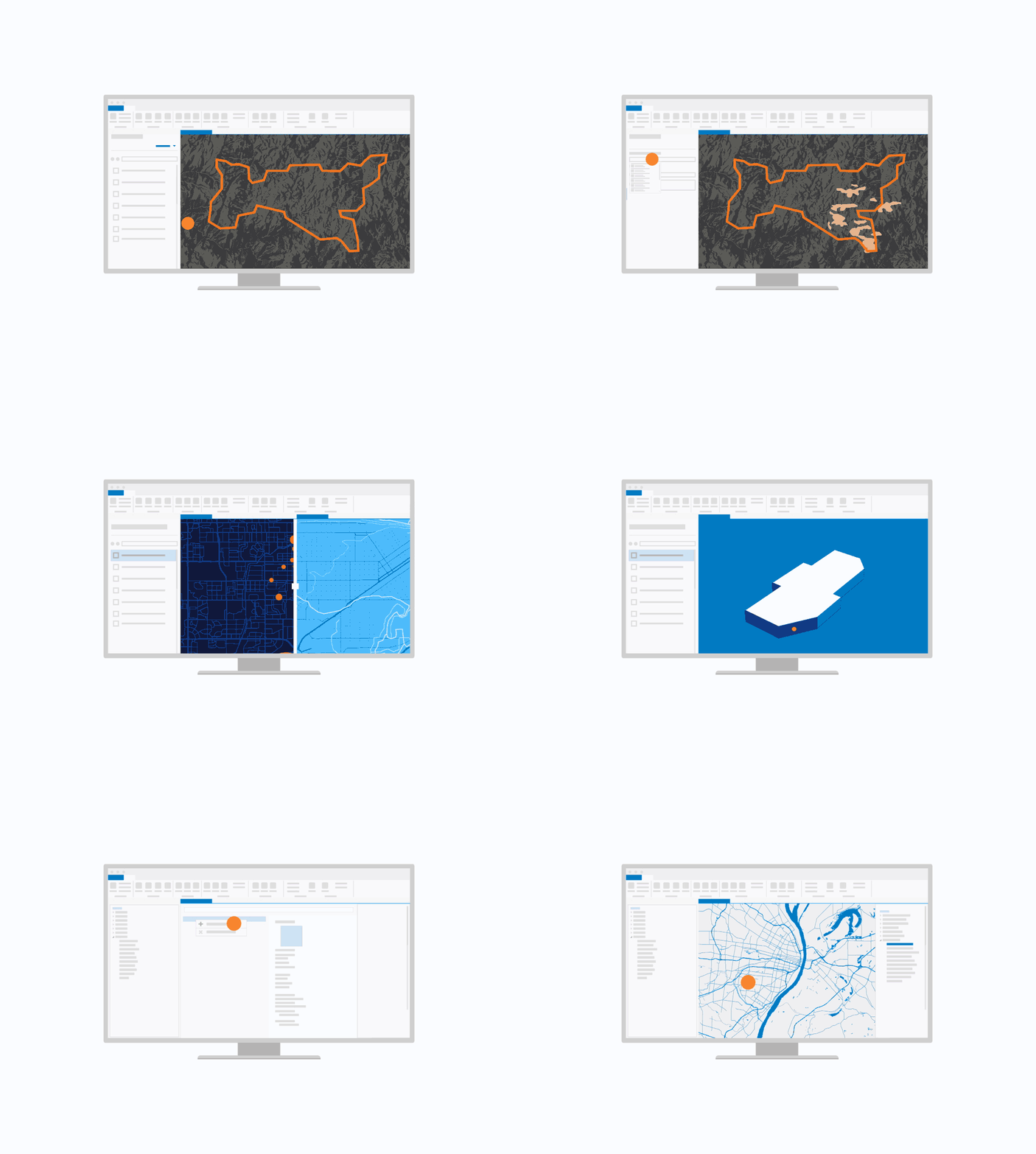
ArcGIS Pro seamlessly integrates tabular data, drawings, cloud data warehouses, and more, ensuring the inclusion of various datasets and formats.
Display data in 2D and 3D simultaneously. Manage multiple maps and layouts in a single project-based workflow.
Simplify data editing and analysis with context-sensitive tools. Perform interactive 2D and 3D analysis. Automate work with ModelBuilder or Python.
Publish maps and analysis results as web services or high-quality prints. Share maps and data on ArcGIS Online, ArcGIS Enterprise, or as a package.
Purchasing ArcGIS Pro doesn't just get you the world's most powerful desktop GIS software, but also access to a suite of apps, tools, and data.

Connect people, locations, and data using ArcGIS Online. Manage your content in the cloud and share your work with the world on the web, apps, and social media.
Enhance your maps with the foremost collection of geographic information from around the globe; access basemaps and integrate data from authoritative sources.
Transform your use of ArcGIS with ArcGIS Solutions, a collection of focused maps and apps designed to address the unique challenges your organization faces. Leverage contemporary ArcGIS capabilities included in your ArcGIS Pro license and apply them directly to business needs.
Build your own GIS applications for desktop, web, and mobile devices with Esri's ArcGIS APIs and SDKs.
Explore licensing options and pricing for ArcGIS Pro.
7:00 a.m.–5:00 p.m., Monday through Friday (PT)