Five days of Halloween
Day 2
Your mountain vein project was a huge success, but now you need to add some ethereal mist to the terrain. Naturally, your first thought is: how much mist is too much!
ONE: Gather some terrain. Try the terrain service in ArcGIS Online.
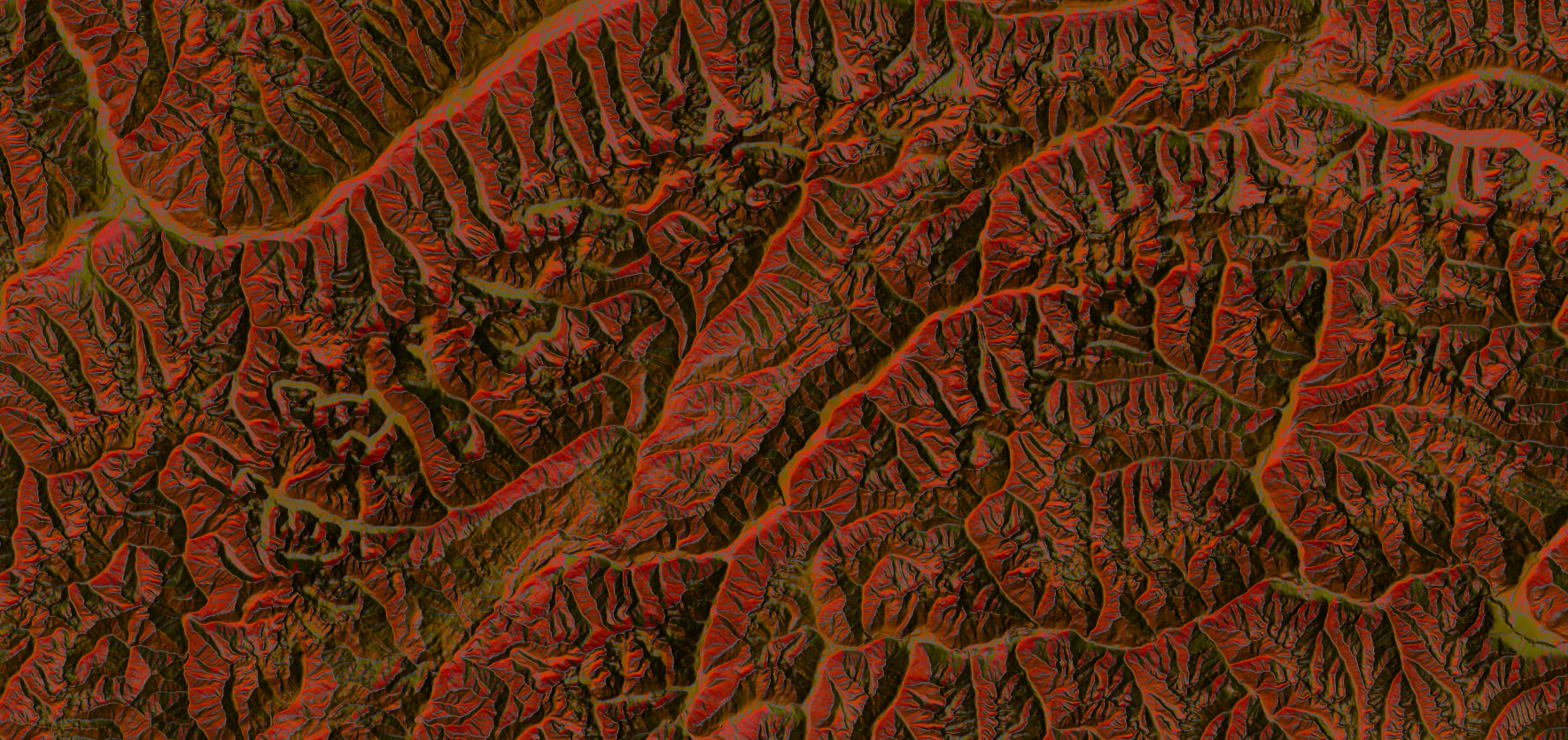
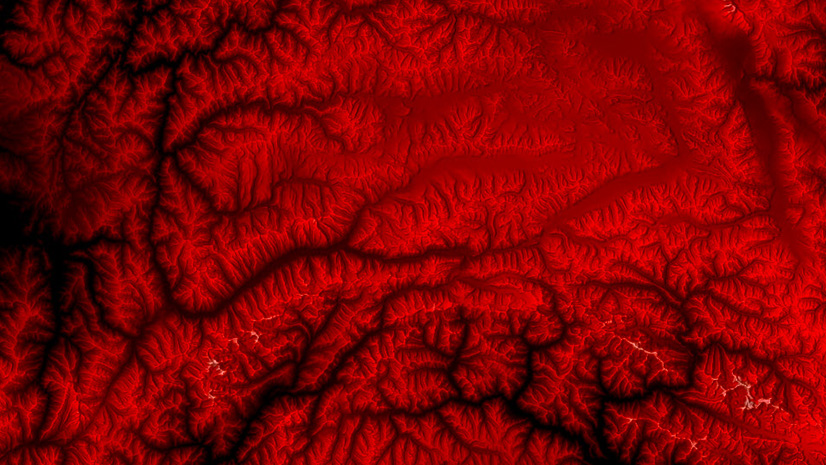
TWO: Tint the terrain red.
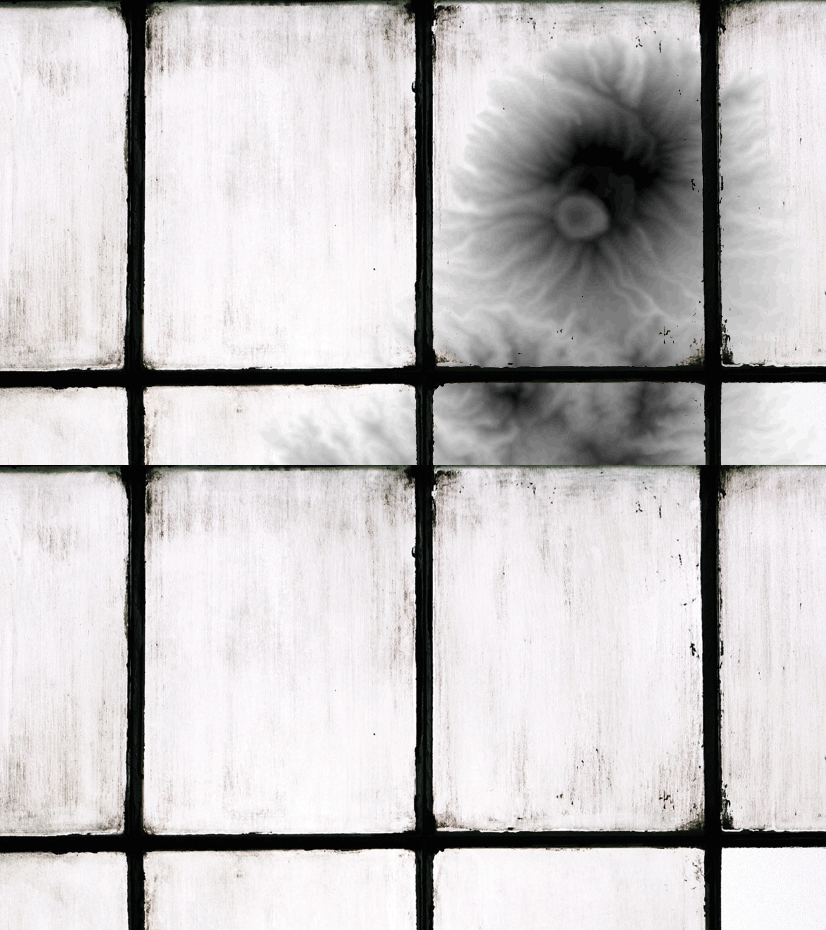
THREE: Now for the mist. Add the same terrain to the map again. Go to the properties and flip the colour ramp.
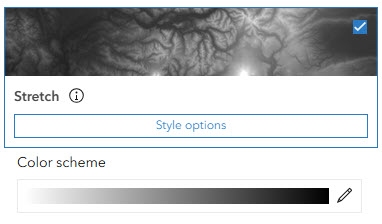
FOUR: Blend this terrain using the Hard Light mode. Hard Light is a great blend option as it combines the multiply and screen modes. The mist is beginning to settle.
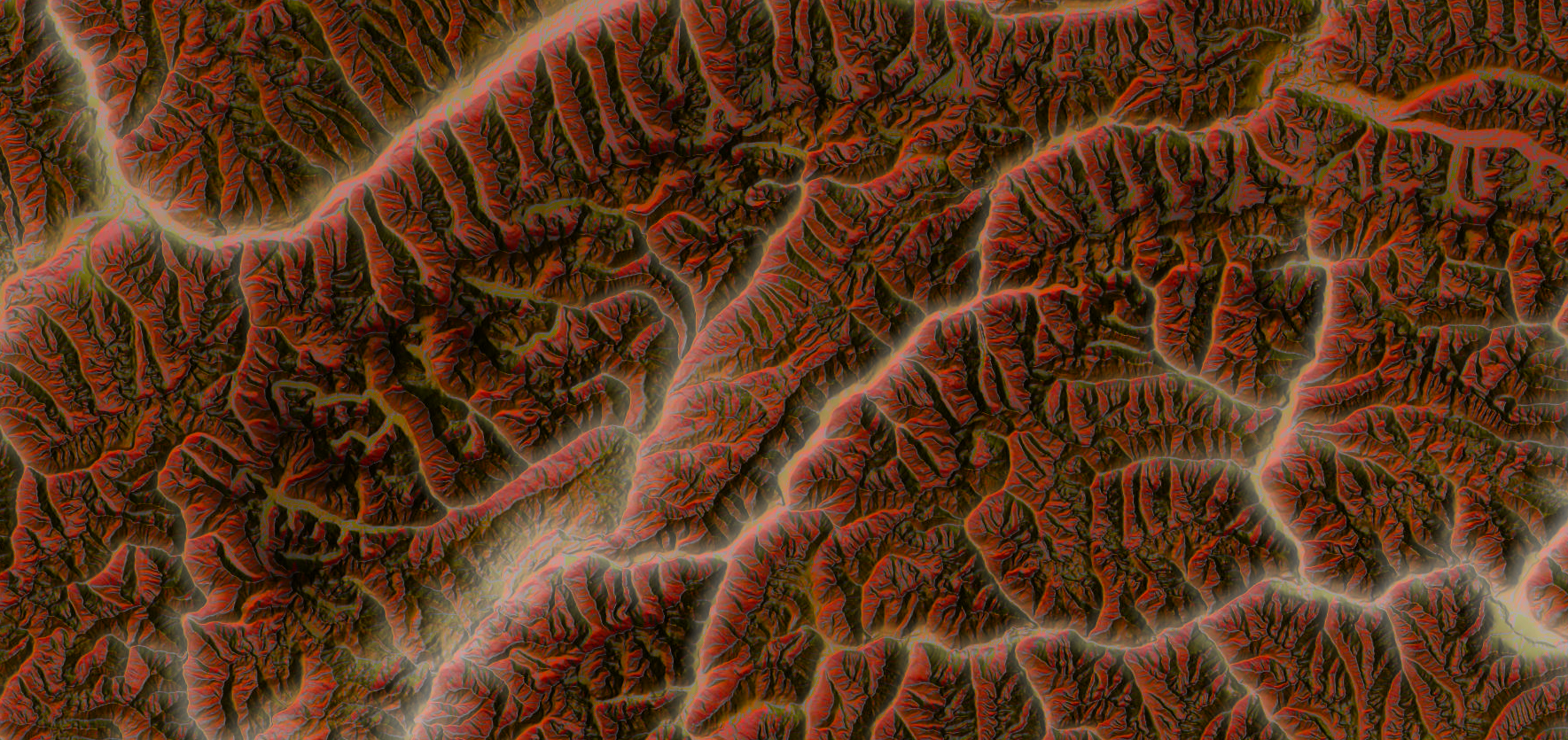
FIVE: Copy this layer and add it to the map again and again and again and again.
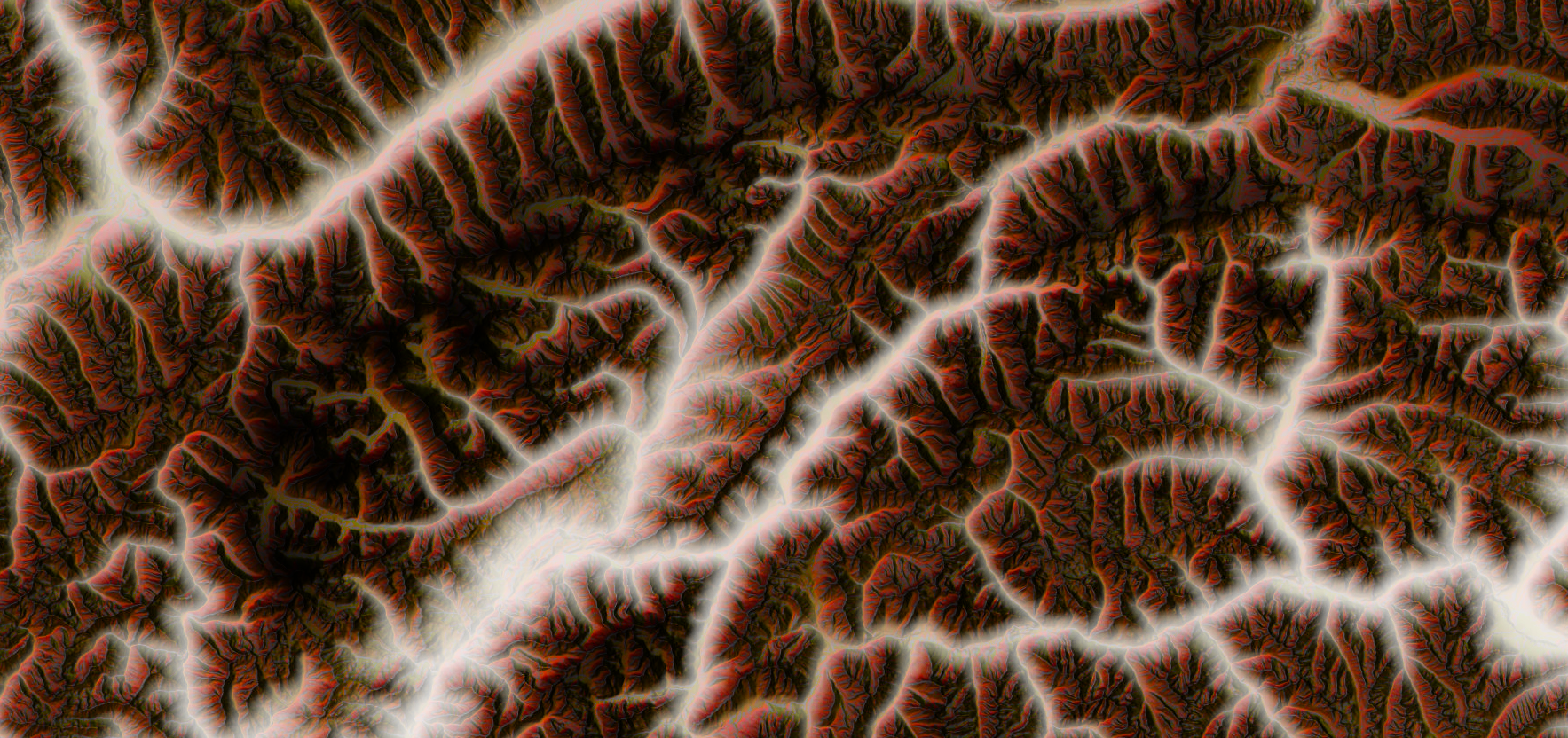
SIX: Why not animate and show the mist filling the lowlands.
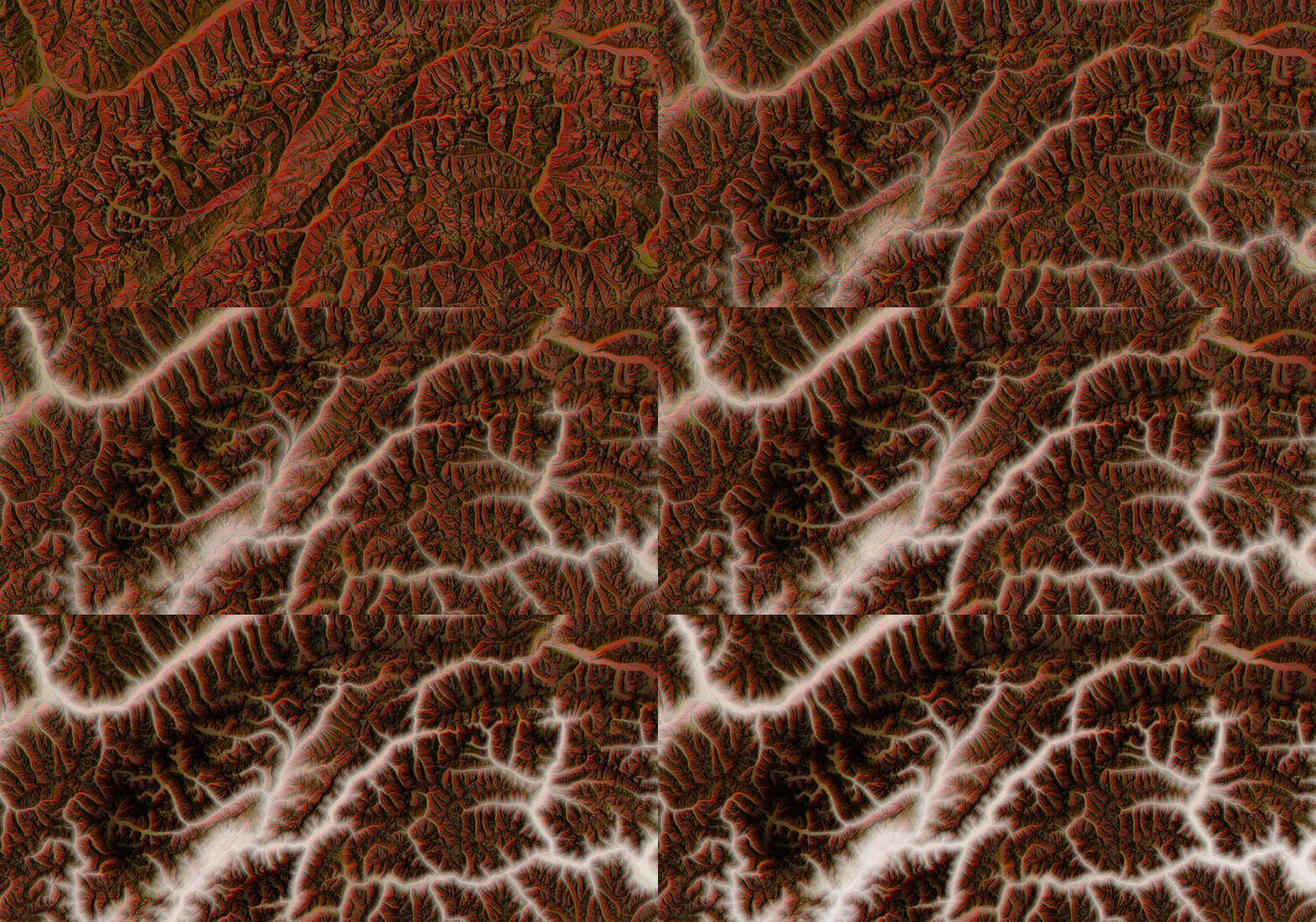
Spooky!
Here is another mist tutorial you can try that uses a different blending technique.
Don’t get too lost in the mist. There are several other Halloween maps to come!
Commenting is not enabled for this article.