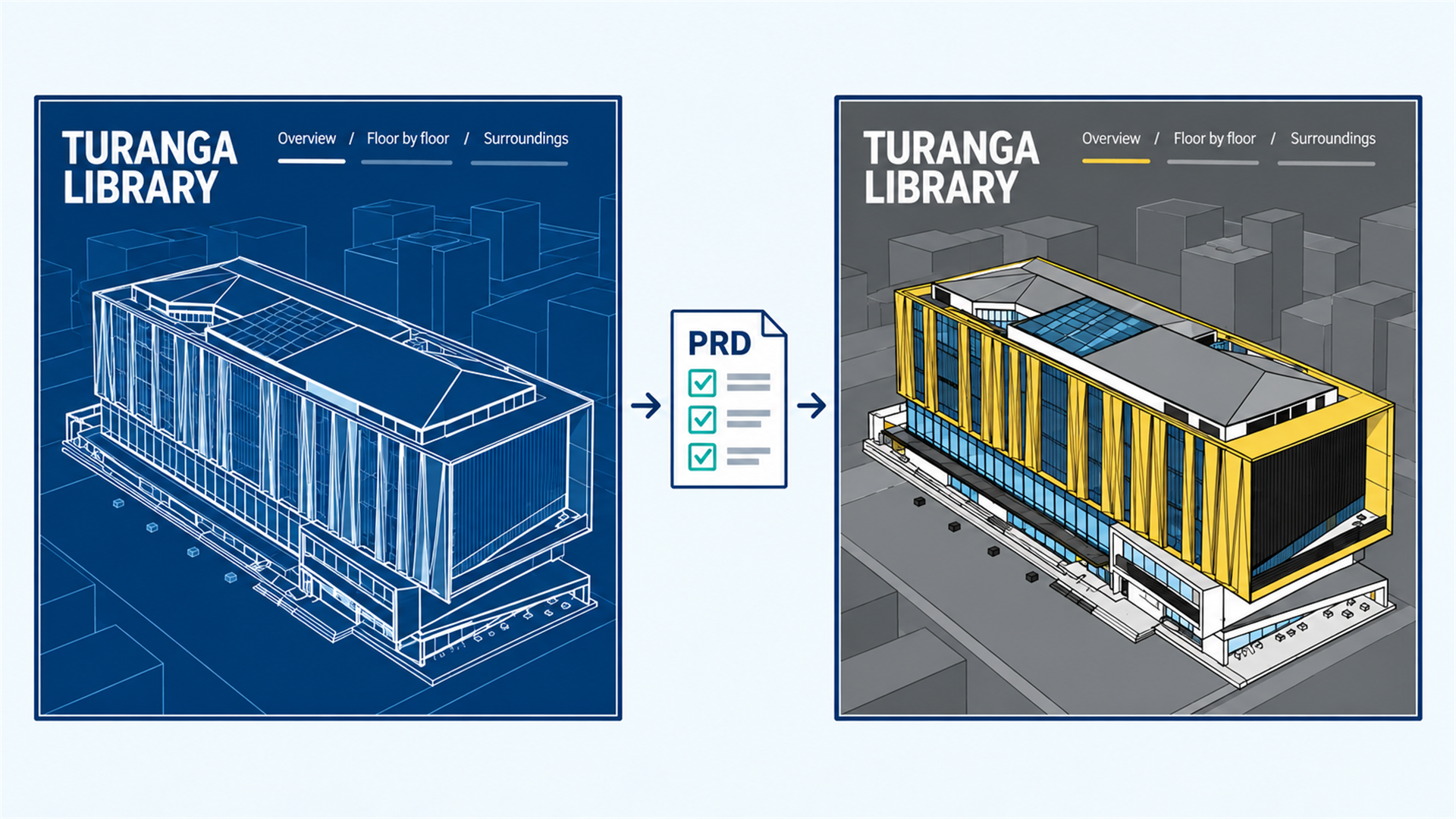
Migrating… but Smarter This Time
Migrating applications can be time-consuming and repetitive, yet keeping them up to date is essential. Without regular modernization, years of investment can become increasingly difficult to maintain or may eventually be lost. This article shows how we used AI to capture an existing application’s requirements, recreate it using modern technologies, and validate the result.
With the transition from widgets to components in version 5.x of the ArcGIS Maps SDK for JavaScript, we took the opportunity to modernize our showcase applications and ensure they reflect current development patterns and technologies. We explored how AI could help automate large parts of the process, freeing up more time to focus on work that creates new value.
Not every migration requires the same approach. If your application only needs a small refactor, a version update, or limited widget changes, it is often perfectly reasonable to build on top of the existing codebase. Larger migrations are a different story. When you are not only upgrading the SDK, but also changing frameworks, adopting a new architecture, or jumping across multiple major releases, incremental upgrades can become increasingly time consuming. In these situations, it may be more efficient to focus on capturing the application’s requirements and recreating it from scratch using the desired technologies.
As with most migrations, there is no one-size-fits-all solution. For complex projects, the decision is more nuanced and depends on both the scope of the migration and the complexity of the application itself. To compare different workflows, see the migration guides available in the SDK documentation.
To show how large migrations work in practice, we migrated the Building Viewer showcase by capturing its requirement and recreating the application from scratch. You can explore the new version here: Building Viewer and compare it with the original version here: building-viewer/version-4.
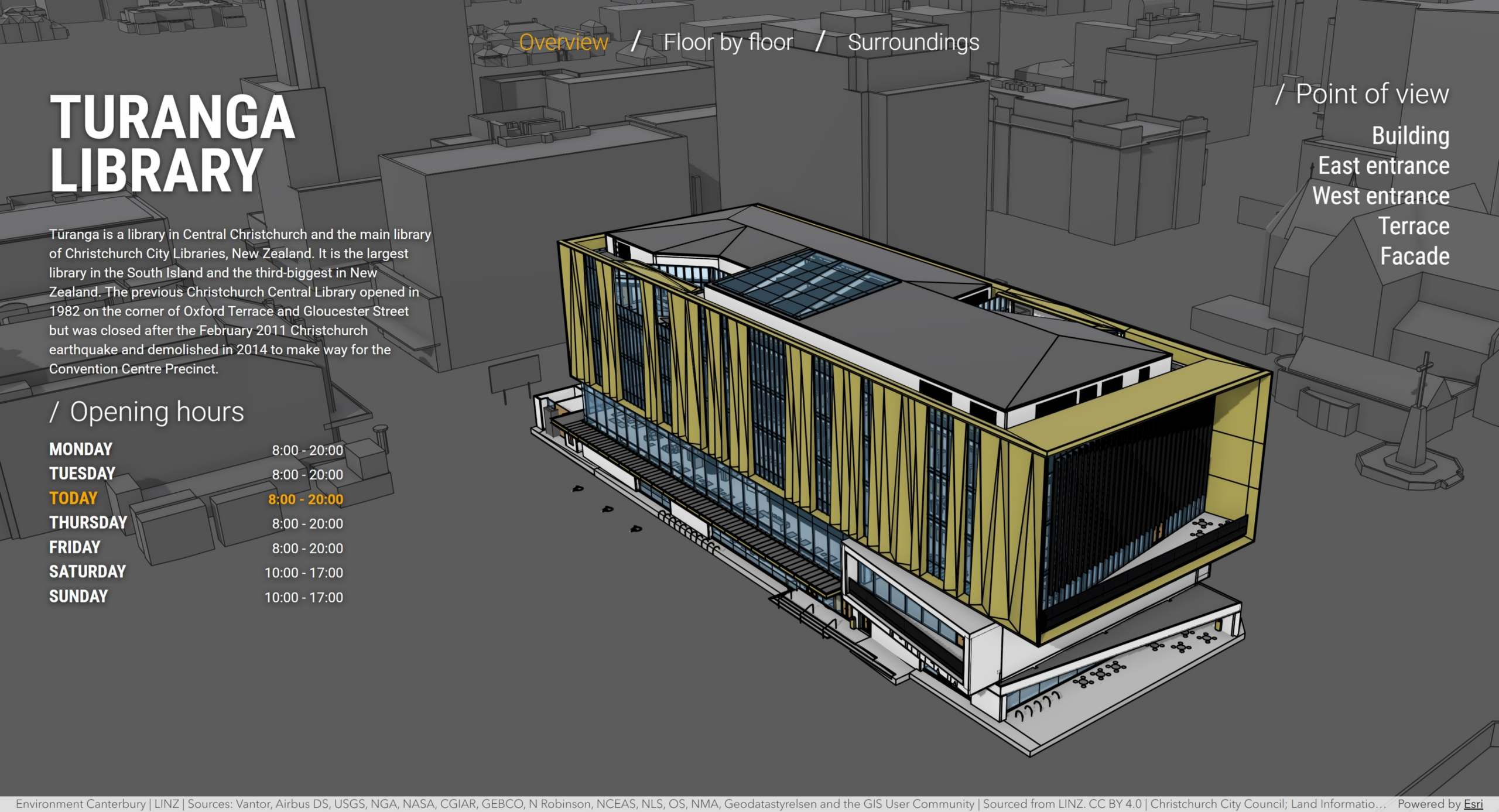
How we did it
The goal was to upgrade ArcGIS Maps SDK, move from Dojo/Grunt to Vite, TypeScript and ArcGIS Components. Because several major changes were happening at once, recreating the application proved more practical than attempting a series of incremental upgrades.
Throughout this process we used GitHub Copilot Chat in Visual Studio Code and a frontier model at the time (GPT-5.6), although the workflow itself is largely model and tool independent. What matters most is providing good context, clear instructions, and validating the results.
The general process looked like this:

Capture the requirements
The first step was creating a Product Requirements Document (PRD) describing the application’s functionality, interface, and behavior. Screenshots captured by the agent were particularly helpful because they provided visual context for UI states and interactions that would have been difficult to capture through text alone.
The goal was to document what the application does rather than how it was implemented. This helped avoid carrying over legacy implementation details and allowed us to focus on recreating the same experience using modern technologies.
We iterated on the PRD prompt several times to make it both useful for the AI and easy for humans to review. You can use the prompt below as a starting point for your own migration:
You can check the PRD generated for our showcase here: PRD.
Recreate the application
Using the PRD as a reference, we generated a completely new application based on the desired technology stack. Here is the prompt we used:
The initial result got us surprisingly far. The main workflows were in place, and the overall structure was correct, but many smaller details, especially map behavior, had been overlooked along the way.
To improve the results, we maintained an agent guidance file in the repository (.github/copilot-instructions.md and AGENTS.md in other environment). This Markdown file held reusable project context and working rules, separate from the task-specific prompts we entered in chat.
After each review cycle, we updated the file to capture lessons from the generated code and application behavior. The guidance covered three areas:
- Agent workflow: project structure, validation, and keeping changes scoped.
- JavaScript Maps SDK practices: current component-based patterns and official documentation.
- Security considerations.
These updates addressed recurring issues from early migration attempts. For example, when the agent recreated existing map-component functionality using custom code or older widget-era patterns, we clarified that it should use the available map components. When a component such as the legend worked but differed from the original application, we clarified the expected placement, styling, and behavior. Recording these lessons as reusable agent guidance improved consistency across subsequent migration attempts.
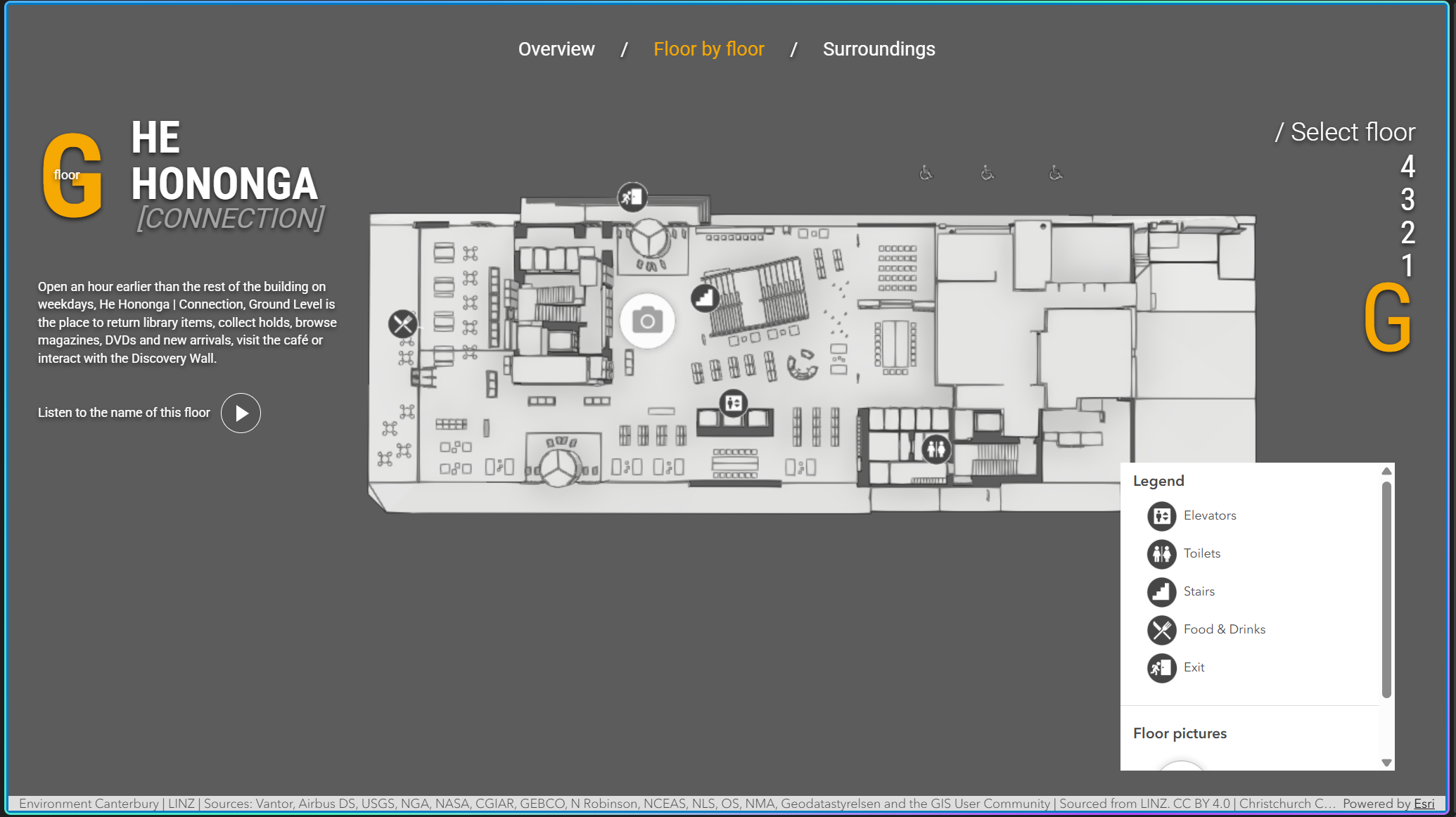
These experiments gave us a reusable starting point, although each application still needs its own review and refinement. You can use the instruction file as a starting point for your own migrations and focus your iterations on fixing application-specific issues rather than rediscovering the same SDK and workflow guidelines.
You can read the full instructions and adapt them for your own project here: .github/copilot-instructions.md
Review and test
Validation is critical, even for an application that appears complete. We compared the original and new applications side by side to verify that functionality and behavior matched and there were no console errors.
A good rule of thumb is that after the initial create app prompt, the generated application should already be fairly close to the original. If you’re still seeing major differences, it is often faster to improve the PRD, refine the project instructions, or use a recent frontier model capable of handling the application’s complexity than to keep iterating on a long list of fixes.
Once we had refined both the PRD and the copilot-instructions file, the Building Viewer application was already very close to the original. Only a few minor issues remained, which we documented for the agent and resolved within a few short iterations.
A migration does not always have to be a perfect one-to-one copy of the original application. During the PRD creation process, we identified a few known issues in the existing application and explicitly noted that they should be fixed rather than reproduced. We also kept some minor UI changes because we preferred the updated experience and they did not affect the application’s core workflows.
The closer your case gets to production use, the more important this review becomes. An application can look correct at first glance while still hiding technical issues or, more commonly, unnecessary complexity. For us, code clarity was especially important because showcases are designed as learning resources. After resolving the remaining bugs, we asked the agent to refactor parts of the application to use HTML templates instead of embedding large chunks of markup directly in TypeScript files, a pattern carried over from the previous TSX-based implementation. The original approach worked, but the refactored version was easier to understand and better reflected the practices we wanted developers to learn from.
Lessons learned
- Invest in good inputs. A well-defined PRD and clear project instructions had a bigger impact on the results than additional iterations and helped avoid mixing patterns from different SDK generations.
- Treat the generated application as a starting point. Validate functionality and code quality until the result meets the same standards as a manually developed application.
- The recreated application did not always match the original implementation internally, and that was often a good thing. Modern SDK capabilities and components can replace large amounts of custom code, making the application simpler and easier to maintain. The goal should be to deliver the same user experience using current tools and SDK capabilities.
Commenting is not enabled for this article.