We’re excited to share the next step in the evolution of ArcGIS Survey123. The Survey123 team has been building the next generation of Survey123—designed to deliver a modern experience, improved performance, and a strong foundation for future innovation. Today, we’re introducing two applications:
- Survey123 Mobile – our next generation field data collection app
- Survey123 Studio – our next generation desktop form authoring experience
The Release Candidate (RC) builds are now available to download with the first production release coming in July
To give you a quick look at what’s coming, we’ve put together a short video overview.
A New Generation—Built on a Strong Foundation
Survey123 Mobile and Survey Studio are built on modern technology, including the latest ArcGIS Maps SDK, delivering improved performance, enhanced mapping capabilities, and a smoother overall experience. Survey123 Mobile is available for iOS, Android, and Windows; while the Survey123 Studio desktop application is available on Windows exclusively.
The initial release is not a full parity release with the current apps. Instead, it focuses on a core set of capabilities used across most workflows, along with many new and exciting features. This provides a solid foundation that you can begin using today.
From there, we will continue to expand functionality through regular quarterly updates—bringing the capabilities you rely on into the next generation apps over time.
This is an evolution of Survey123—not a reset.
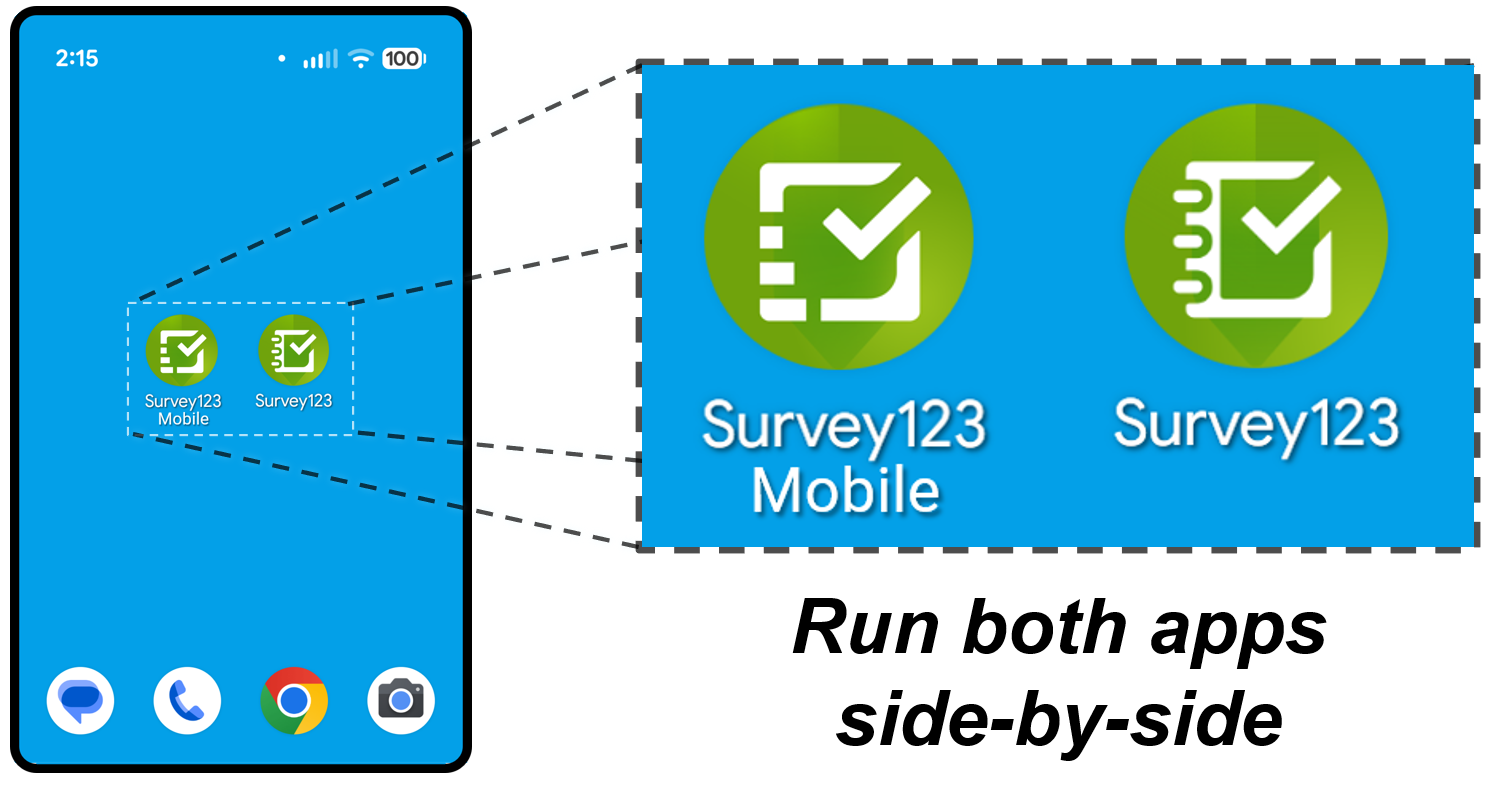
- Run the current and next generation apps side‑by‑side
- Continue using your existing XLSForms with no need to rewrite surveys
- Rely on continued support for the current apps throughout the transition
This approach gives you the flexibility to evaluate and adopt the new apps at your own pace—without disrupting your existing workflows.
What’s New in the Next Generation Apps
Survey123 Mobile and Survey123 Studio bring a refreshed experience along with new capabilities designed to improve productivity and usability.
Tabular Repeats (Most Requested Feature)
A new tabular view for repeat records makes it easier to:
- Navigate related records
- Enter data directly in rows and columns
- Quickly review and edit entries
- Copy values from existing repeat record in the table
This has been one of the most requested enhancements from the community—and it’s now here.

Big-Button Data Capture Experience
Survey123 Mobile brings together the power of Survey123 and QuickCapture into a single, streamlined experience. You can open QuickCapture projects directly within Survey123 Mobile—making it easier to move between rapid, big-button data capture and more structured survey workflows, all in one app.
- Quickly switch between Survey123 surveys and QuickCapture projects within the same app
- Use QuickCapture’s big-button interface to efficiently collect observations in fast-paced or high-volume data collection scenarios
- Simplify deployment with fewer apps to install and manage
- Reduce friction with fewer sign-ins for users in the field
- Take advantage of built-in support for linking between surveys and projects
This feature is especially valuable for workflows that combine rapid event capture with more detailed data collection.
Note: In the initial release of Survey123 Mobile, the QuickCapture capability supports point feature capture, with additional capabilities planned for future releases.

Improved User Experience and Data Capture
Survey123 Mobile and Survey123 Studio introduce a more modern, intuitive experience designed to make data collection faster and easier:
- Quickly open surveys by scanning a QR code or using a link—ideal for public surveys and first-time users
- Navigate a refreshed interface with improved usability and support for dark mode
- Benefit from enhanced accessibility across devices
- Capture and edit spatial data with new geometry tools for points, lines and polygons
- Enhanced mapping tools bring layer control, bookmarks, and support for projected webmaps
- Support for modern input methods, including tools like Apple Pencil

Survey123 on the Web Continues to Evolve
While we’re introducing the next generation of Survey123 Mobile and Survey123 Studio, Survey123 on the web continues to evolve with important enhancements and new capabilities. We’re continuing to invest in the web experience to improve usability, expand AI-powered workflows, and support a broader range of deployment scenarios.
Some of the upcoming updates include:
- Feature report on‑premises installer for ArcGIS Enterprise (BETA) – Many organizations have requested the ability to run a Survey123 Feature Report service on their own infrastructure; we are pleased to announce that a beta of on‑premises installer for feature reports will soon be available through the Early Access Community.
- Undo and redo in the web designer – New undo and redo support makes it easier to iterate on your surveys with confidence.
- Survey123 Assistant and Translation Assistant in production – Both assistants are moving out of beta and becoming generally available, bringing AI-powered form creation and translation to production workflows.
- More control over survey visibility – A new setting allows you to hide published surveys from the Survey123 field app or web app, giving you greater flexibility in how surveys are accessed.
- Expanded Survey123 Assistant capabilities – The assistant continues to evolve, including new beta capability for creating a survey from an image of scanned paper form—helping accelerate the transition from paper to digital workflows.
Release Candidate Available Now
Survey123 Mobile and Survey123 Studio are now available to try through the Early Access Community.
We encourage you to:
- Download the apps
- Test your existing surveys
- Explore new capabilities
- Share your feedback
Your input plays a critical role in shaping the future of Survey123—just as it has in the past.
What to Expect Next
The initial release of Survey123 Mobile and Survey123 Studio focuses on the core capabilities used in most workflows, with additional features delivered over time as the apps continue to evolve.
Your feedback is essential to this journey. As we transition Survey123 to the next generation, your real-world input will directly shape how these apps grow and improve.
By getting involved now, you can:
- Validate your existing workflows in the new apps
- Help us prioritize the capabilities that matter most
- Influence how Survey123 evolves in upcoming releases
Join the Early Access Community, explore Survey123 Mobile and Studio, and share your experience with us. Your feedback will help guide the next phase of Survey123 and ensure these apps meet the needs of your organization and workflows.


Commenting is not enabled for this article.