The submission
Any data collection form made with Survey123 Connect or the Survey123 web designer is eligible for consideration in the community gallery.
Feature a form in ArcGIS Survey123
A variety of data collection templates are available in the ArcGIS Survey123 community to help you create your next form. Explore different layouts, learn how others collect data, and apply the concepts to your own organization.
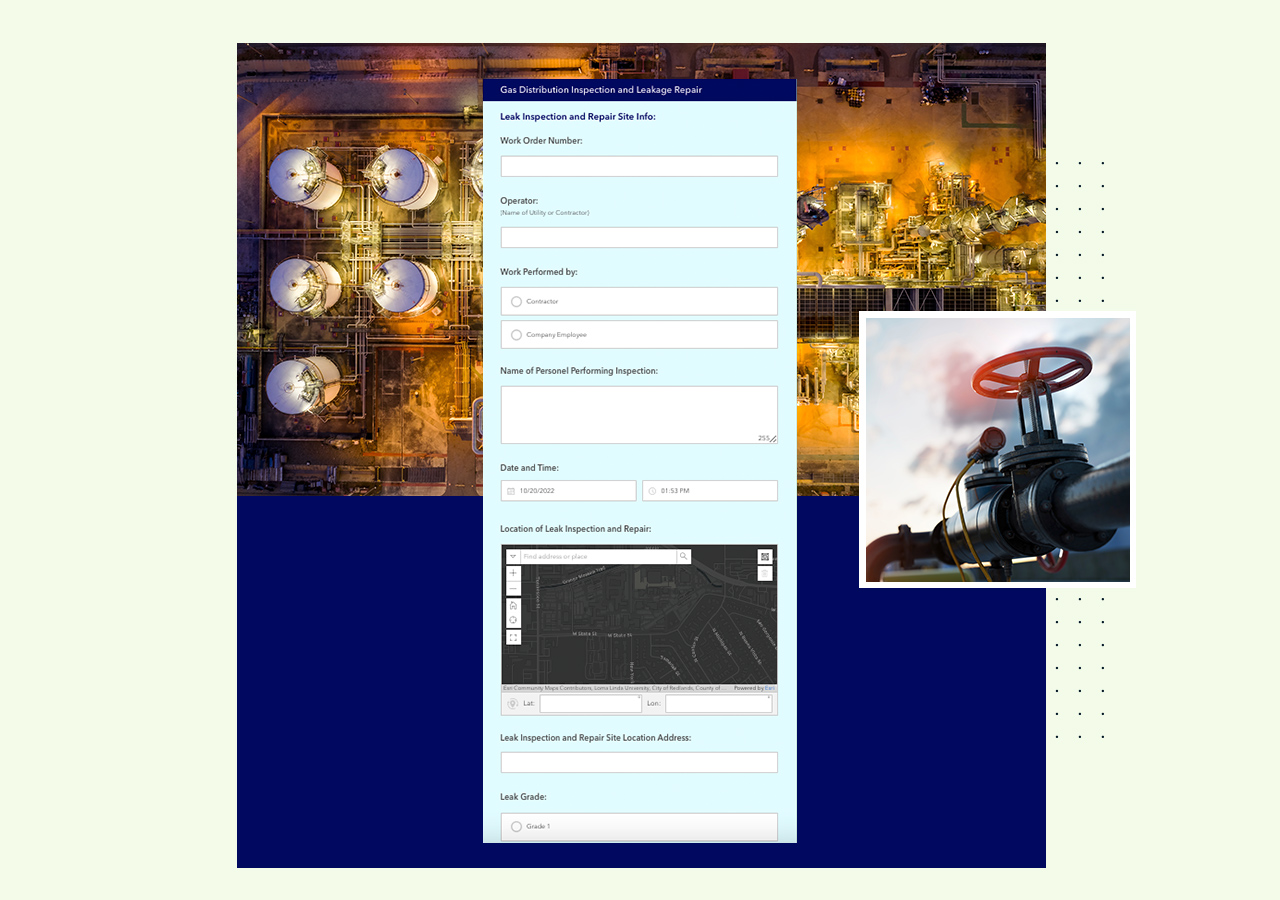 Asset inspections
Capture daily inspections and identify potential hazards to inform maintenance and repairs using this data collection report form.
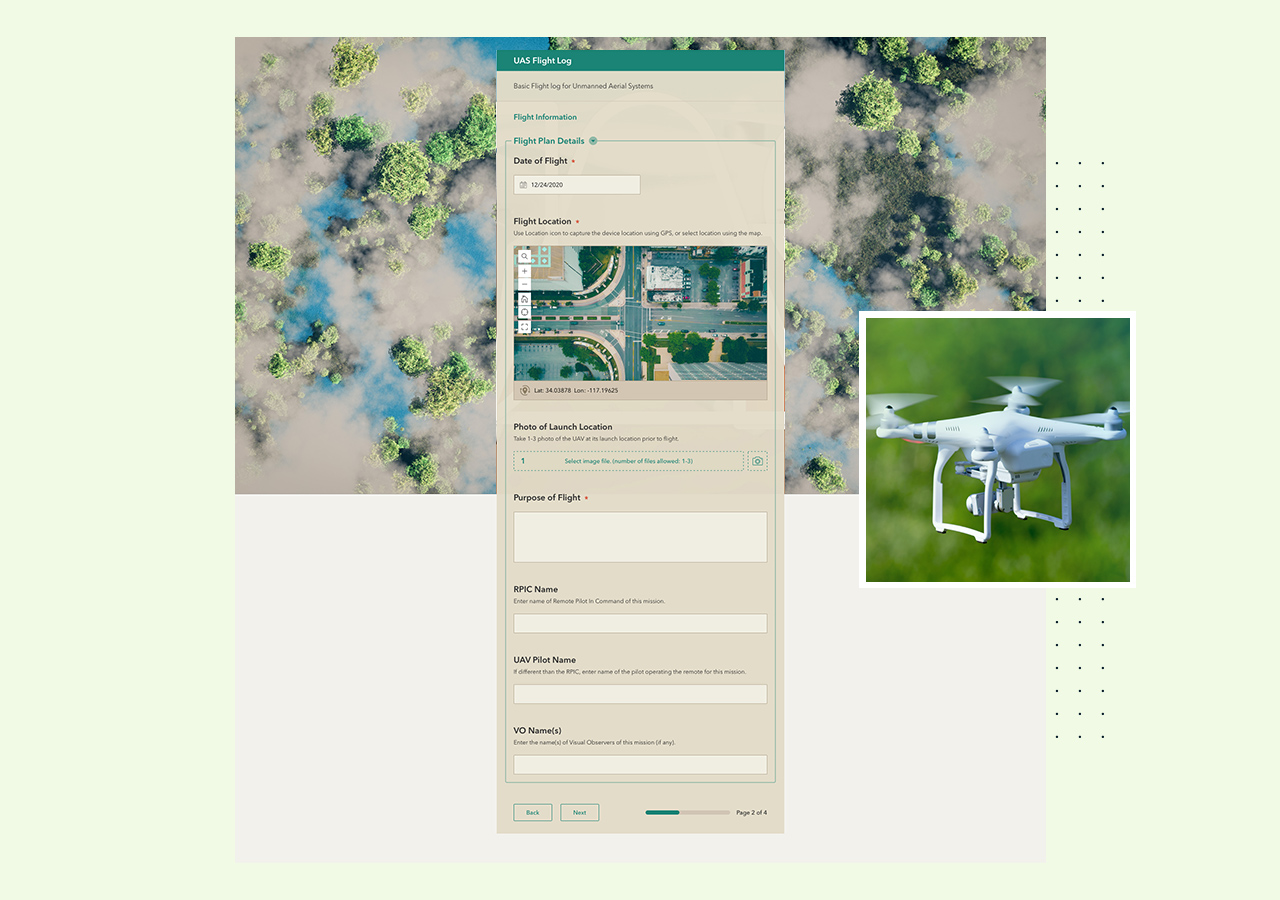 Regulatory compliance
Streamline the pre-flight checklist and flight log process required by the Federal Aviation Administration for unmanned aerial system pilots.
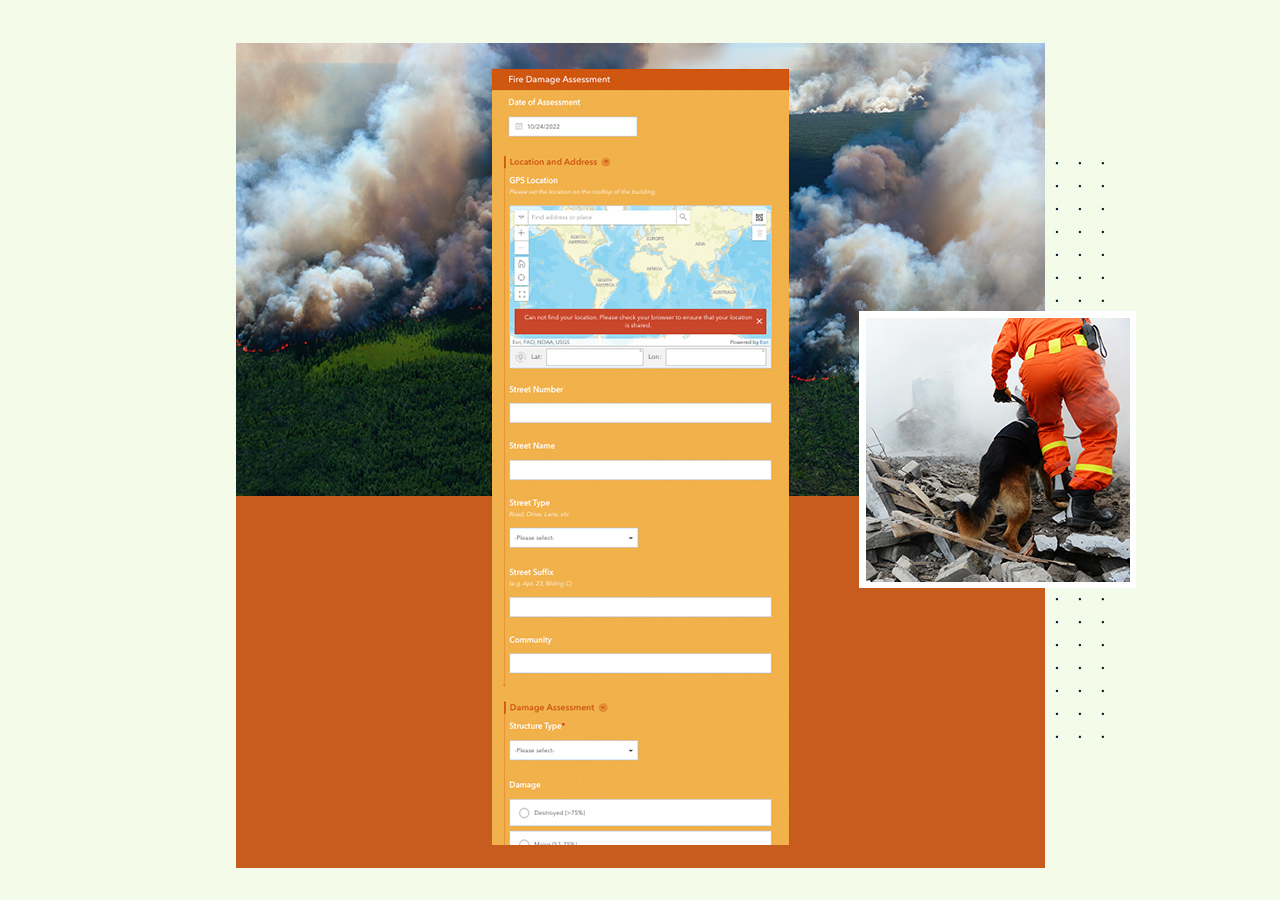 Damage assessment
Assess building conditions caused by wildfires, including location, photos, structure type, and the severity of the damage using this survey template.
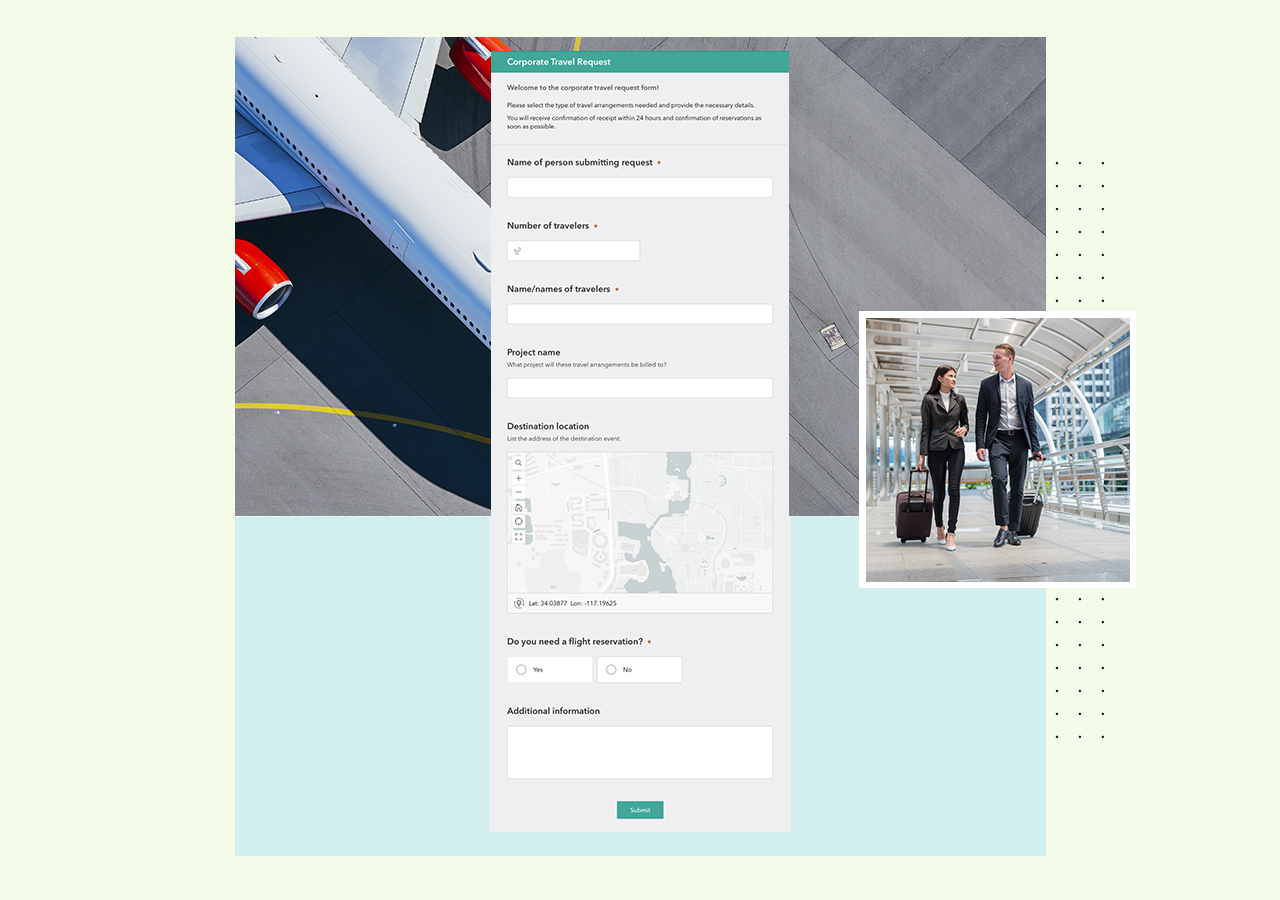 Business forms
Collect logistical requirements for air travel, hotel stays, and vehicle rentals then submit the travel request form easily.
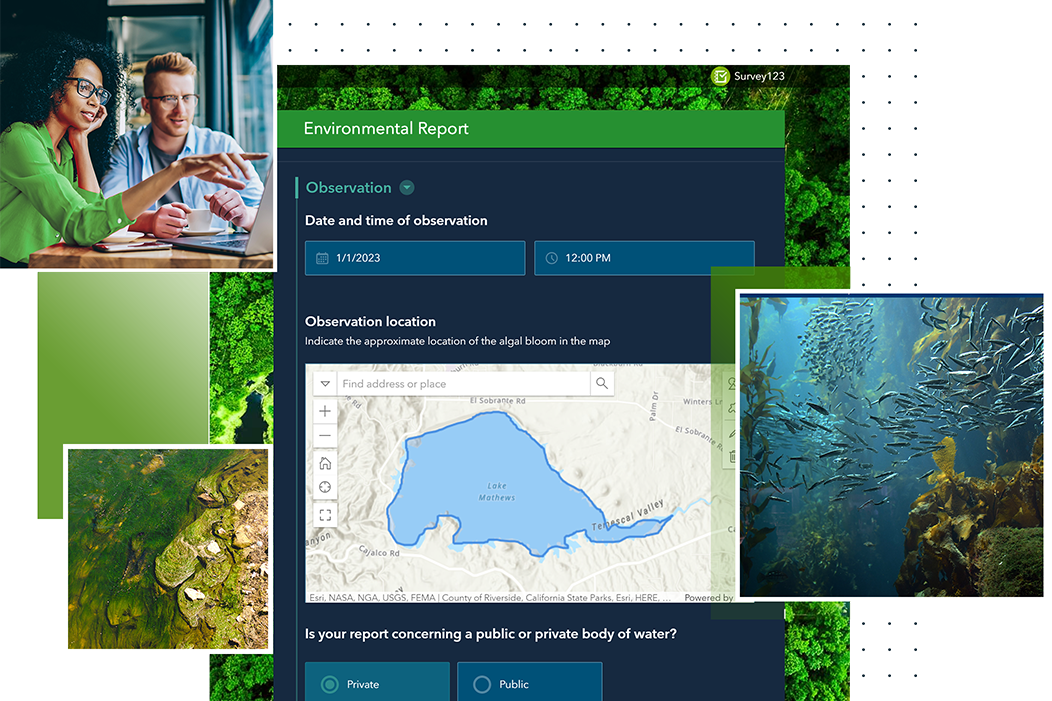
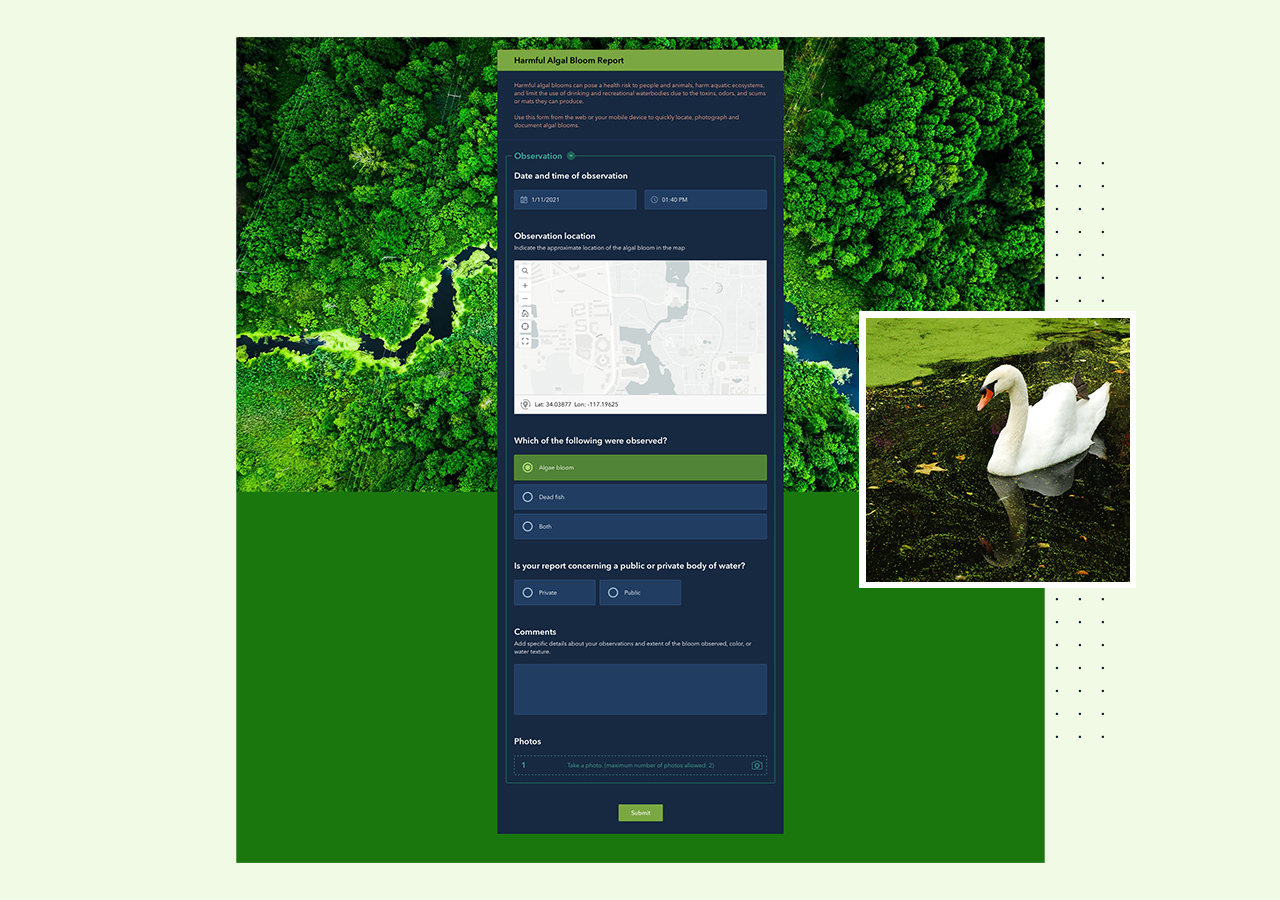 Environmental hazards
Locate, photograph, and document harmful algae blooms which can pose a health risk to humans, fish, animals, and wildlife.
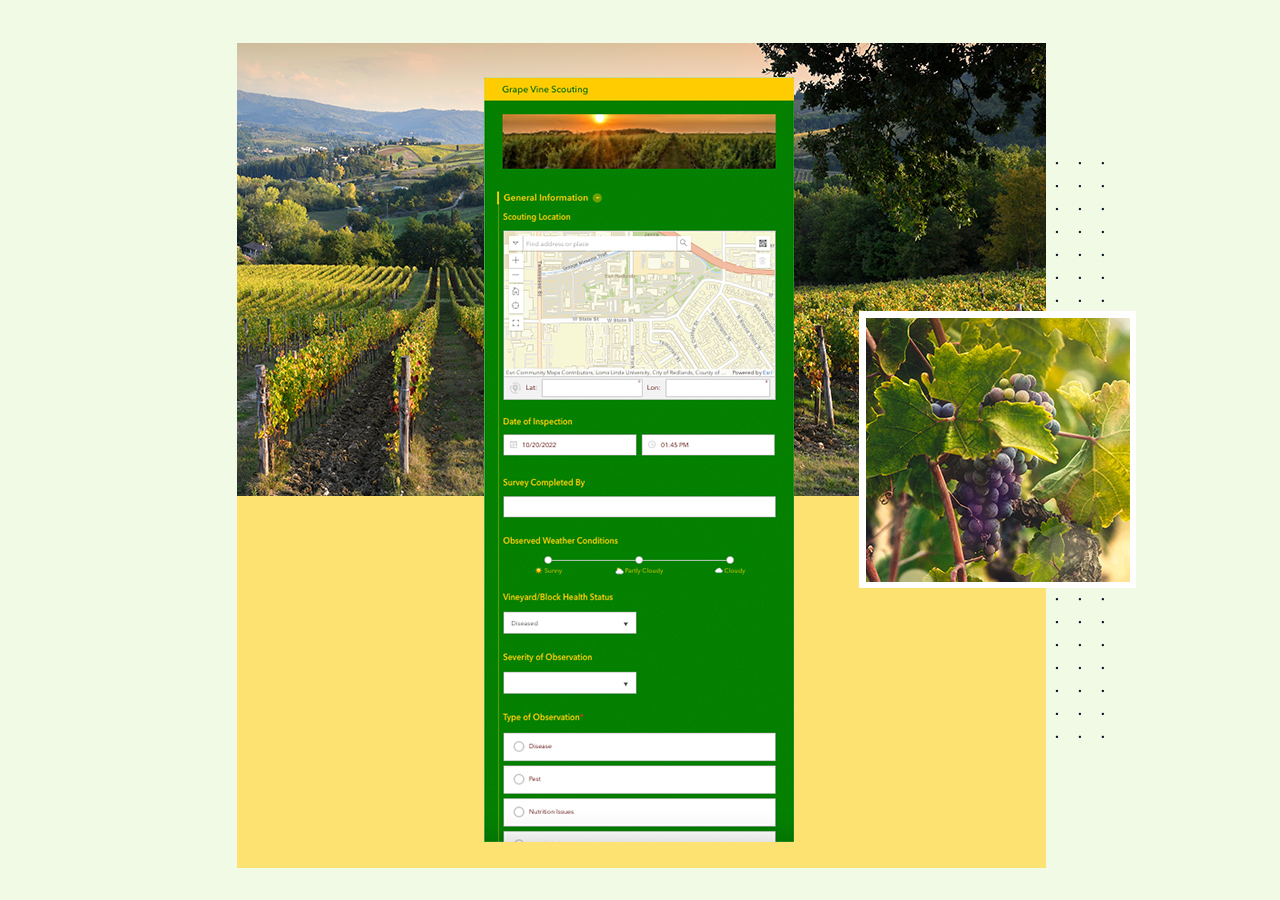 Crop monitoring
Report and monitor vineyard health by gathering information on herbicide applications, pest issues, and weather conditions.
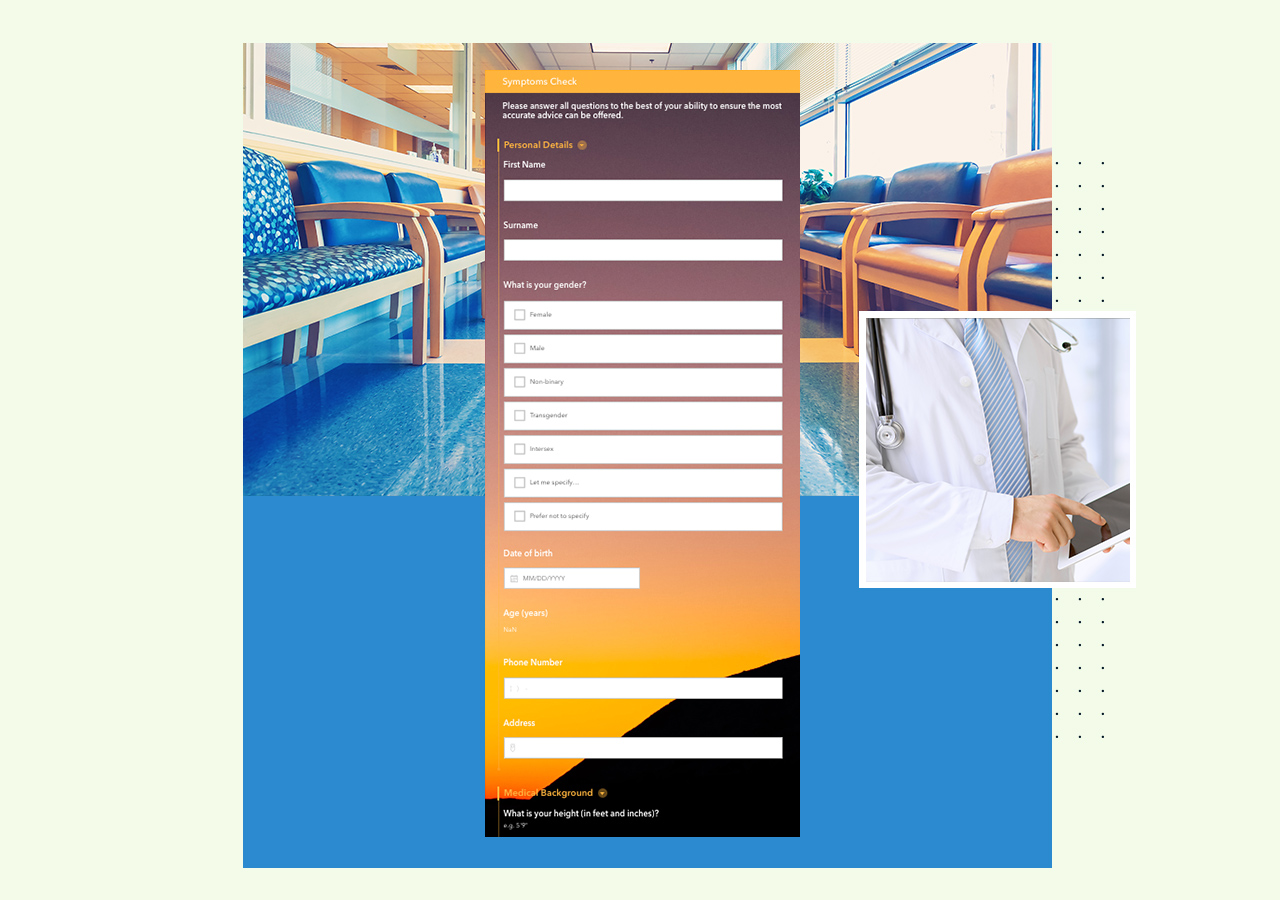 Health evaluation
Provide a self-assessment with symptoms and personal health history and share concerns with healthcare professionals using this evaluation form template.
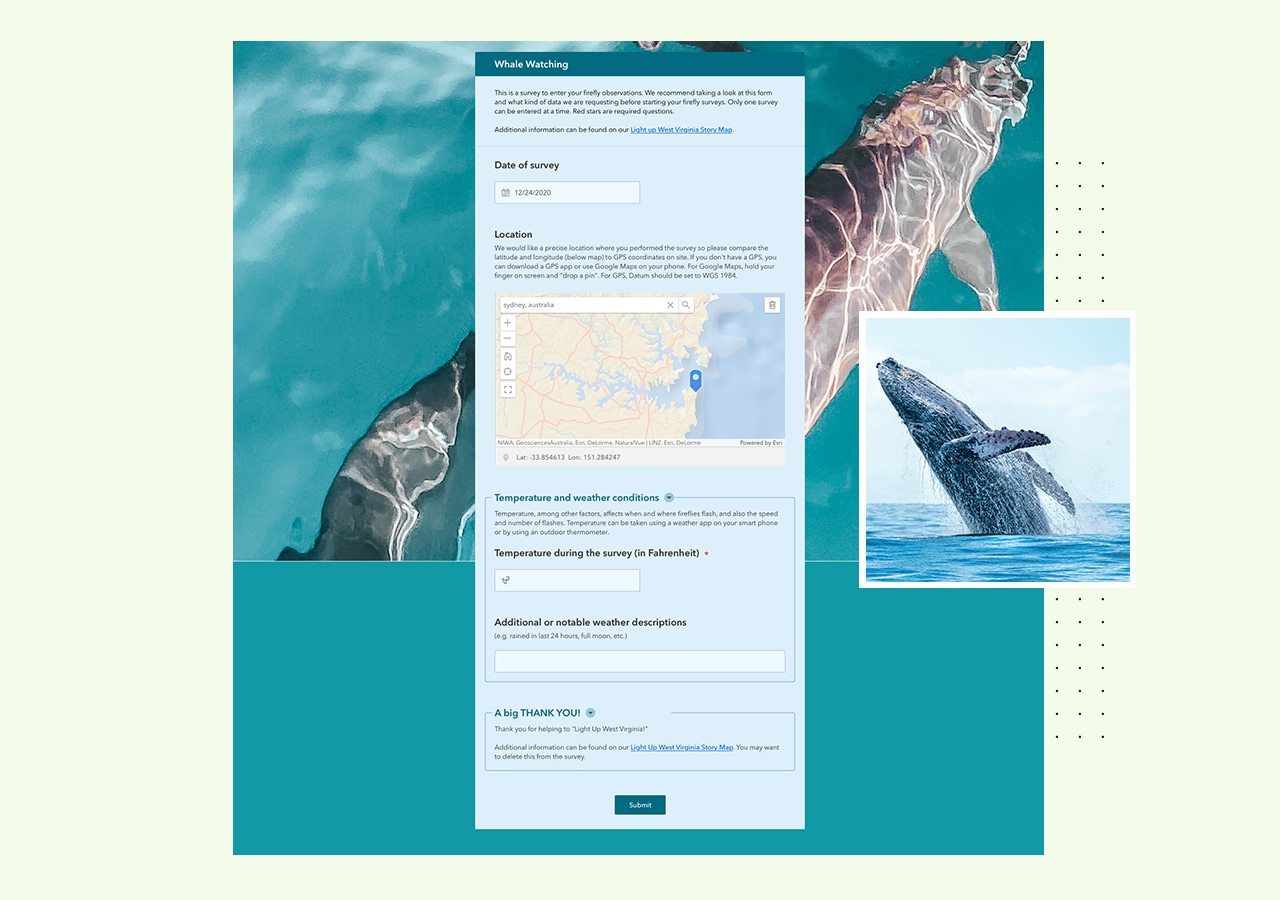 Crowdsourcing
Capture locations, photos, and weather conditions to assist with tracking whale migrations and other behaviors.
Any data collection form made with Survey123 Connect or the Survey123 web designer is eligible for consideration in the community gallery.
Our team will review each form submission and reach out, if needed, to make minor adjustments prior to its inclusion in the Survey123 community gallery.
Applicants will be notified of the team’s decision and approved forms will appear as templates in Survey123 Connect and the Survey123 web designer.
To ensure your form can be considered as a template, please include the following before submitting it for review.

Give your data collection form a suitable thumbnail image that you have permission to use. This helps people understand what your form is about when browsing through the templates.

Ensure your form item has a description of 75 words or less. This lets people understand more about your data collection form and what to expect if they want to use it as a template.

To ensure the privacy of your company and its respondents, all personally identifiable information needs to be removed including names, identifiable email addresses, etc.

Your original data collection form is yours to keep. Please use “Save as” to duplicate your form and submit the copy.

The item needs to be public so that the Survey123 team can download and review it. Once it's approved, they will publish their own copy of the form. They’ll add attribution to the item description to credit the submitter.
All surveys made with ArcGIS Survey123 are eligible for submission in the gallery. However, forms built using Survey123 Connect or the Survey123 web designer, will only be available within their respective Survey123 community galleries.
If you have permission to submit a survey made for your organization by someone else, then you can submit it. We recommend giving the original creator recognition in the survey’s description.
When submitting your survey, you can choose to have a Creative Commons Attribution license (CC BY) or you can dedicate your survey to the public domain by selecting the Creative Commons Zero (CC0) option. The license will be added to the template’s item details.
All types of surveys are welcome in the gallery as a template. We just ask you to properly prepare your form for submission. See the previous section, “prepare your submission,” for details.
When you start a new survey in ArcGIS Survey123 Connect, simply select “New survey” then the “Community” option to view the gallery of examples. All approved survey submissions will appear here. When making a new survey in ArcGIS Survey123 web designer, select “Template survey” then the “Community” option to view the gallery of examples.
Yes, the community samples should appear when using ArcGIS Enterprise provided the organization is public facing (i.e., accessible on the internet).
If you have a question or would like to give feedback about a survey in the community, please complete this feedback form.