Skip to Content

MAPPING AND ANALyTICS in Arcgis

See where to grow, where to optimize, and what's at risk

Map and analyze your business data in ArcGIS to know what's happening and what to do about it

95% of executives surveyed say that mapping and geospatial data are important in achieving desired business results today.

ArcGIS reveals the insights hiding in your data

Almost all business data has one thing in common: location. ArcGIS connects it all—customers, markets, operations—to find opportunities that no other system can deliver on its own.

MARKET PLANNING

Map market data to see where demand is shifting and opportunity is emerging

Customer behavior, market conditions, and operational data come together quickly in a single view in ArcGIS. Advanced mapping and analytics capabilities reveal patterns across markets so teams can align on planning decisions like:

  • Where expansion is most likely to succeed
  • How to match inventory to local demand
  • Where pricing strategies should vary by market

A map that shows customer demand and a market profile for a region containing a grocery store

OPERATIONS MANAGEMENT

Spot inefficiencies and analyze performance in geographic context

Mapping and analytics capabilities in ArcGIS connect facilities, suppliers, assets, and processes on one map, so teams can see the whole network at once. AI-enhanced maps and dashboards update in real time, showing:

  • Where bottlenecks are likely to form
  • How disruptions affect upstream and downstream operations
  • Where safety risks require alternative routes or processes

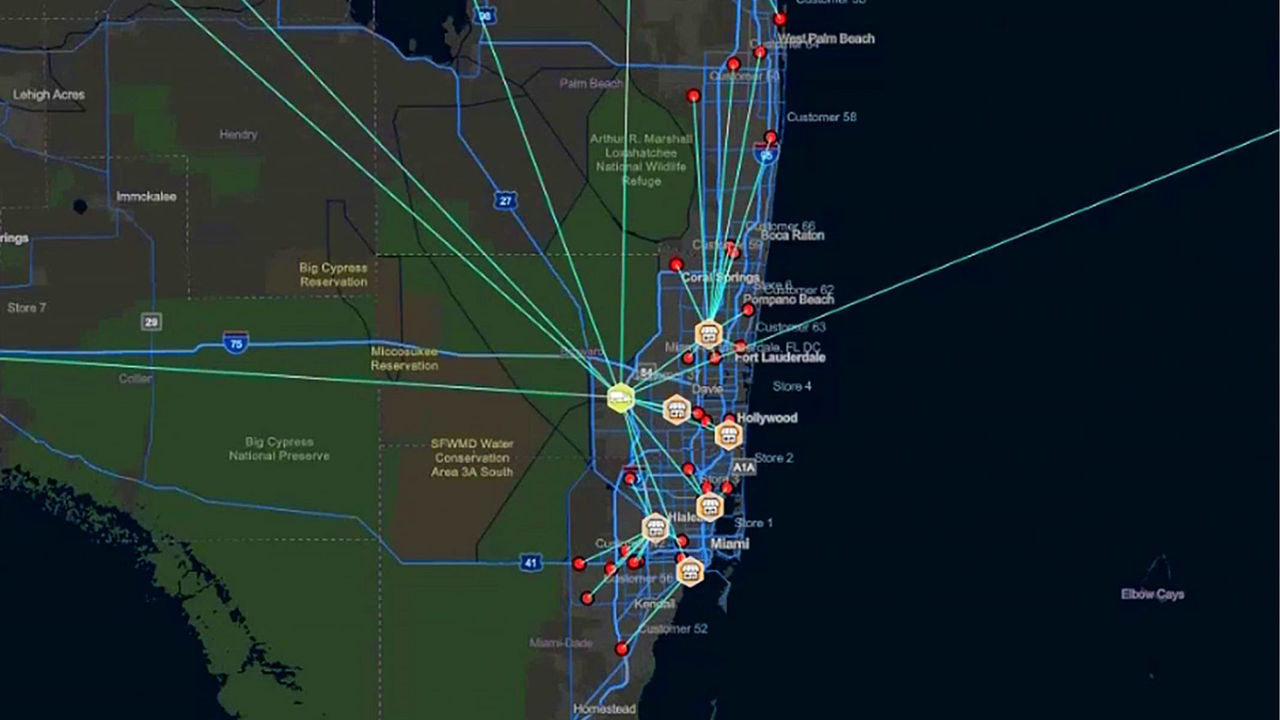
A map showing driving routes for a fleet of vehicles, with each route highlighted in a different color

SECURITY OPERATIONS

Monitor emerging disruptions on shared maps

See where risks to people, infrastructure, and operations are emerging with mapping and analytics capabilities in ArcGIS, so response teams can act before damage spreads. Shared situational awareness helps teams align on:

  • Where threats are emerging or intensifying
  • Where response resources should be positioned first
  • Which risks require coordination across teams
  • Where early action can reduce downstream effects

A map and an alert feed showing safety, weather, and security alerts across the US, with red, yellow, and green icons scattered across the map

Add mapping and analytics capabilities to the tools you already use

ArcGIS connects with your other business systems so everyone in your organization can better understand customers, opportunities, and threats.

Previous
Next

Solve your business challenges with ArcGIS

Connect with our team to find out how mapping and analytics in ArcGIS can support your goals.

Flexible ways to access ArcGIS

Choose how your organization uses ArcGIS to support mapping and analytics—whether you need a hosted environment, a self-managed deployment, or direct access to location services.

Previous
Next

Businesses gain advantages from ArcGIS—fast

Frequently asked questions

ArcGIS integrates with core business systems—CRM, ERP, and BI platforms including Salesforce, SAP, and Microsoft 365—adding mapping and analytics capabilities without workflow disruption. ArcGIS also connects directly to common cloud and data platforms, including Databricks, Snowflake, Azure, AWS, and Google Cloud, so you can enrich your data with geocoding and analysis at scale.

ArcGIS is designed to scale across your entire organization, supporting shared data, role-based access, and common workflows. All teams can work from the same authoritative source while using tools tailored to their needs. Organizations can start small and expand usage over time, enabling consistent analysis, collaboration, and decision-making at scale.

Putting data into geographic context shows how the information you already collect connects to real places—and how how those relationships affect assets, performance, and risk.  Combine your existing data with a wide range of authoritative datasets—demographics, economics, traffic, and more—from sources like SafeGraph, the US Census Bureau, and ArcGIS Living Atlas of the World—to enrich analysis and gain deeper location-based insights. 

ArcGIS is licensed through user types that align access and capabilities to different roles across your organization. These user types support flexible deployment options—cloud, on‑premises, or hybrid—making it easy to scale securely as more teams come on board.

ArcGIS is designed for users with a range of experience levels. Esri also provides extensive training and support—including tutorials, documentation, courses, and community resources—so you can build skills and confidence over time.

Request a consultation

Tell us about your business. An Esri expert will reach out to discuss how mapping and analytics can help you stay ahead of trends and competitors.