
A stylized digital representation of a landscape featuring gradient-colored lines forming peaks and valleys.

Manage Your Certification Journey

Access, view, update, and share your credential information.

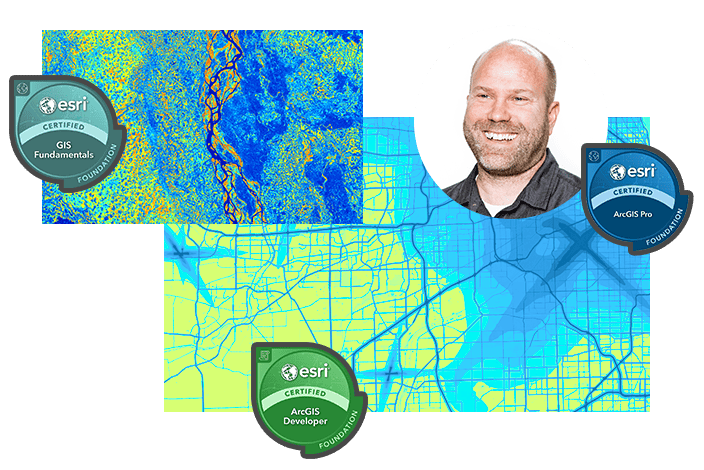
A man smiles in front of three colorful maps, each representing a different geographic area

Make the most of your certification journey.

Use the resources to align your account profiles and opt in to the Directory of Certified Individuals, share your success story, or showcase your achievement with an Esri-certified badge.

Add yourself to the Directory of Certified Individuals

Display your certificates by updating your demographics record.

  1. Verify that the email address within your Pearson VUE account profile matches your ArcGIS account
  2. Opt in to share your certification credential information

A world map showcasing various blue circular data points distributed across continents.

Share your success story

Tell us how achieving an Esri Technical Certification has helped you advance your professional or personal goals.

A man sits at an outdoor table with a laptop and a white coffee mug featuring the text 'Esri'.

Showcase your achievement with an Esri-certified badge

You worked hard to achieve your certification. Adding your badge is a great way to get recognized.

  • Business cards and letterhead
  • Email signature
  • LinkedIn, Facebook and X
  • Resume

Your badge was sent to you in an email. For help, view “How To” videos with step-by-step instructions.

A collection of Esri certification badges displayed alongside vibrant GIS-generated maps.