Grow with a scalable SaaS GIS
Ensure your data, maps, and apps are accessible, responsive, and meet demands with ArcGIS Online’s scalable and resilient infrastructure.
Discover how ArcGIS Online is used at recognizable organizations worldwide to aid some of the most complex environmental, logistical, and social welfare efforts facing humanity today.

Explore how maps are playing a pivotal role in your industry to protect people and the planet, maintain critical systems, and improve business outcomes.

Logistics and Distribution: Location intelligence helps keep FedEx on time.

National Government: Portugal revamps wildfire resilience after devastating fires.

Utilities: Nevada County Fiber leverages GIS to expand broadband service.
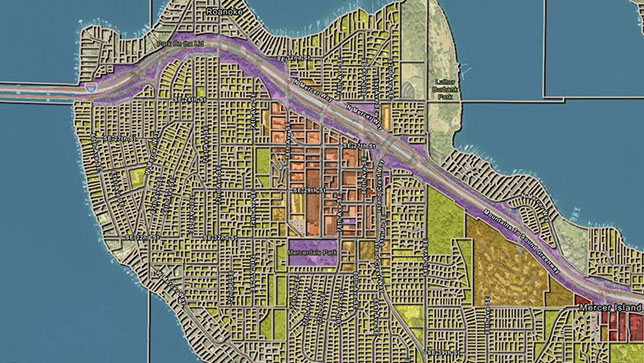
Real Estate: JLL delivers location intelligence to thousands of employees.

Hospitality: Marriott maps and monitors risk across thousands of properties and hundreds of countries.
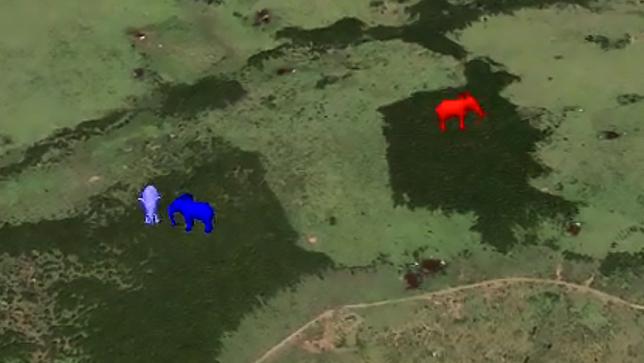
Nonprofit: Conservation mapping demonstrates how GIS technology is helping Kenya’s elephants.
Access everything you need to securely manage data in the cloud, create maps and apps, perform spatial analysis, collaborate, and share insights inside and outside your organization.
Data is the foundation of having a powerful online GIS. Bring your data into ArcGIS Online from multiple sources for data synchronization, enrichment, and adaptability. Utilize your own data, collect data through field apps, or use Esri’s authoritative data in a web GIS that synchronizes across locations, team members, data sources, and devices. With Esri’s managed and secure cloud infrastructure, you can be confident that your data is accessible and secure.

Make data meaningful by creating interactive maps that turn a static view into an opportunity to explore. Gain enhanced details and new perspectives from maps as you zoom in, search, and interact with the data. Create interactive 2D or 3D maps in minutes and share them with specific groups or the public.

Understand your data in the context of location by using the intuitive analysis tools in ArcGIS Online. Conduct a range of analyses within one agile solution to gain a new perspective regardless of how simple or complex your question is. Reveal relationships, identify prime locations, use optimal routes, and analyze patterns to model predictions. Add valuable context to your data by combining it with Esri's authoritative demographic and lifestyle data.

Work with data, analyze it, and easily collaborate on maps and apps with others in your organization, no matter the size. Partner with other organizations and safely work together on sensitive data in ArcGIS Online. Benefit from a solution that meets the security, authentication, privacy, and user management needs of your enterprise organization.

Leverage GIS as a communication tool by sharing your data, maps, and apps with others. Control who sees your content by sharing your GIS work with specific groups, your organization, or everyone. Inform critical decisions and impress your audience by showcasing your maps, data, and content in easy-to-create interactive web apps. Integrate the apps you built into your digital channels, including your website, social media posts, and blog articles.

Purchase ArcGIS Online extensions to unlock additional features, including real-time and big data analysis, and community collaboration around initiatives. Go further with developer tools that allow you to create custom apps, automate your processes, and extend ArcGIS.

ArcGIS is the definitive solution for managing geospatial data, featuring a comprehensive set of capabilities, apps, and tools for drawing insights from location information. ArcGIS Online delivers ArcGIS as a global software as a service accessible through user types that align capabilities to team roles, enabling you to streamline, connect, and scale across your organization.

Access ArcGIS Online through user types