
Imagery Layers can be used for so many different things, and there are countless ways to work with your imagery data. Hosting imagery in ArcGIS Online allows you to easily visualize, analyze, and share your data with others. With so many possibilities, it can feel overwhelming to know where to begin. So, let’s start by answering two key questions: what are Imagery Layers, and which one should you choose for your data and goals?
What are Imagery Layers?
In simple terms, Imagery Layers are raster data, whether it be from satellites, drone imagery, or elevation models of the earth’s surface. All these different data sources can be hosted or shared in ArcGIS Online as either a Tiled Imagery Layer or Dynamic Imagery Layer. The type of layer you choose will depend on what you want to use your imagery data for, and how you want to use the data you have. And this is just the start! Don’t worry, we are here to help you figure out the best course of action for your needs.
 Tiled Imagery Layer |
 Dynamic Imagery Layer |
|
|---|---|---|
| What It Is | Imagery optimized for quick display on maps. | Imagery optimized for filtering, sorting, and analyzing large image collections. |
| Ideal For | Interactive viewing, visual customization, and building web apps. | Visual customization and analysis with additional control over filtering and image organization ideal for interactive and frequently changing data. |
| Key Features | • Styles • Basic processing templates • Pop-ups • Analysis • Multidimensional information & settings |
All of the features of Tiled Imagery Layers plus: • Advanced processing templates • Filtering and sorting • Image collection explorer |
| Common Use Cases | • Basemaps • Most single images • Elevation data (DEMs) • Land cover & thematic rasters • Multidimensional data |
• Image libraries • Image collections • Time series analysis |
What can I use imagery layers for?
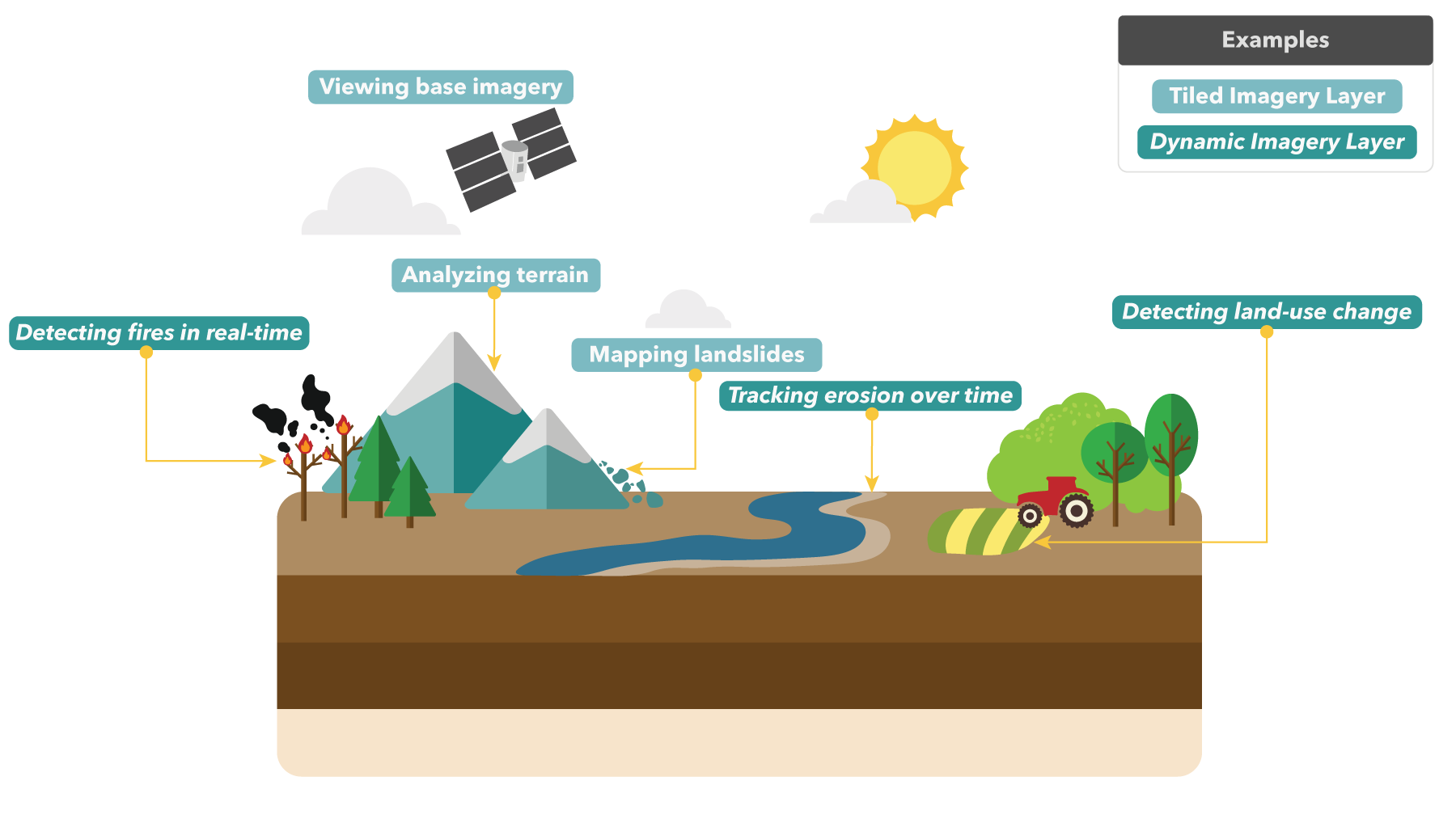
Now that you’ve learned a bit about tiled imagery layers and dynamic imagery layers, the next question is: what can you actually do with each of them? To help get your wheels turning, the figure below highlights some common examples and practical ways imagery layers show up in real life projects.
Why should I host my imagery in ArcGIS Online?
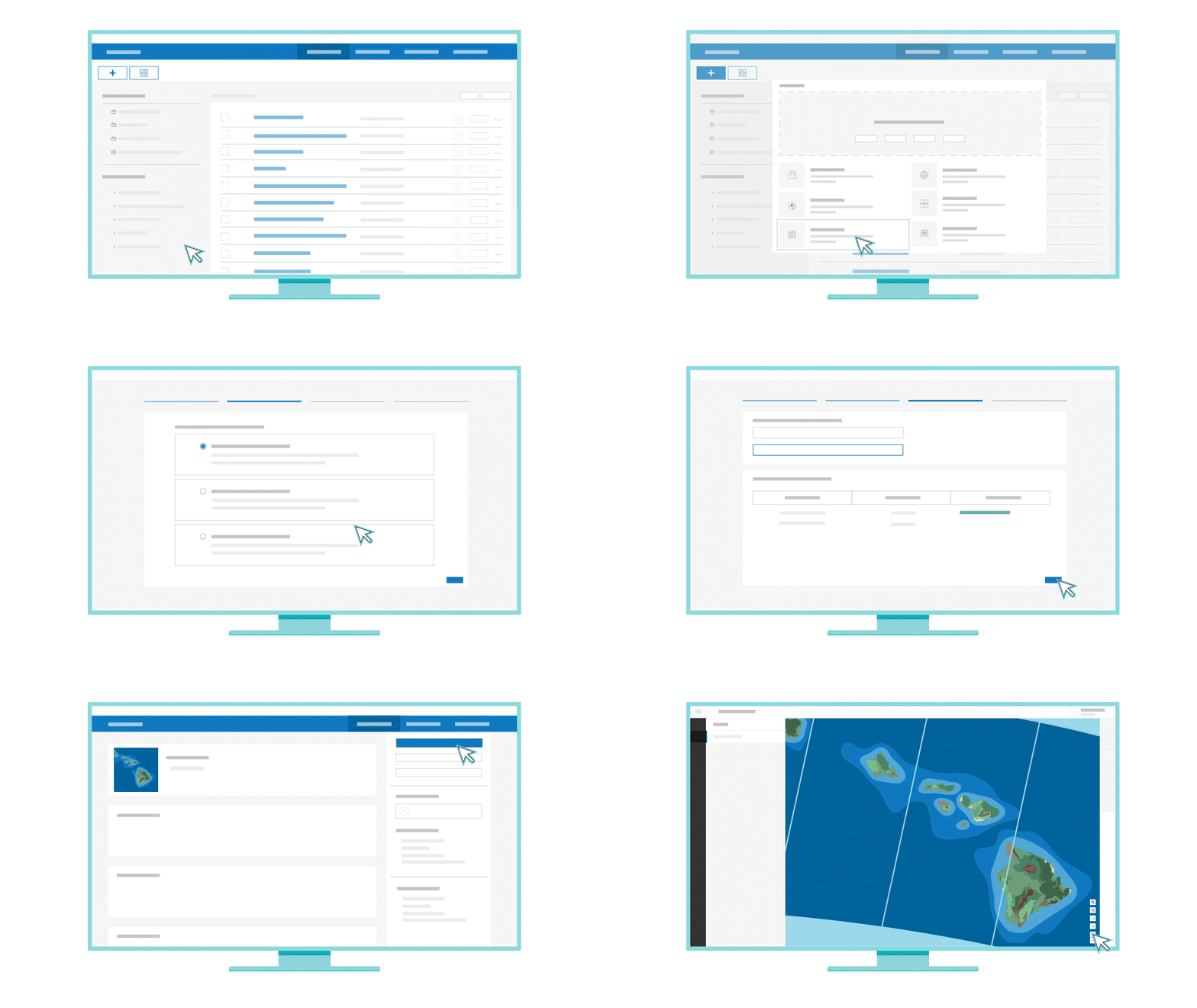
Hosting your imagery in ArcGIS Online opens the doors to many capabilities that make sharing and analyzing your data easier than ever before! It allows you to view your data on easily sharable web maps and even create web applications using your data. Additionally, you can quickly customize the display of your imagery using tools like band combinations and processing templates. Already know what type of imagery layer you want to use? Get started here!
So, how do I choose the perfect imagery layer?
To wrap things up, if you’re looking to make responsive maps for interactive viewing and sharing, Tiled Imagery Layers have you covered. If you want to dig deeper by filtering or analyzing image collections, Dynamic Imagery Layers are your go-to. The right choice really comes down to how you want to use your data. Once your goal is clear, choosing an imagery layer becomes much easier!
We are officially announcing a new Story Map designed to help you decide which Imagery Layer is best for your imagery goals!
Click on over to the Imagery Layers story to learn more about Tiled Imagery Layers and Dynamic Imagery Layers and take the interactive quiz to get the official verdict on which imagery layer is your perfect match!
Scroll below to preview the Imagery Layers Story Map!!


Article Discussion: