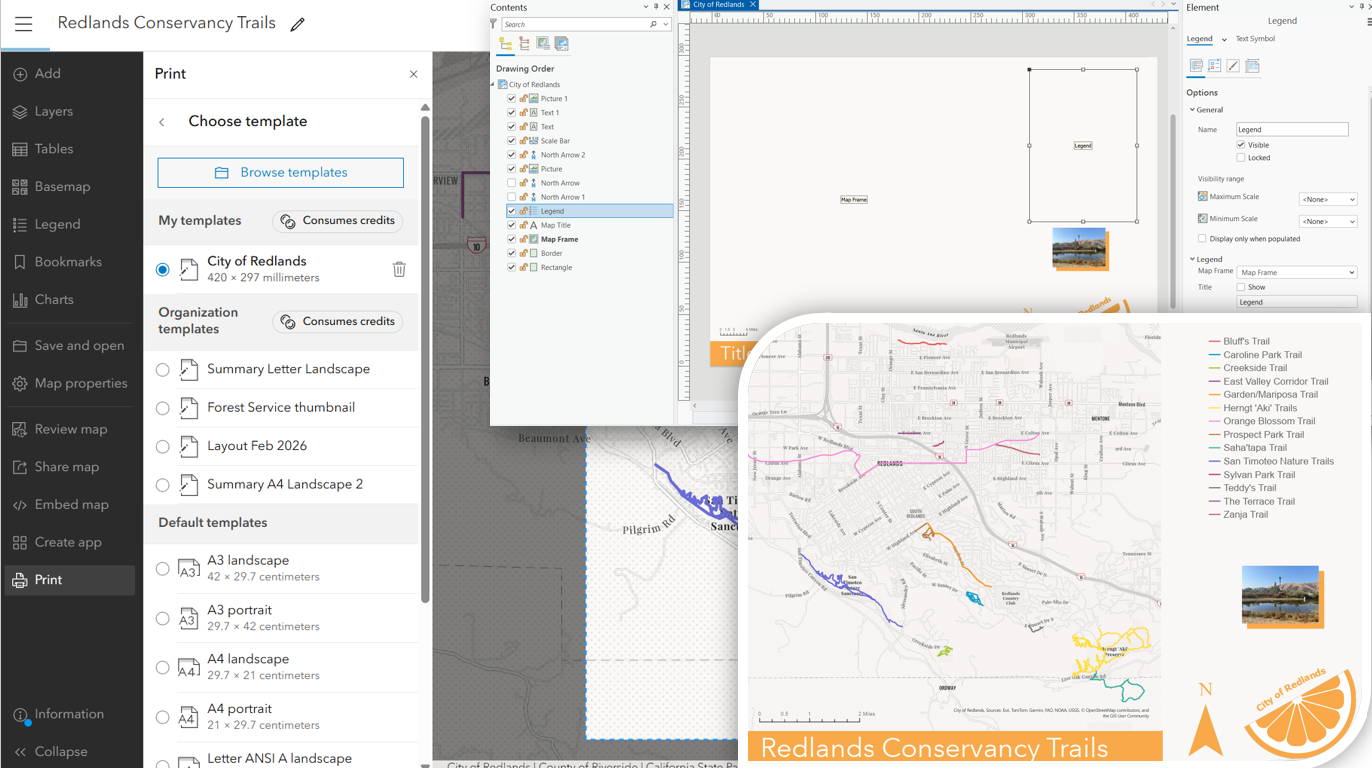
Two years ago, beta support was added for printing from custom print layout templates in ArcGIS Online. With this release we are pleased to announce that this feature is no longer in beta and is available to all user types! This functionality allows users to create and publish their own layout templates from ArcGIS Pro to ArcGIS Online as items and print from them in Map Viewer without having to set up and maintain their own print server. Custom print layout templates allow for more control over the look and feel of your organization’s printed map content. The layout template authoring experience gives you full control over page size, colors, layout elements, and allows for the inclusion of custom logos and text.
Printing from custom print layout templates in Map Viewer
Print layouts are authored in ArcGIS Pro and published to ArcGIS Online as items. They can then be accessed directly in Map Viewer from the Print tool. From Map Viewer, click on the Print tool and from the Layout tab, click into the Template section to access the full list of templates.
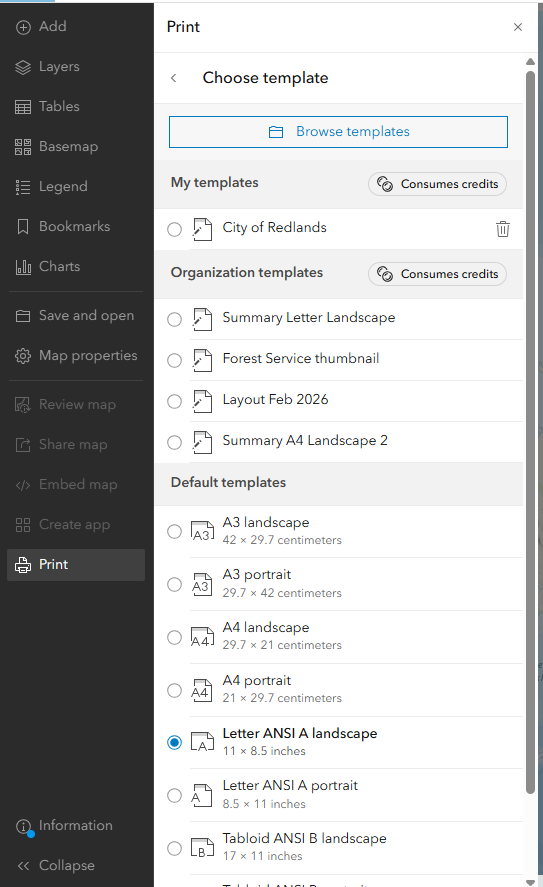
Here users have the option to browse for templates and those will show up as My Templates. If your organization has a custom print layout template group configured, those templates will show up as Organization Templates. When you go to print with one of these templates, you will see a note that it will cost 5 credits. Printing from the default templates remains free for all users. If you are out of credits or other restrictions are in place, the browse experience along with the My templates and Organization templates sections will be hidden if a user or organization is low on credits (See the next section for more details).
Print exports are stored in Exports tab of the print pane for 10 minutes. Be sure to save the output as an ArcGIS Online item to easily access it later or share it with others. Alternatively, download the export directly to your computer. More detail on configuring and printing from custom print layout templates can be found in the ArcGIS Online documentation and older blog posts on this feature.
Admin details
As mentioned earlier, printing from custom layout templates is available to all default user types and roles. To add the functionality to custom roles, you must add the Custom print layout template privilege to that role. It is a general privilege and can be found under Premium Content > Custom print layout items.
Credit usage related to custom layout template printing can be tracked on the transactions tab of the Organization status dashboard and can be managed by the organization administrator. If your organization is low on credits, or if credit budgeting is enabled and a user is low on credits, you will be unable to access this feature in Map Viewer.
Note – Authoring custom print layouts continues to require ArcGIS Pro, which is included with the Creator user type and above. There is also no change for ArcGIS Enterprise. Enterprise deployments use customer-managed print services and do not follow a credits-based licensing model. However, if you are using ArcGIS Online and have added in a custom print server as your default print service, the custom print layout templates published to AGOL will still use the ArcGIS print service.
What’s next?
With this feature out of beta, it has already been adopted by Experience Builder and could be adopted by other app teams in the future. At the moment anonymous access to printing from public applications is not supported. We continue to improve the overall print experience in Map Viewer and ArcGIS Online and look forward to your feedback on how we can enhance the custom print layout template workflow!

Article Discussion: