Hey, check out the black labels for the black polygon features in this map!
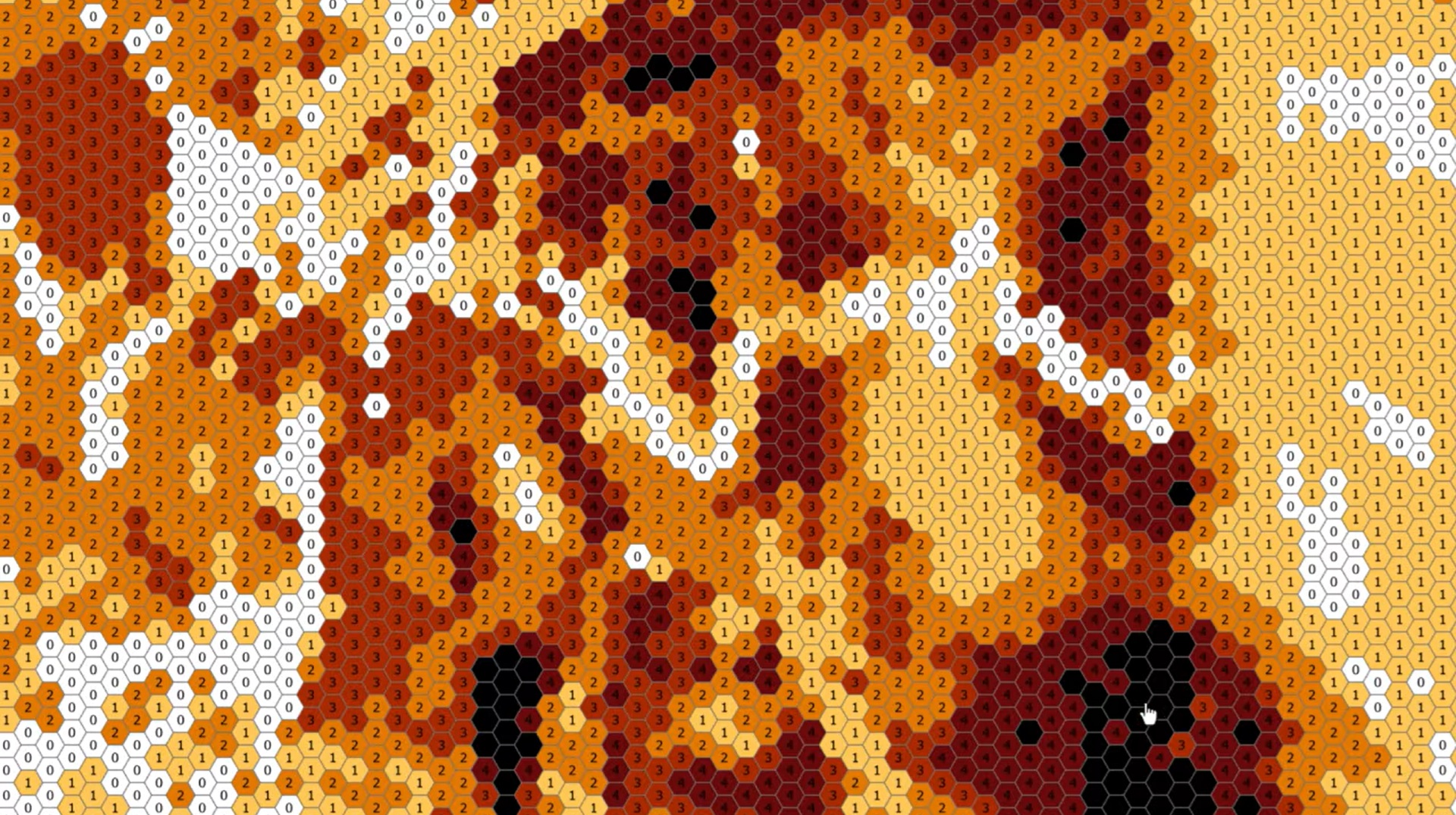
Oh, wait, you can’t read them. Ok, I’ll just switch them to white, like this:
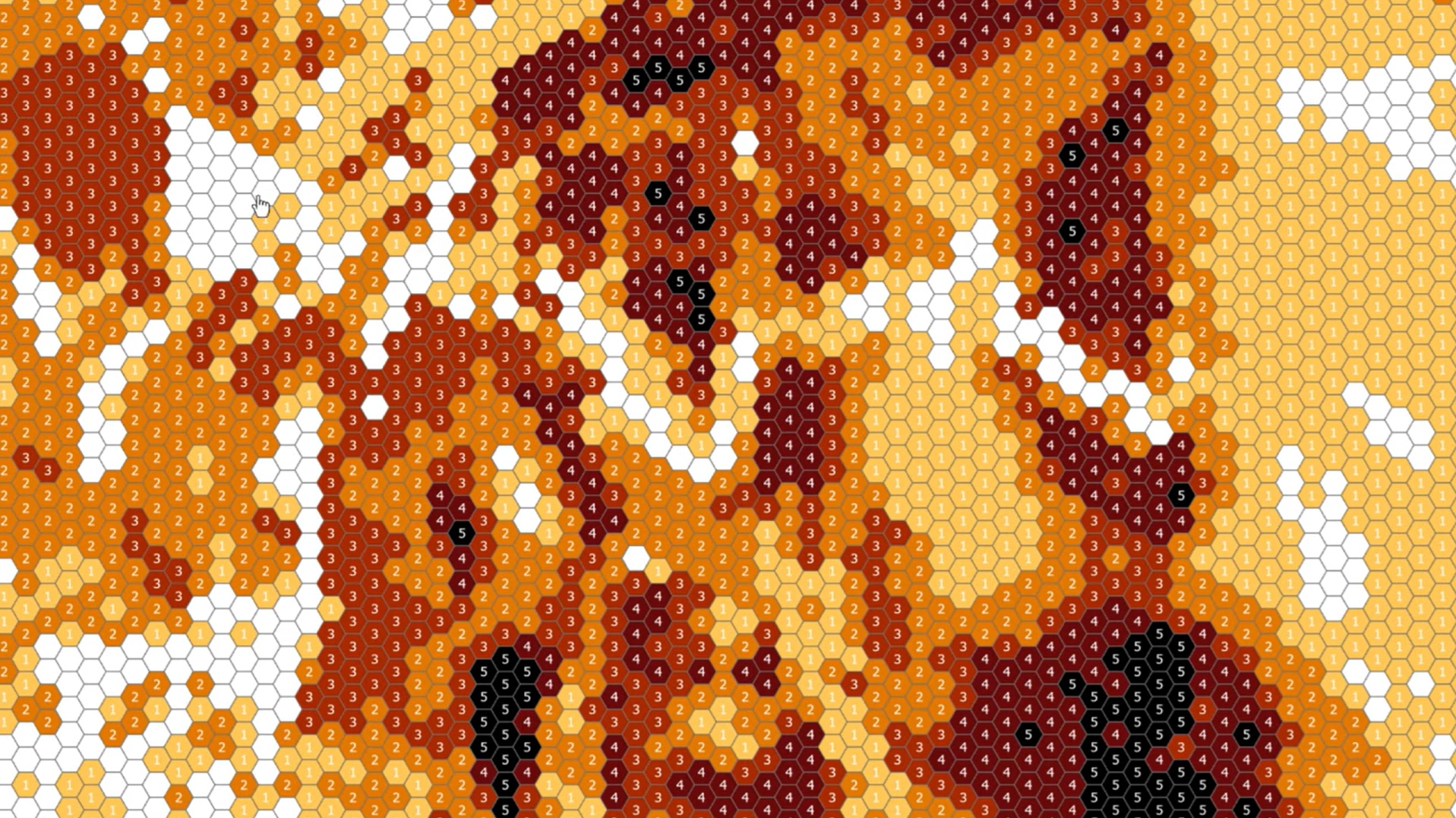
Foiled again! Now the white features’ labels are invisible. I suppose I could choose a neutral color like gray, but that would still be pretty hard to read over the medium-toned features.
Is there a way to set the visual style of a layer’s labels so they are legible over any of the symbols’ fill colors?
Absolutely you can. Your new best friend is called a “Label Class” and it’s here to save the day.
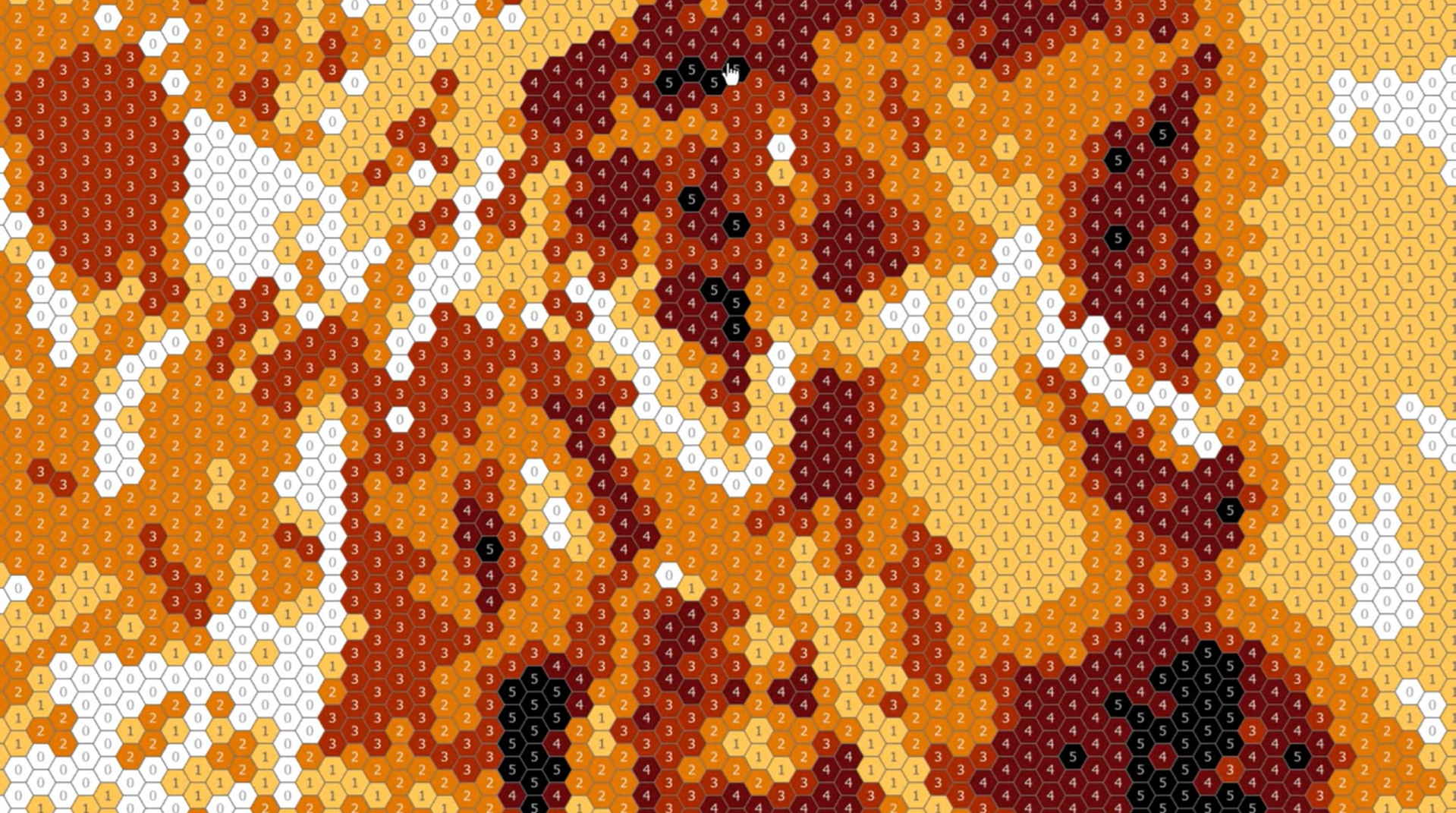
Label classes let you create distinct groups of labels so you can style each as needed. There’s even a shortcut to auto-create a label class for each of your layer’s symbol classes.
Here’s how you can work with label classes in ArcGIS Pro and ensure no label gets left behind…
Thanks for watching, friends! Happy labeling, John.

Article Discussion: