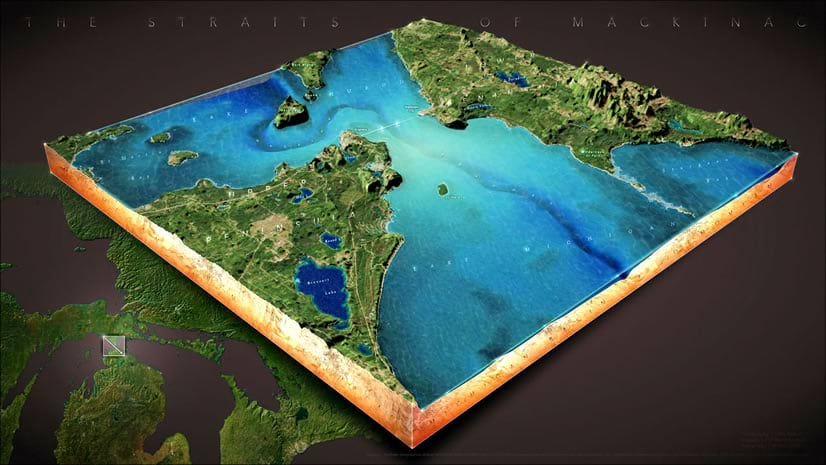
Download this ArcGIS Pro project package that lets you make fun block diagram poster things in minutes. There are ten layout designs in two colors, waiting for your experience and ideas. Slice out little pieces of earth and drop them onto labeled poster paper. What could be more fun? It’s simple, just…
- Grab the project package.
- Define your locations and descriptions
- Profit
When you download the ArcGIS Pro project package and open it up, you’ll see a bunch of layouts. Choose the layout you like and modify the map extents (right-click and choose “activate”) and edit the text fields (double-click a text item from the table of contents and edit it in the properties dialog). Share a finished layout by choosing the “Share” tab and opening the “Export Layout” dialog.
There is only one Map used in all the map frames, so changing one will change them all. You can always change anything about the project to meet your own needs, of course.
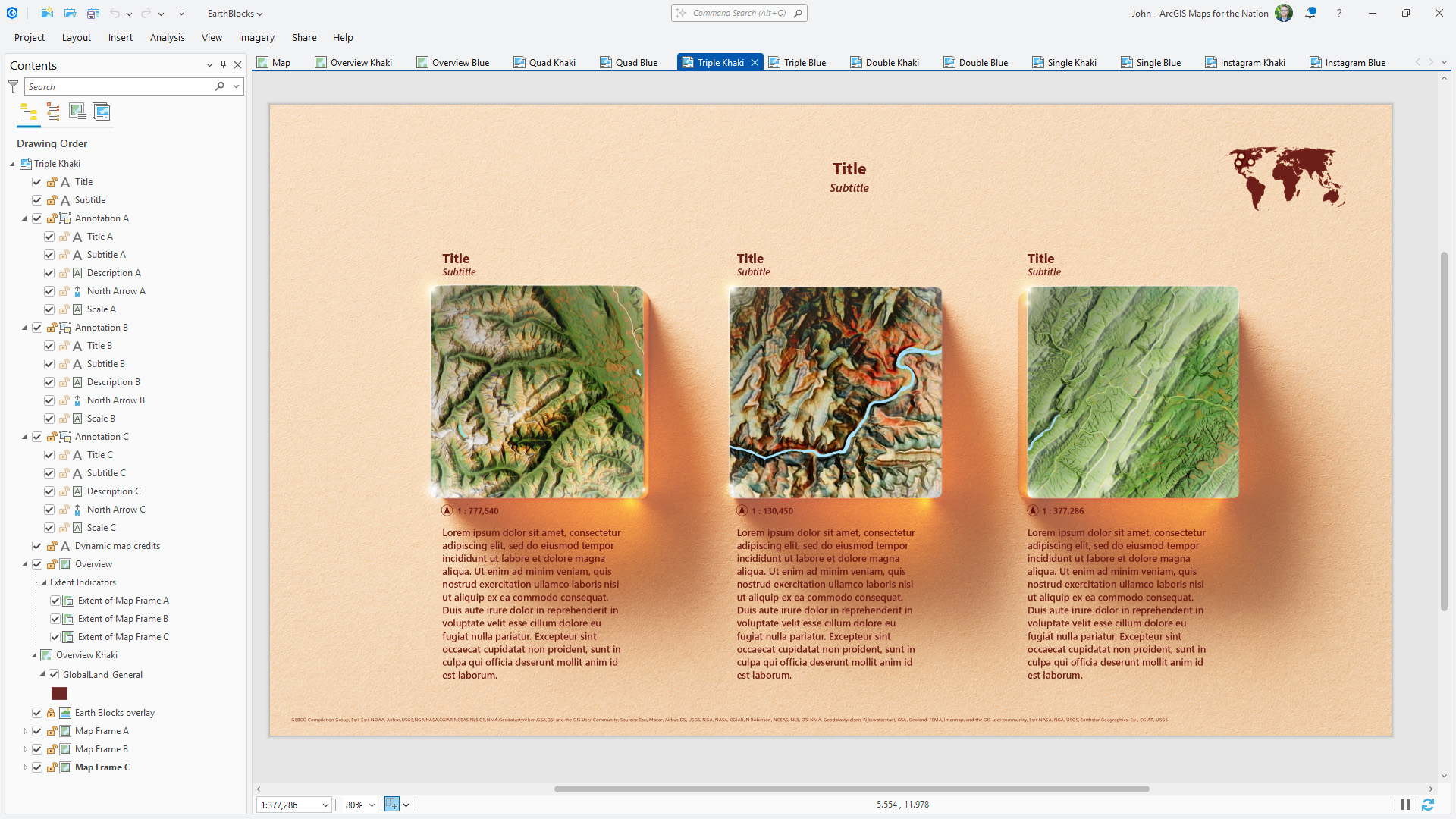
Here is a bit more information about the project contents and how to customize it…
This project was inspired by the brilliant work of Markku Ylisirniö (“VeryGoodMaps” on LinkedIn and Instagram) as well as the “delicious parks” collaboration between RJ Andrews and Wendy Shiajia.
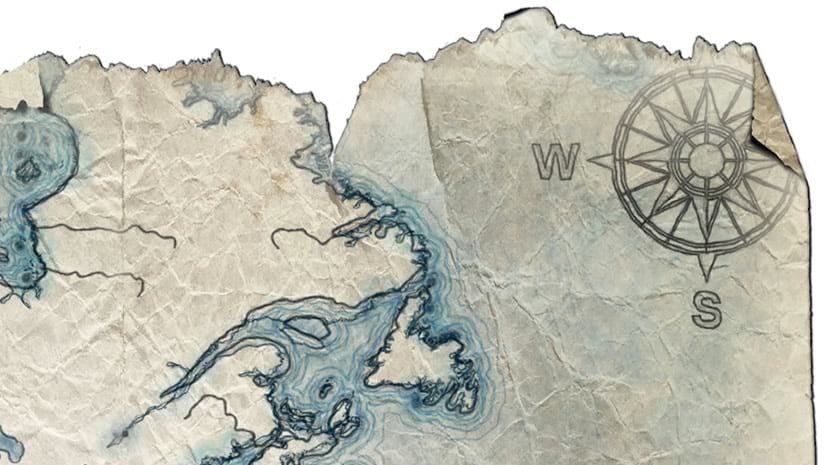
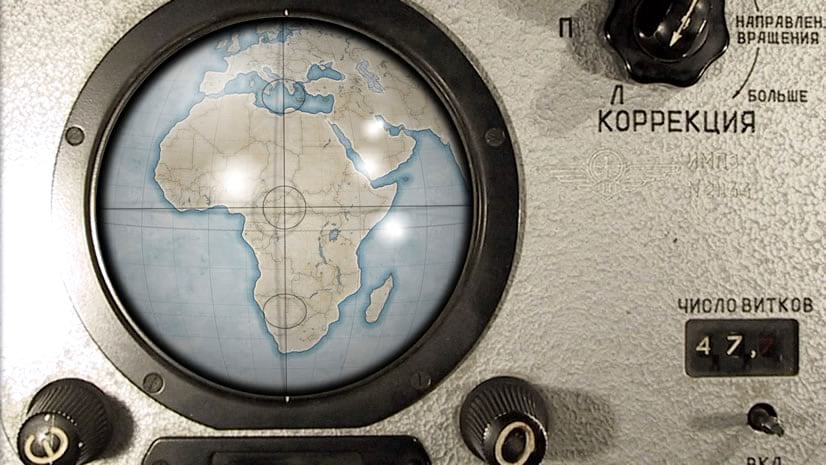
Here are some examples that I’ve made, to get some ideas rolling.
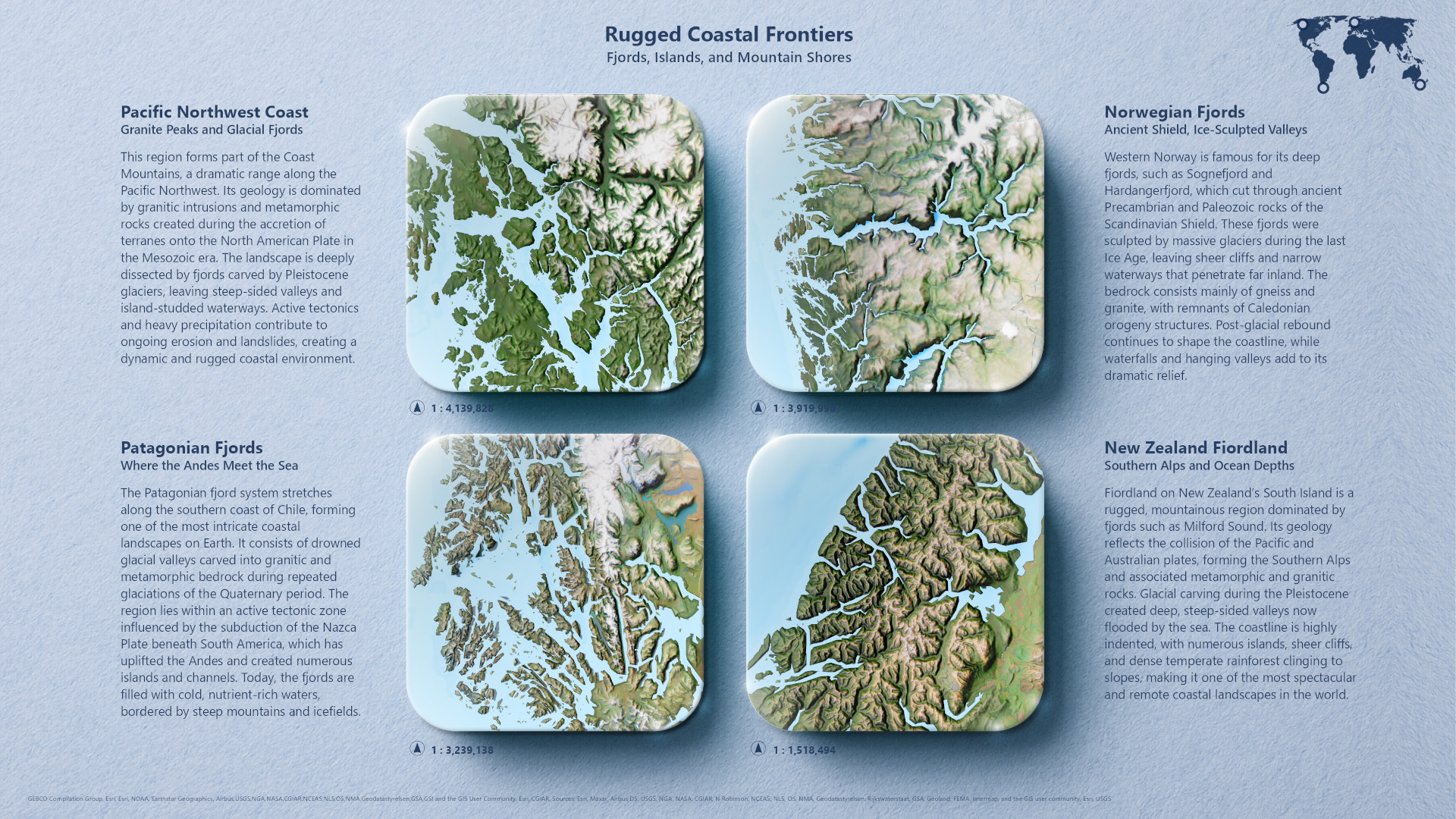
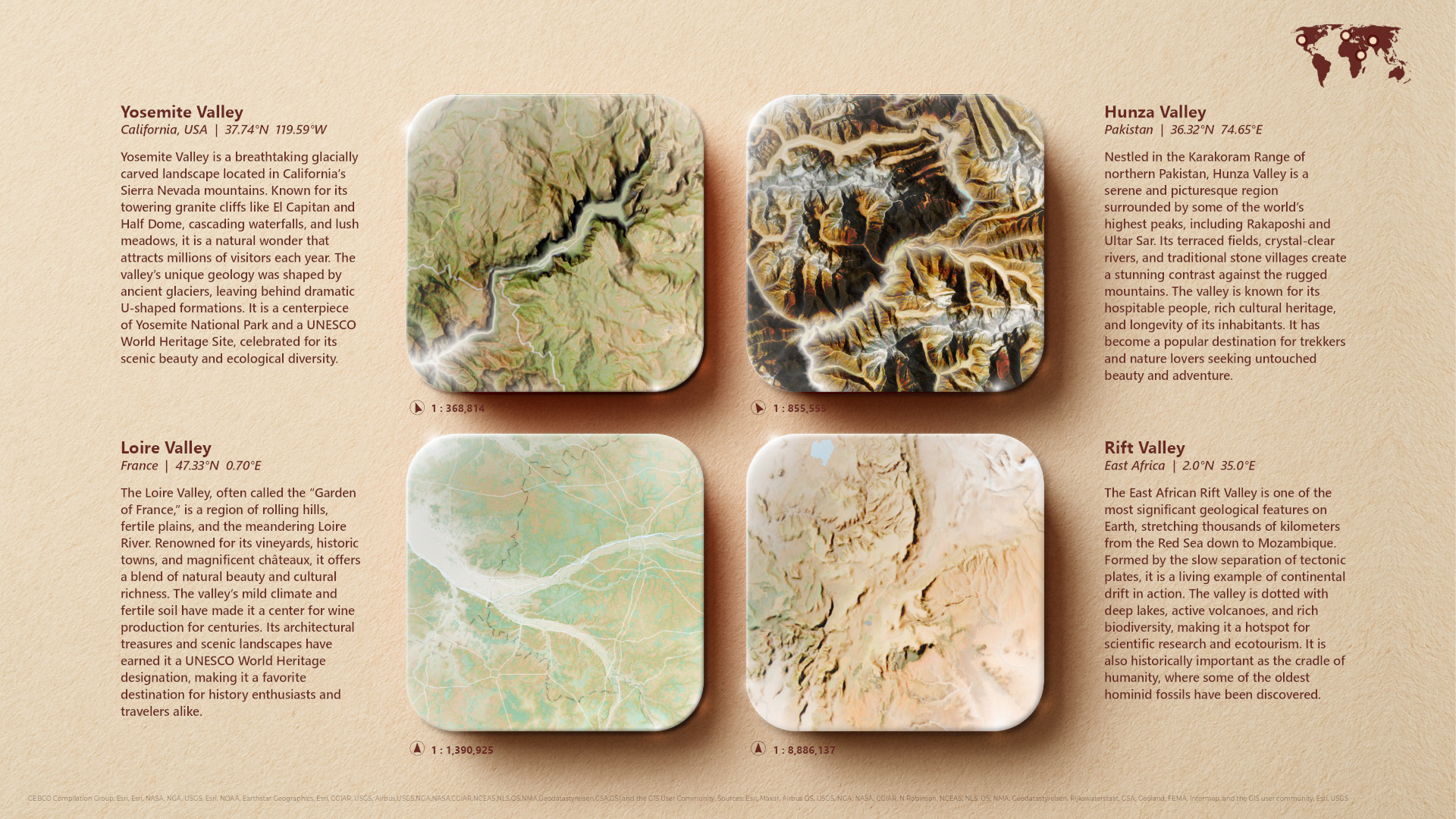
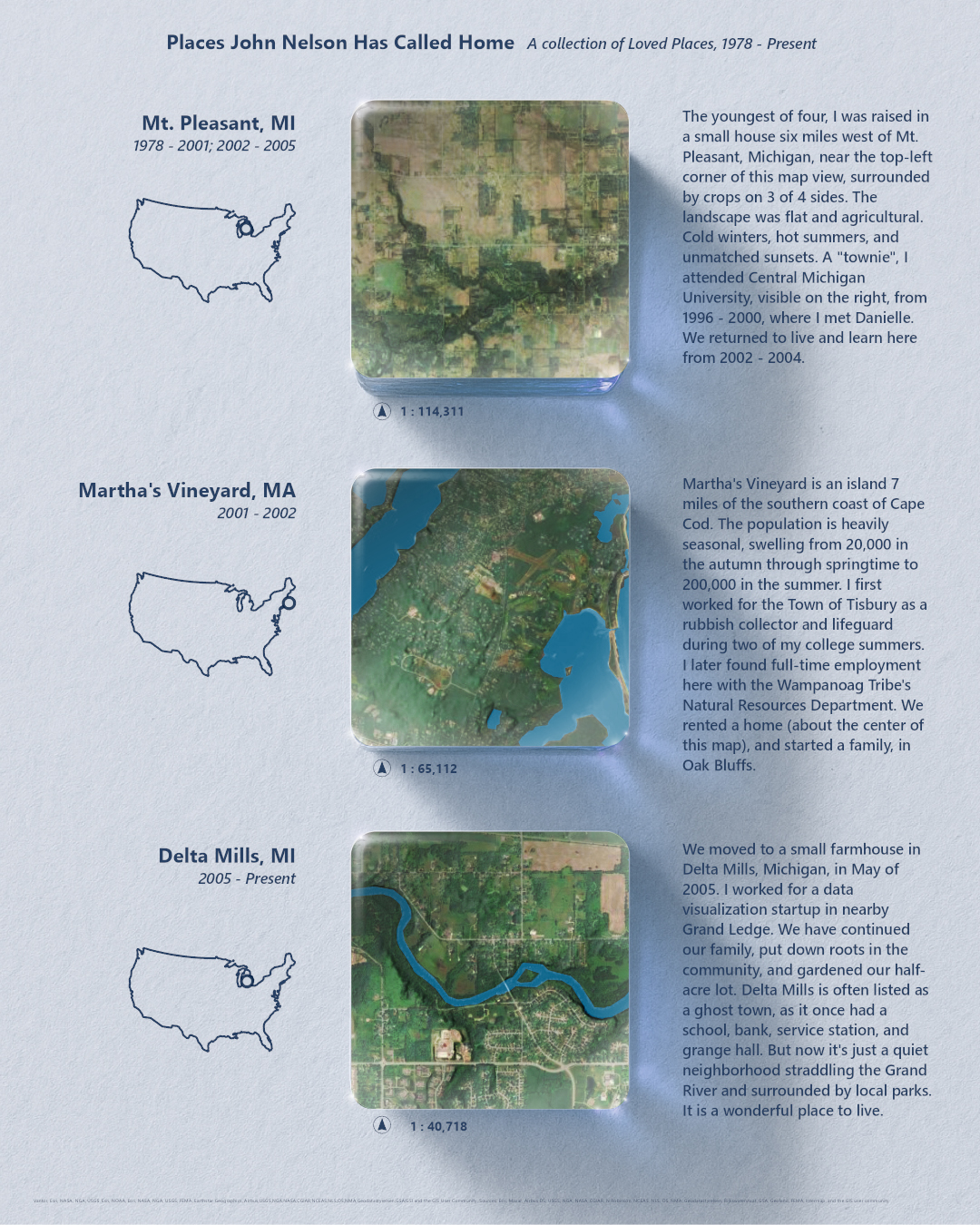
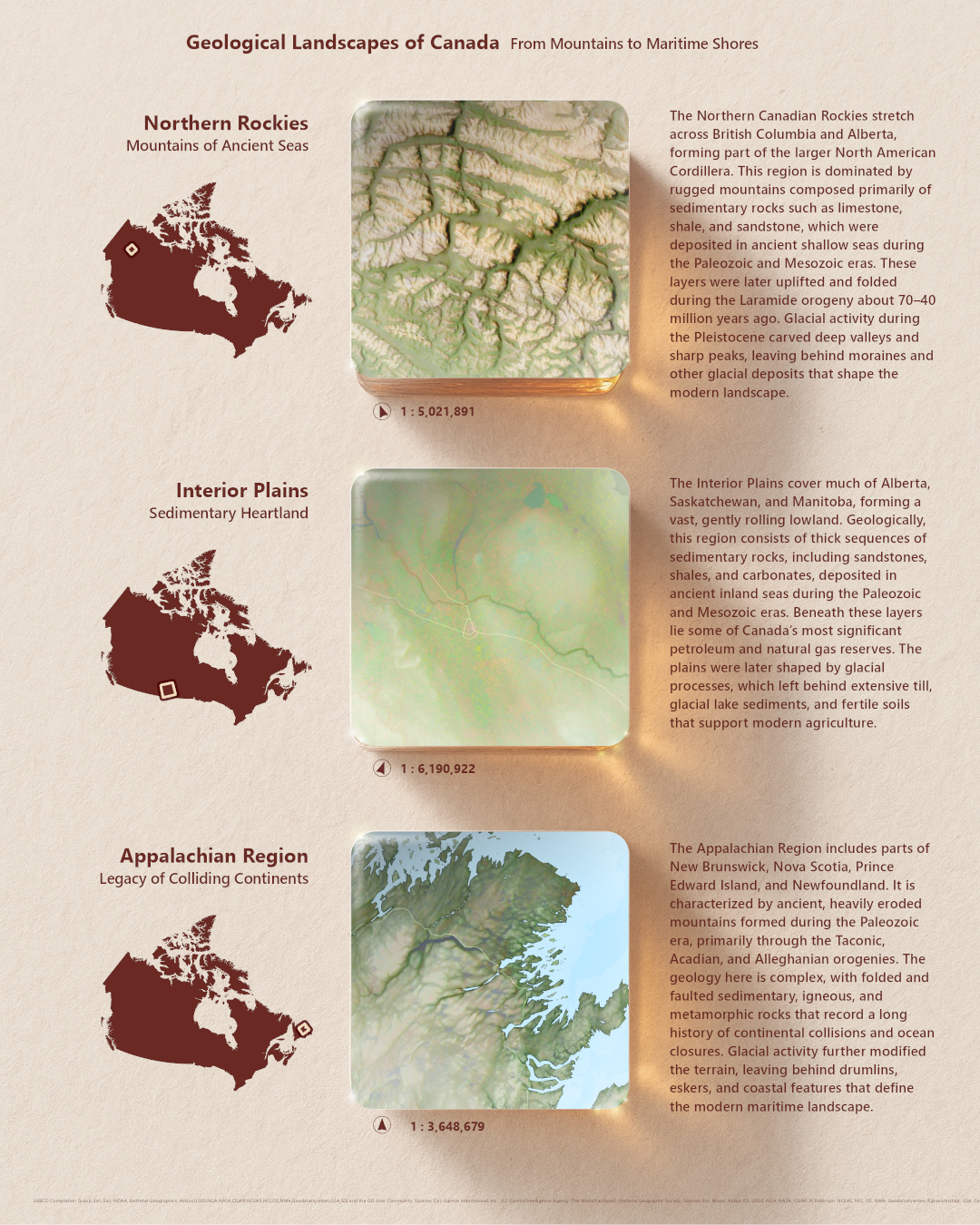
I hope you dig in and make your own. If you do, we’d all love to see what you come up with, so tag Esri when you share.
Happy blocking! Love, John

Hello John and thanks for this… it’s seems i can’t download the Project package.. is it always online and available ? Regards
Hi Conseil, I’m sorry to hear this project isn’t accessible. I just checked and was able to download it, even without being signed in. And it opened in Pro successfully. I wonder if there is something on your network restricting a download?