A little while back I showed you how to make trippy AI-inspired isometric contour diagram things in ArcGIS Pro using terrain elevation data from Living Atlas. Many of you took the challenge and created amazing maps of your own! Here’s an update to that how-to, with a simplified process and a new focus area! The sea floor! We’ll use the brilliant GEBCO bathymetry data to make a stylized 2.5D extract of the ocean. Here’s a little slice of the Mid-Atlantic Ridge:
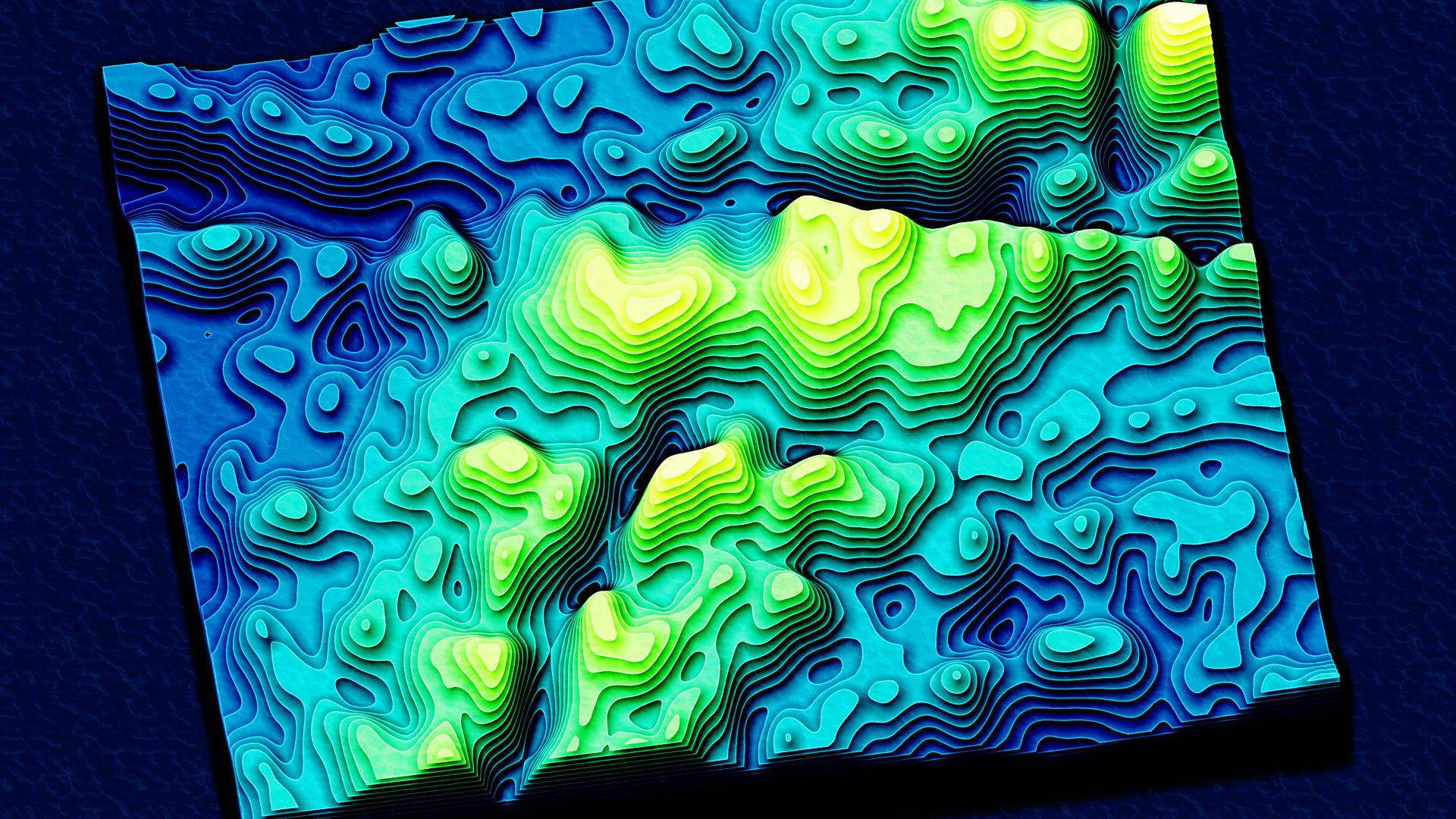
What does 2.5D even mean? This map is a 2D representation of the terrain of the sea floor, created by vertically offsetting each contour layer by its depth. Which sort of ends up looking 3D, but without the true foreshortening perspective of 3D. If you are interested in making one of your own, of whatever part of the ocean you like, here’s the process using ArcGIS Pro (with either the Spatial Analyst or 3D Analyst extension) and free GEBCO bathymetry data.
0:00 Bog standard intro
0:21 Downloading GEBCO bathymetry data
0:56 Generalizing the bathymetry using Raster Functions
2:16 Creating contours with the Contour geoprocessing tool
2:51 Using the Move effect to nudge polygons vertically by depth (3D hack)
4:31 Creating a lighting overlay (to really sell the 3D hack)
5:09 Repairing geometry with the appropriately-named Repair Geometry geoprocessing tool
6:40 Playing with some color gradients to represent depth
8:07 Adding a water texture (which we made together here)
There it is! I’m 82-96% sure you’ll really enjoy making your own. If you do, please share the results with me over on LinkedIn. It brings me great joy to see your wonderful work.
Happy seafloor mapping! Love, John

Article Discussion: