The beta has concluded
June 1, 2026, marks the conclusion of the ArcGIS Velocity for ArcGIS Enterprise beta program through the Esri Early Adopter Program. For those who participated, we sincerely appreciate the time you spent exploring the beta, sharing feedback, and helping us prepare Velocity for Enterprise for general availability.
We are excited to announce that ArcGIS Velocity for ArcGIS Enterprise on Windows and Linux is now available. ArcGIS Velocity powers Esri’s real-time processing and analysis capability, enabling users to ingest, visualize, and analyze spatial real-time to gain new insights and take action. Now you can host Velocity in your own environment to explore your streaming IoT data on maps and dashboards, identify temporal patterns, and extract location-based intelligence.
For more information, read the announcement.
Explore ArcGIS Velocity in action.
What Is ArcGIS Velocity for ArcGIS Enterprise?
ArcGIS Velocity is a real-time processing and analysis capability that enables users to ingest, visualize, and analyze spatial real-time to gain new insights and take action as events unfold. With Velocity, you can ingest live event data from a wide range of sensors, protocols, and data formats, perform analytics in real-time, near real time, or over time, and automatically send alerts or downstream actions in response to triggers you define. Together, these capabilities help you shorten the time from observation to decision-making.
Currently, Velocity is available as an extension to ArcGIS Online. With the public beta of Velocity for ArcGIS Enterprise, these same core real-time feed and analytic capabilities are now available for self-hosted deployments on Windows and Linux. From small to large private firms, to national agencies, Velocity now provides high-performance, self-hosted real-time tools within your existing GIS environment.
Below are the key benefits of Velocity across both ArcGIS Online and ArcGIS Enterprise deployment options:
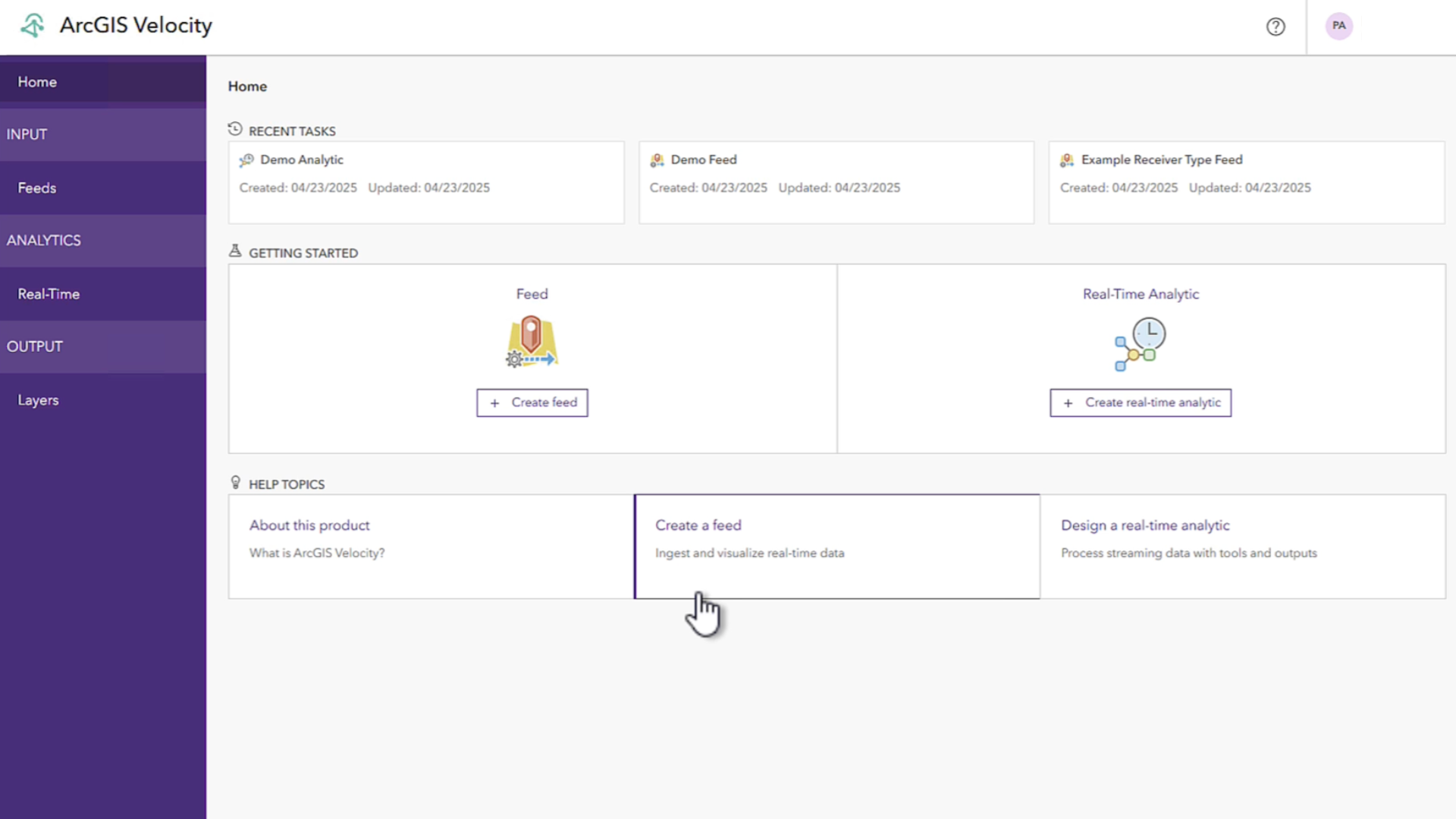
Rapidly configure and ingest streaming data feeds
Velocity lets you configure feeds of real-time streaming data from multiple sources. These feeds can be data from industry-leading cloud IoT platforms, messaging brokers, and third-party APIs. Once you’ve connected to this data, you can immediately view it through live layers that you can embed in ArcGIS maps and dashboards.
Analyze data in real-time
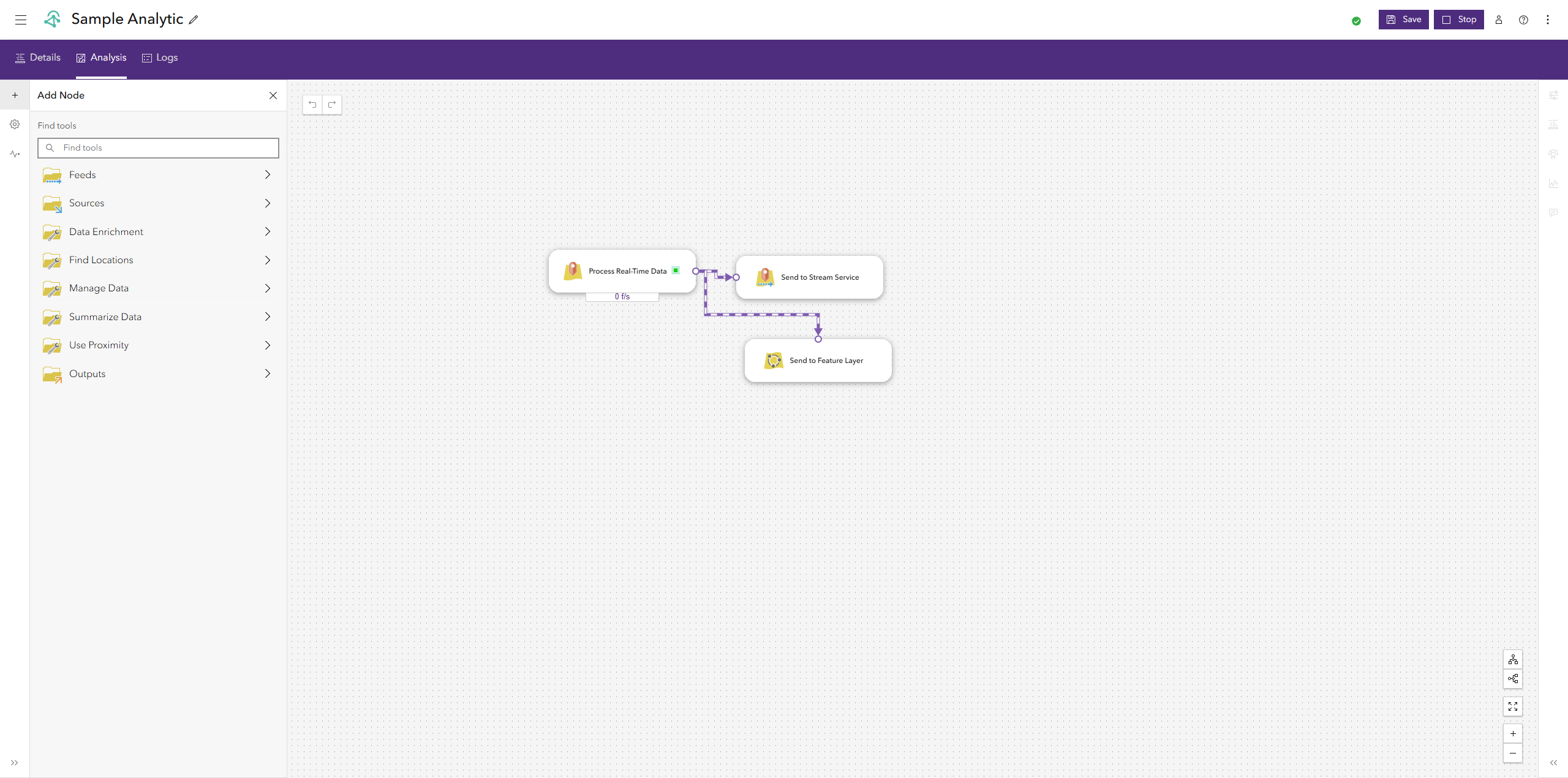
With Velocity, you can use real-time analytics to continuously process individual observations and records as they arrive. For example, Velocity can automatically flag positions reported within a geofence, calculate motion statistics for moving devices and vehicles, and detect incident conditions in real time.
Disseminate information through alerts and take action
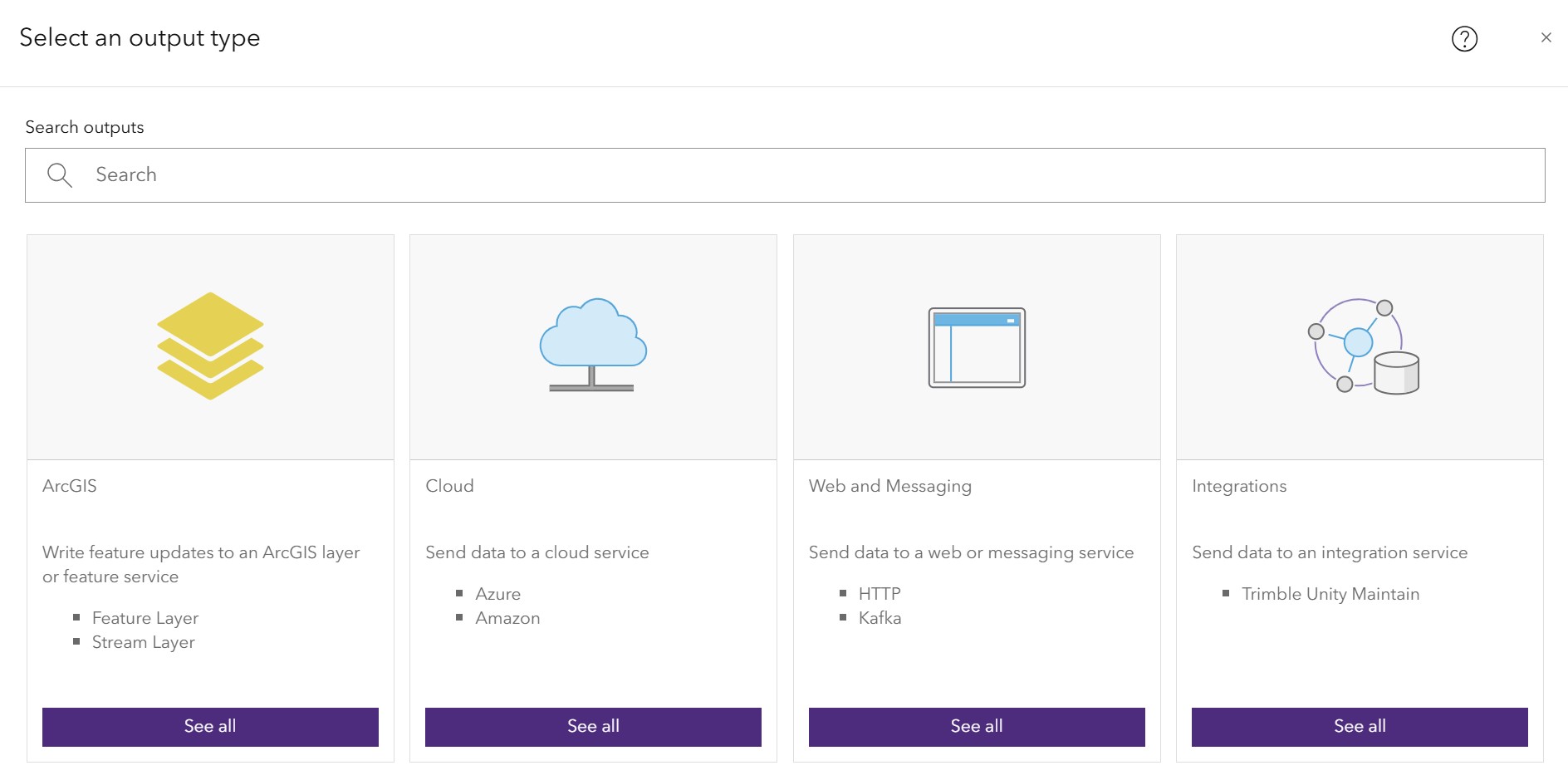
Once your analysis is configured, Velocity allows you to share findings across your organization by visualizing through maps, dashboards, and applications. Velocity lets you adapt symbology based on changes and configure automated notifications and alerts when predefined conditions are met. These alerts push information to systems, sensors, and devices or show up on a map as with a unique symbology for quick interpretation. For example, when an event occurs, you send a message through Microsoft Teams, Slack, text message, and email, or change the color of a symbol on a map, alerting key stakeholders of critical information.
Additional resources
- Read the announcement for the release of ArcGIS Velocity for ArcGIS Enterprise deployments.
- Visit the Velocity product page for more information.
- Have questions? Post them on Esri Community and join the conversation.
Update: This article was updated in June 2026 to reflect the end of the beta program.

Article Discussion: