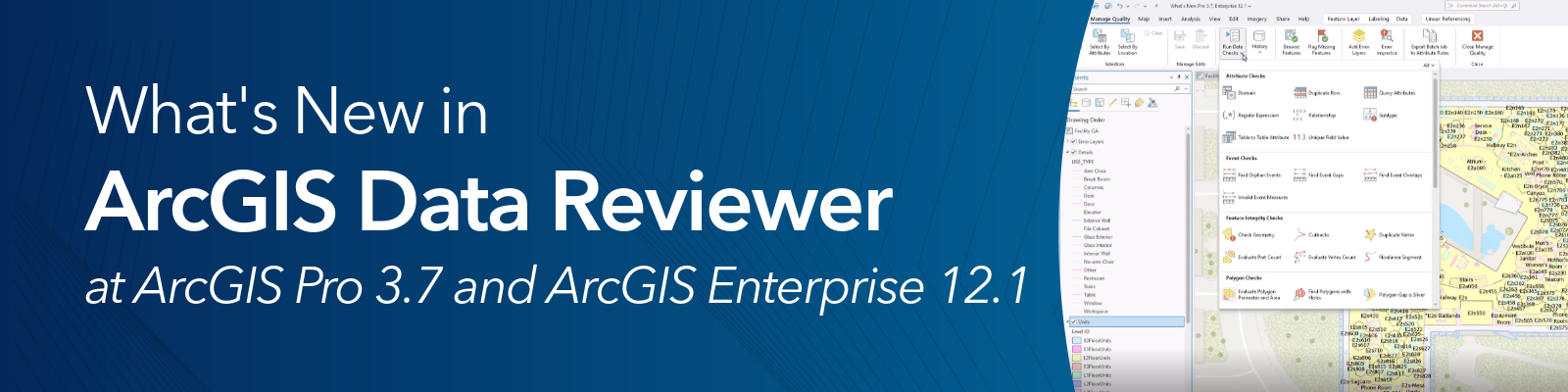
ArcGIS Data Reviewer is an extension to ArcGIS Pro and ArcGIS Enterprise that automates, simplifies and improves data quality management workflows. With the releases of ArcGIS Pro 3.7 and ArcGIS Enterprise 12.1, ArcGIS Data Reviewer introduces the following enhancements:
- A new automated data quality check
- Updates to error management workflows
- Usability improvements
- Removal of ArcMap-based data quality workflows
New support for ArcGIS Enterprise
ArcGIS Data Reviewer at ArcGIS Enterprise 12.1 is now available for Linux deployments. Customers who have ArcGIS Enterprise on Linux deployments will now be able to use ArcGIS Data Reviewer.
New automated review method
The Duplicate Row check enables the detection of rows in feature classes and tables that contain duplicate values. For example, in address data management, this check is used to detect duplicate road centerline features that exist at different locations that may impact place-finding and routing workflows. The Duplicate Row check is supported in the validation attribute rule workflows in both ArcGIS Pro and ArcGIS Enterprise, as well as interactive quality review using the Run Data Checks tool in ArcGIS Pro.
Updates to error management
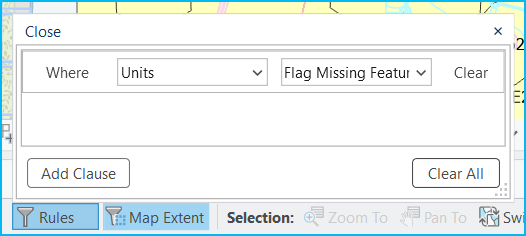
Data quality control using validation attribute rules and visual review tools often presents the challenge of efficiently allocating resources to review and correct numerous detected errors. To address this issue, additional filtering methods have been incorporated into the ArcGIS Pro Error Inspector pane, enabling data editors to filter error features by source layer and rule name. By utilizing these new options alongside existing filters, editors can more effectively prioritize efforts and enhance overall data quality.
Usability enhancements to automated checks
A series of workflow improvements have been implemented based on customer feedback. These include the following:
- In ArcGIS Pro, the Run Data Checks tool now includes a subtype filter parameter, allowing users to assess feature quality in specific subtypes without manually creating SQL attribute filters.
- A Select All option and search capability is now available for the Attributes to Ignore, Attributes to Compare, and Additional Features to Compare parameters. This enhancement aids in efficiency when creating validation attribute rules or conducting interactive data quality reviews using the Run Data Checks tool. The following checks received this update:
Automate migration to attribute rules
An updated workflow is available to convert reviewer batch jobs created using ArcMap into validation attribute rules for use in ArcGIS Pro and ArcGIS Enterprise. Reviewer batch jobs are files that store configured data checks created using tools in ArcMap. While reviewer batch jobs are now deprecated and no longer supported, users can still export their contents to create validation attribute rules using the Export Batch Jobs to Attribute Rules tool.
Feature removal: The reviewer workspace and related tools in ArcGIS Pro
ArcGIS Data Reviewer will undergo changes starting at the ArcGIS Pro 3.7 release. ArcGIS Pro 3.6 was the final release to support Data Reviewer workflows reliant on the reviewer workspace error management capabilities. Tools that will no longer be available at ArcGIS Pro 3.7 and beyond include those that support automated quality control using reviewer batch jobs, reviewer based visual review, reviewer workspace management, and customization support through the ArcGIS Pro SDK for .NET.
For more information on the deprecation, please see the ArcGIS Data Reviewer Functionality Deprecation Notice.
The reviewer workspace and other related data quality workflows are replaced by Data Reviewer-based attribute rule workflows, which have been available since the ArcGIS Pro 2.5 and ArcGIS Enterprise 10.8 releases. See the Migration from ArcMap to ArcGIS Pro for data validation topic for more information.



Article Discussion: