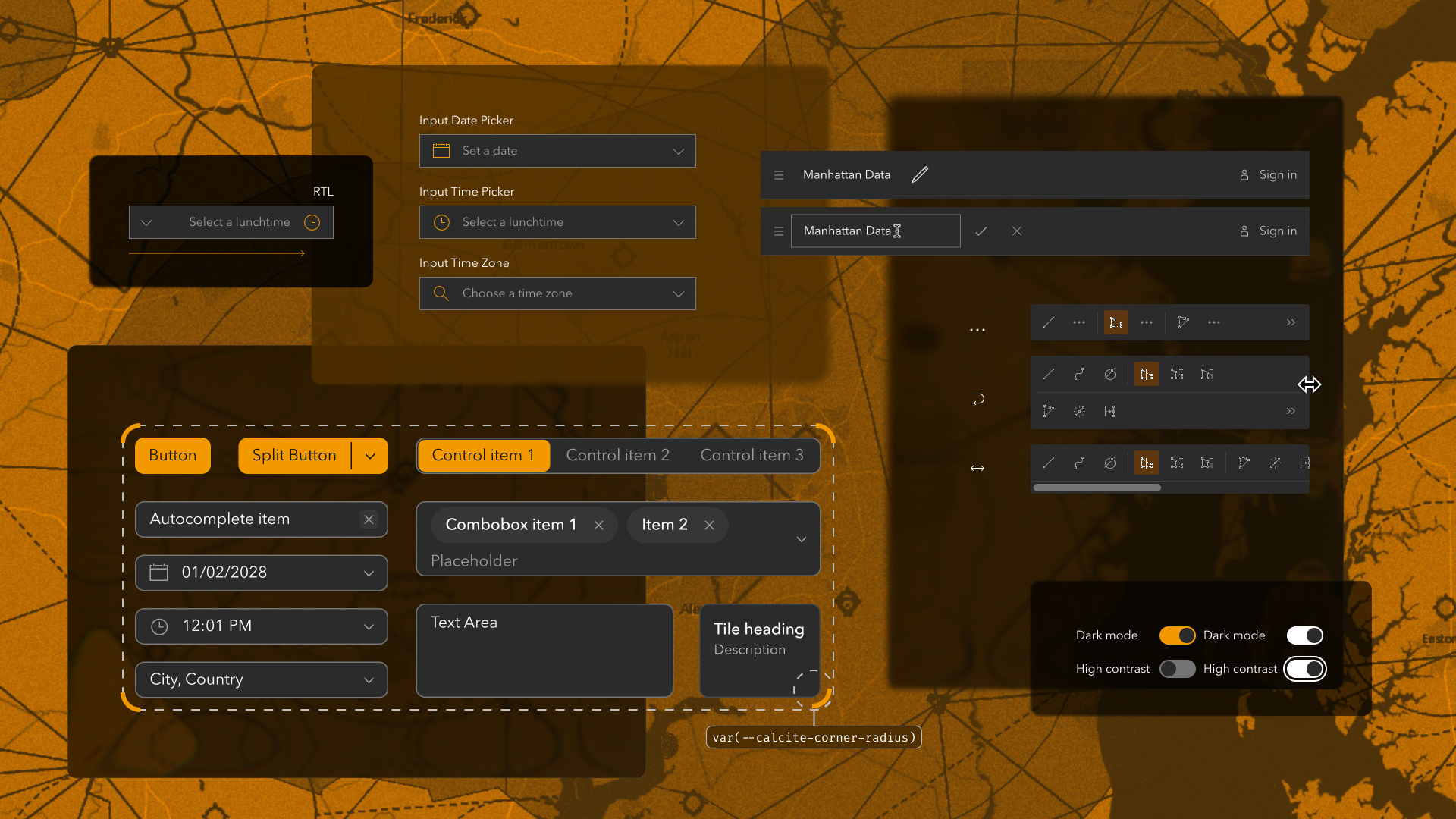
Learn all about the key updates in Calcite Design System recently released with 5.2 with the latest functionality offered since 5.1 (June 2026), including:
Inline editing for Input-named components
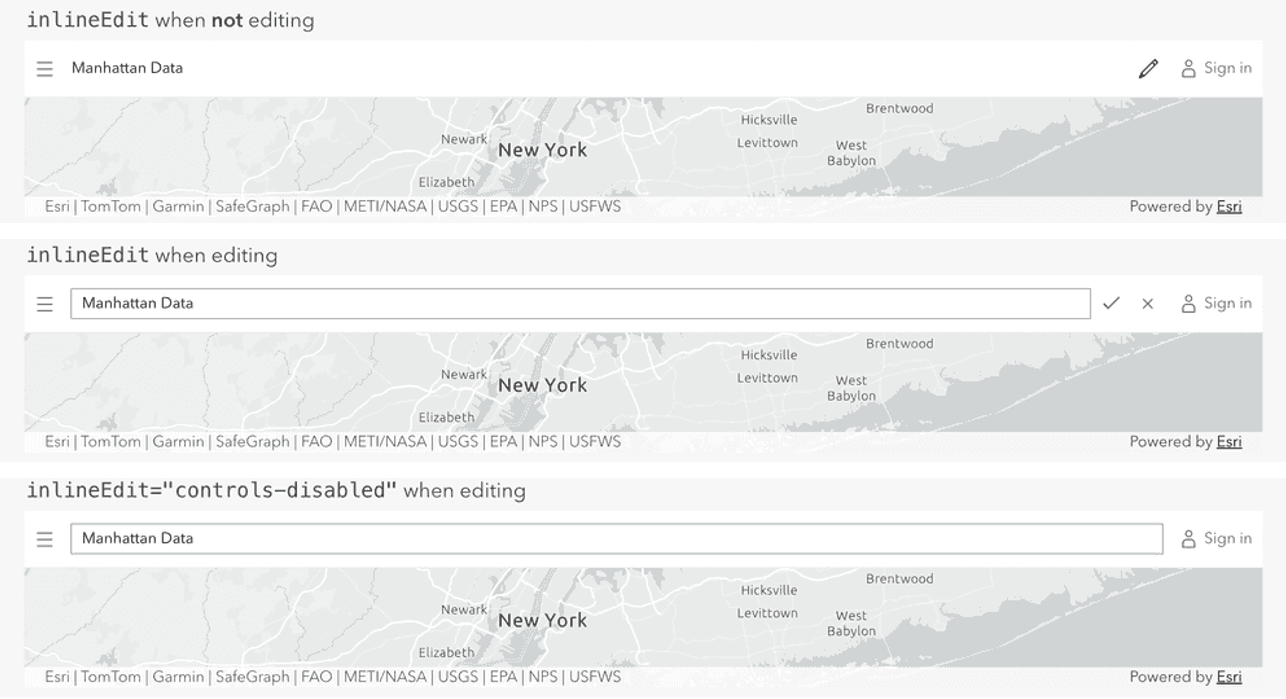
Input-named components including Input, Input Number, and Input Text offer inline editing with a new property, which also adds “confirm” and “cancel” controls. When inline editing the property can also disable its editing controls so edits are saved when the component is blurred.
The newly added support across Input components deprecates the Inline Editable component, which will be removed at a future breaking change release.
Sticky header for Tables
Table now offers a sticky header when specified via a property. When enabled the component always displays its slotted table header contents, which is useful when displaying many Table Rows of data.

Modern color scheme support
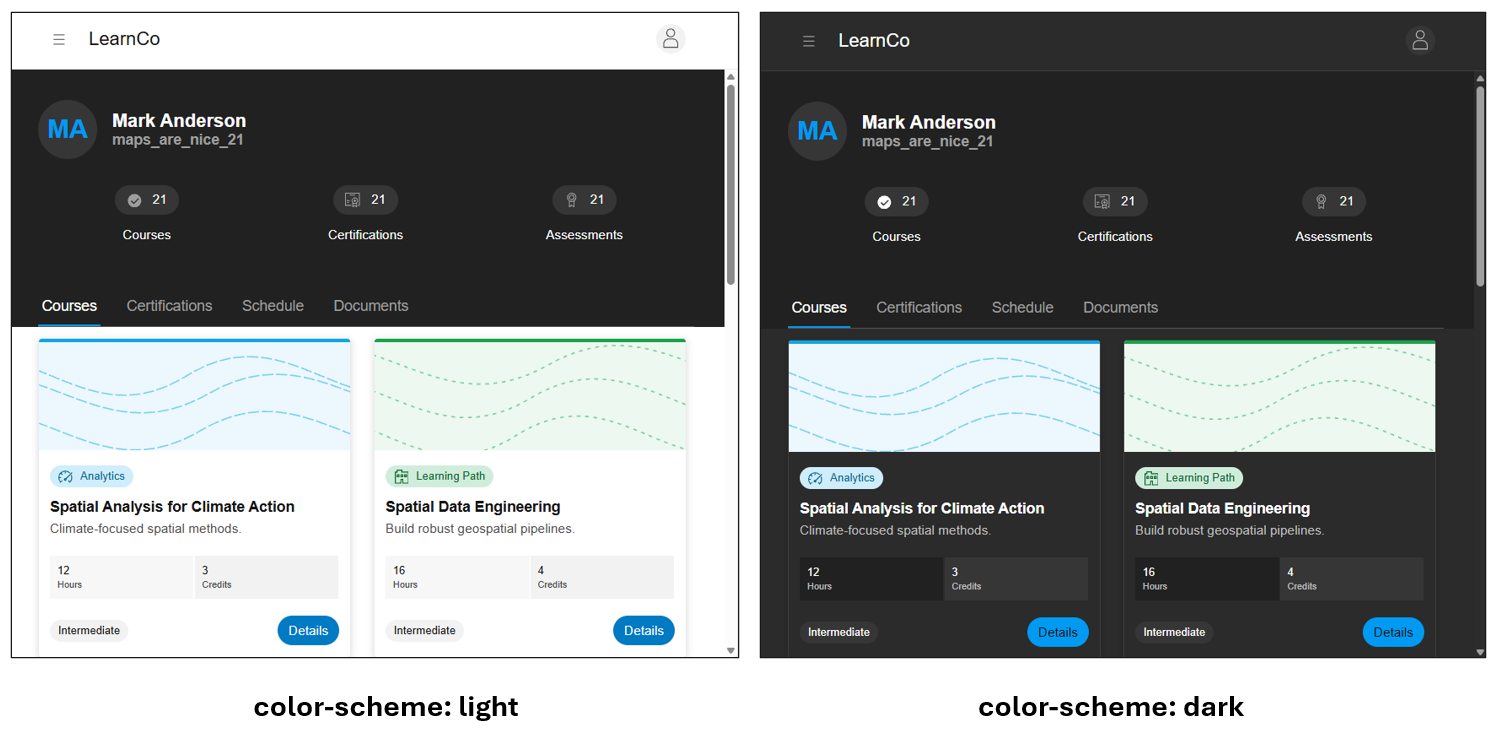
Calcite now offers native browser support to its modes using the color-scheme CSS property. The modern color scheme support allows for a native and flexible approach to switching themes, user settings detection, and customization. The scheme can be set to light, dark, or both to follow the user’s system preference. Support reduces code complexity and offers better maintainability in applications.
Explore Calcite’s core concepts on modes on how to adopt the modern support into solutions.
Corner radius inheritance
Calcite has improved the inheritance of corner radius to round the corners of a component’s outer border edge. The update supports at the application level, using a dedicated corner radius token. The components inherit the semantic token, supporting a consistent approach across an application.
Learn more about Calcite’s corner radius semantic token.

Custom placeholder for Input Pickers
The Input Date Picker, Input Time Picker, and Input Time Zone components now offer a custom placeholder, where a short hint is added to describe the expected value on the component. The hint can be useful to provide formatting context and disappears when a user starts typing a value into the component. To ensure context is provided to all audiences it is recommended to not use a placeholder as a replacement for the component’s label, which provides critical information and instructions to more individuals.
Learn more about accessibility with forms and labels.

Overflow mode for Action Bar
When horizontal space is limited the Action Bar component’s new overflow mode supports different configurations, including the ability to collapse or wrap child Actions. The new overflow mode allows for more configurations for more compact scenarios, such as mobile screens, while also adapting to larger devices and resolutions.

Block Group expansion mode
Block Group now offers an expansion mode for its child Blocks. When enabled, the child Blocks can specify the expansion of one or multiple Blocks to fit use cases. For example, when the Block Group’s expansion mode is set as single, it only allows one Block to be expanded.

Accessibility and internationalization enhancements
Calcite continues to improve support for more individuals through accessibility and internationalization improvements. Explore some of the latest changes improving access to more audiences.
Label property for Slider
Slider now offers a label property to communicate additional context to assistive technologies. Learn more about accessibility with forms and labels.
High contrast improvements to Switch
Switch’s high contrast has been improved when the component is checked and in focus. High contrast is displayed when a user has forced colors enabled either through their browser or operating system.

Date Picker support with NVDA
Date Picker has improved support for the NVDA screen reader, ensuring individual days within the calendar are keyboard navigable and communicated to assistive technologies, offering the same experience previously offered with JAWS and VoiceOver.
RTL language alignment for Input Time Picker
Input Time Picker now supports right-to-left (RTL) language alignment to provide an expected visual alignment and usability for more audiences and languages.
Explore what’s new in 5.2
For a full list of changes, visit the 5.2 summary notes, which includes the full list of changes since 5.1 including new functionality, bug fixes, and deprecations.
What’s next
Calcite’s next major version 6 will launch in early 2027 and will include breaking changes, in addition to new features and bug fixes.

Article Discussion: