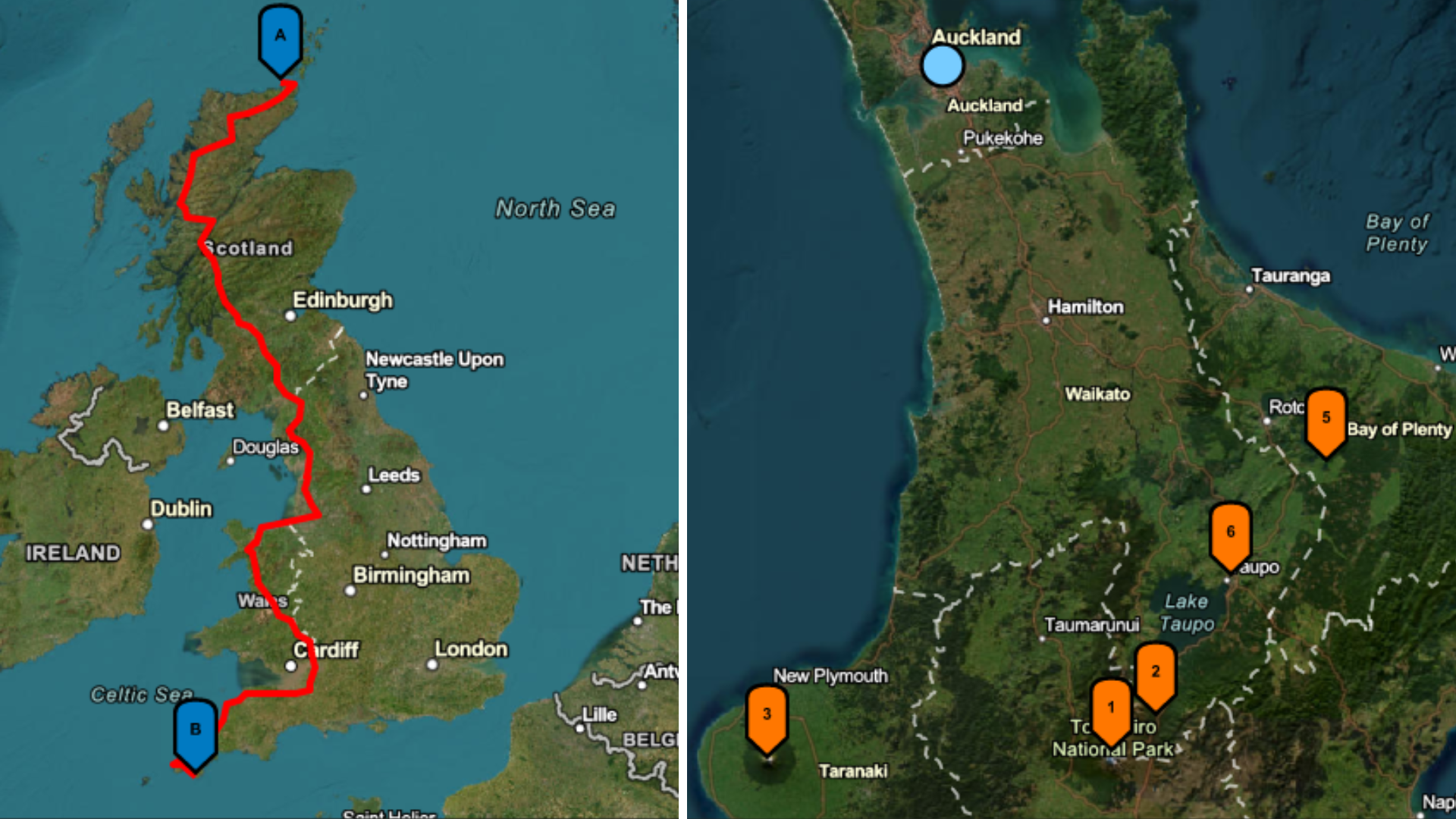
If you’ve ever needed a quick, visual way to display information using a map, then static maps might just be the perfect option for you. Static maps are appropriate for multiple scenarios. For example, a static map image on a fitness app can display a runner’s completed route with start and end points. Similarly, a rideshare app can show the path from pickup to drop-off on the passenger’s receipt, providing a visual record of the trip. Static maps could also be used to showcase fixed data such as the location of a restaurant on an online restaurant reservation and discovery application.
The ArcGIS Static Maps service is a new location service that makes the examples above possible. The service provides developers with the ability to create and embed map images from ArcGIS Basemaps into websites and various kinds of location-driven applications. It is ideal for scenarios where interactive maps aren’t necessary or practical.
How Does the ArcGIS Static Maps Service Work?
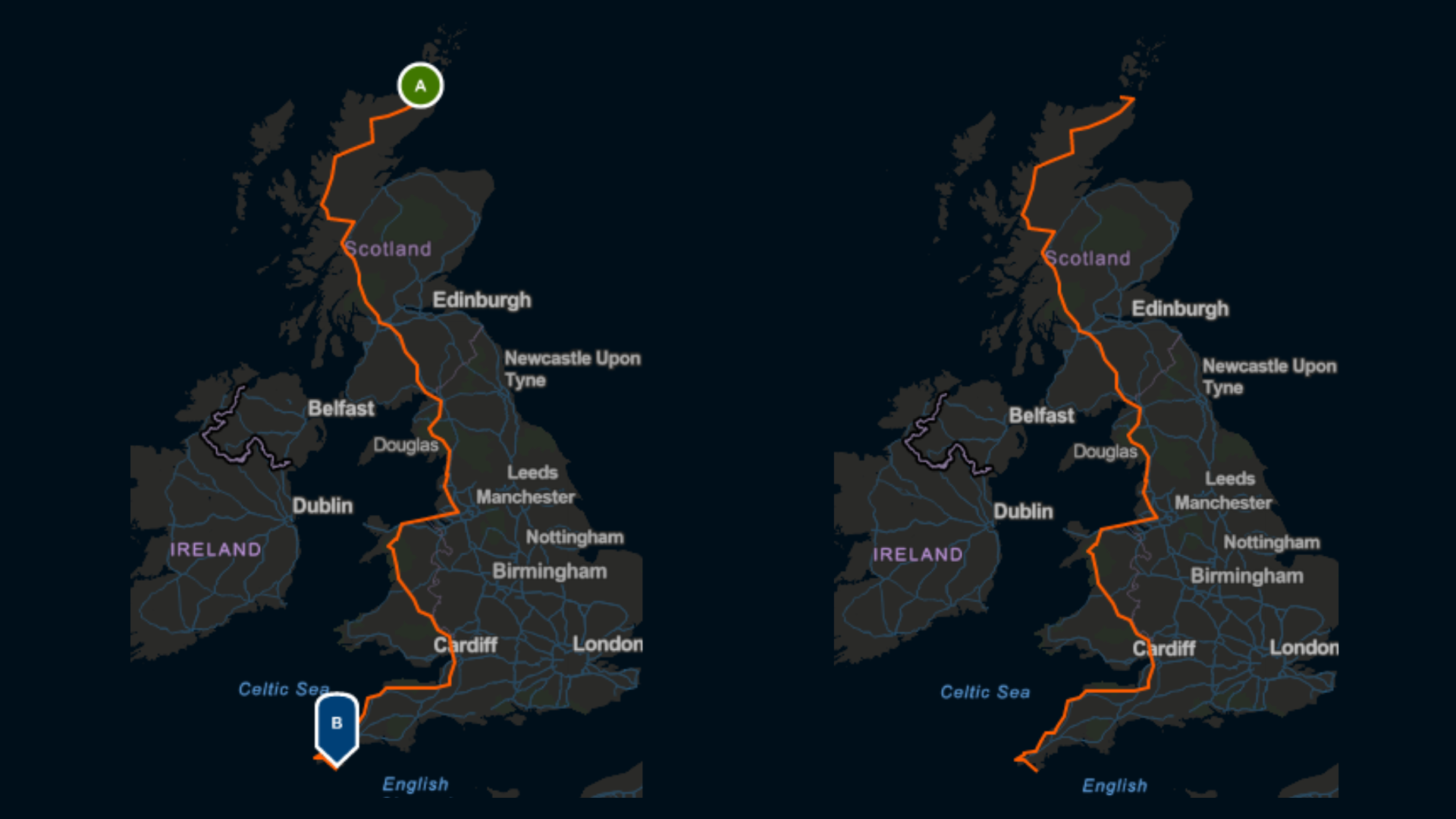
Developers building with the Static Maps service can make a call to the service with an area of interest in mind. They can specify their preferred map style and provide additional graphics to overlay on the map. The service will create the map image and return it to the developer when the request is made.
With the Static Maps service, users can embed map images on web pages, apps, emails or reports without the use of a mapping library or API. The service offers a lightweight and fast solution for presenting location-based information; no dynamic page loading required. The Static Maps service is currently only available via ArcGIS Location Platform.
Here are some of the things users can do with the ArcGIS Static Maps Service
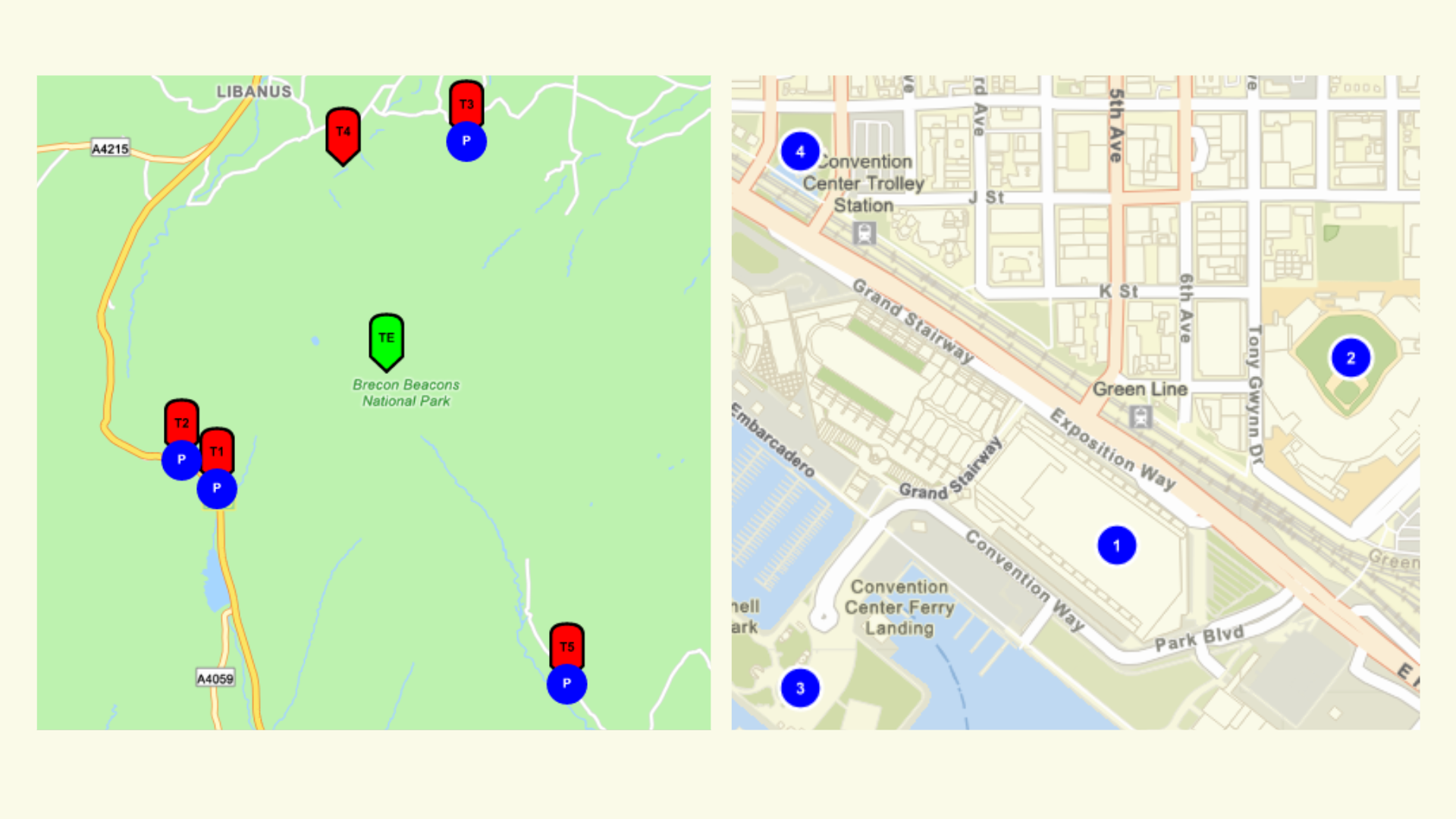
- Highlight a location in the center of a map
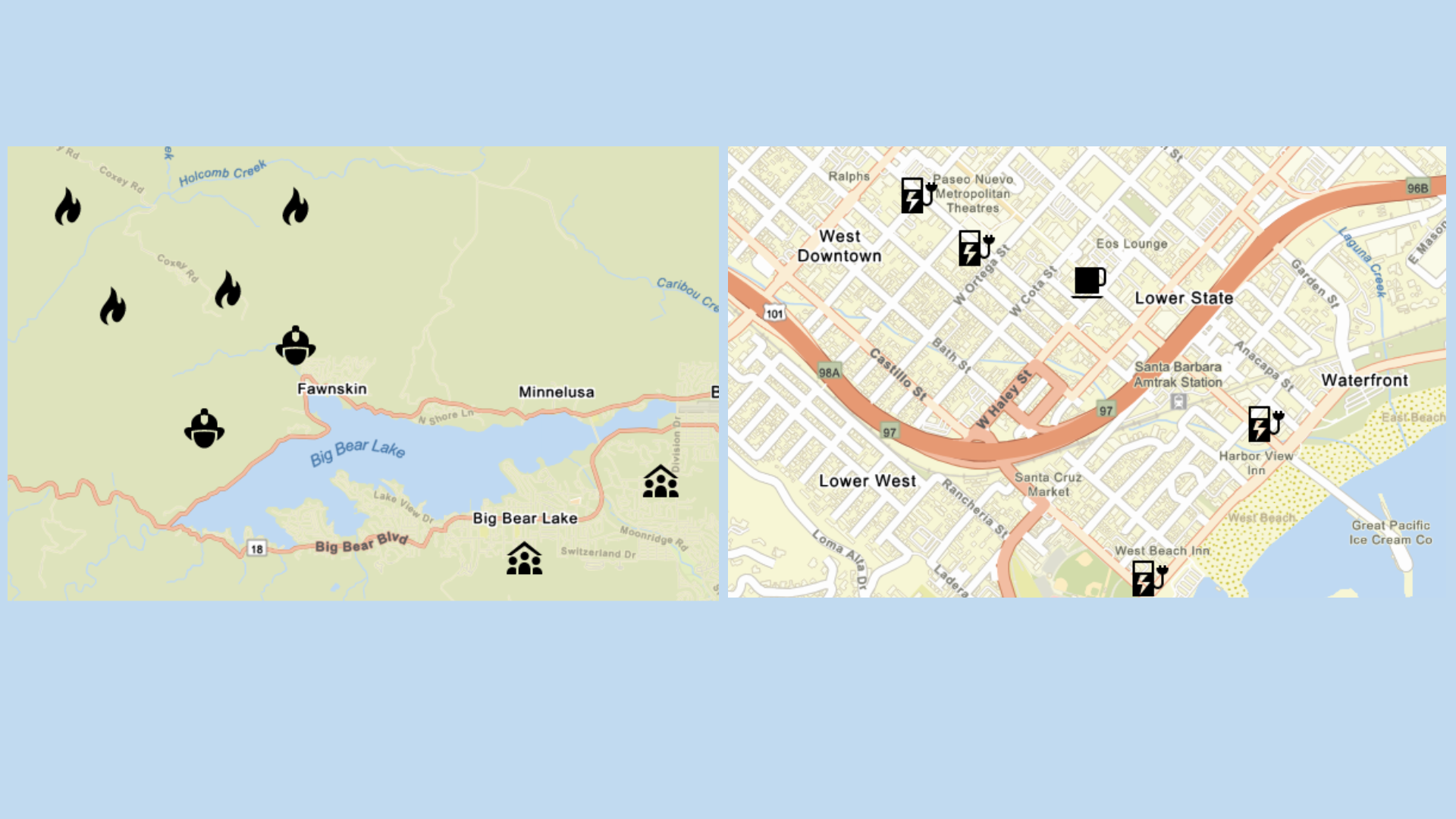
- Display and label locations on a map
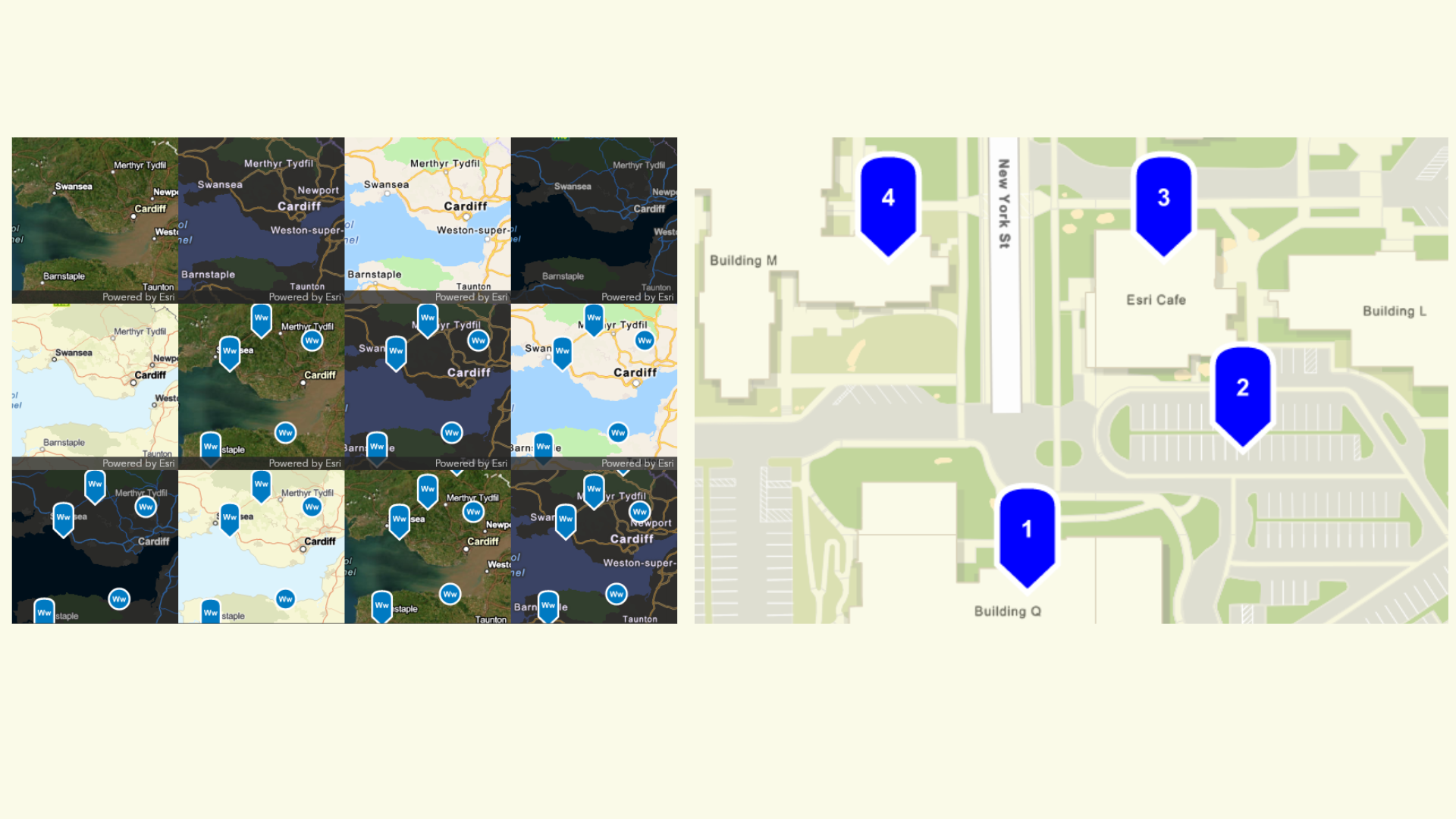
- Choose from a list of ArcGIS Basemap styles
- Select the size of map image that meets your requirements
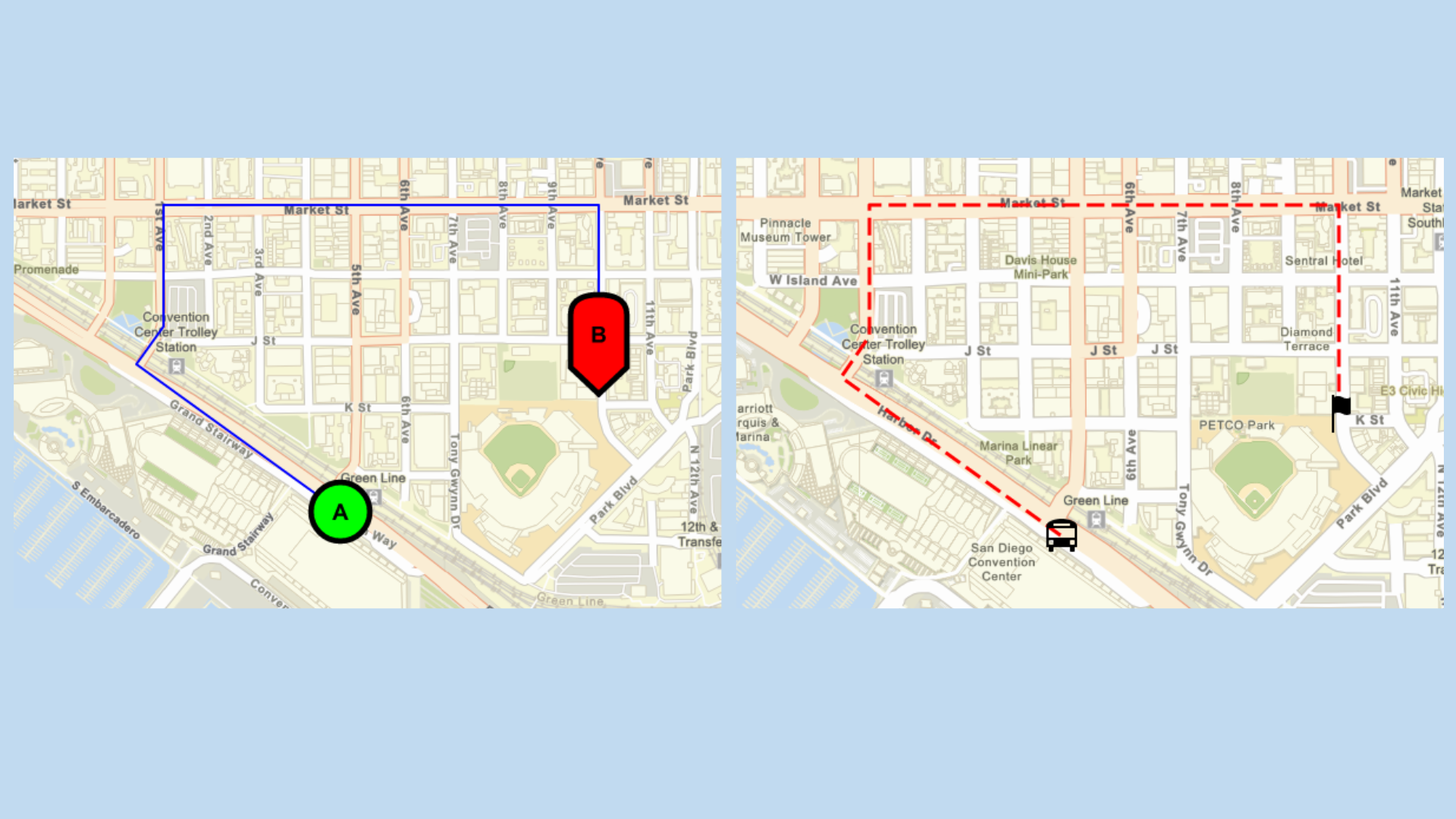
- Show a route or path on a map with start and end points
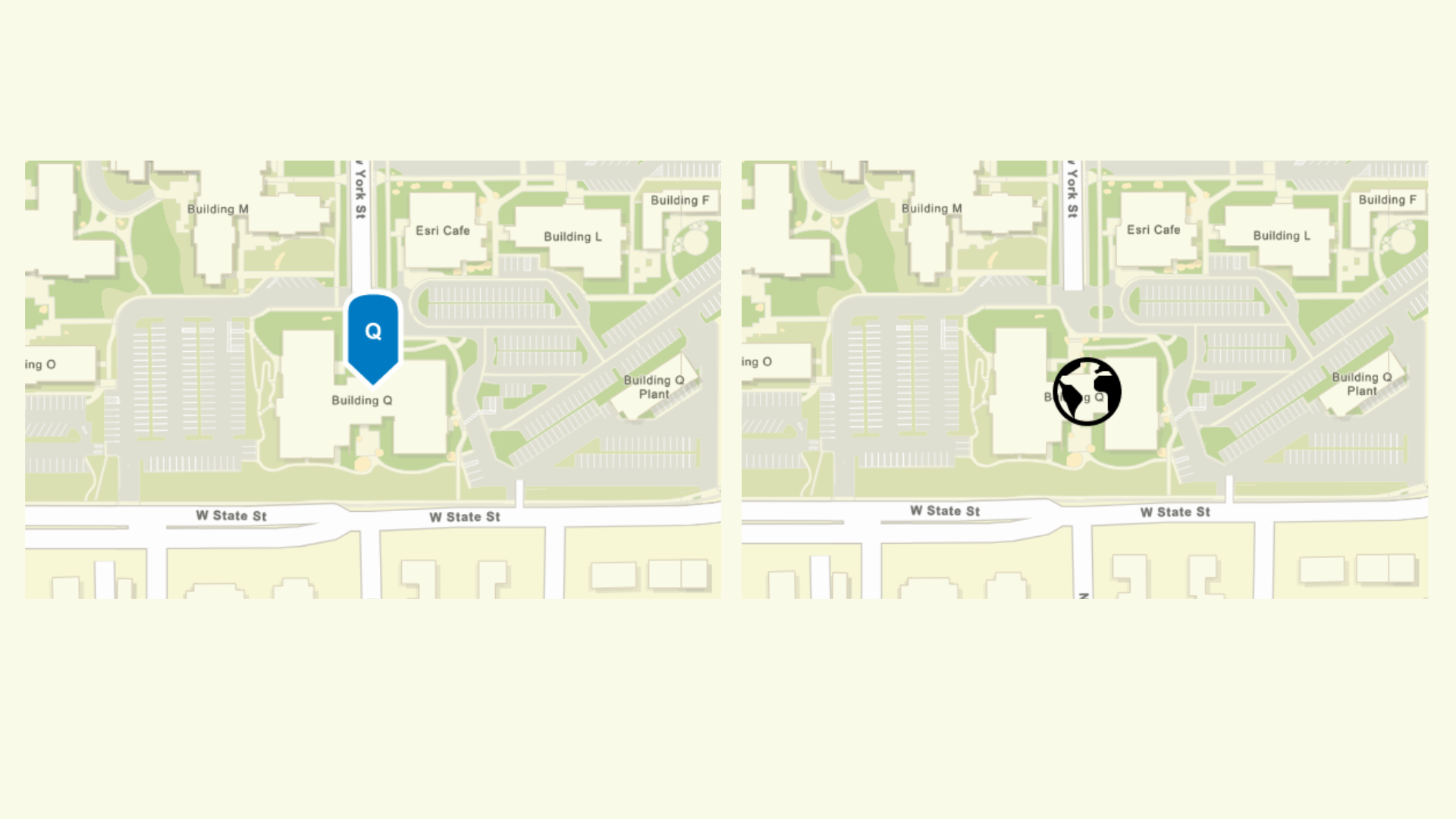
- Support end-users in using their own custom SVG symbols and working with custom symbols for branding efforts
- Integrate maps for marketing and informational purposes
- Show areas with polygons
- Support for a custom extent override for prioritizing the presentation of study area
- Define extent such as a city and then place your data on it with the view parameter
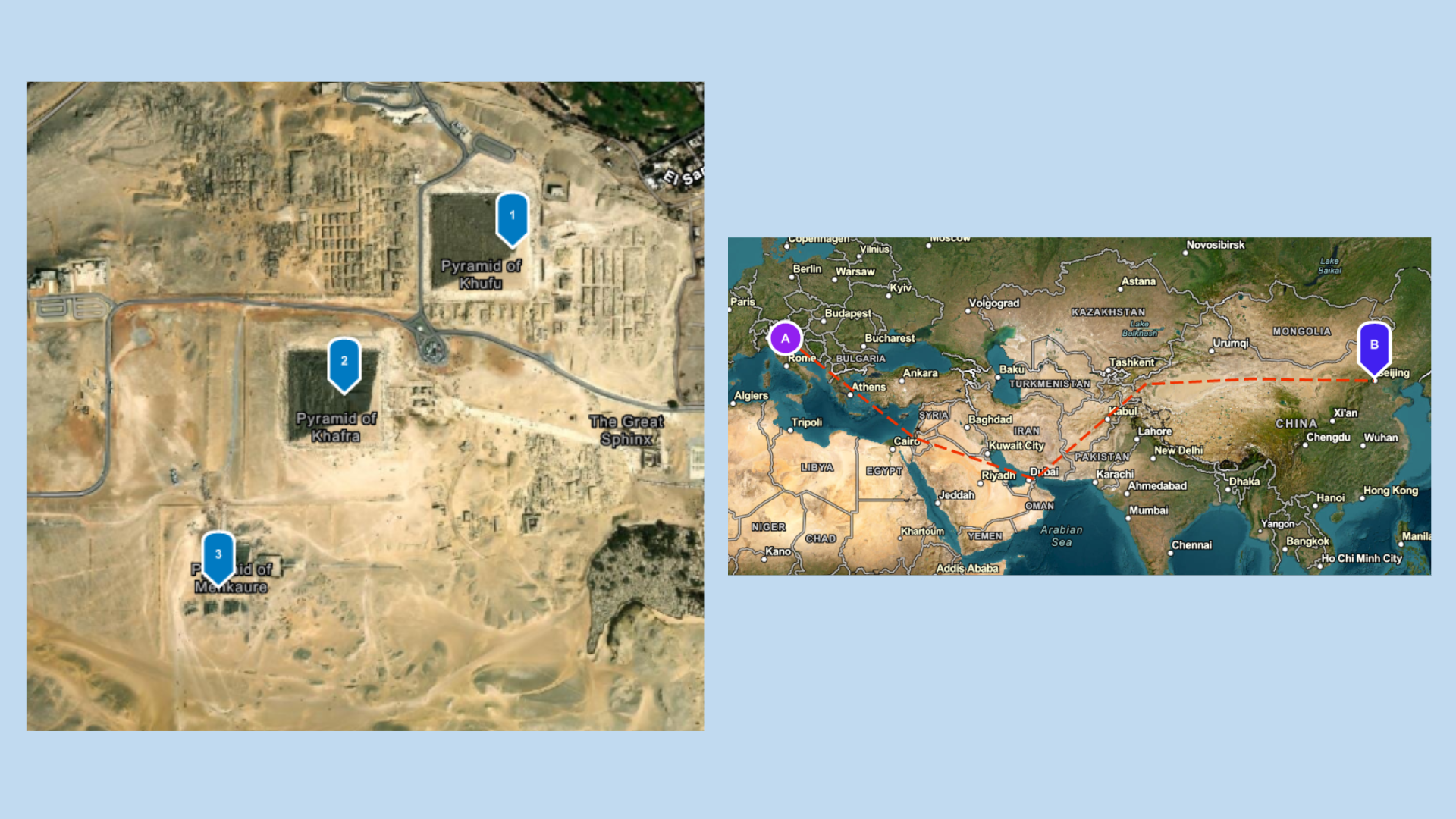
From Beta Testing to General Availability
The Static Maps service went into beta last year, and the team dedicated time to making improvements along the way. Earlier this year, the ArcGIS Location Platform team gave users an additional opportunity to test the service and provide feedback through the Early Adopter Community.
After two rounds of beta testing, the development team incorporated user feedback to introduce enhancements that expand the service’s capabilities.
We’re excited to share that the ArcGIS Static Maps service is now generally available and ready for users to get started!
Getting Started with the Service
An ArcGIS Location Platform account is required to use the service. To learn more about static maps, please visit the Developer Documentation page
Subscribe to the Esri Developer Newsletter and follow Esri Developers on LinkedIn to discover more developer offerings and updates.
*This article was updated and re-published on July 27, 2026.

Article Discussion: