Recently, the ArcGIS Storytelling team received a request from an internal group looking for sample impact reports to share with nonprofit organizations. At first glance, the ask seemed straightforward: create a few examples organizations could reference when building their own annual reports. But it also revealed a broader challenge many nonprofits face today; how to present an organization’s impact in a way that feels human, visual, and actionable.
Why impact reports matter more than ever
Impact reports are no longer just year-end summaries or collections of statistics. A well-crafted impact report helps organizations communicate real outcomes, build trust with donors and stakeholders, celebrate progress, and inspire future action. Whether the goal is to drive donations, recruit volunteers, strengthen partnerships, or demonstrate accountability, an effective impact report needs to do more than inform. It needs to engage the reader.
Traditional reporting formats often fall short. Long, text-heavy documents filled with static charts can feel overwhelming, making it easy for readers to skim or miss key insights. At the same time, nonprofit teams frequently work with limited staff, tight timelines, and minimal design resources, making it challenging to consistently produce polished, engaging reports year after year.
The ArcGIS Storytelling team saw this as an opportunity to explore a more effective approach to impact reporting through geospatial storytelling.
An ArcGIS StoryMaps template for impact reports
To address this need, we created an impact report template using ArcGIS StoryMaps. Rather than building one-off examples, the goal was to develop a flexible, reusable framework organizations can duplicate, customize, and adapt over time.
An impact report template supports:
- Consistent storytelling and branding across teams, regions, or reporting cycles
- Streamlined workflows, reducing the need to rebuild reports from scratch
- Greater focus on content, allowing teams to prioritize stories, data, and visuals
For organizations managing multiple reports or working with limited design resources, a reusable template can significantly improve efficiency while maintaining quality and consistency.
This template is free to use and designed to help jumpstart your impact reporting process. You can easily customize it by updating the text, images, and charts to fit your organization’s needs. To get started, simply click the Create story from template button and begin adding your content.

At their core, impact reports are stories. They communicate who an organization serves, what challenges it addresses, where work is happening, and what progress has been achieved. This template draws on best practices from nonprofits already using ArcGIS StoryMaps for annual reporting and leverages the platform’s flexible storytelling tools.
Key features for impact reports
The impact report template incorporates several storytelling features designed to enhance clarity, accessibility, and engagement:
- Sidecar blocks to pair narrative text and visuals in immersive, scroll-based layouts
- Image galleries to showcase events, beneficiaries, and projects
- Charts and infographics to highlight metrics and trends with graphics
- Map tours to visualize geographic reach and program impact
- Timeline blocks to present milestones and year-in-review highlights
- Tables to clearly present financial information such as revenue, expenses, and funding sources
- Buttons to link readers to next steps, such as learning more, volunteering, or donating
- Structured navigation and headings to help readers scan content and quickly find what matters most
- Instructional blocks (visible in the builder, but hidden in the published story) to guide authors with best practices and suggested content
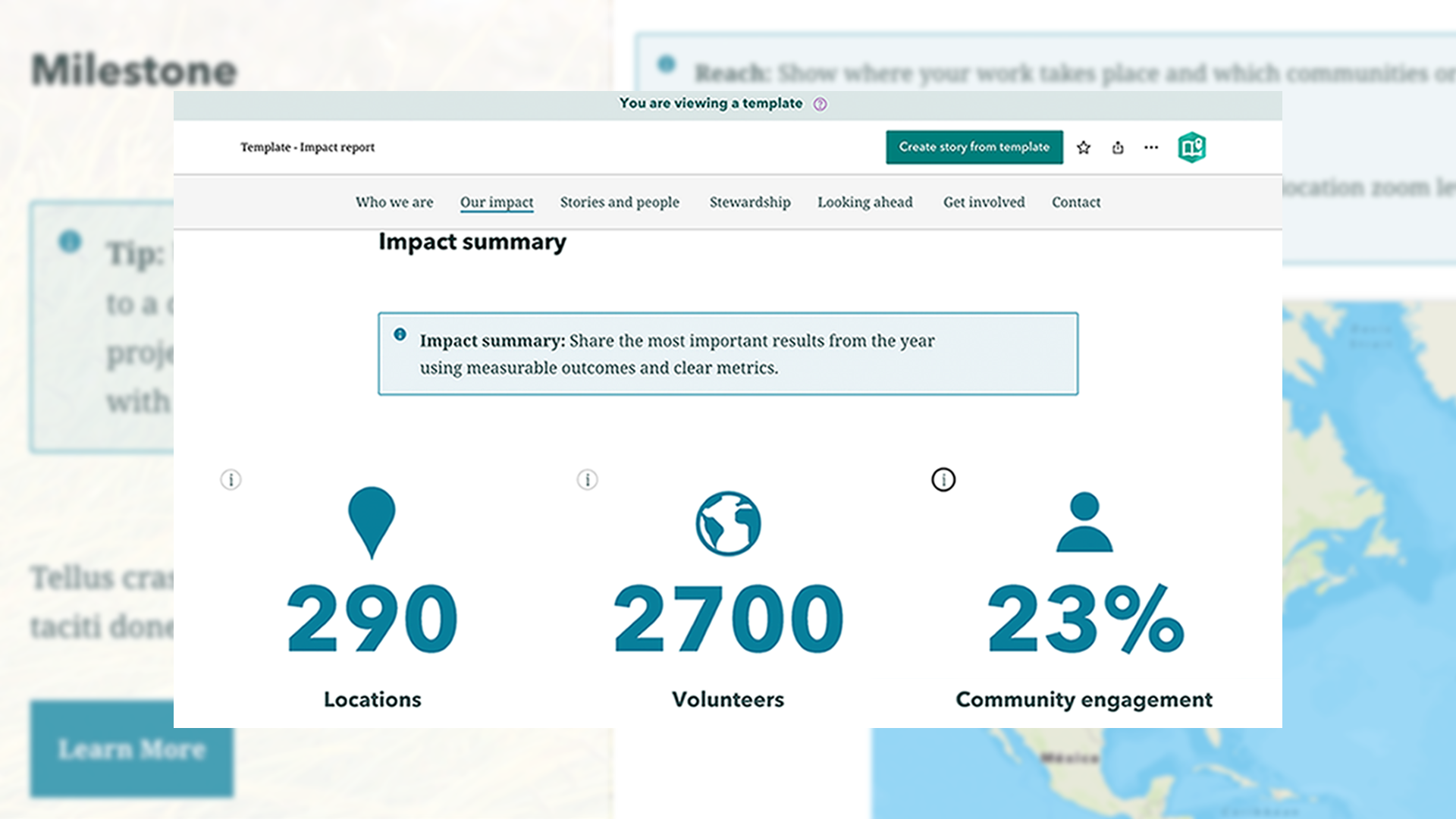
Together, these elements create a natural flow that encourages readers to move through the entire report rather than stopping partway through.
Impact report examples
There is no single formula for an effective impact report. Each organization should tailor its approach to its audience, goals, and storytelling style. However, the following organizations offer strong examples of how impact reporting with ArcGIS StoryMaps can improve clarity, accessibility, and engagement.
Consistency and clarity
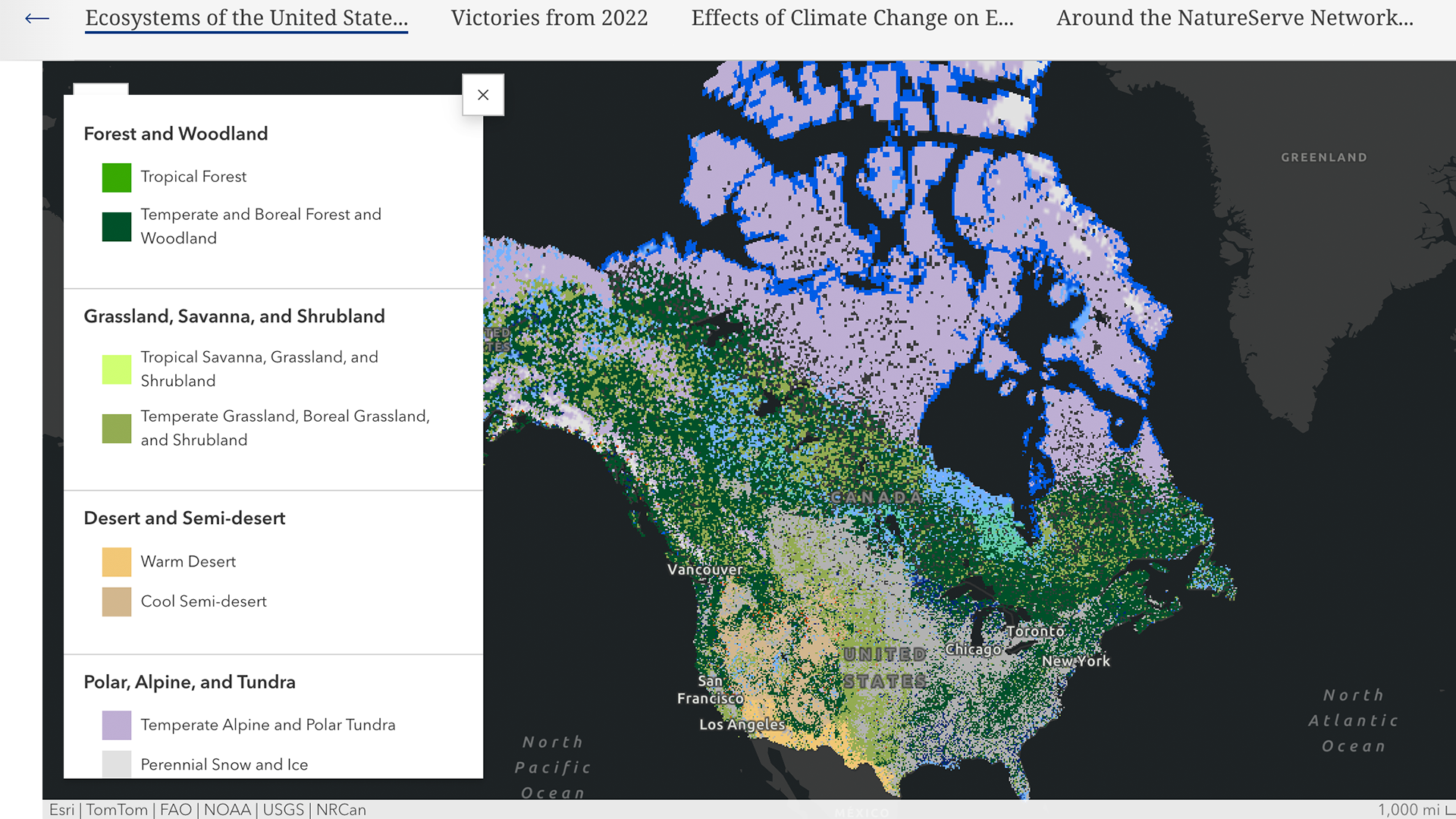
NatureServe’s annual reports showcase the value of a repeatable structure. By combining concise narrative, strong visuals, and clear impact metrics the reports feel approachable rather than overwhelming. It also illustrates how a consistent template can create a recognizable reporting style that audiences can easily follow year after year.
Multilingual accessibility
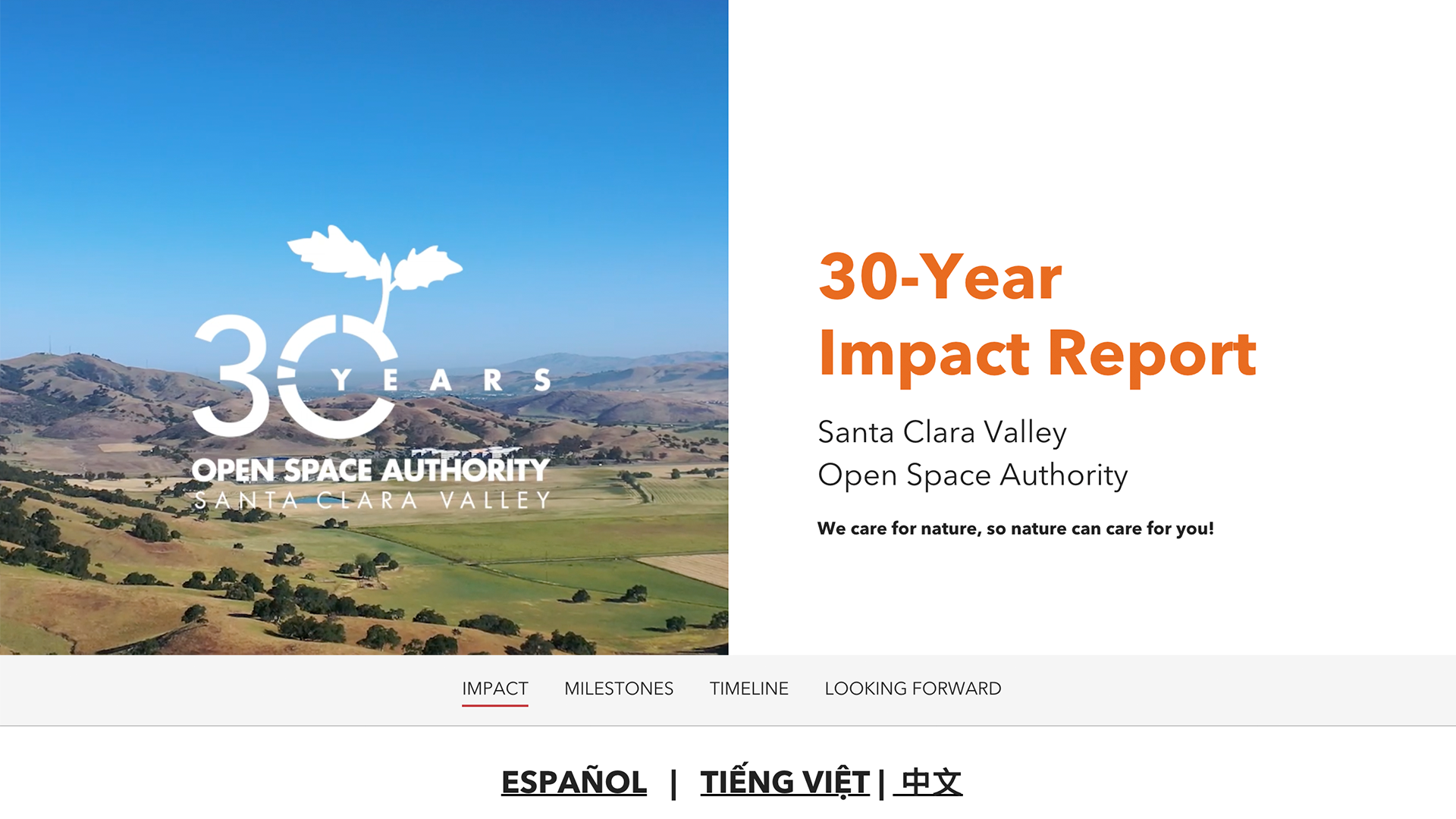
The 30-Year Impact Report by Santa Clara Valley Open Space Authority highlights the importance of multilingual storytelling when creating impact reports. By offering versions in English, Spanish, Vietnamese, and Chinese, the organization makes its impact accessible to a broader audience. The report also demonstrates how to organize complex information into a few clearly defined and intuitive sections, making it easy for readers to navigate and engage with key content.
Enhancing engagement
The Nature Conservancy’s digital companion demonstrates how ArcGIS StoryMaps can complement traditional reporting. Rather than replacing a formal report, the story adds depth through maps, multimedia, and narrative flow. This encourages readers to explore content more deeply and connect with the organization’s work in a more meaningful way.

Best practices for creating effective impact reports
As you build your own impact report, these best practices can help improve engagement and readability:
- Use multimedia to create rhythm
Break up long sections of text with maps, charts, images, and other media. This helps readers stay engaged and absorb information more easily. - Use visuals intentionally
Ensure maps, photos, and graphics reinforce key messages and strengthen emotional connections. - Organize content clearly
Group information into simple, intuitive sections such as: Who we are, Year in review, Impact, and Get involved. Clear structure makes reports easier to scan and navigate. - Include a strong call to action
Encourage next steps, whether that is donating, volunteering, or connecting. Provide clear links, contact details, and opportunities for engagement.
An effective impact report does more than reflect on past accomplishments, it inspires continued engagement and future support.

Make it your own
Use the ArcGIS StoryMaps impact report template as a starting point for your next report, or develop your own reusable template to support consistent, compelling storytelling across your organization.
To explore more report examples and ideas, check out this edition of StoryScape: Reporting for storytelling duty.


Article Discussion: