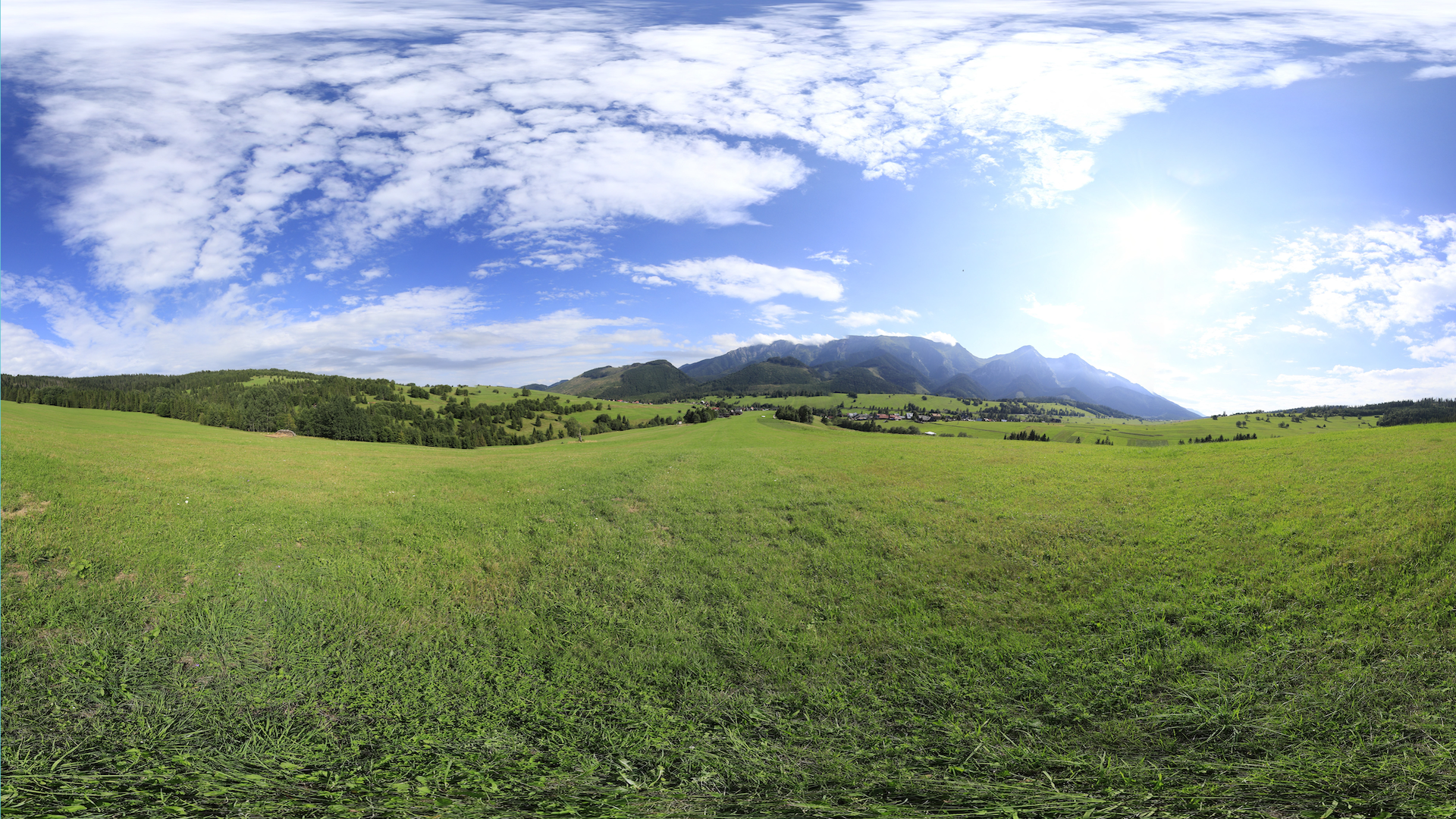
Visual storytelling is more than just making it look pretty; locations contribute to mood, personalization, and engagement within your story. With ArcGIS Story Maps, you’ve always been able to add in your different types of multimedia, but in the last year we’ve added in a 360-view feature. This block has the power to immerse your audience within a scene and bring them into a place without having to be there.
How to add a 360 image
Select ‘360 image’ from the block palette to add your supported JPG or PNG image file. The file must be under 50 MB and have an aspect ratio between 1:5:1 and 3:1. After adding your image, you will find a menu of options near the top of the 360-image viewer. At the bottom of the viewer, use the accessible mouse and button controls to navigate the image and enter full screen mode.
Best practices for taking 360 images
Using a tripod is one of the best ways to capture a 360 image to make your shots stabilized and reduce blur. Make sure your camera is at the center of the scene to capture all your surroundings. It’s important to stay at least 3-4 feet away from any walls. If you have a Bluetooth remote, you can set a 5-10 second timer to allow yourself to leave the frame behind a tree or structure nearby.
Get inspired to use 360 images in your stories
Here are some good examples for how you can use 360 images.
Exploring a park
Exploring a park is a great way to capture more of the beautiful landscape and atmosphere. Whether it’s to explore a new part of the park or recreational area, it’s nice to bring in your audience through nature.

Go to a campus
A campus visit is another great way to utilize 360 images. You can show a virtual tour of a college campus for prospective students. Or show a new building area and some parts of the campus that are a must visit.

Tourism
Tourism is also a fun use case to take your readers to new places that they’ve never seen before. It is also effective is the excursion cannot be captured with single image.

Historical architecture
Using 360 images to preserve the physical, historical, and architectural details of an area to aid in the research and preservation is another interesting use case.

On-site data collection
On-site data collection can also be used for 360 images to understand the natural ecosystems for hands-on environmental fieldwork. For example, conducting surveys in remote locations and collecting more hands-on data out in the field.

Cherry blossoms in 360
One example our team worked on is this story about Cherry blossoms, giving the audience a chance to see them at their peak in Central Park in New York City. We used a 360 camera exploring all around the park to take these images. You can purchase these from various retailers or use your phone with 360 apps.

Accessibility
Another important aspect of 360-image storytelling is accessibility. After uploading your 360 images, remember to add alternative text and captions for your images, so screen reader software can describe the image to visually impaired audiences.
These are only a few ways you can enhance your stories with the 360 block. Try it out! We can’t wait to see what you create and don’t forget to have some fun with it. Share your 360 stories with us in the comments!

Article Discussion: