Documentation
Find answers and information so you can complete your projects.
Included with the Professional Plus user type
Comprehensive image analysis software for your desktop
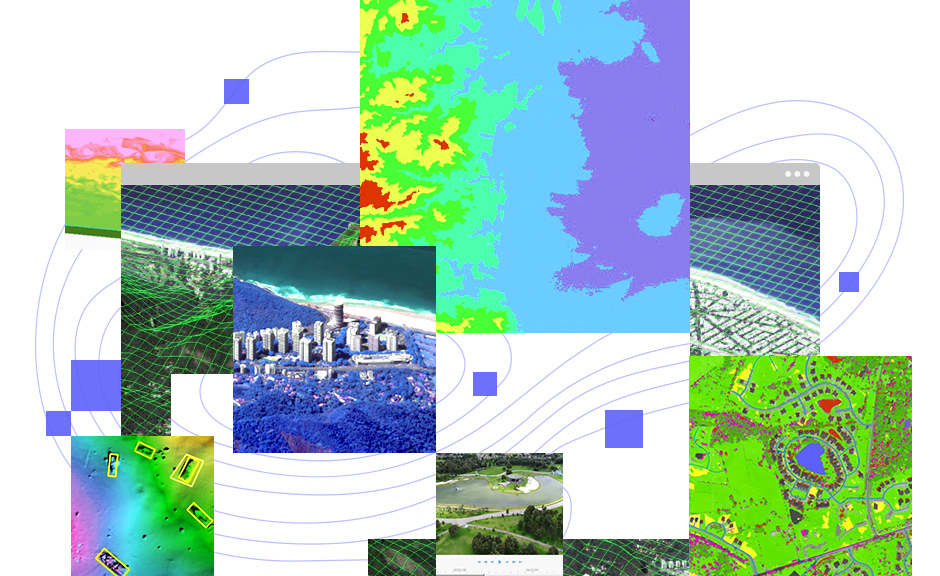
ArcGIS Image Analyst expands your arsenal of advanced imagery tools and user experiences to improve and simplify workflows.
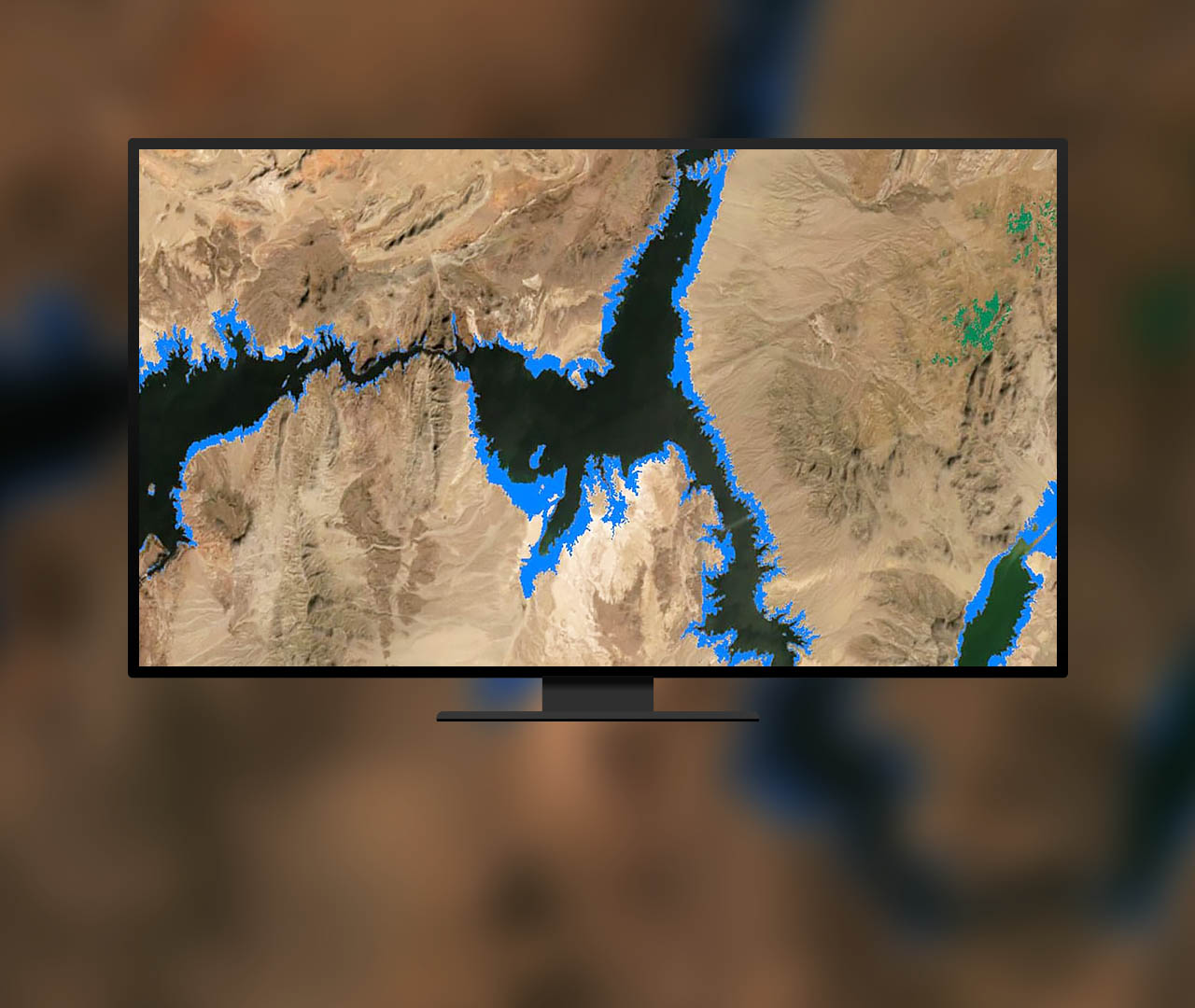 Detect change between images
Analyze change over two images or a collection of time series data. Determine the time of earliest and latest change, magnitude of change, and frequency of change between images.
Learn about change detection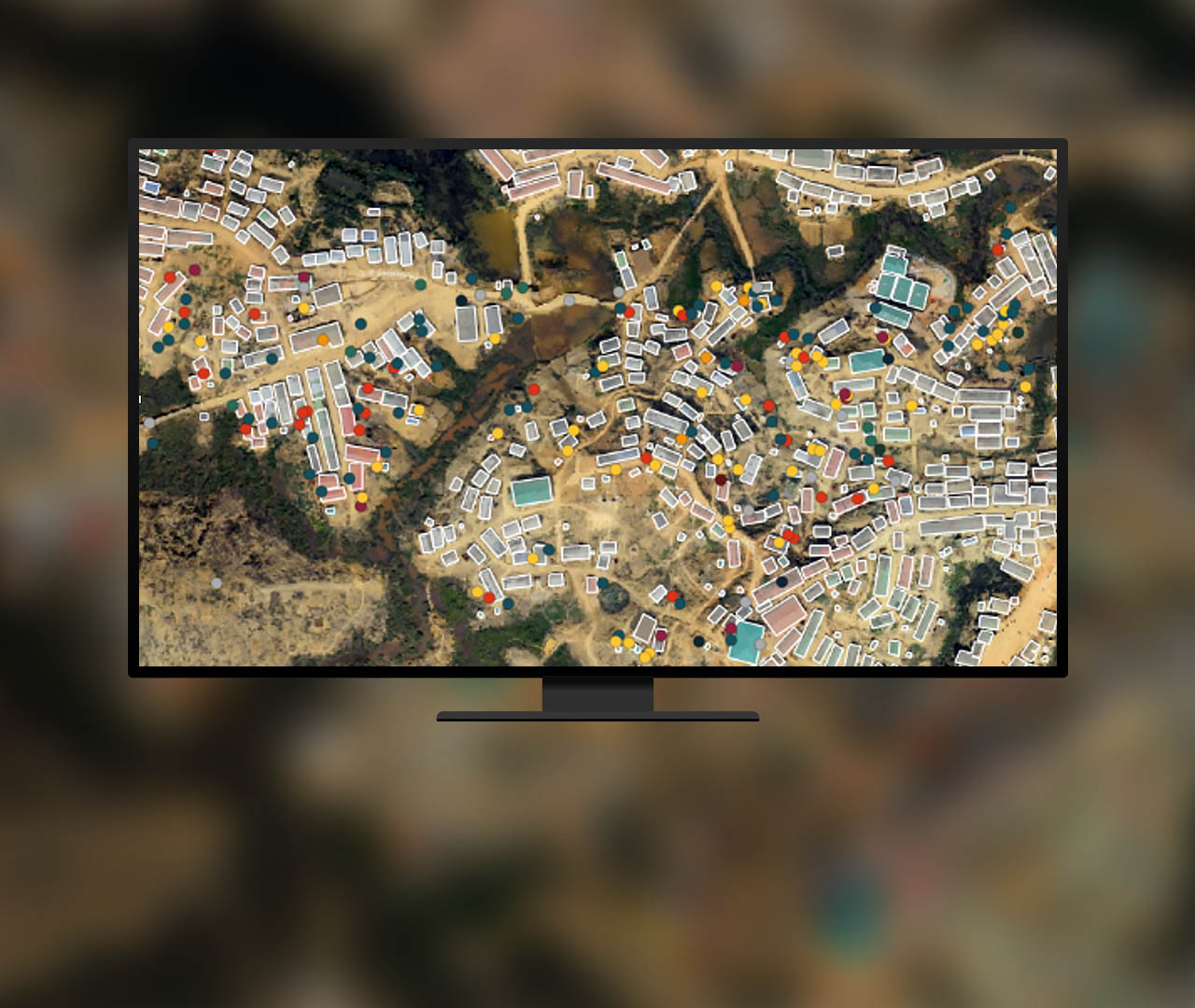 Scale and automate workflows with AI
Use out-of-the-box machine and deep learning algorithms and enriched classifiers to automate tasks such as feature extraction, classification, and object detection.
Take a lesson on deep learning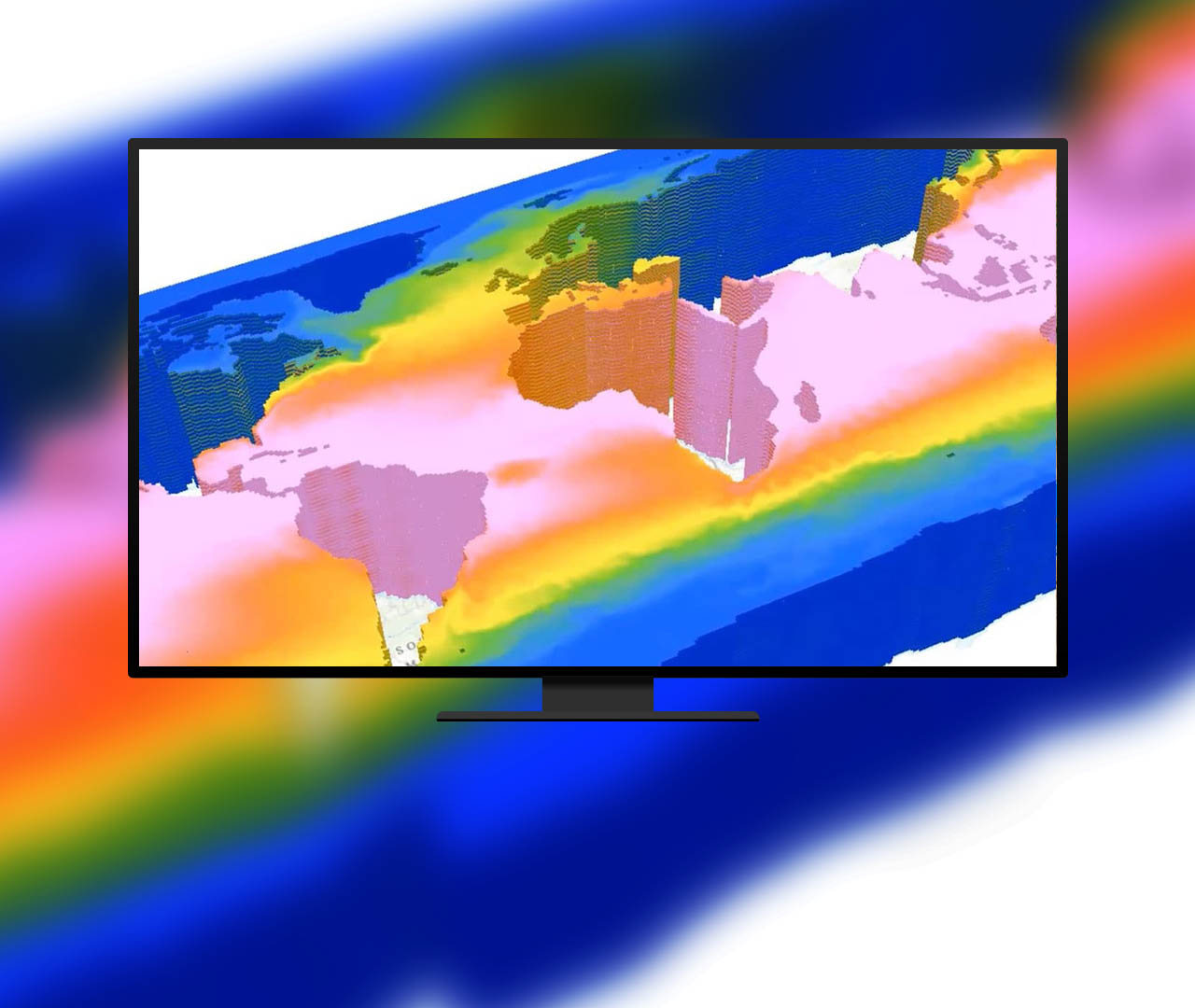 Understand trends using multidimensional data
Work with multidimensional data containing multiple variables and dimensions such as time and depth to understand trends, perform predictions, and identify anomalies.
Explore multidimensional data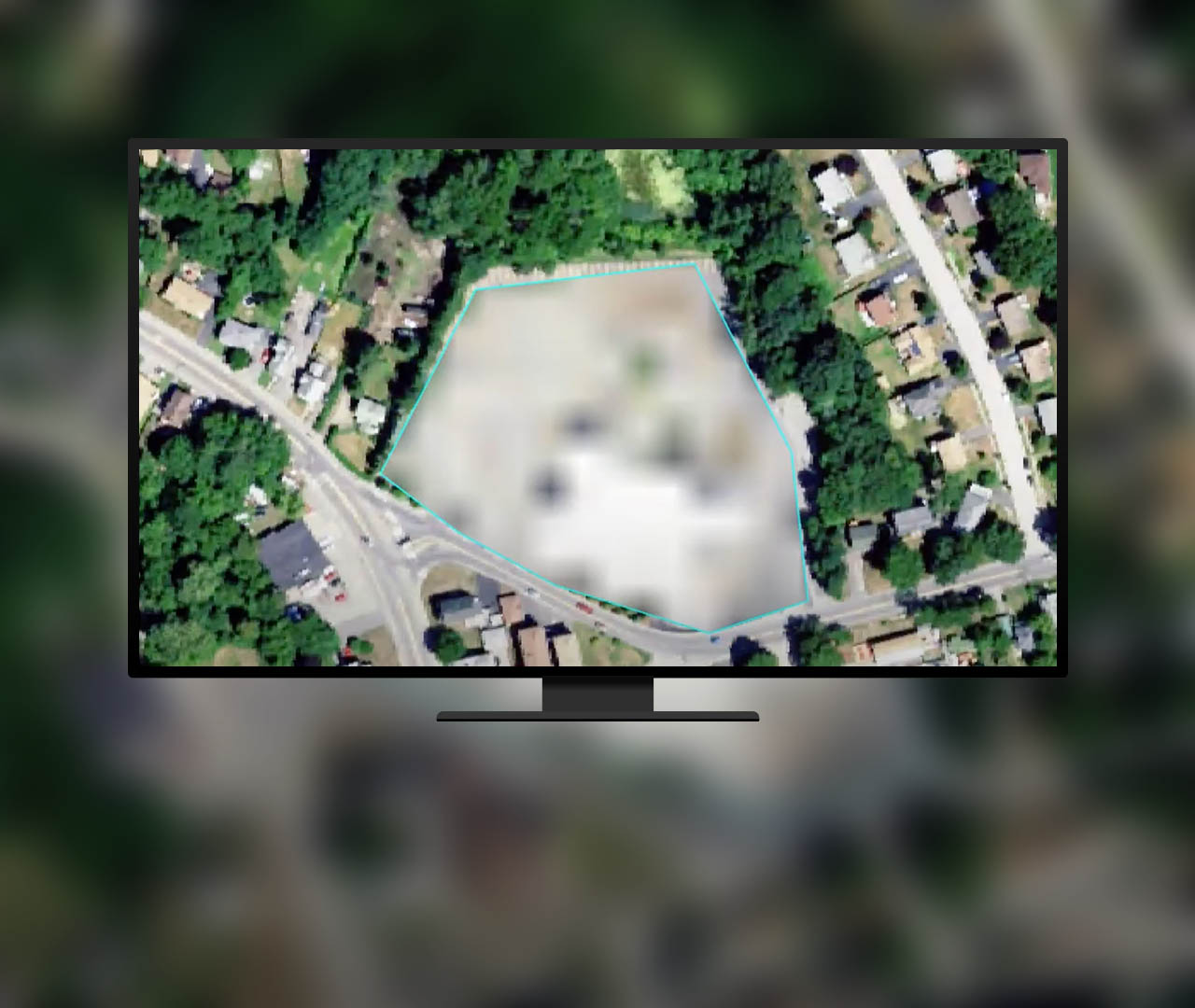 Quickly manipulate and edit pixels
Modify pixels in a group or all at once. Operations include editing elevation datasets and multispectral imagery, performing redaction and noise removal, and reclassifying categorical data.
Explore the Pixel Editor tool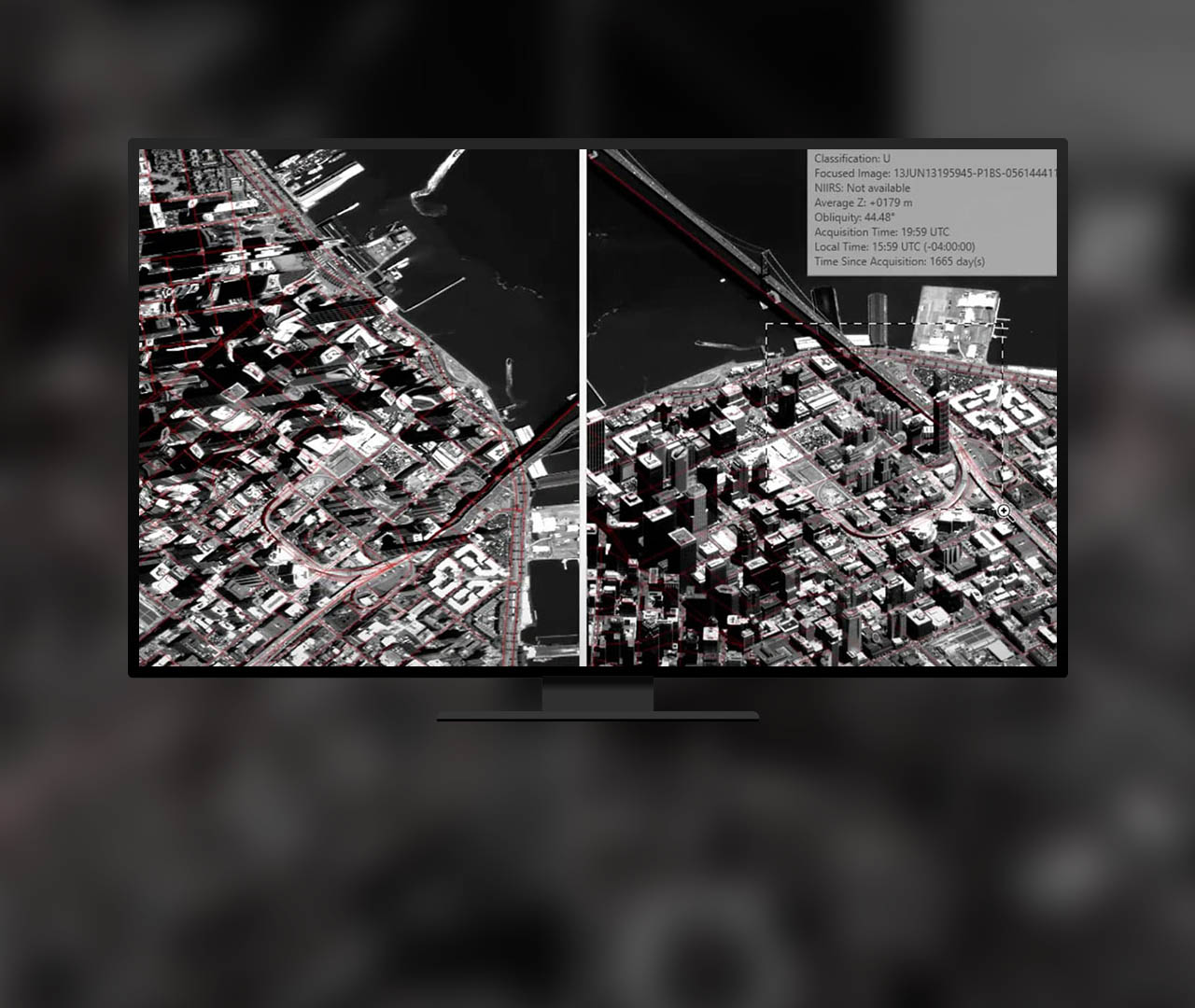 Use distortion-free image interpretation
View distortion-free imagery as collected by the sensor. Improve oblique imagery interpretation, data capture, and image mensuration when map features are displayed in an image space.
Watch an introductory video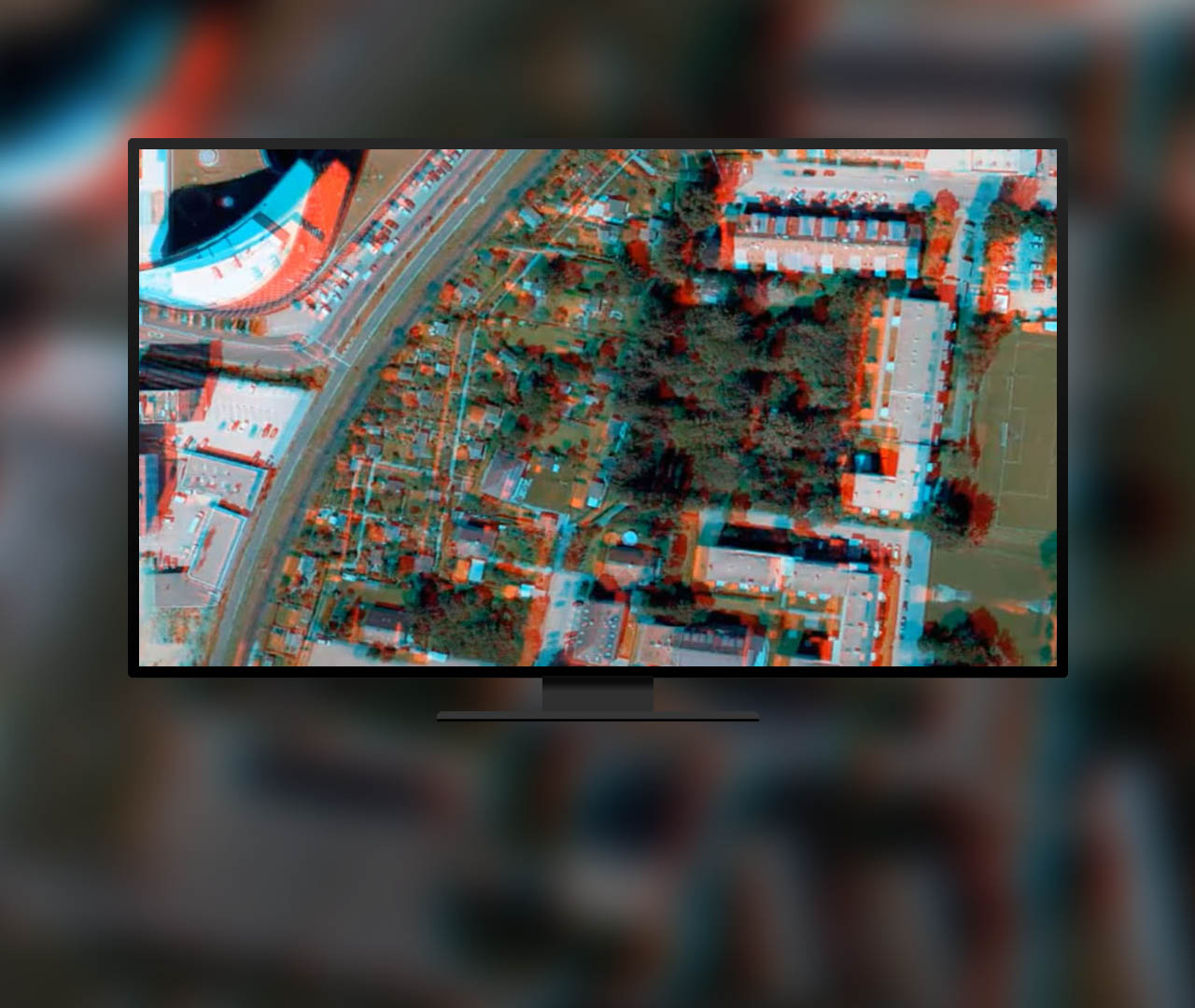 Visualize and capture features in stereo
Distinguish 3D features from imagery using stereo viewing capabilities. Collect 3D point, line, and polygon features to create 3D buildings, measure distances and heights, and more.
Explore stereo capabilities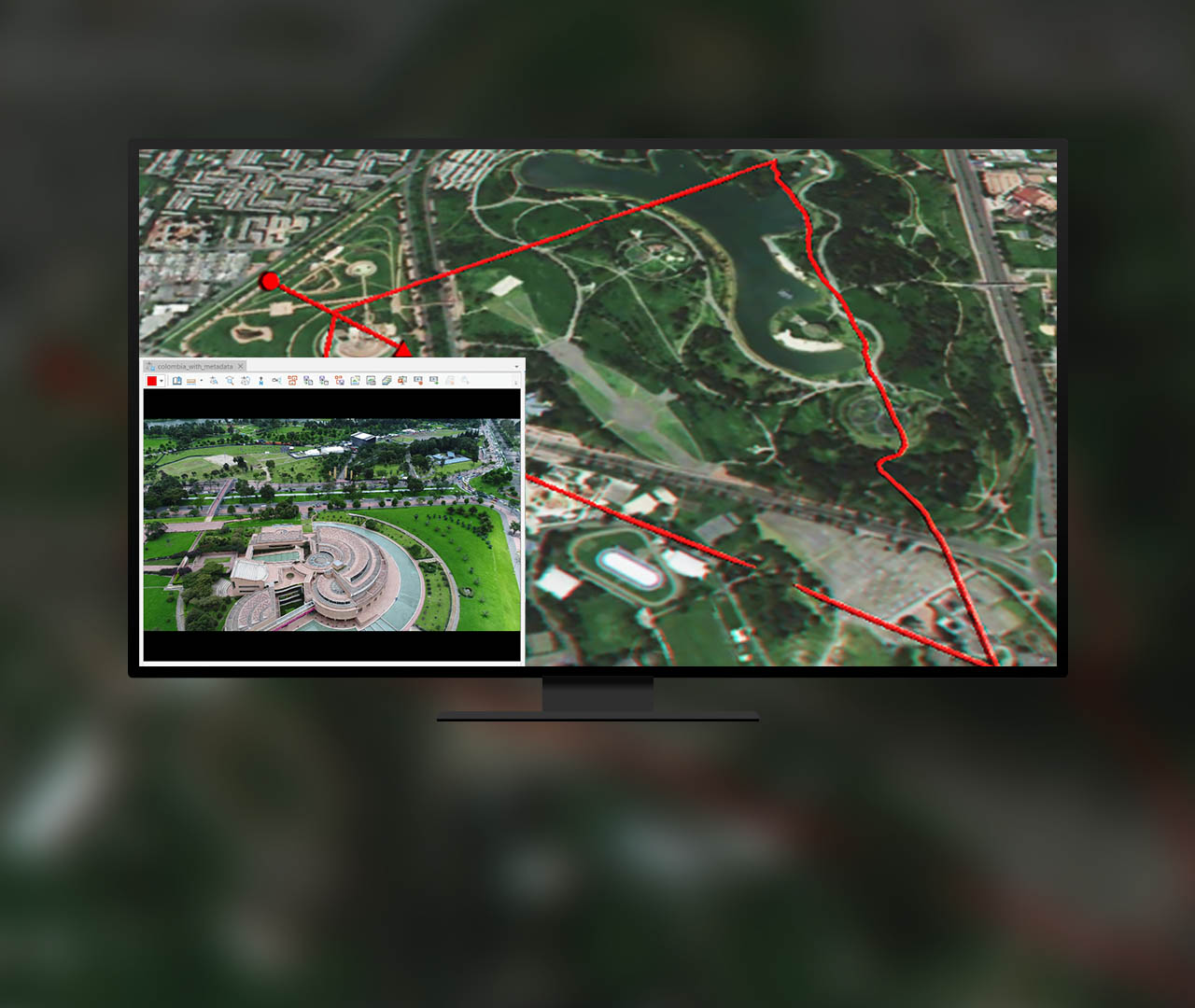 Manage and use motion imagery
Extract video frames and geospatial metadata from a video stream to analyze and create reports. Manage and use videos for threat analysis, monitoring, wildlife survey, and more.
Read about motion imagery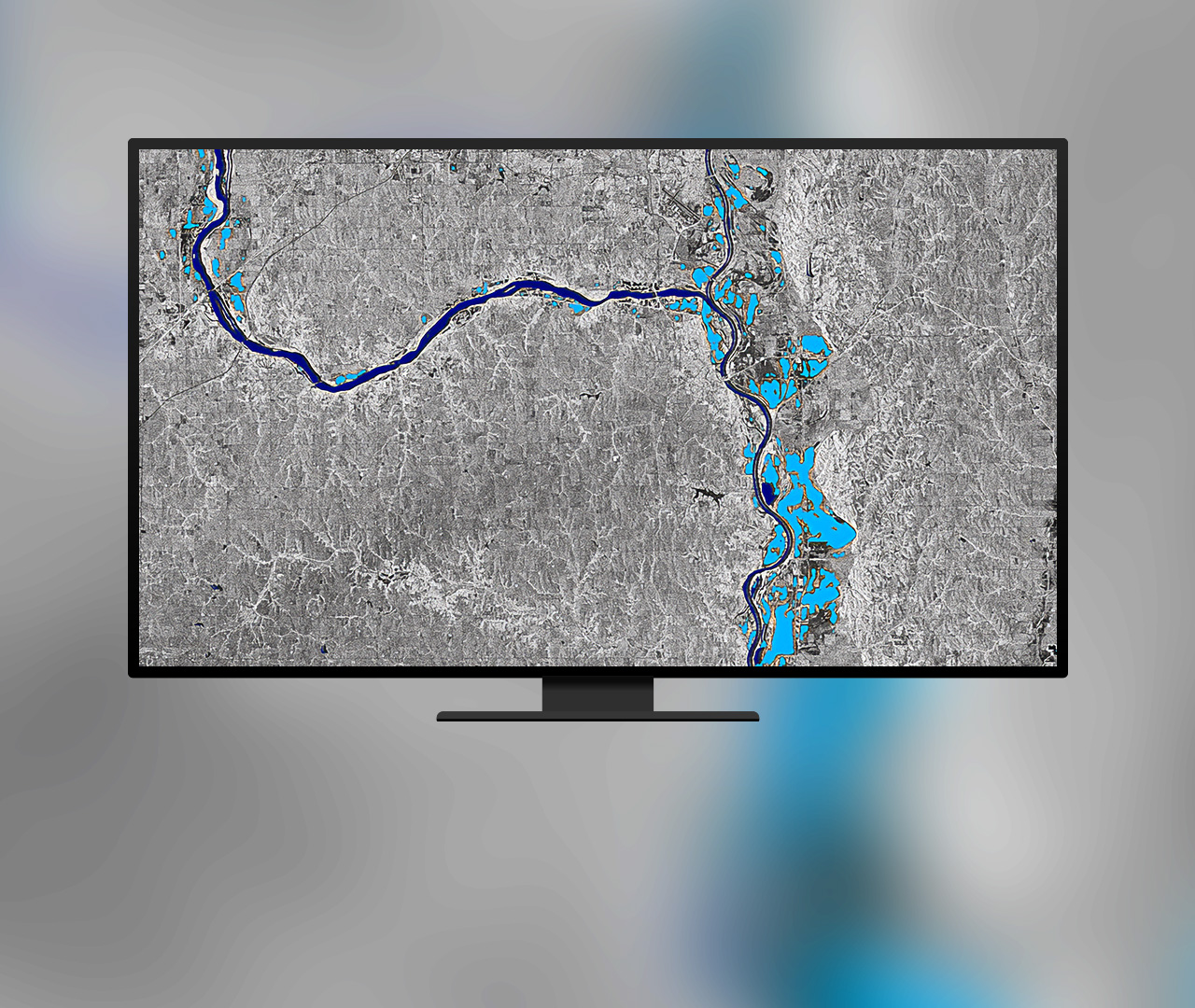 Work with synthetic aperture radar (SAR) data
Leverage SAR geoprocessing tools and raster functions to process, visualize and analyze Sentinel-1 Ground Range Detected (GRD) data.
Explore SAR capabilities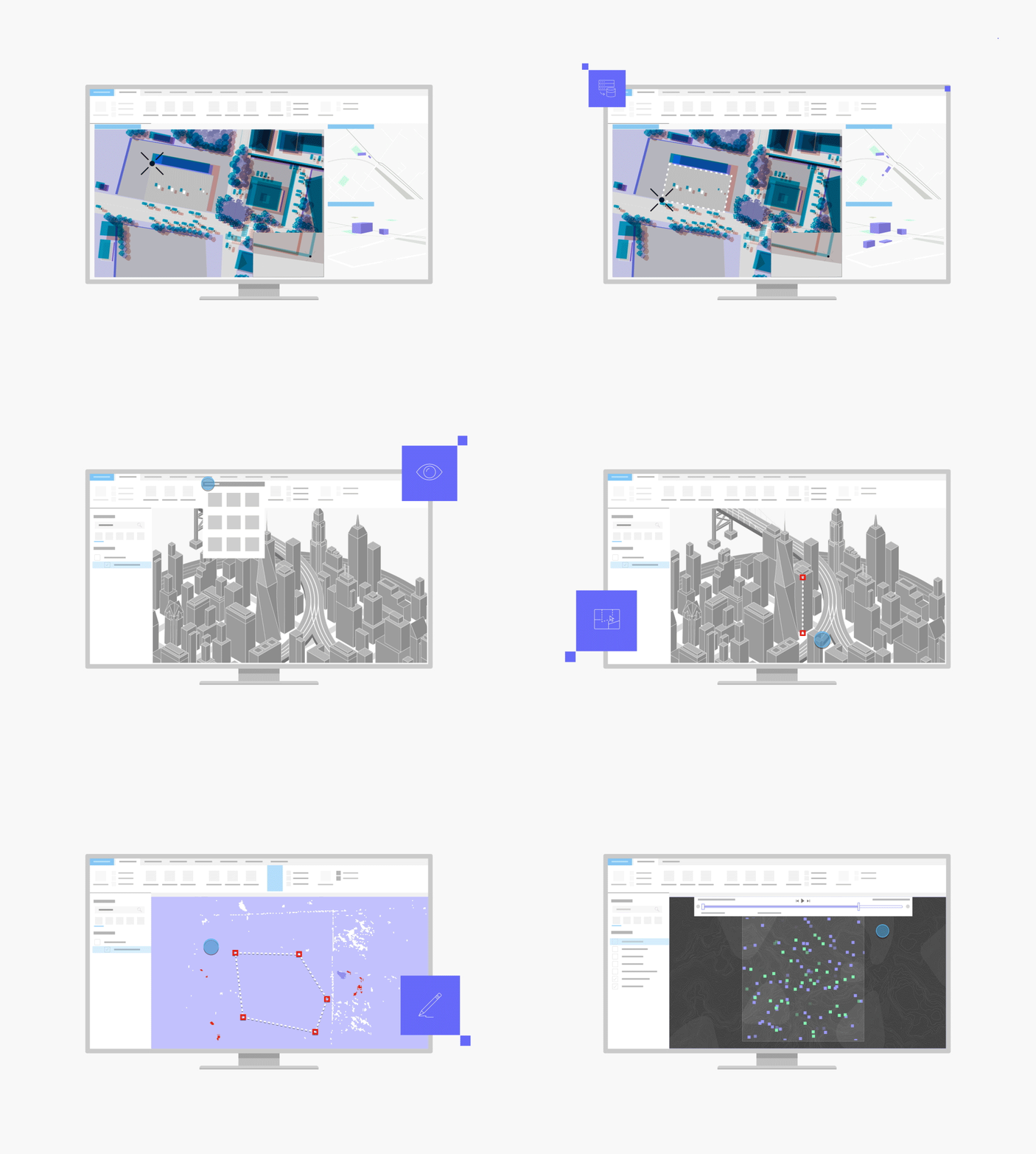
Included with the Professional Plus user type
The Professional Plus user type is a comprehensive license that includes access to ArcGIS Pro Advanced, the most popular ArcGIS Pro extensions, and many other ArcGIS capabilities on web and mobile devices. With Professional Plus, you can perform thorough analysis, create 2D/3D production-ready cartography, utilize artificial intelligence (AI) workflows, build custom apps, and automate your workflows.

To get this product, purchase a Professional Plus user type license for Esri’s ArcGIS platform.