Key Features
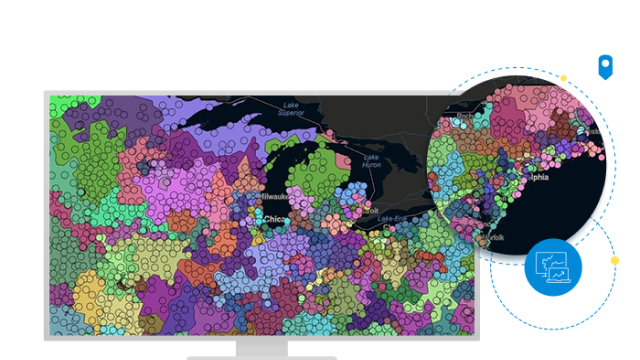
Esri Business Analyst Desktop allows you to analyze site locations, customers, markets, trade areas, and competitors. With Business Analyst Desktop, you can build models, visualize them on a map, and analyze the results.
Use Business Analyst Desktop to perform the following:
Customer Market Analysis
Use your customer data to evaluate existing and new store locations and performance of your stores in relationship to your competitors' locations. Draw simple or complex market area boundaries based on customer counts or sales and calculate market penetration compared to the total population.
Customer Profiling and Prospecting
Create profiles of your most profitable customers, then analyze demographics in a geographic context to locate areas with ideal characteristics for finding new customers that match your criteria. Conduct targeted marketing campaigns based on your findings and save time and money.
You can get even more detailed customer analysis with the segmentation tools and data and the market potential data included with Business Analyst Desktop Premium.
Target Marketing & Campaign Planning
Business Analyst Desktop Premium allows you to output target areas to send to a contact provider to generate a mailing list. Use detailed statistics about individuals' media habits to determine how best to reach your target audience. Then use your customer profiling to tune your marketing message to meet your individual customer segments.
Store Market Analysis
Understand how market changes affect your existing and proposed store locations. Use a simple ring analysis or data-driven ring analysis to create a radius proportionate to a store characteristic, such as total sales, square footage, or gross leasable area. Drive-time analysis reveals the maximum travel time or distance your customer might drive. Threshold rings, equal competition analysis, and gravity modeling are additional analyses you can conduct to better understand your customer locations and their spending habits relative to your store locations.
Territory Design
Design, analyze, and manage geographic territories to improve sales, franchise, or distribution networks or service areas. Visualize your current territory distribution to analyze sales or market saturation and identify gaps. Then, balance your territories using your customer and existing territory data combined with demographic, business, and consumer spending data.