The summer of 2025 marked the fourth time Layne LeBleu has attended the Esri User Conference (Esri UC), held July 14–18 in San Diego, California.
“Vibes are high,” said LeBleu, a GIS and asset management analyst for the public works department at the City of Hillsboro, Oregon. “It’s really cool to see a bunch of people talking about the work they’ve been doing and the steps you can take to be a bigger advocate for the work you’re doing.”
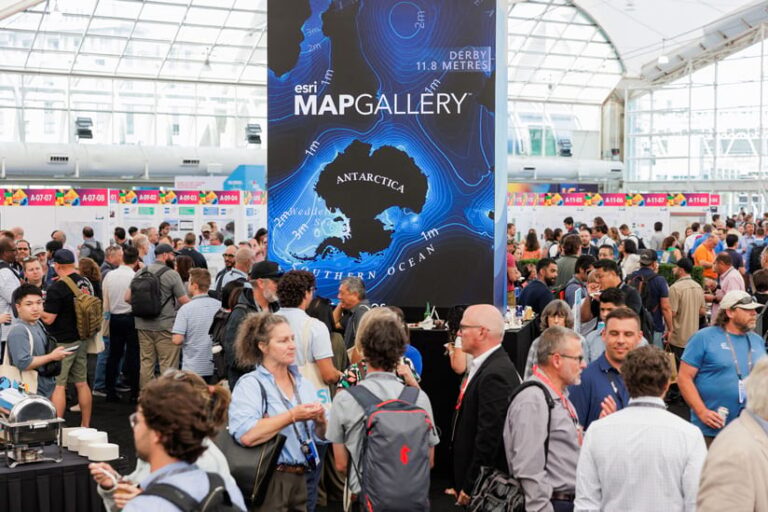
LeBleu is one of more than 15,000 GIS professionals who attended the conference to explore and celebrate the latest advances in geospatial technology. Over 14,000 people tuned in virtually. Attendees came from all over the world, from a variety of industries and levels of expertise. They were excited about emerging technologies like geospatial AI, meeting like-minded professionals, and learning about new capabilities to incorporate into their work.
“[I’m here] to learn innovations in GIS, see what’s going on and what’s new,” said Irene Egbulefu, GIS analyst for Travis County, Texas, who was attending the conference for the third time. “My company uses a lot of GIS, so we need to be up-to-date with what’s going on.”
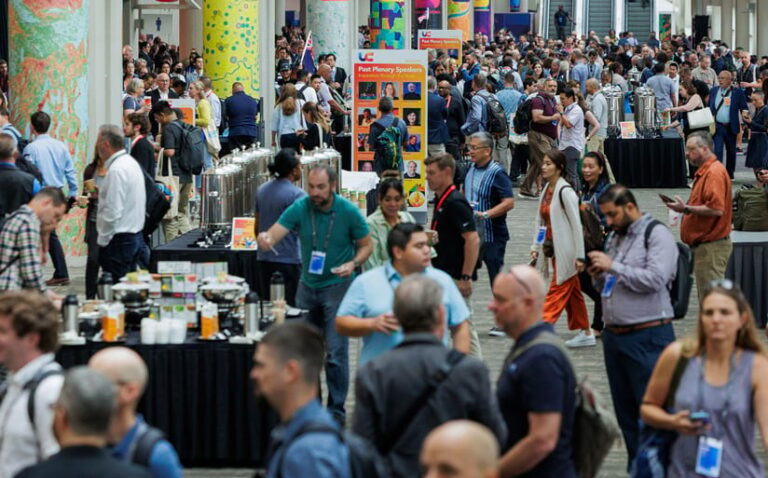
No matter how far they traveled or what topics captivated them, attendees were focused on finding and sharing ideas to improve their work through special interest group meetings, user presentations, technical sessions, and more. This was the central thrust of the conference: combining GIS knowledge, data, content, and analytics to help individuals and organizations make informed decisions and create positive change in the world—in other words, Integrating Everything, Everywhere, the theme of this year’s Esri UC.
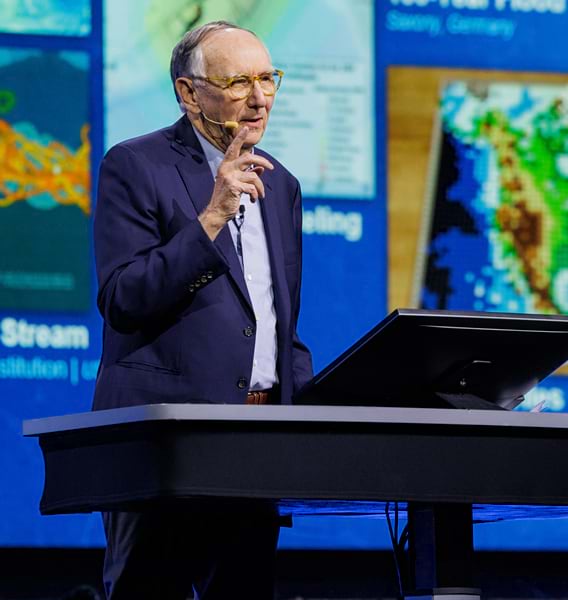
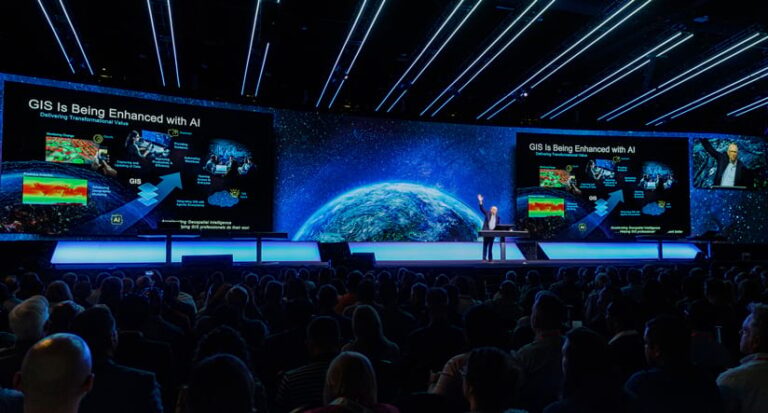
At the start of the Plenary Session that kicked off the conference, Esri President Jack Dangermond spoke to this idea.
“Our world is evolving rapidly,” he said. “Our lack of collaboration is now threatening our future—some say even the future sustainability of life itself. These challenges suggest that we need a new approach that integrates our collective knowledge [and] creates a better future.”
This approach is geography—the language that provides a common understanding of the science of our world.
The Plenary Session was dedicated to highlighting new capabilities within ArcGIS and showcasing how users of ArcGIS technology are using the language of geography to better their workplaces and communities.
AI, Meet ArcGIS
It was no surprise that AI was a hot topic for both presenters and attendees. In his opening remarks, Dangermond noted that we are entering a new age with the rapid advancement of AI.
“Our world needs much more than this technology,” he emphasized. “It needs your work—the work of GIS professionals playing this vital role in what comes next.”
Esri solution engineers Jess Altamira and Caitlin Marin demonstrated ways that AI is being built in across the ArcGIS ecosystem to not only help geospatial professionals complete their tasks but also open up the technology to other users.
Using ArcGIS Survey123, Marin showed how, by simply uploading a photo of a damaged sidewalk, AI could fill out a related service request form and correctly categorize the request type, identify potential safety hazards, and choose the appropriate city department to notify about the issue. Then, Altamira—speaking Tagalog, which was automatically translated into English—demonstrated how AI can transcribe a voice recording and even translate different languages while filling out relevant fields in the form.
“By integrating AI into GIS, we can enhance data collection workflows and make them accessible for anyone,” Altamira said.
Geospatial AI can also be used in ArcGIS to train deep learning models and automate workflows. Altamira took a few images of roads in Chattanooga, Tennessee, and manually marked cracks and potholes in the asphalt. She then used those images to train a deep learning model to detect damage in scores of images.
“Imagine how long it would take to assess every single photo for damage,” Altamira said. “With our newly trained AI model, we can identify damage locations and generate those results in just a few minutes.”
The Present and Future of GIS Capabilities
AI wasn’t the only game-changing technology showcased at the Plenary Session.
Esri senior solution engineer Kelly Holleran took audience members on a tour of new and updated basemaps and imagery in ArcGIS Living Atlas of the World, including updated National Land Cover Database imagery and Esri’s enhanced Bioclimate Projection layers.
Esri solution engineer Megan Hendrick used a proposed data center in Ann Arbor, Michigan, to demonstrate how tools such as the new COGO Reader and Vertices and Nodes in ArcGIS Pro simplify data editing and management processes.
Enhancements to data editing and management extend to the field as well. ArcGIS Field Maps will soon support a to-do list experience that lets users prioritize their tasks, go step-by-step through their work, and update network data. All this can be done in Field Maps while working offline.
To illustrate new capabilities in spatial analysis, Esri solution engineer Dr. Lakeisha Coleman used H3 hexagons—a global grid system that provides stable analysis areas at multiple scales—to help site local government and commercial services using detailed data from Esri’s updated ArcGIS Tapestry, a collection of market segmentation data that classifies neighborhoods into distinct segments and life mode groups.
Coleman’s colleague, Esri solution engineer Russell Sands, then showed the audience how ArcGIS is integrated in Microsoft products, including Excel, Power BI, and notebooks. In Excel, users can map their geographic data and insert geospatial analysis functions directly into their spreadsheets. With ArcGIS for Power BI, users can bring spatial analytics to their reports, allowing decision-makers to see the results of their complex analyses with one click. And ArcGIS GeoAnalytics for Microsoft Fabric enables users to define and run analytics in notebooks, plus leverage dozens of spatial functions and tools from ArcGIS. Soon, with ArcGIS Maps for Microsoft Fabric, users will be able to explore their fabric data in Map Viewer, too.
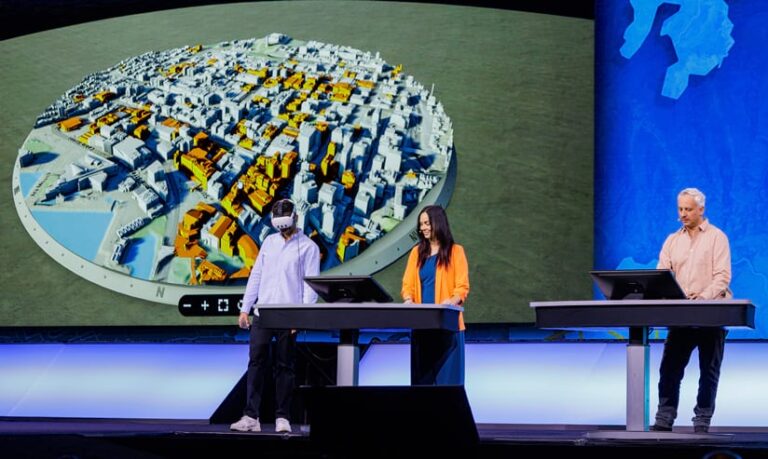
After a presentation demonstrating the evolving capabilities of reality mapping, Esri technology leader Taisha Fabricius, Esri product engineer Hasret Gümgümcü, and Esri software engineer Stefan Arisona demonstrated the capability of XR Viewer. This tool provides a new way to visualize 3D data by bringing together multiple map layers in a single scene. Designed to present any web scene as an immersive environment, XR Viewer allows multiple users to work together in the same scene at the same time, either from a bird’s-eye view or at ground level. The viewer lets you work just as you would in a traditional mapping environment by turning layers on and off, but also includes realistic effects like weather and atmospheric lighting. Experiences can be created in XR Viewer with web scenes; 3D layers; and data from Map Viewer, from Scene Viewer, or shared in ArcGIS Online. While the immersive experience looks great through a VR headset, it isn’t required. XR Viewer is already available in beta to all ArcGIS users.
GIS Users Take Center Stage
Of course, the central focus of the Plenary Session—and of Esri UC as a whole—is the work of GIS users. Many dedicated GIS professionals spent their time on the Plenary Session stage breaking down this fascinating and critical work.
GIS experts from San Francisco International Airport described how they integrated multiple systems into their GIS to map and manage more than half a million assets with a 3D digital twin. Josephine Young, the airport’s director of infrastructure information management, described the airport as a small city that never sleeps, with a GIS that represents more than 700,000 features, including natural gas and jet fuel lines, airfield lights, planes, parking garages, and more than 15,000 rooms. Supported by the digital twin app, Young said that the airport’s new operation center “will act as the nerve center of the airport to make sure that there’s a seamless guest experience.”
Aurecon—an international design, engineering, and advisory firm—followed up with a presentation about HumeLink, a massive infrastructure project. HumeLink aims to build new transmission lines in southern New South Wales and connect renewable energy to Australia’s electricity grid. The firm’s goal is to protect the land and natural resources by “planning with purpose, assessing with impact, and reporting with integrity,” according to Em Tantau, Aurecon’s product leader for technical engineering. To communicate the hundreds of layers and attributes necessary for finding the best corridor for the transmission line, the firm built the Root Planning assessment tool. The tool enables Aurecon staff to map and quantify data layers like soil and slope into risk and opportunity scores.
“The key to this complex project is to make our delivery simple and well understood through a suite of digital design tools powered by GIS,” said Martin Russell, director of GIS, Environment & Planning at Aurecon.
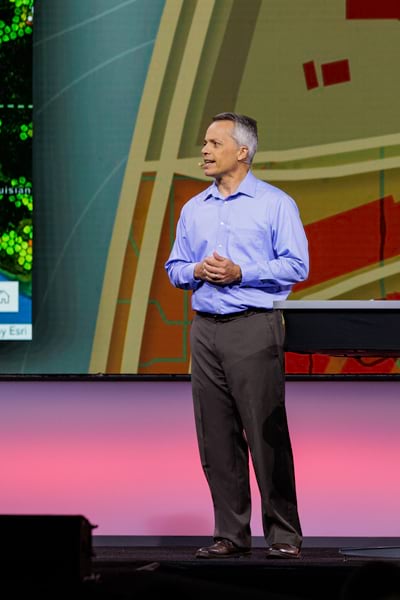
The next user presentation was from CVS Health, detailing how the company leverages GIS to make the world of health care easier to understand and navigate. Sean Horman, senior manager of analytics services at CVS, explained that when the state of Texas suffered a major power crisis in 2021 as a result of winter storms, it left CVS trying to coordinate disaster response across dozens of teams. The company had the data to answer questions such as which medication deliveries would be disrupted, but the data was siloed. This crisis led to the development of the Crisis Command Central application. The app is designed to put assets into a geographic context and provide real-time visibility into the operations and hazards across the business. When a severe storm occurs, CVS can now see what stores are operational, which colleagues are affected, and which medication deliveries are vulnerable. CVS also uses the same GIS foundation for CVS Specialty, as well as the consumer-facing CVS Health app. Geographic context helps inform daily transactions by integrating data and real-
time weather information.
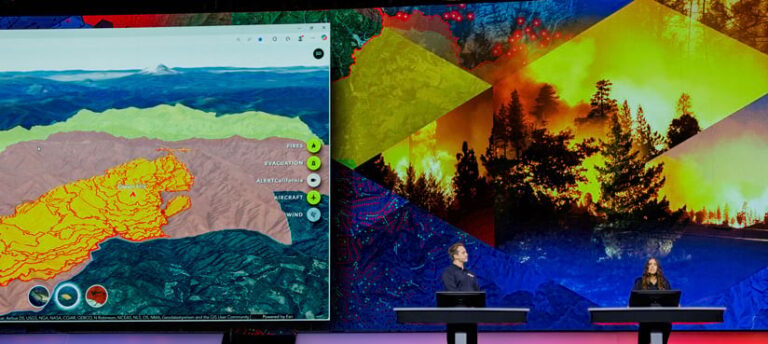
With the massive Los Angeles wildfires of January 2025 still on the mind of many Southern California residents, the presentation from the California Department of Forestry and Fire Protection (CAL FIRE) was imbued with a sense of gravity. CAL FIRE maps fire perimeters by using remote sensing and GIS data from airplanes flying 10,000 to 12,000 feet above fires. This information goes to fire analysts and incident commanders to determine where a fire is located and where it may go, helping airborne research data specialists protect people and resources from wildland fires—before, during, and after fire events. CAL FIRE research data specialist Logan Hansen described how a flight app powered by ArcGIS Pro provides custom geoprocessing tools, features, and layouts.
The Science of When Meets the Science of Where
The keynote speech was given by Dr. Kirk Johnson of the Smithsonian National Museum of Natural History. As the museum’s Sant director, Johnson oversees the world’s largest natural history collection.
“In the same way that GIS is more than just about maps, museums are more than just about exhibits for kids,” he said, explaining that they are places of knowledge creation and sharing.
Johnson described the goal of providing people with online access to about 1.1 billion specimens in the world’s largest natural history museums, to help aggregate knowledge and provide solutions to the world’s challenges, including mosquito-borne diseases, volcanic eruptions, reduced biodiversity, sea level rise, and recent rapid increases in the planet’s surface temperature.
“We’ve entered a time where unexpectedly the Earth’s geologic changes are happening on a human time scale,” he noted. “GIS is a really powerful tool for being able to interpret what’s going on in the future. My appeal to you is that you use the skill set that you have. Use GIS as a toolkit, and perhaps you can be some major part of how we negotiate the century in front of us.”
Empowering Future Generations Through Science, Data, and Education
Closing out the Plenary Session was a presentation from students at the Colegio Agustiniano in Chitré, Panama, and their director, Sister Esther Maria Rodriguez Aranda, who focused on educational transformation through GIS. During the COVID-19 pandemic, Rodriguez Aranda began to wonder if the school was preparing the children for the uncertain future that lies ahead. After a student named Juan Diego introduced her to GIS, Rodriguez Aranda began a quest to introduce geospatial analysis tools in the school curriculum.
Rodriguez Aranda worked with Esri to start a GIS program that would connect education, science, and technology. The program began with 17 students and
3 teachers and has now grown to more than 300 students, with 100 trained specifically in remote sensing.
“Now they map, analyze, create, and lead solutions for the community,” said Rodriguez Aranda.
Nieves Joel Perez Moreno, Ricardo Enrique Sanchez Gonalez, and Maria Jose Sepulveda Calle—students at the Colegio Agustiniano in Chitré—led individual presentations covering topics such as artificial lakes that are impacted by drought, urban expansion in Panama, and biodiversity research.
The final presentation was from student Franccesca Angelli Cravioto Salvatierra, who analyzed urban expansion in her hometown of Chitré. The results of this analysis show increased population growth in the central part of the city, and a corresponding increase in land surface temperatures.
Cravioto Salvatierra stressed that this is a call to action. “We need digital, accessible tools like maps that anyone can use,” she said. “Chitré’s future shouldn’t be a guess. It should be a choice, one made with information, clarity, and vision.”
Rodriguez Aranda echoed this sentiment in her closing remarks, emphasizing that the students in the GIS program are “learning to map based on real community problems, using the power of data with accessible tools, and committed to sustainable solutions and action that serve the community.”
It was a reminder that the call for using GIS to integrate everything, everywhere is not just an abstract notion. Organizing and visualizing data leads to informed decision-making, and this kind of action leads to communities that work better for everyone. As Cravioto Salvatierra noted, the future shouldn’t be built on guesswork. It should be a choice. As Esri UC attendees know well, geography is a common language that helps make it a better one.