We are excited to welcome a new generation of ArcGIS Enterprise with the upcoming release of ArcGIS Enterprise 12.0! ArcGIS Enterprise 12.0 will bring many exciting enhancements, new capabilities, server roles, and more, but it will also include the retirements of older apps and technology. Two key applications that will be retired and thus removed in ArcGIS Enterprise 12.0 are ArcGIS Web AppBuilder and ArcGIS Configurable Apps. These applications will be superseded by modern alternatives, including ArcGIS Experience Builder and ArcGIS Instant Apps.
We understand that ArcGIS WebApp Builder and ArcGIS Configurable Apps have served you well throughout your use of ArcGIS Enterprise and you may still be using them today. To prepare for their retirement in the upcoming release, we want to help you understand the potential work involved to move from ArcGIS Web AppBuilder and ArcGIS Configurable Apps to their modern successors.
To help you, Esri has created a script that will generate an inventory of all of the ArcGIS Web AppBuilder and ArcGIS Configurable Apps you have available in your ArcGIS Enterprise organization today. You can use this inventory to create a plan for which apps will need to be migrated before upgrading to ArcGIS Enterprise 12.0 or later.
Using the script
The script is available in the How To: Identify deprecated web app items in ArcGIS Enterprise Knowledge Base Article. For deployments installed on Windows and Linux, you can download this Python script directly from the Knowledge Base Article or GitHub onto the machine where you have the Portal for ArcGIS component installed. If using ArcGIS Enterprise on Kubernetes, this script will need to be run from any machine where you have permissions to run a CommandLine tool that has network access to that ArcGIS Enterprise on Kubernetes environment. You will also need the organization URL and credentials for an administrator.
Next, you will need to follow these steps:
- Make sure you have permissions to run CommandLine on this machine to ensure you can run the script without issue. Once the script is downloaded, you will need to edit the text file to provide the necessary parameters for the tool. This will include providing your organization URL and the username and password for an organization administrator. Once those are entered, you will save and close the file.
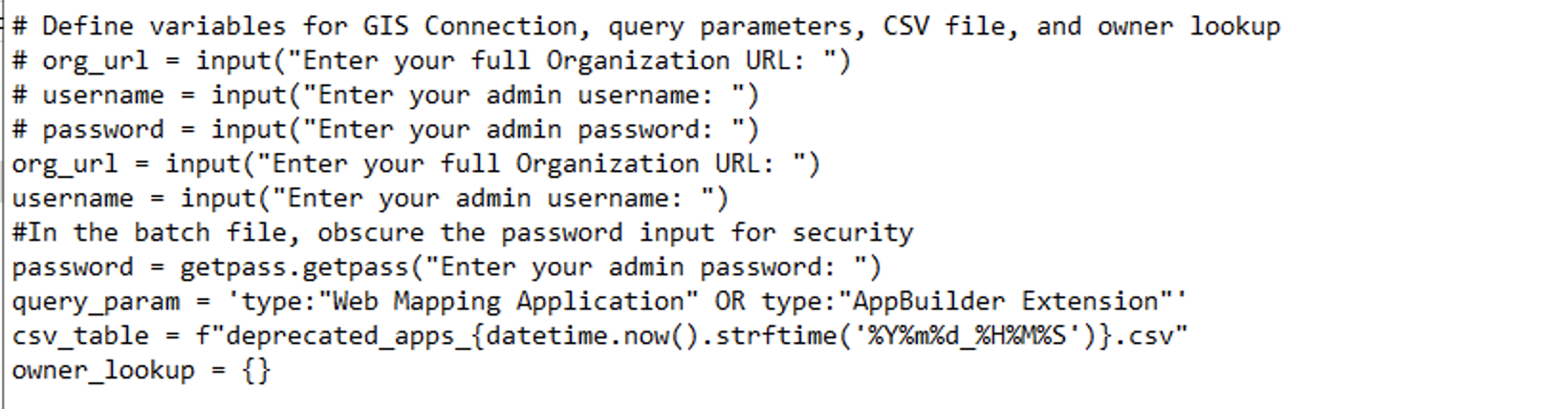
2. Next you will open CommandLine to run the tool. Be sure to note the directory where your script is saved.
- An example command may be: cd C:Users\YourUserName\Downloads\retired_apps_cataloger.py. Then, you will run the script by entering the following command: python retired_apps_cataloger.py.
3. Run the script.
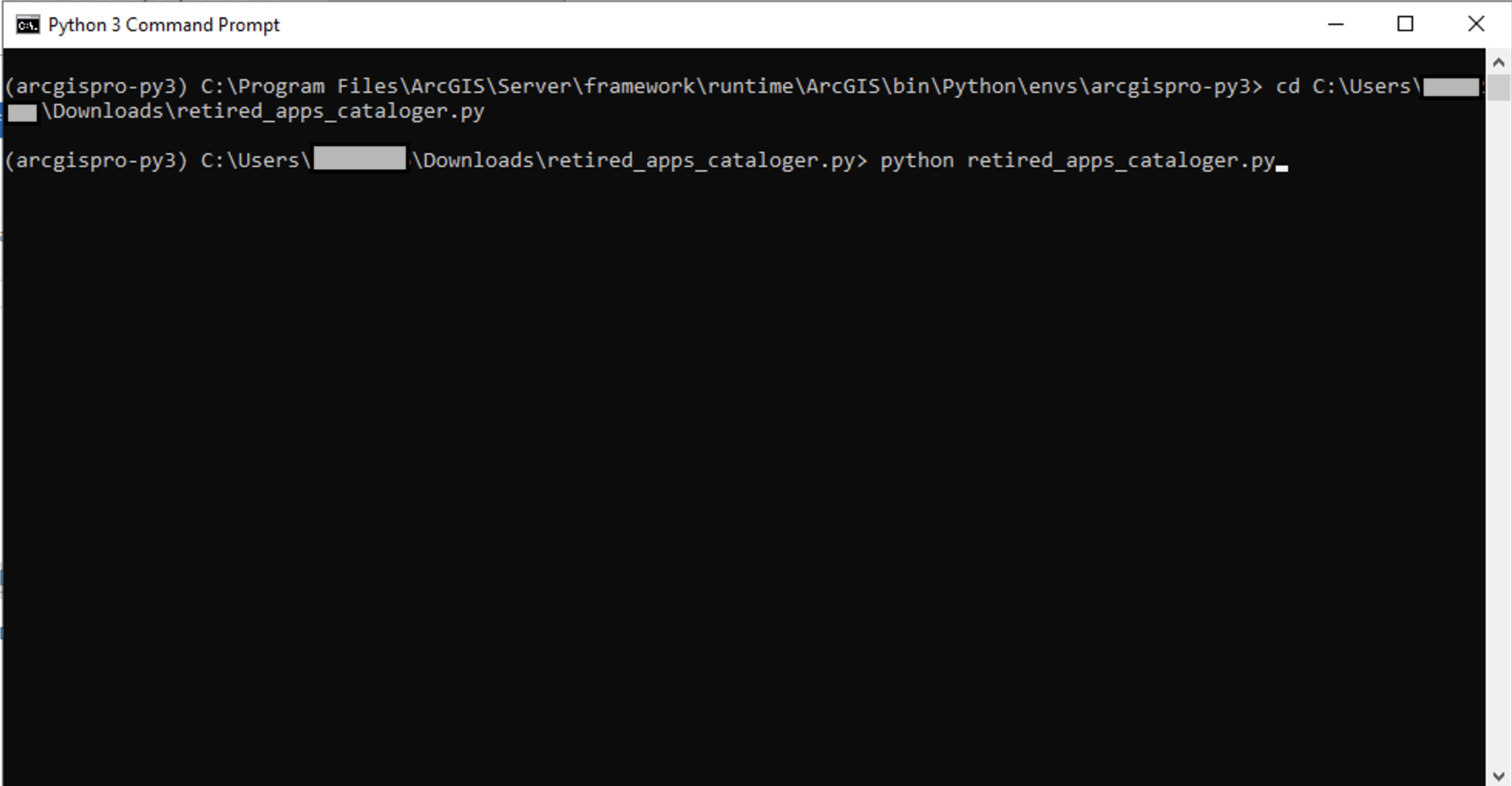
5. Once the script has run, it will provide you with an Excel output that gives a full inventory of ArcGIS Web AppBuilder and ArcGIS Configurable Apps that will need to be migrated before upgrading to ArcGIS Enterprise 12.0 or later.
Evaluating the script results
In reviewing the inventory, you will want to think through a few things. First, you will want to evaluate if all of the apps in included the inventory actually need to be migrated. In some cases, you may have old apps that are no longer being used and don’t actually need to be migrated before upgrading.
Next, you will want to think about which modern app-builder you should use when recreating the apps you do need to migrate. It is generally recommended to use ArcGIS Experience Builder for ArcGIS Web AppBuilder apps and ArcGIS Instant Apps for ArcGIS Configurable Apps, but in some cases you may be able to achieve the goals of your applications with other solutions like ArcGIS Dashboards.
Finally, you will also want to communicate with your users that these apps will be migrated and the old apps will no longer be available after upgrading.
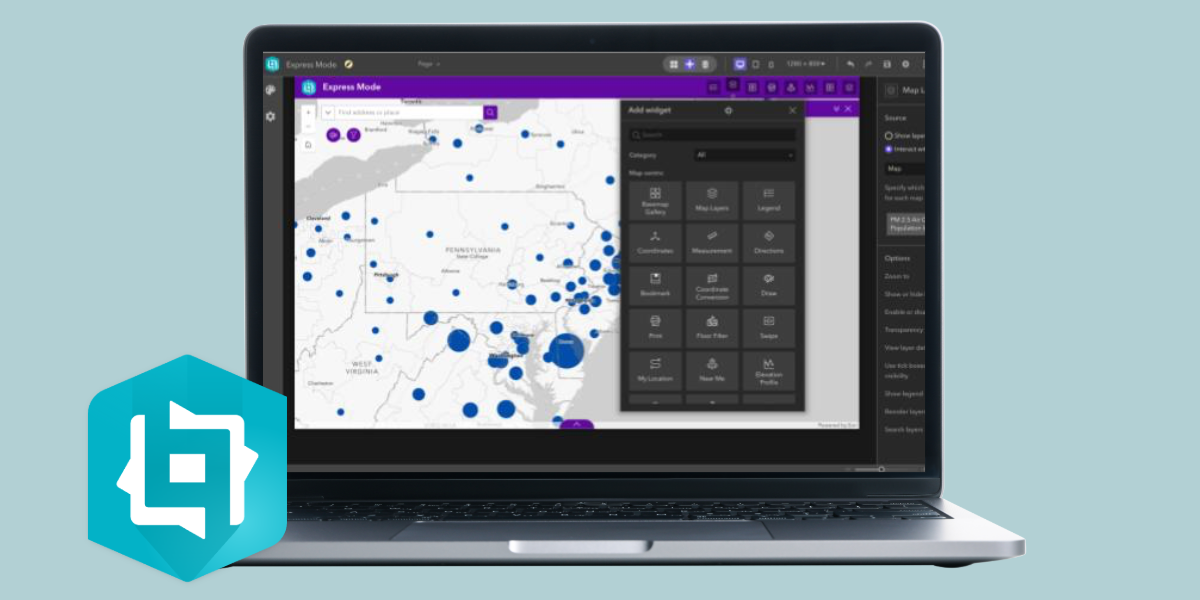
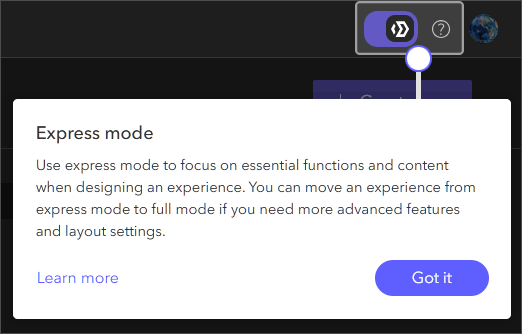
Depending on how many ArcGIS Wep AppBuilder and ArcGIS Configurable Apps you are using today, you may have substantial work to ensure all your web apps are in a good place to upgrade to ArcGIS Enterprise 12.0 or later. Esri recommends upgrading to ArcGIS Enterprise 11.5 for this migration work to have the latest version of web apps available to you. This includes being able to take advantage of Express Mode in ArcGIS Experience Builder.
If there is specific functionality that you need to rebuild ArcGIS Web AppBuilder apps that is not available in ArcGIS Experience Builder at ArcGIS Enterprise 11.5, it is recommend to use the Developer Edition of ArcGIS Experience Builder for full parity with Web AppBuilder.
Conclusion
There is a lot to look forward to with the next generation of ArcGIS Enterprise but we know there are special considerations before making the leap. We hope this script helps you outline your next steps for preparing for your upgrade to ArcGIS Enterprise 12.0 and later whenever you’re ready. To share your thoughts or get support with this script, communicate with us on Esri Community or GitHub!

Commenting is not enabled for this article.