ArcGIS Hub revolutionizes how people work together geographically. ArcGIS Hub continues to advance, making it easier for you to share trusted and curated content, collaborate, and engage with your community of practice.
Features get added to ArcGIS Hub progressively, and new releases occur almost every week. Recent ArcGIS Hub updates include anonymous access to the ArcGIS Hub assistant (beta) search agent, enhancements to events, and the ability to subscribe to discussions. Keep reading to learn more about these new features so you can try them out the next time you use Hub.
ArcGIS Hub assistant (beta) search agent available for anonymous users
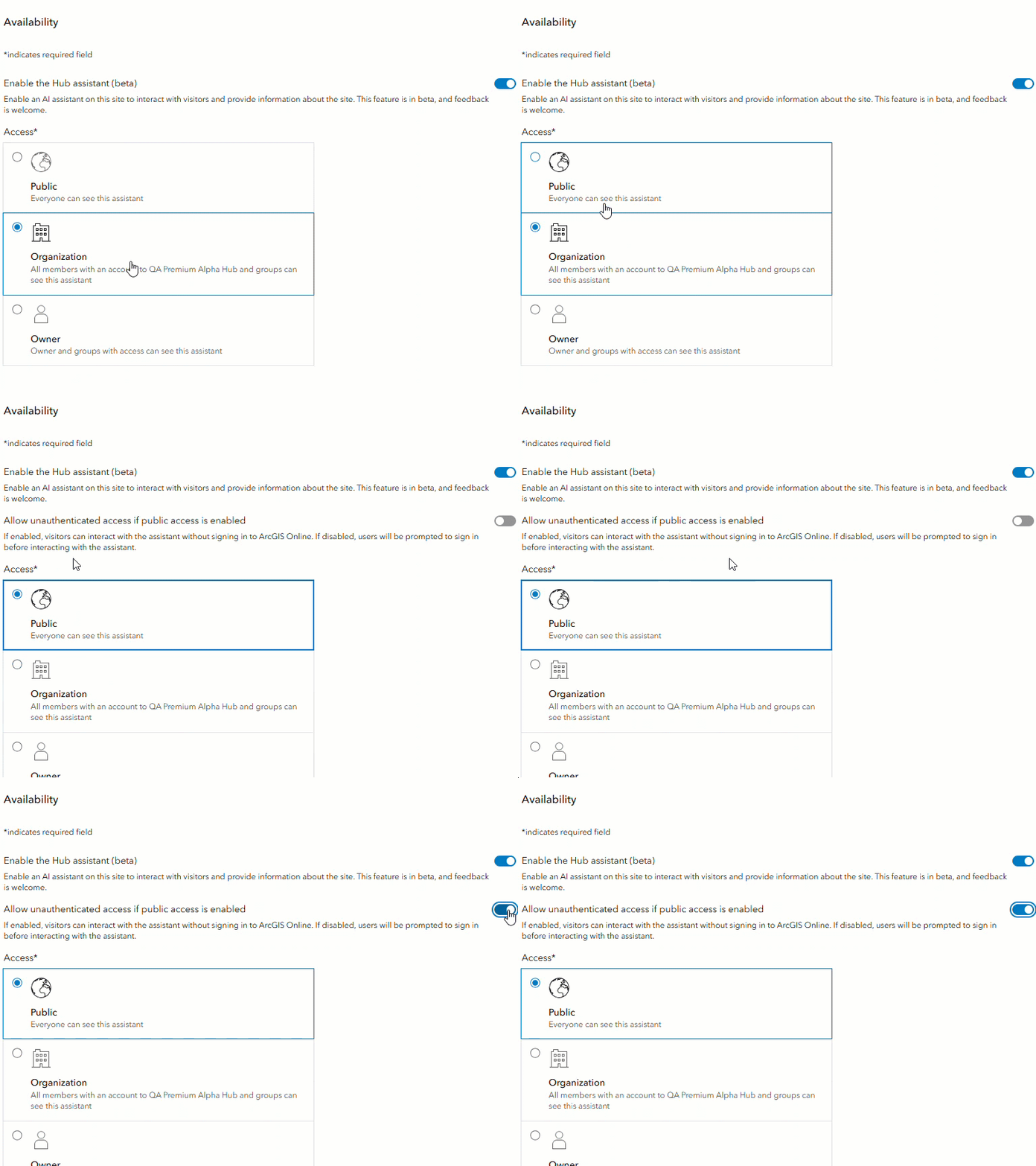
Site administrators can now enable anonymous user access to the ArcGIS Hub assistant (beta) search agent. Powered by artificial intelligence (AI), this tool allows site users to search content catalogs in natural language. When a site administrator activates anonymous access to the ArcGIS Hub assistant (beta) search agent, users can access the search tool without logging into ArcGIS Online.
The ArcGIS Hub assistant (beta) search agent is available to site administrators with an ArcGIS Hub Premium subscription. Navigate to a site’s workspace to configure the agent, and toggle its access. Site administrators can now also provide their site search agent with a unique name.
Event enhancements
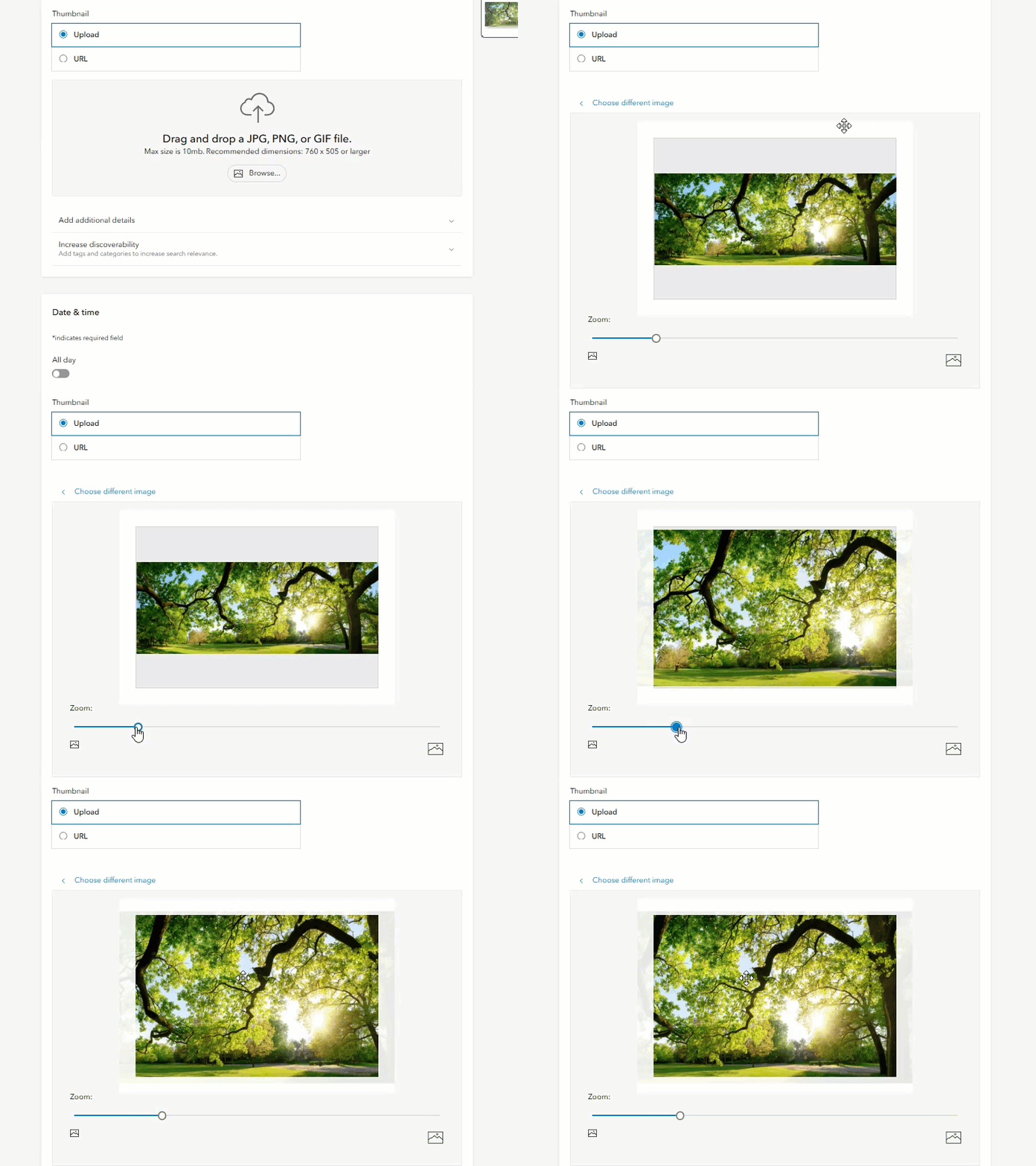
Several enhancements have been made to events. You can now upload an image to an event thumbnail and adjust the zoom. This creates a simpler option for adding a thumbnail to an event if you do not have pre-hosted images to provide a URL.
You can also now include a subaddress—such as a room, floor, or building—to an event location. This allows you to specify location details for your in-person events.
Additional enhancements include a reconfiguration of the event view to show all key event information, and an update to the event gallery calendar appearance. The calendar layout option now displays a calendar without an event grid. This allows you to pair a calendar with other event layout options, granting you more customization.
Along with these enhancements, classic events have now been retired and can no longer be edited. If edits are required to a classic event card, you must create a new event card and delete the old one.
Subscribe to discussions
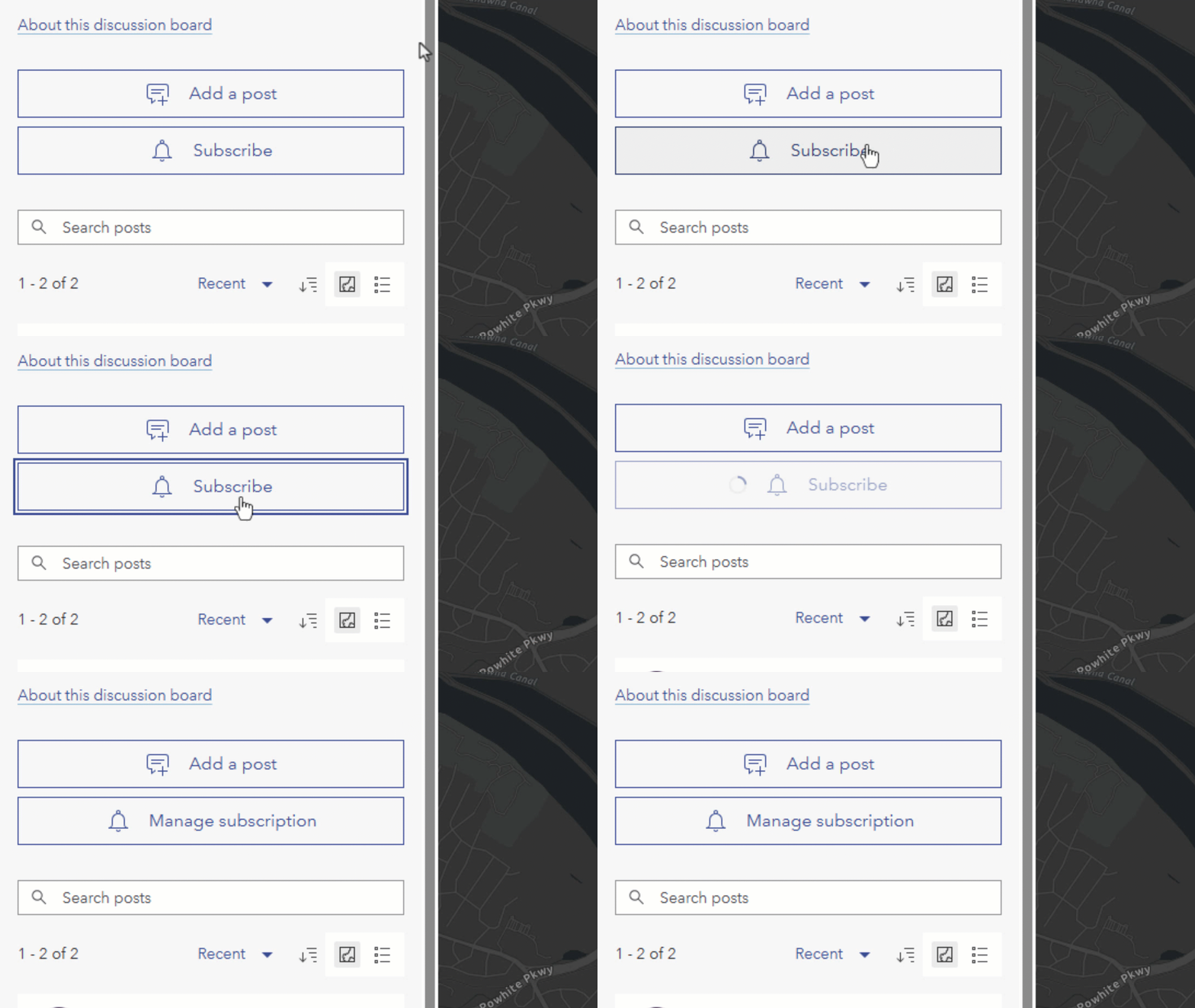
You can now subscribe to discussions to receive weekly updates on a discussion’s activity, such as new posts and replies, via email. When you subscribe to a discussion, you can select the channels you would like to receive notifications from, or opt to be notified from all channels. You can manage your subscription settings, such as unsubscribing from a discussion channel, at any time. Subscribe to discussions to stay up to date on conversations about content in your organization.
Other updates
- Classic edit mode is retired and replaced by the Hub workspace. See the deprecation notice for details on workflow changes. Deprecation notice for ArcGIS Hub classic edit mode
- A subaddress—such as a room, floor, or building—can also be added to a site, page, initiative, or project location.
- Page slugs no longer need to be unique. While it is recommended to set unique slugs, identical slugs can be appropriate for pages configured for different sites, or if you want to replace a page while maintaining the same URL.
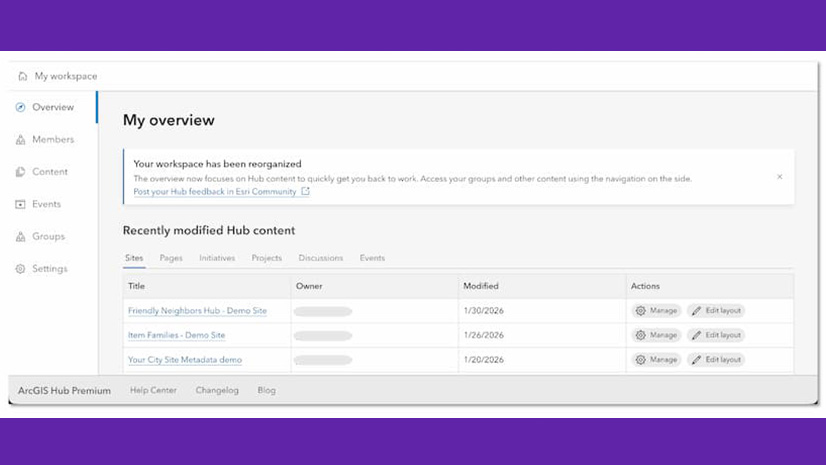
- The View all content button in the workspace overview has been updated to display filtered content. For example, clicking View all sites opens the Content tab with content filtered to Hub Site Application item. This update saves time from needing to filter the content type twice.
More resources
You can now access these and several other enhancements in Hub. For a full list of new features, visit What’s new in the Hub help documentation and the ArcGIS Hub Changelog.
We love hearing from you! Visit Esri Community to ask questions, access resources, and submit ideas for new features you want to see in Hub.
Stay connected with us
- View presentations, demos, and how-to videos on the ArcGIS Hub playlists
- Sign up for the ArcGIS Hub e-newsletter
- Follow us on X @ArcGISHub
- Get inspired by examples in the ArcGIS Hub gallery



Commenting is not enabled for this article.