Playing the parts of employee, parent and teacher all at once can feel a bit overwhelming during these uncertain times. It can be tricky trying to come up with small tasks and assignments that will keep our kids engaged. So, we decided to create a 24-page PDF with a variety of printable maps that can be used to color and label, as well as promote further exploration of our world.
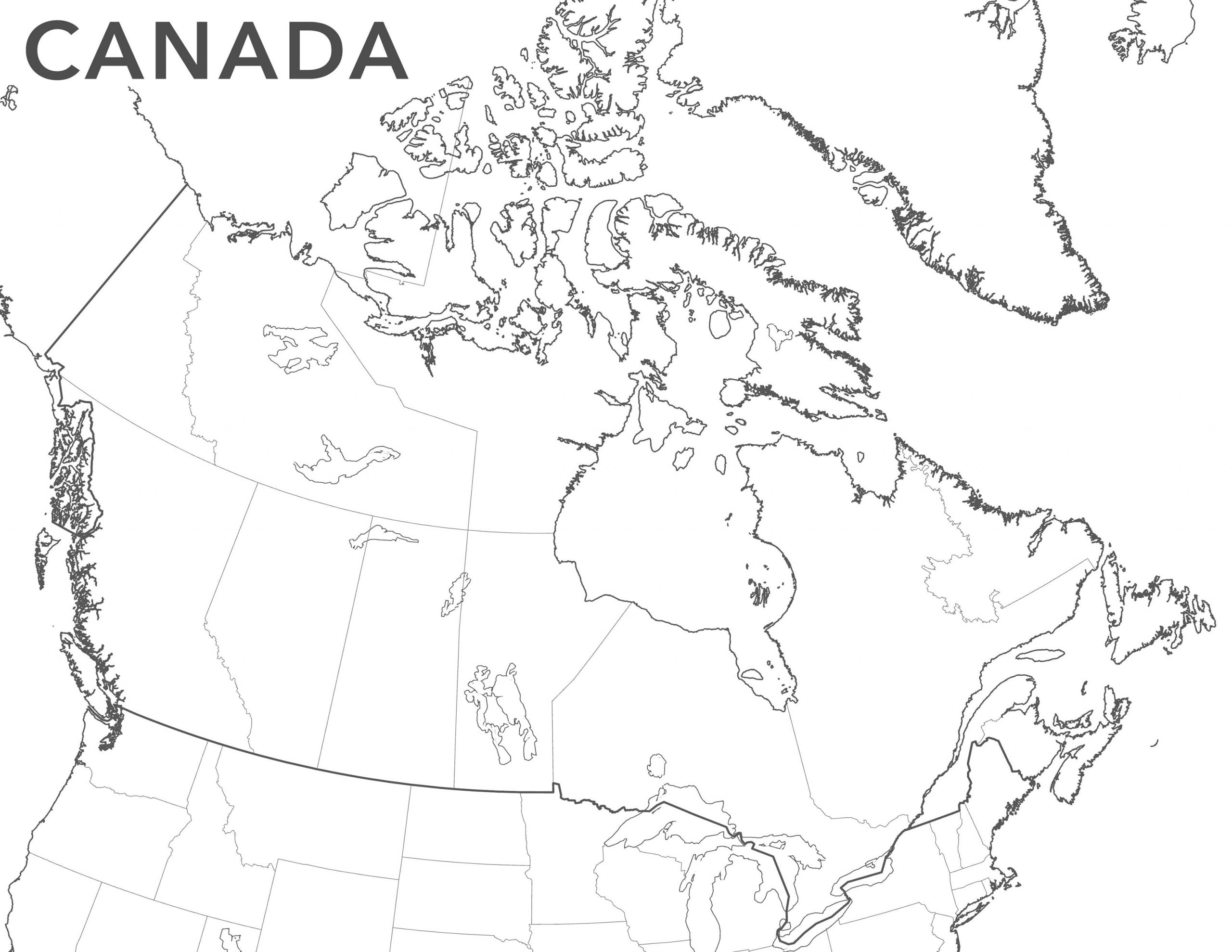
Rather than create just a few static maps for printing, we thought that it would be a good idea to develop a new creative vector basemap style called Outline. With this map, you can peruse the world and create your own personal collection of printable maps for your children (or even you!). Here’s how you can do it:
- In ArcGIS Pro, make sure your active portal is www.arcgis.com
- Add the new Outline style
- Set your layout and map frame sizes (e.g.: 8 ½ x 11 standard page size)
- Activate your map frame
- Navigate to a location
- Deactivate your map frame
- On the share tab, click print layout, select your printer and print
Map projection can even be adjusted in Pro for the region being mapped.
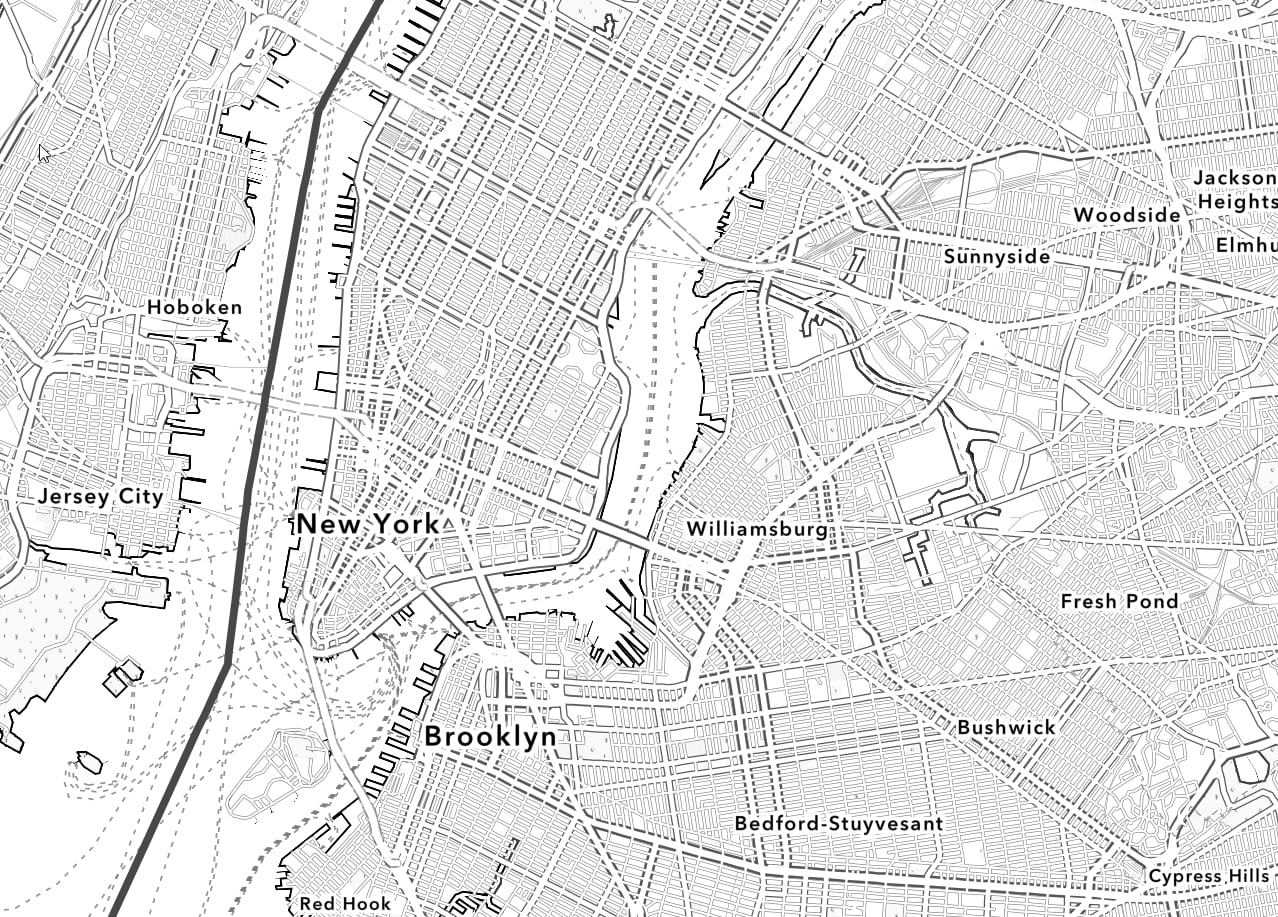
Not only can the Outline map style be used to create activities to keep the children occupied, but it also has a clean, minimal design that can be used as a backdrop for many mapping purposes.
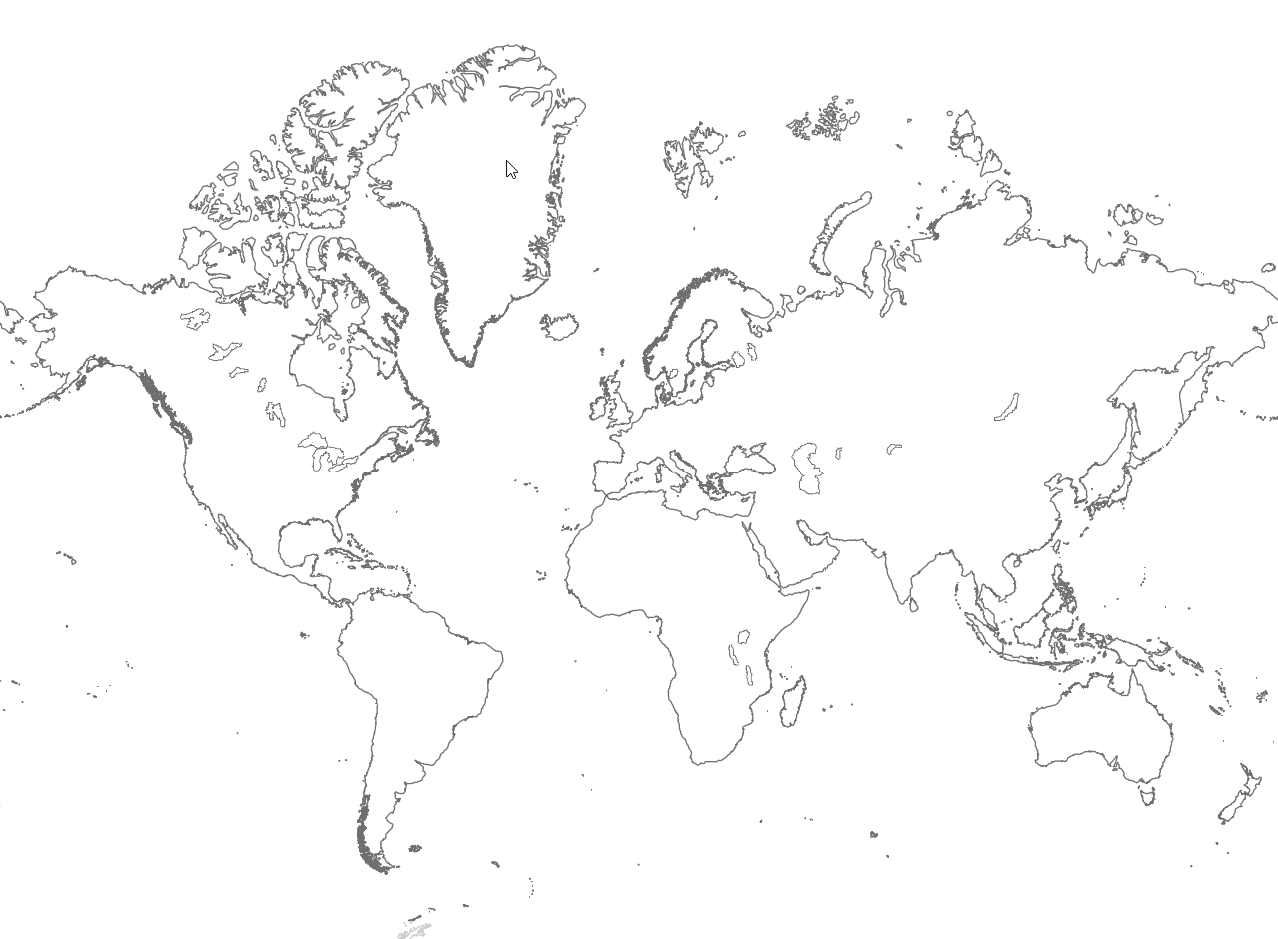
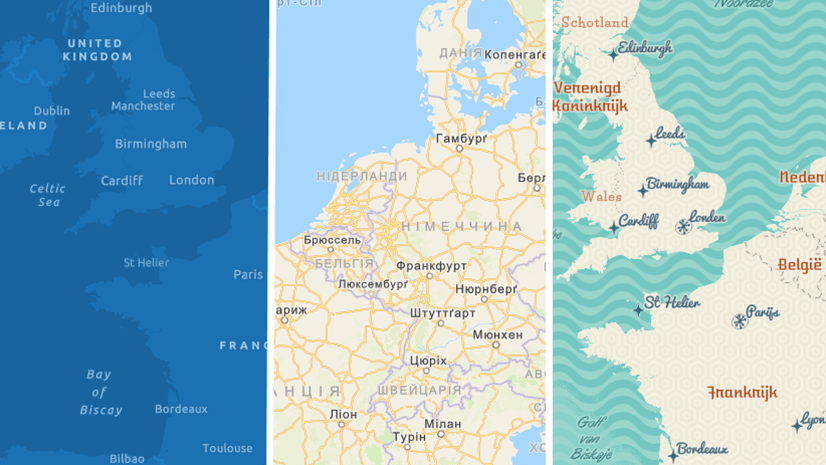
This blog was written by Esri cartographer Cindy Prostak. She also created this Outline map style and is responsible for many of the popular creative vector basemaps on ArcGIS.com. These styles include Charted Territory, Colored Pencil, Community, Mid-Century, Modern Antique, Newspaper, Nova, and Blueprint (OSM). All these basemap styles (and more!) are available at the ArcGIS Living Atlas of the World gallery.


This style works great to make a configurable web application AGOL, for making coloring book pages. I made this one in about 10 minutes.
https://www.arcgis.com/apps/View/index.html?appid=2f12d58ec1474810bed9cbb5838c5311
Great!
When I load the layer in ArcGIS Pro, I only get a colored version. But I am saved with your tool 🙂
@Stephanie Goudeseune I sent you an email to help resolve the issue of not seeing the Outline map layer in Pro.
Hello Andrew,
I am having the same issue as Stephanie, when I load the Style into Pro, it is only color version. Thanks in advance.
Hi Daniel,
I also emailed you with some questions and comments that may help resolve your issue. If it does, I will post an update in the blog with these tips that may help other users like you and Stephanie.
@Jay Corum It’s great to see how our users are putting this into maps and apps! Thanks for sharing your link.
Absolutely brilliant. So helpful and really fun to use. Thank you so much!!
Thanks for your comment. Hope you continue to enjoy this new style and the other vector basemap styles available on ArcGIS.com.
Details for adding the layer in Pro were updated in the blog with a new Step 1. Make sure your active portal is https://www.arcgis.com. This resolved the issues reported in the comments. Thanks for the feedback.
Thanks for this Andrew! My kid’s Kindergarten newsletter last week said “This week we learned about maps. We found a lot of kids didn’t know their address.”
Using this basemap style in ArcGIS Pro with a map series, and address points generated from the school directory, I was able to create a coloring page for each child’s house/neighborhood to give them at the end of year party tomorrow!