In 2017 I created a series of stories looking at ways of customizing Esri’s Vector Basemaps, primarily using the Vector Tile Style Editor (VTSE). I’ve tried to keep these up to date over the years since, and I’ve blogged about them occasionally. This year I decided it was time to do some restructuring. New to the sequence is a sixth story, focusing on adding data from other maps and other vector tile packages. Some of this content has been moved from the ‘Lines’ story.
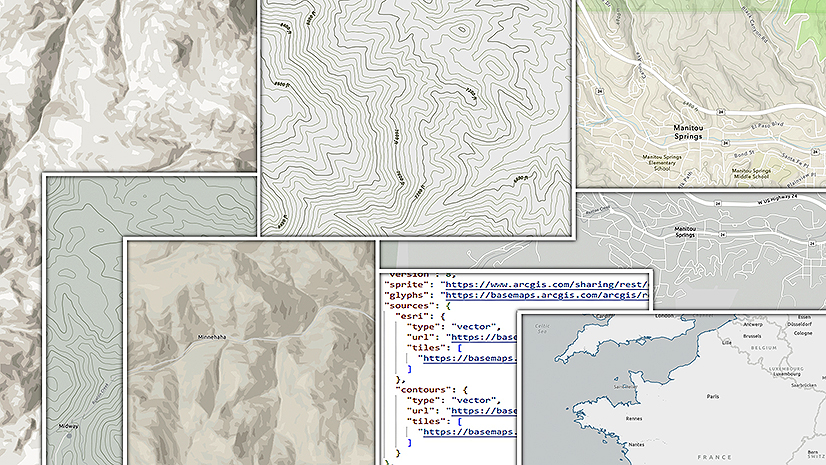
Other stories include updated graphics and new features such as the ‘Hide all labels’ button in the Quick Editor.
As well as being a useful tool all round, this is a significant shortcut for moving labels into Reference Layers. I talk about it in more detail here.

The Full Sequence
… of Stories is as follows:
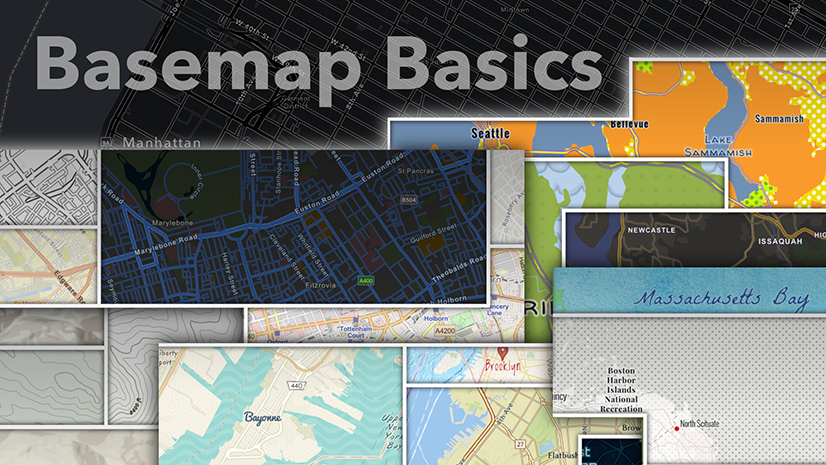
Part 1: Looking at the basics of interacting with Vector Basemaps.
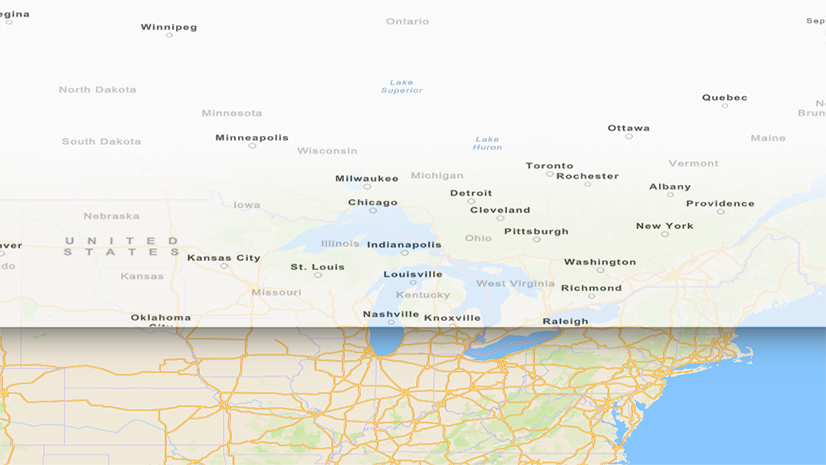
Part 2: Working with Color.
Part 3: Working with Lines.
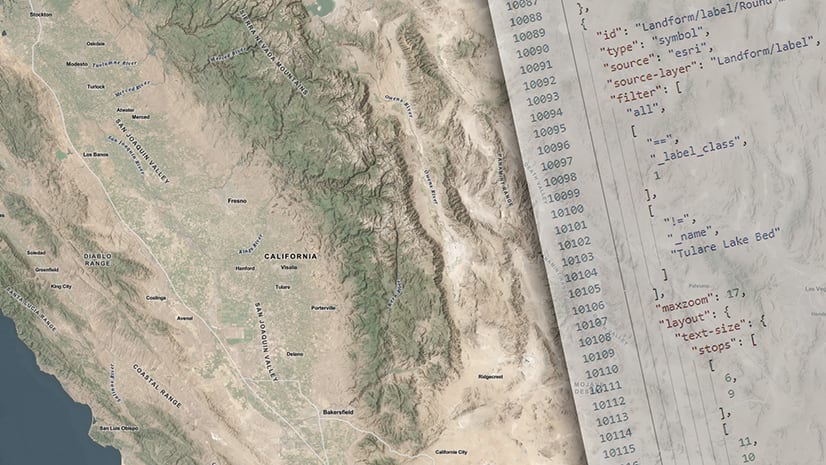
Part 4: Working with Labels.
Part 5: Working with Sprites to create icons and patterns.
Part 6: Adding and organizing new features and layers.
The whole series is available as a collection here.

Article Discussion: