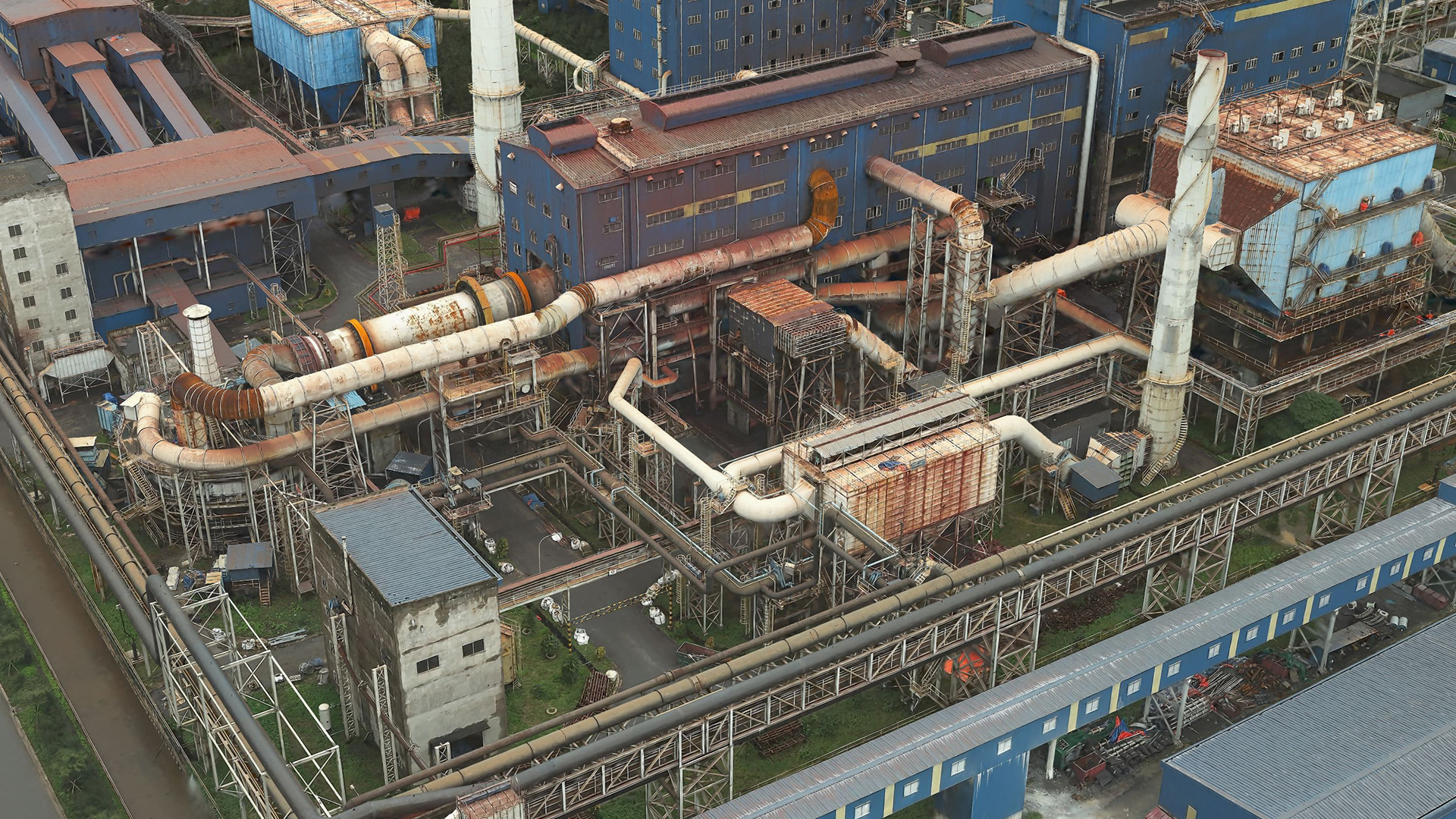
You want a photorealistic 3D representation of your captured area and need to inspect assets with high precision – then Gaussian splat layers are an excellent choice. With this newly introduced 3D reality mapping output product, you can represent every detail of complex environments and combine your results with other layers in ArcGIS. You’ll get a high fidelity and scalable 3D layer type that brings your digital twin workflows to a new level. One of the first questions you may ask yourself is:
How can I create Gaussian splats in ArcGIS?
As of November 2025, Gaussian splat layers can be created in reality mapping applications like ArcGIS Reality Studio, ArcGIS Drone2Map, or ArcGIS Reality for ArcGIS Pro from images captured by drones or airborne camera systems, and the layer will be coming soon to Site Scan for ArcGIS early 2026. Next, you will have to consider how to capture the images.
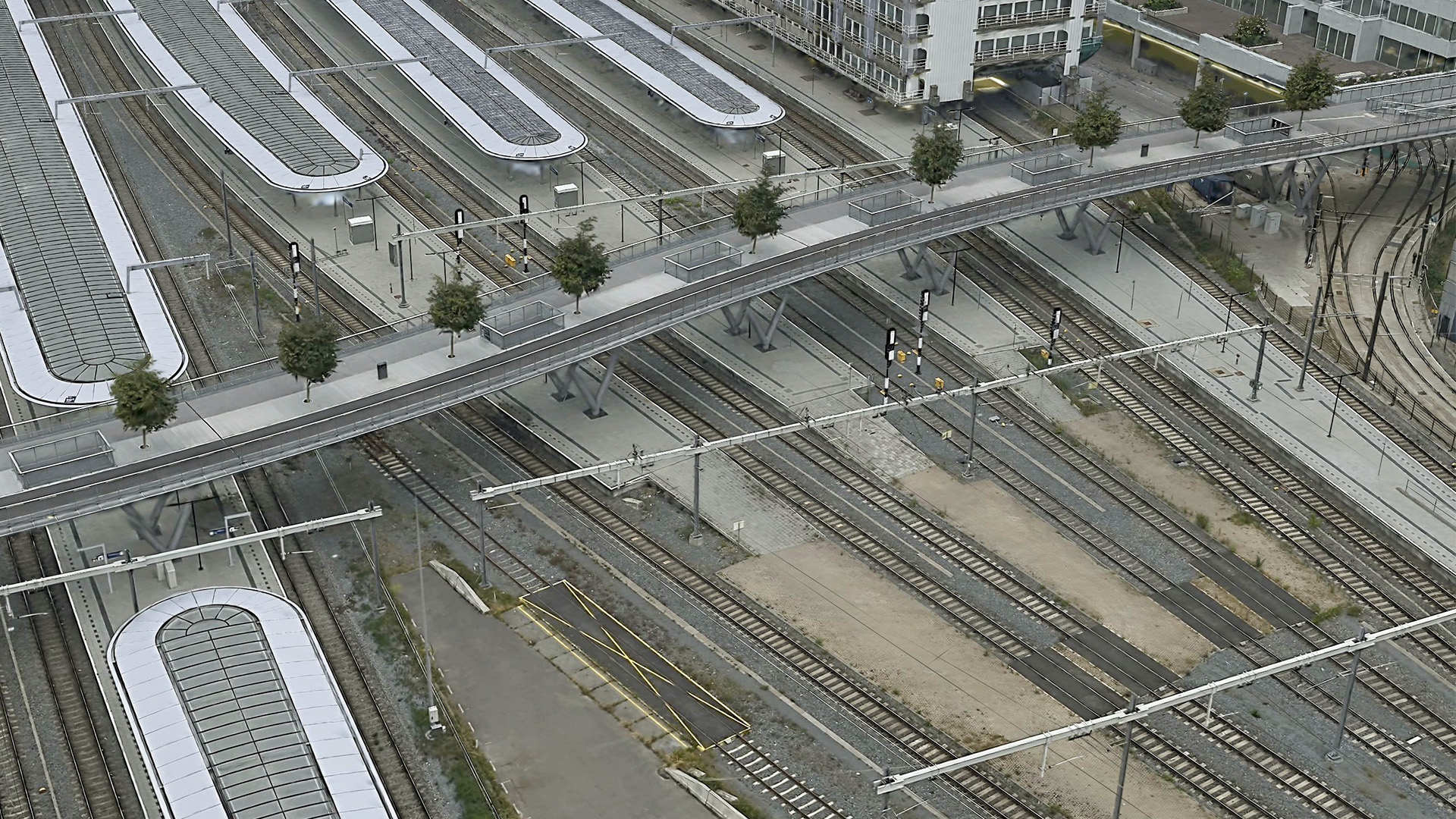
Capture images for good results
Planning your image acquisition well is crucial. This is because the quality and detail of your Gaussian splat results depend directly on how well you cover the scene with your photos.
When you plan your flights or camera positions, you must ensure that every part of your project area is captured from multiple viewing angles with high overlap. While similar to traditional photogrammetry approaches, the generation of Gaussian splats requires even better coverage to create results of high quality. Having oblique images available is essential. Without them, you will likely see gaps and blurry areas. When you capture data with high redundancy, the algorithm creates Gaussian splats with exceptional geometric detail.
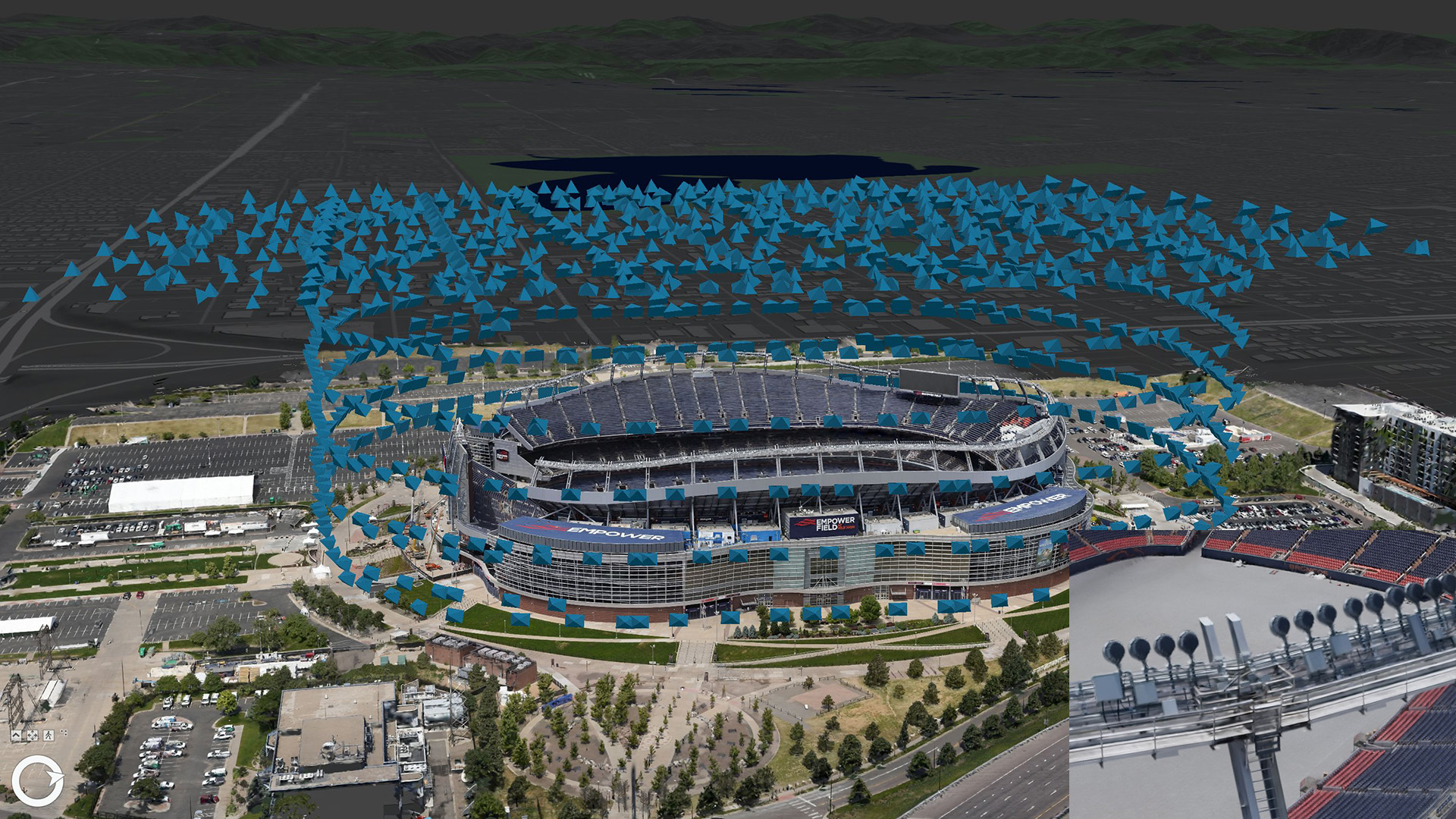
You achieve best results with well-overlapped coverage at different heights, for example, if your structures are very tall. In addition, you will need to pay attention to a suitable ground sampling distance (GSD) to create high fidelity Gaussian splats.
You can use the following flight patterns for your data collection.
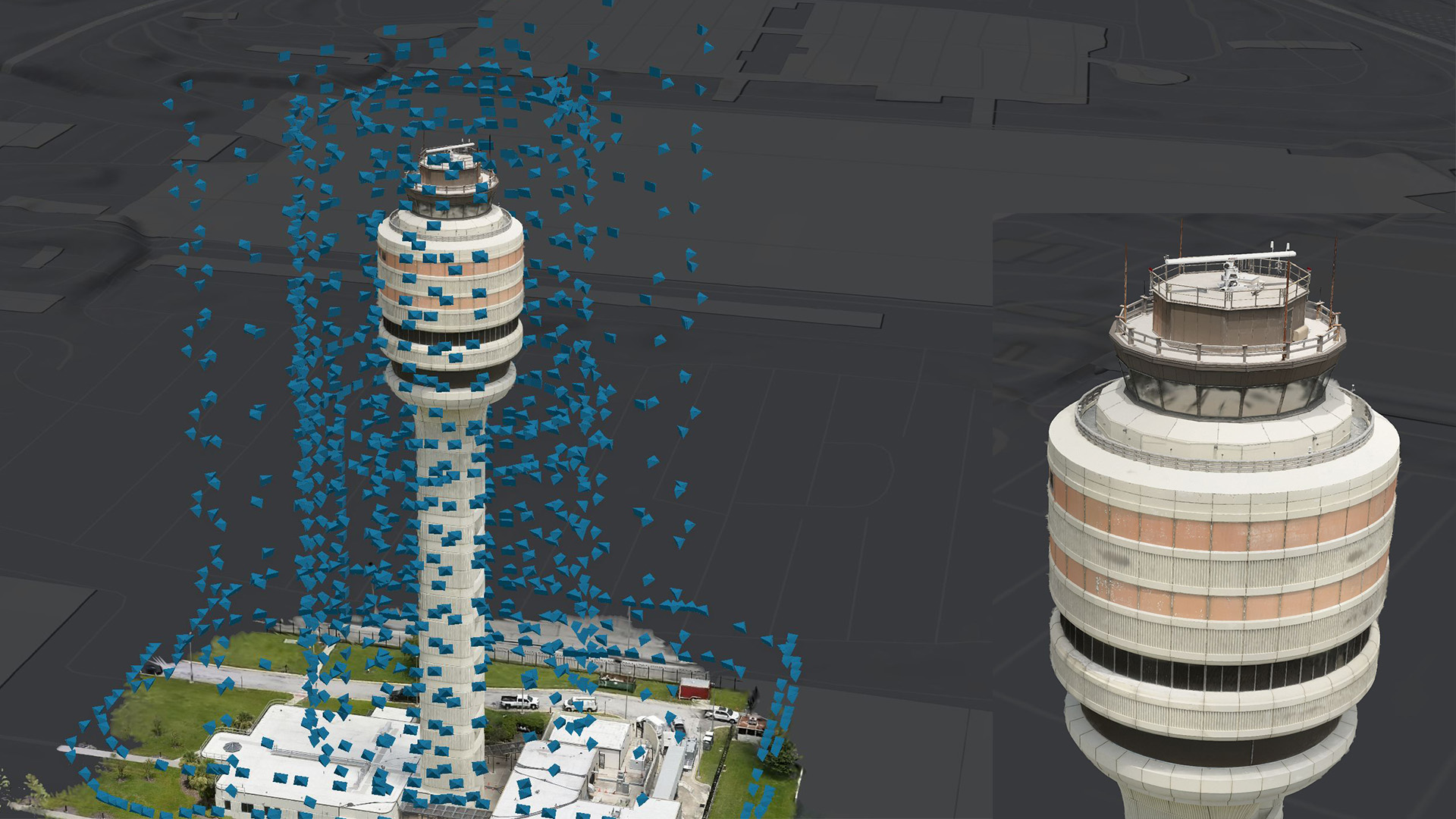
Capture for inspection workflows
If you want to inspect objects like an air traffic control tower, you can capture your asset using a perimeter flight pattern. Ensure you cover all altitudes with strong image overlap, ideally or above 80% for consistent coverage. You need to fly your drone in circles at varying distances – both close and farther from the tower to add more redundancy. Take nadir (top-down) shots as well, so you capture every side of the structure. If possible, capture portions of the structures that are hidden when viewed from above, such as a roof overhang. Only areas for which you have captured images will be rendered in the results.
Capture for industrial plants or municipal areas
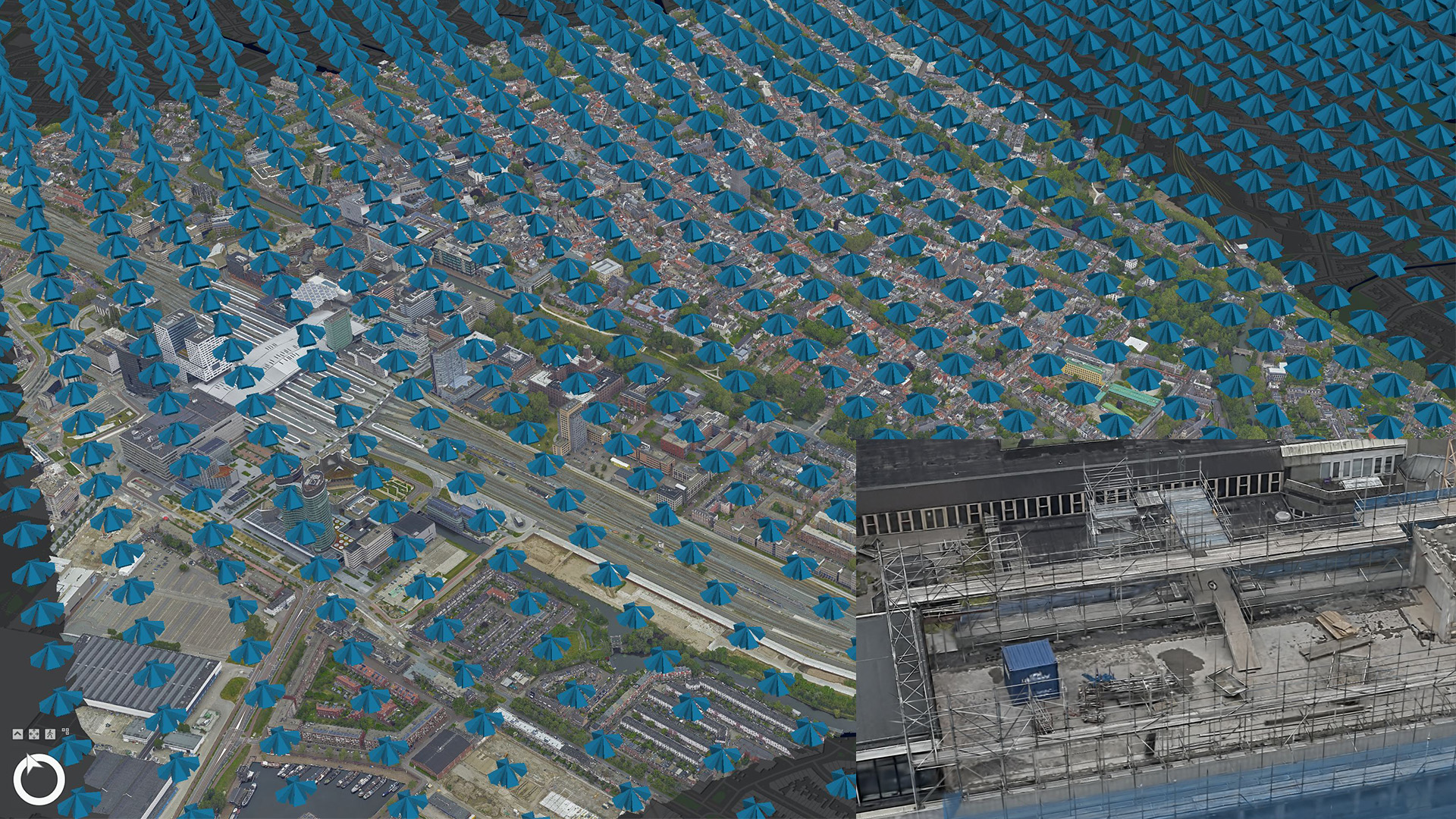
Capture your city or district with a multi-head drone or airborne sensor system. Aim for at least 80% forward and 60% side overlap, and keep your ground sampling distance (GSD) better than 5 cm. This approach ensures you capture fine details in complex buildings and vegetation.
After you have collected your data, you have multiple ArcGIS Reality products you can choose from for your data processing.
Process large area flights
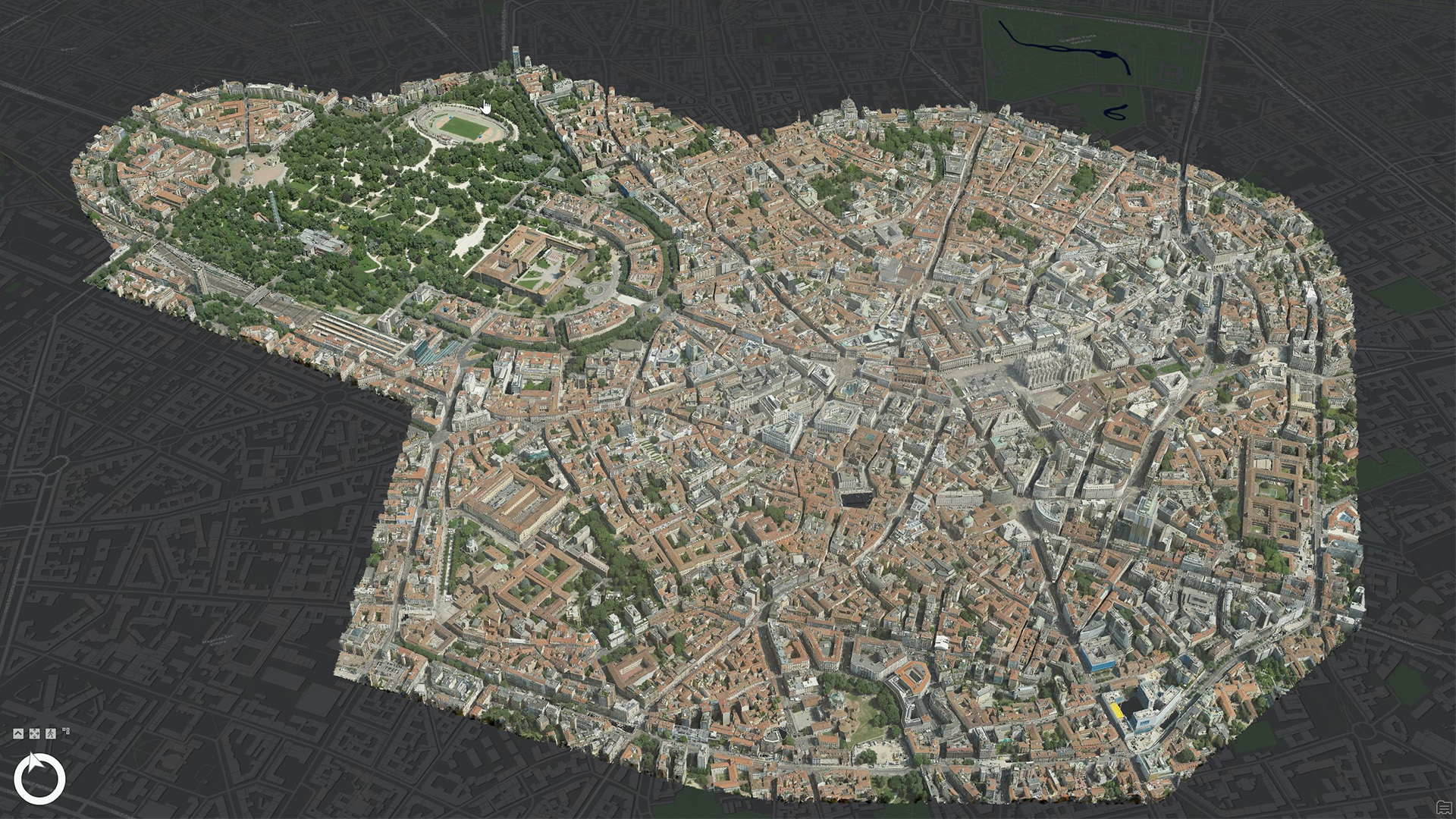
When you need to process a large project area – such as up to an entire city, you can use ArcGIS Reality Studio where you can take advantage of distributed processing. This way you leverage multiple compute machines and their GPUs to create one cohesive Gaussian splats result.
Process small area drone flights
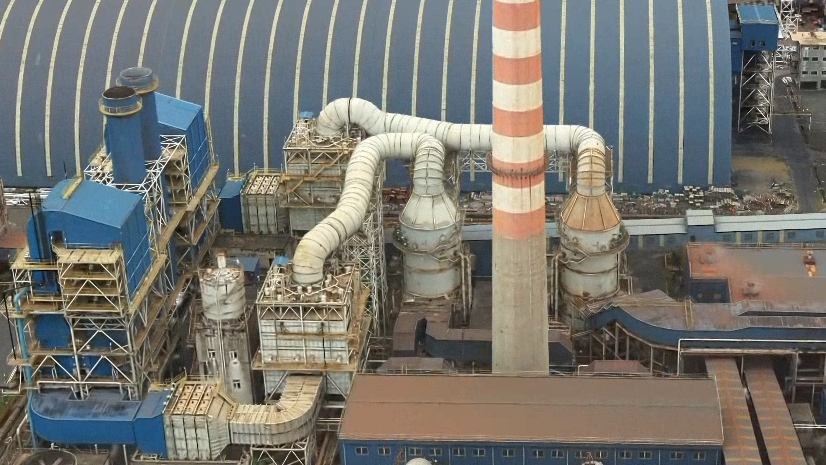
If you are interested in a smaller area like an industrial area or specific assets like a substation, you can use ArcGIS Drone2Map or ArcGIS Reality for ArcGIS Pro to process the data into a Gaussian splat dataset. In this case, all processing is done on a single machine. Since the underlying technology that generates the reality mapping outputs is the same across all the ArcGIS Reality products, the quality you can achieve is identical with ArcGIS Reality Studio.
Inspect large datasets
To display large Gaussian splat layers, a level-of-detail approach is used. The data is split into several resolution levels – from a highly detailed version to a progressively simplified one to optimize performance. When visualizing a Gaussian splat dataset in ArcGIS Pro or in the future on the web, the highest details are rendered when you are very close to the layer and less detailed when you zoom out.
After you decided which ArcGIS Reality product is best to process your data, you will have to consider the hardware to use.
What hardware do I need to generate Gaussian splats?
You will need adequate computational resources to optimize the scene model for Gaussian splats. Whether you use ArcGIS Reality Studio, ArcGIS Drone2Map or ArcGIS Reality for ArcGIS Pro, your hardware should meet the following minimum requirements for your GPU:
- NVIDIA GPU with compute capability 7.5 or later
- VRAM: at least 8GB (16GB or more recommended)
If you work with large imagery, like from airborne sensors, we recommend you use at least a GPU with 16 GB of memory on all workstations that contribute to processing your reconstruction.
Your VRAM is quite busy during the processing of Gaussian splats. Therefore, it is crucial that you close other GPU-heavy applications before processing to free up resources and keep the processing smooth.
Conclusion
By producing your own Gaussian splats, you can take your GIS experience to a new level. Careful image capture is important, but the result is worth the effort – a photorealistic 3D model that unlocks new possibilities for exploring and analyzing your data.
We’re excited to see what you’ll create with Gaussian splats and encourage you to share your experiences and feedback. If you have ideas or questions, please join the ArcGIS Reality community – your input can help shape the future of ArcGIS Reality.
Thank you to Portcoast Consultant Corporation, Kavel 10 and the city of Milano for providing their image data for processing and publication. Also thank you to FAA and the city of Denver.

Article Discussion: