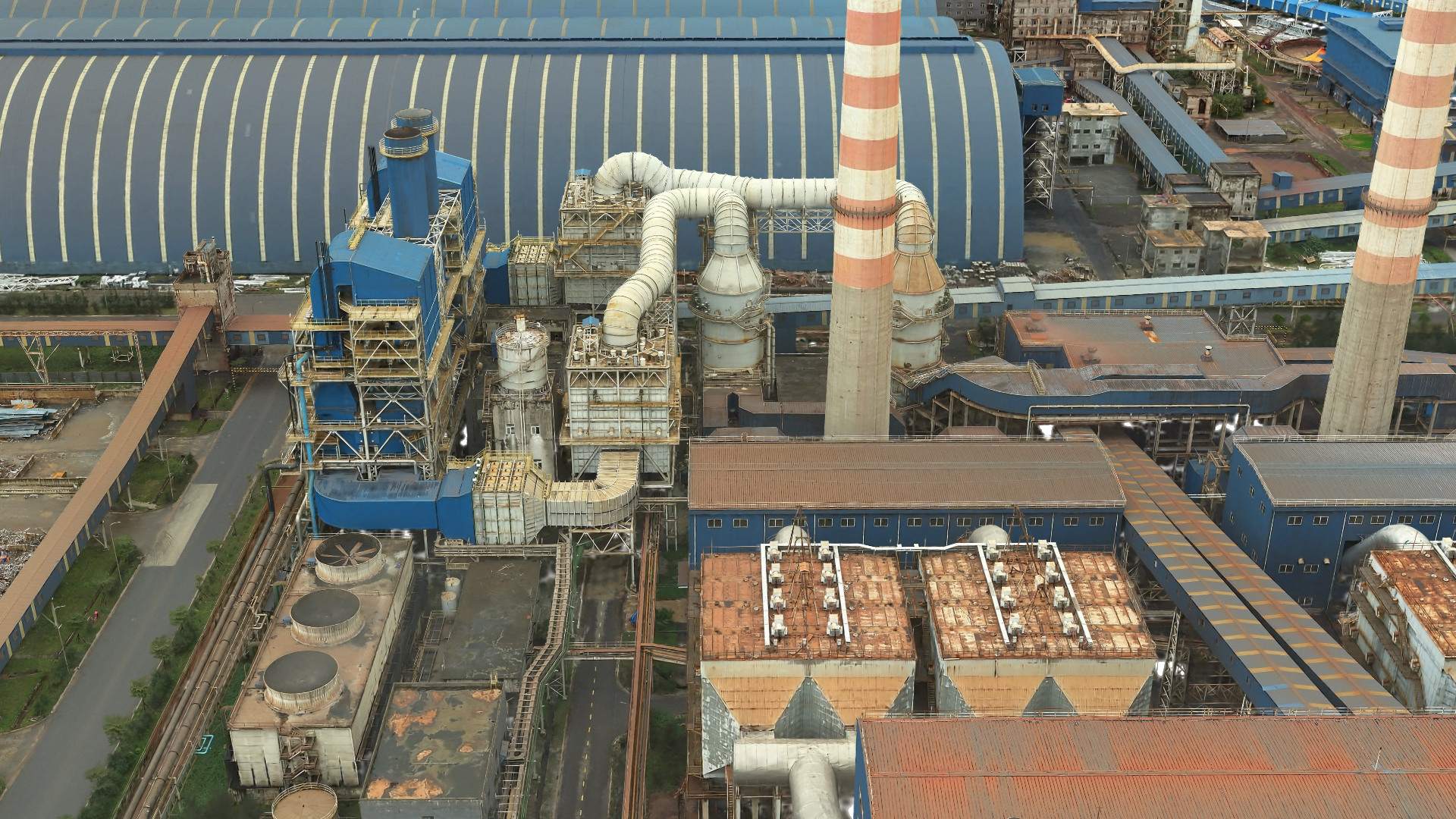
Capturing the real world is essential for creating truly lifelike digital twins. You often use 3D layers like meshes, 3D objects, and point clouds for construction projects as building blocks for your digital twin. The new 3D layer type Gaussian splat layer will give you even more fidelity and deliver ultra-realistic 3D representations of the world.
Think of Gaussian splats as clustered tiny, fuzzy ellipsoids with varying shapes, colors, transparency, and more. The graphics engine can seamlessly combine the Gaussian splats to create a highly realistic 3D visualization. With the introduction of the Gaussian splat layer, you can take advantage of this new technique.
Here are the key benefits:
1. Enhanced inspection workflows
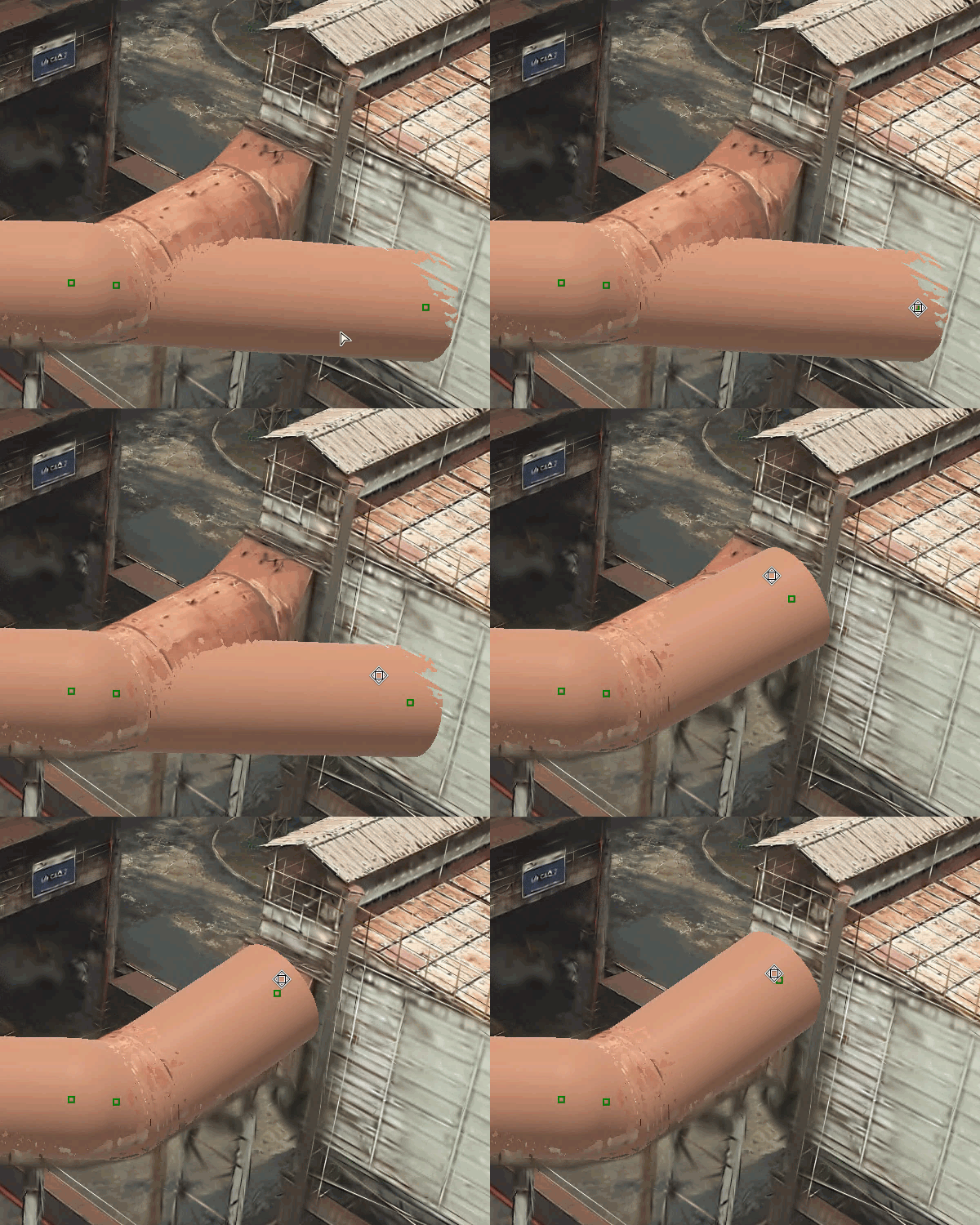
If you are working with GIS in the utility, telecom, or construction space, your 3D content often contains thin and complex structures. Typical examples you might encounter are powerlines, guard rails, or antennas that are difficult to capture with traditional photogrammetric approaches.
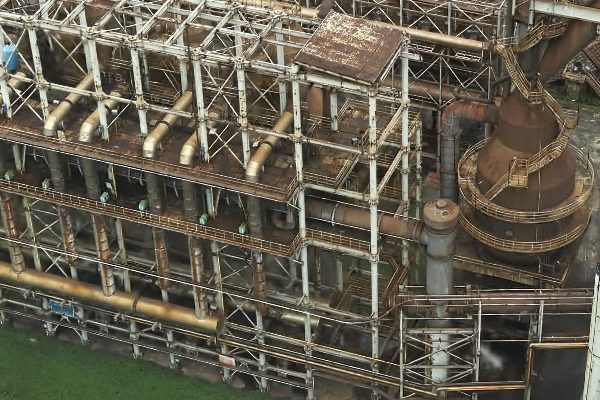
Cultural heritage preservation is another example where detailed inspection workflows are required. By utilizing Gaussian splat layers, you can achieve exceptional realism when creating digital twins of cultural monuments. For example, you can closely inspect a historic building’s façade. You can see cracks or other damage clearly.
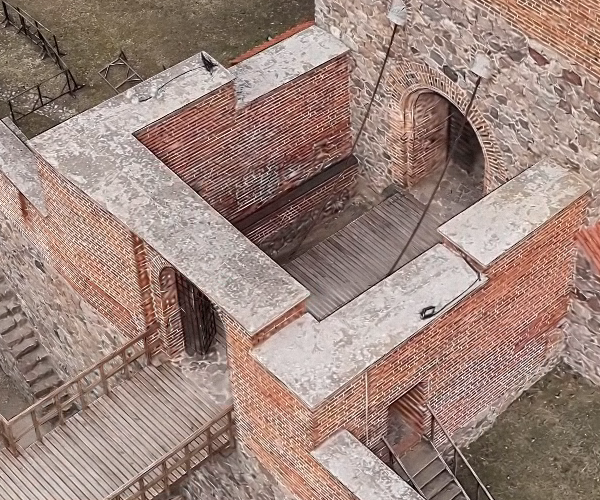
No matter your industry, if high fidelity matters—whether it’s inspecting structures, equipment, or areas —the Gaussian splat layer can bring your visualizations to the next-level. Easily measure distances, objects, and areas with ArcGIS Pro’s measure tool.
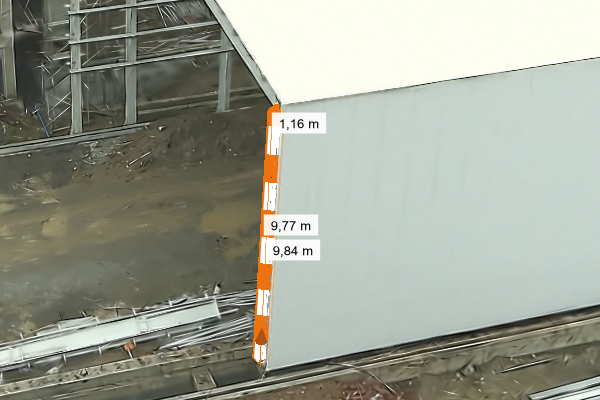
Gaussian splat layers also serve as effective backdrops for feature generation. Using ArcGIS Pro, 3D points, lines, and 3D objects can be added or modified, with attributes updated as needed.
2. Create realistic vegetation visualization
Gaussian splat layers aren’t just for inspections—they’re your key to showcasing vegetation with extraordinary details. For example, if you create a mesh, the trees may look like “cauliflower” because triangles and textures are used to represent leaves, branches, and stems. Also visualizing a point cloud might not be satisfying—depending on how detailed your scan is, you might see the basic outline of a tree, but you can’t really see what it actually looks like.
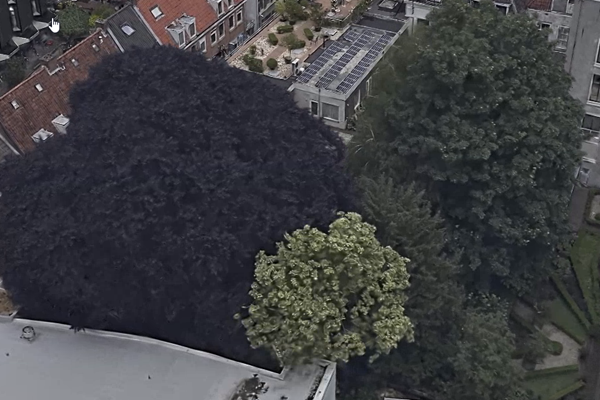
Unlike meshes, which form solid geometry, and point clouds, which consist of discrete points, Gaussian splat layers produce visuals that closely resemble real-world conditions. Seasonal changes, tree species, and fine details are rendered with photographic realism.
3. Represent material more accurately
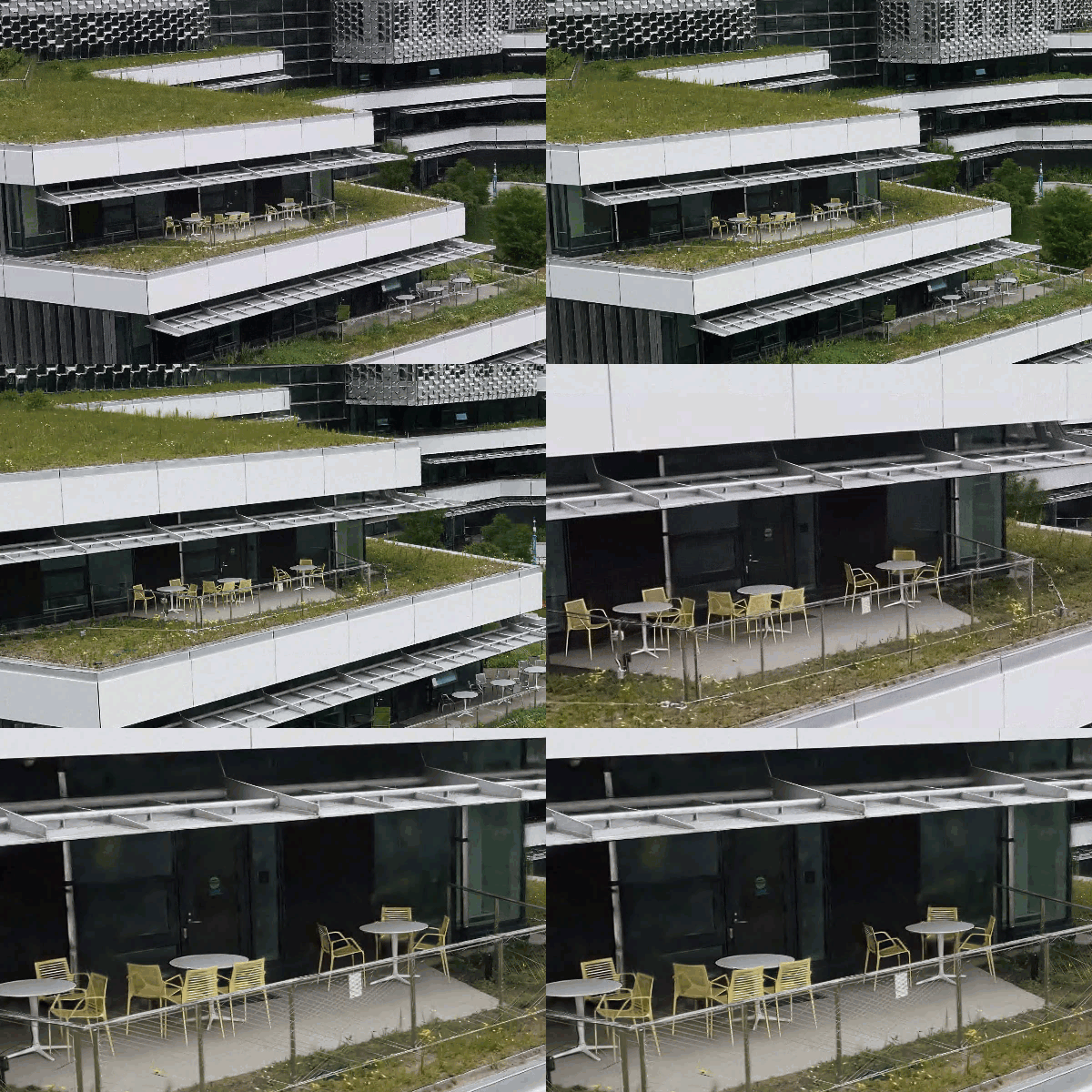
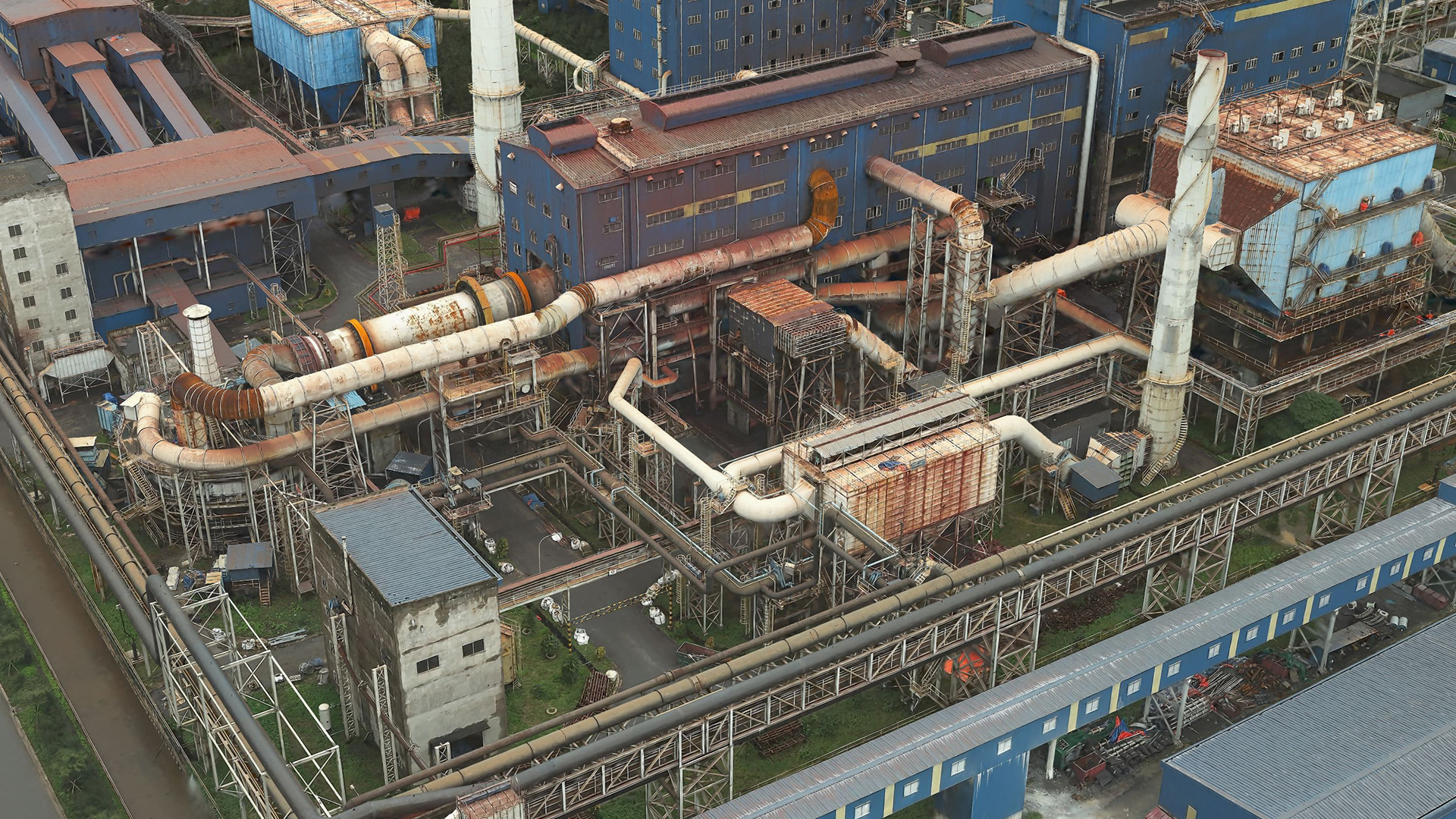
Beyond vegetation, Gaussian splat layers enhance the depiction of surfaces and materials. Glass façades, metallic pipes, and rusted structures can be visualized with high accuracy. This level of realism improves the accessibility of digital twins, especially for viewers unfamiliar with traditional 3D layer types.
Choose the right layer type
To choose between the new Gaussian splat layer, mesh, or point cloud layers, consider your 3D workflow goals:
Gaussian splat: Best suited for high-detail areas like factories or substations. Offers realistic visuals that simplify interpretation, especially for users less familiar with GIS abstractions.
Mesh: Suitable for large-scale areas such as states or countries. It acts as the “skin of the earth,” allowing you to integrate it into your digital twin along with 2D layers, which can then be draped over the mesh for a cohesive visualization.
Point cloud: Ideal for precise measurements from sensor-captured data. Commonly used in construction where each point reflects a real-world coordinate.
Conclusion
Gaussian splat layers provide high-resolution 3D visualization for digital twins. Processing is supported in ArcGIS Reality via multi-level-of-detail datasets, using tools such as ArcGIS Reality Studio, ArcGIS Reality for ArcGIS Pro, and ArcGIS Drone2Map. Currently available in ArcGIS Pro 3.6, these layers can be published to ArcGIS Online, with web support in active development. You cane share your workflows, insights, and feedback with us via ArcGIS Reality or 3D Esri community.

Will these layers eventually be included as an output in ArcGIS Site Scan?
Yes this is planned in one of the next release cycles. We are actively working on it.