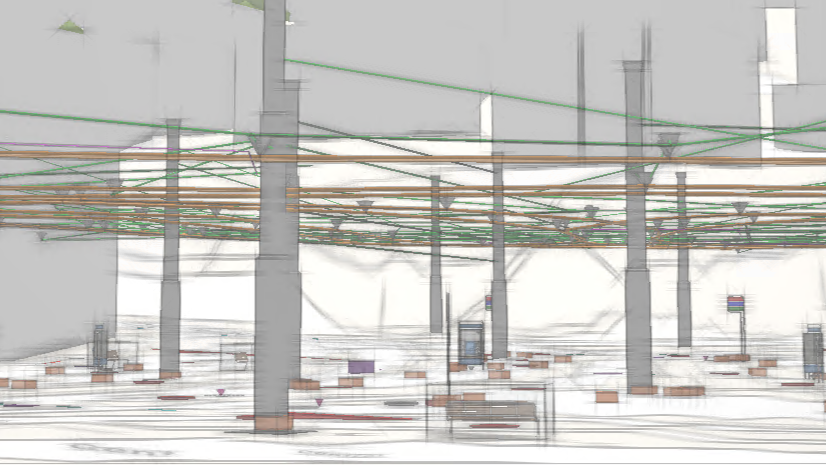
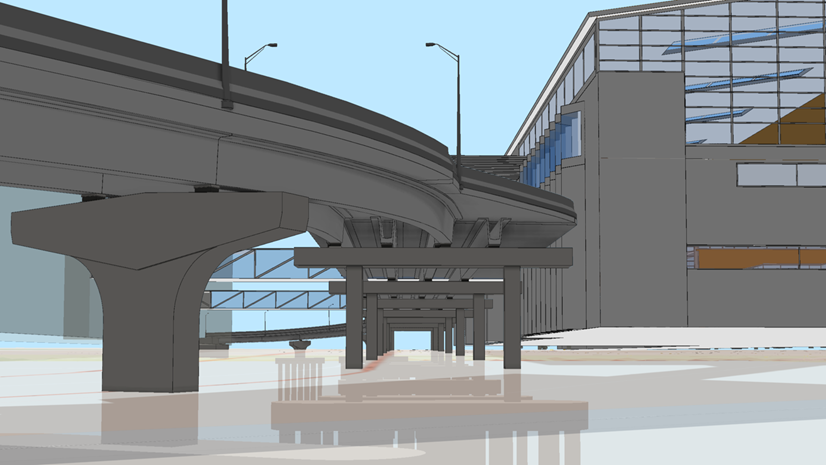
ArcGIS Pro allows GIS teams to create immersive visualizations, perform geospatial analysis, and share their work with other project teams. You can directly add design and engineering data into maps and scenes, whether operating on files locally or through connections to Autodesk Forma (formerly Autodesk Construction Cloud). This includes spatial representations of content from Autodesk® Revit®, IFC, Civil 3D®, AutoCAD®, and other formats.
The May 2026 release of ArcGIS Pro introduces capabilities that reduce manual effort when authoring scenes and expands the use of engineering content in GIS. Contextualize sites, unearth insights, and empower stakeholders to inform their decision-making across project phases.
Release highlights
Enhancements in the May 2026 release of ArcGIS Pro 3.7 include increased configurability for preparing spatial representations of BIM data in scenes. New capabilities also reduce the effort needed to make use of engineering content in geospatial analysis.
Find detailed documentation on these and other new features in the ArcGIS Pro release notes.
Work directly with building layers in BIM to geodatabase workflows
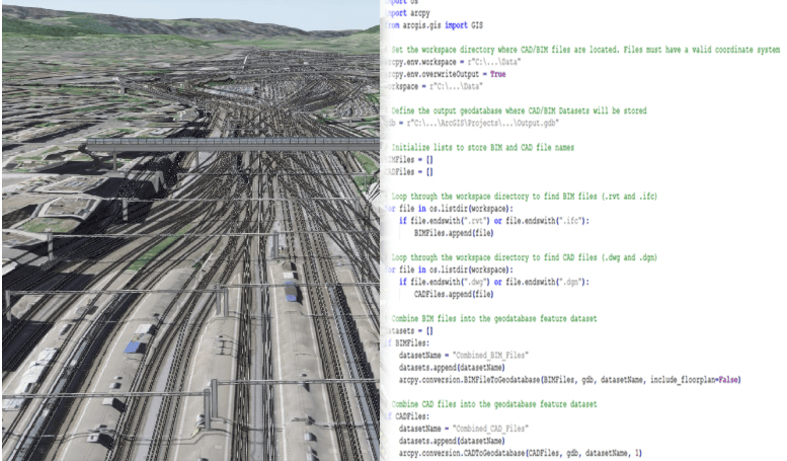
The BIM File to Geodatabase tool in ArcGIS Pro now accepts building layers as input. Configure BIM file workspaces, including use of definition queries, and use them to create the desired features in the project geodatabase. This new functionality enables more efficient preparation of BIM content for scene authoring while better preserving your intent from BIM through to GIS.
Create terrain datasets from TIN surfaces stored in BIM files
Engineering teams commonly model existing surfaces and design surfaces as TINs across project sites. Incorporating this content into scenes previously required multiple steps to convert and prepare the data. A new geoprocessing tool, Create Terrain from BIM, allows you to generate terrain datasets directly from TIN surfaces stored in Autodesk® Civil 3D® and IFC files. This includes geological surfaces (TINs) generated from GeoDin® Ground right within Civil 3D.
Work with constituent surface data, such as breaklines and boundaries, or derive elevation layers to produce site-specific definitions of ground as part of scene authoring. Help project teams make more informed decisions by visualizing and analyzing subsurface conditions alongside other project data.
Add piping centerlines from Revit as linear GIS features
ArcGIS Pro 3.7 includes expanded support for Revit content, allowing representation of piping systems as linear feature classes. Directly access linear features for pipes, fittings, accessories, and flex pipes from Revit files and add the content to scenes. These linear datasets support downstream workflows such as network tracing.
You can visualize the centerline geometry of piping systems and work with their attributes as GIS features. Boost the transition from as-built BIM content to operationalized spatial features in asset management workflows.
These enhancements in ArcGIS Pro help GIS teams use design and engineering data more effectively across the entire infrastructure lifecycle.
Ask the ArcGIS experts
Contact the ArcGIS Pro product team if you have suggestions or questions about BIM and CAD integrations in ArcGIS Pro. Join the conversation and ask questions with fellow users in the Esri Community. Submit your product ideas for new features and enhancements.

Commenting is not enabled for this article.