Today, when an ArcGIS Solution doesn’t exactly match your needs, you often must start from scratch—configuring layers, assembling maps and apps, and aligning workflows manually.
But, what if building a solution in ArcGIS started with a simple conversation?
Welcome to the world of vibe solutioning – a new way to build solutions in ArcGIS!
Meet the ArcGIS Solutions assistant
The ArcGIS Solutions assistant (beta) is an AI-powered assistant that helps you discover Esri-provided solutions or create your own, tailored to your business needs—all through natural language, with multilingual support.
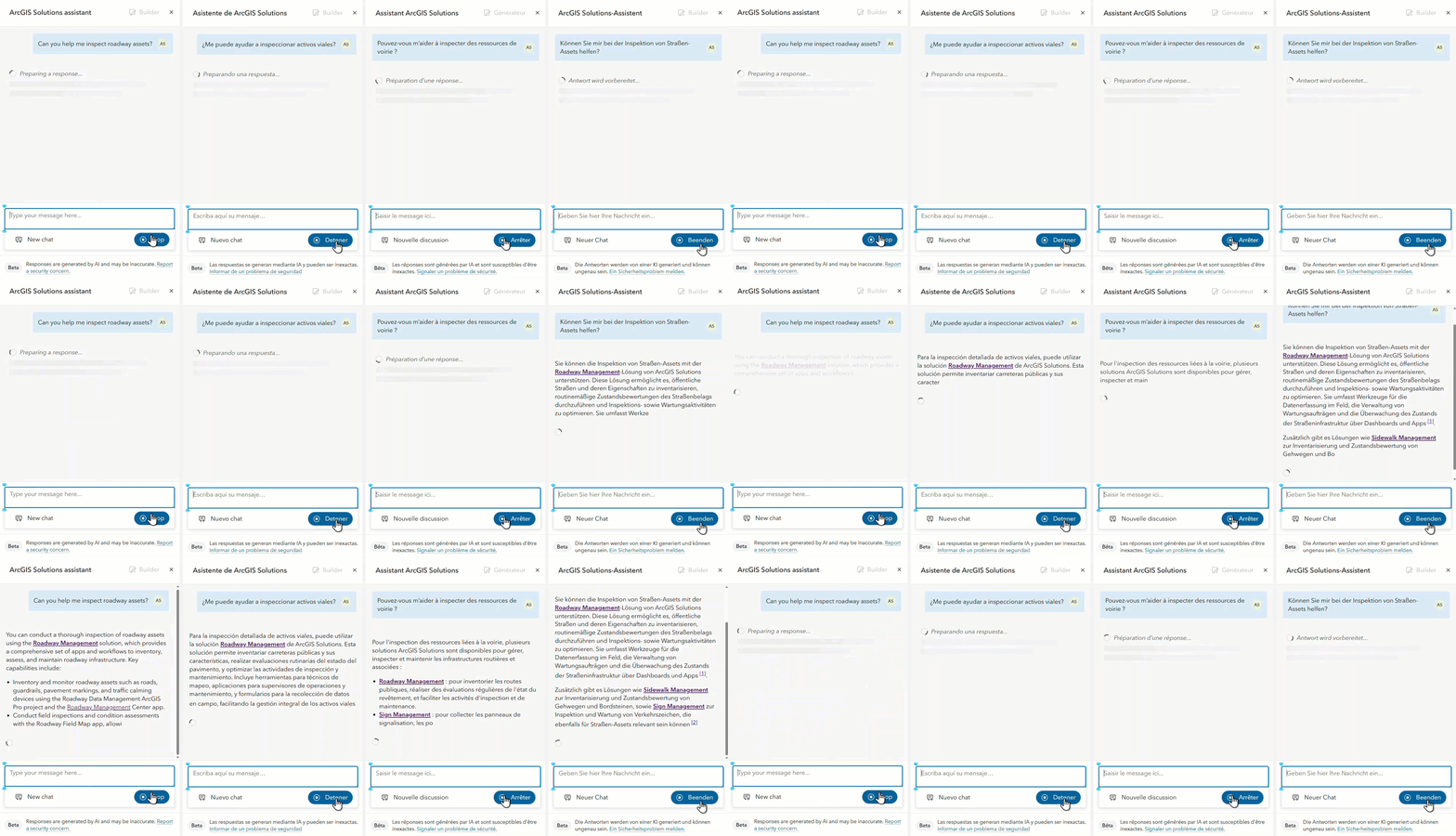
To get started, open the ArcGIS Solutions app and open the ArcGIS Solutions assistant.
Describe what you need
Just start by describing what you need, whether it’s a field inspection workflow, a public-facing map, or a solution to manage authoritative spatial data.
The assistant asks clarifying questions and uses AI with proven ArcGIS design patterns to guide you from an idea to a tailored solution—generating the layers, maps, and apps needed to support your needs.
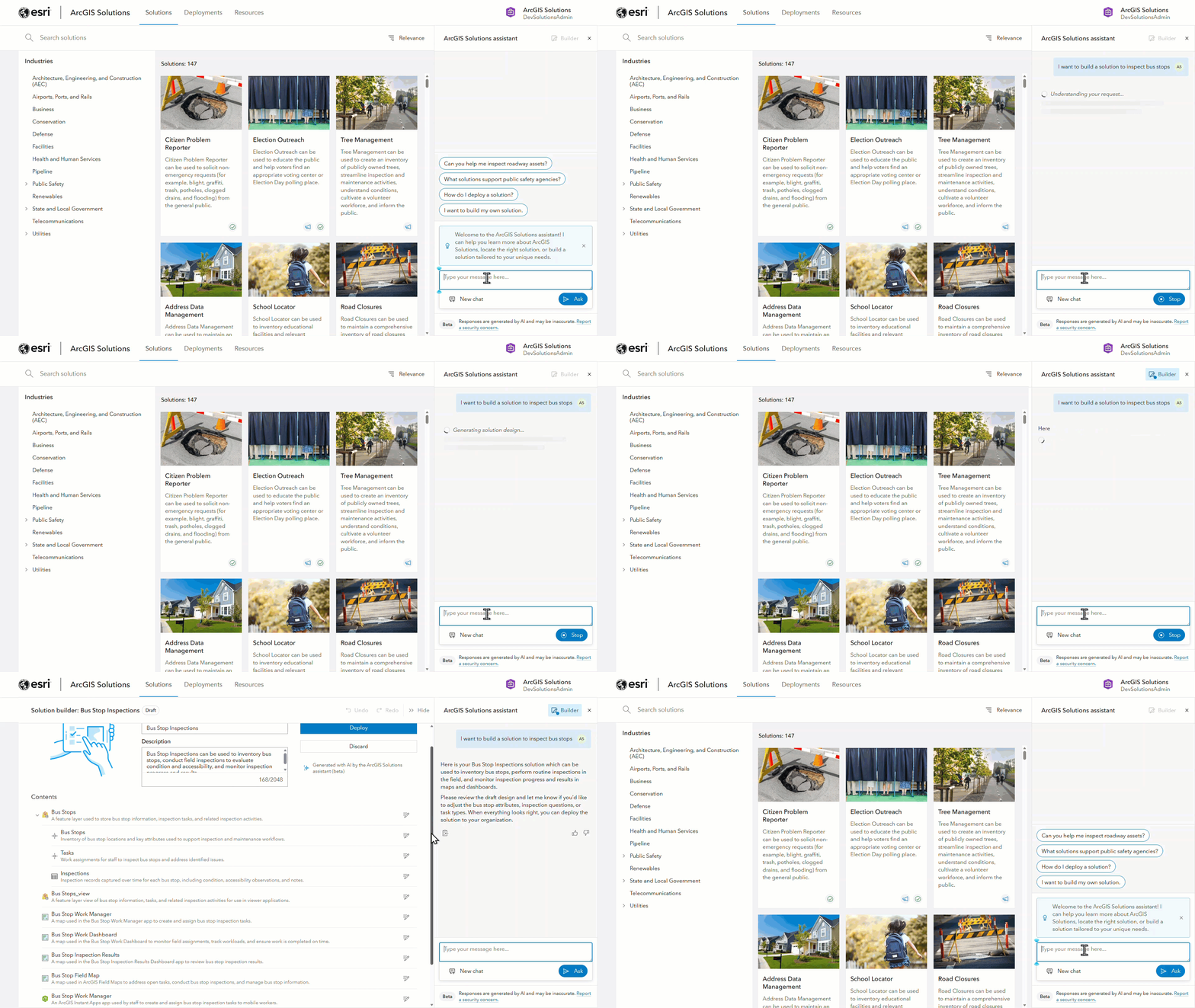
This approach shifts the experience from building tools to defining outcomes—ensuring each solution you build aligns with your goals.
Refine it with conversation
Don’t stop with the first draft.
You can iterate on the solution design by adjusting fields, labels, domains, and other properties, either manually or by continuing the conversation with the assistant.
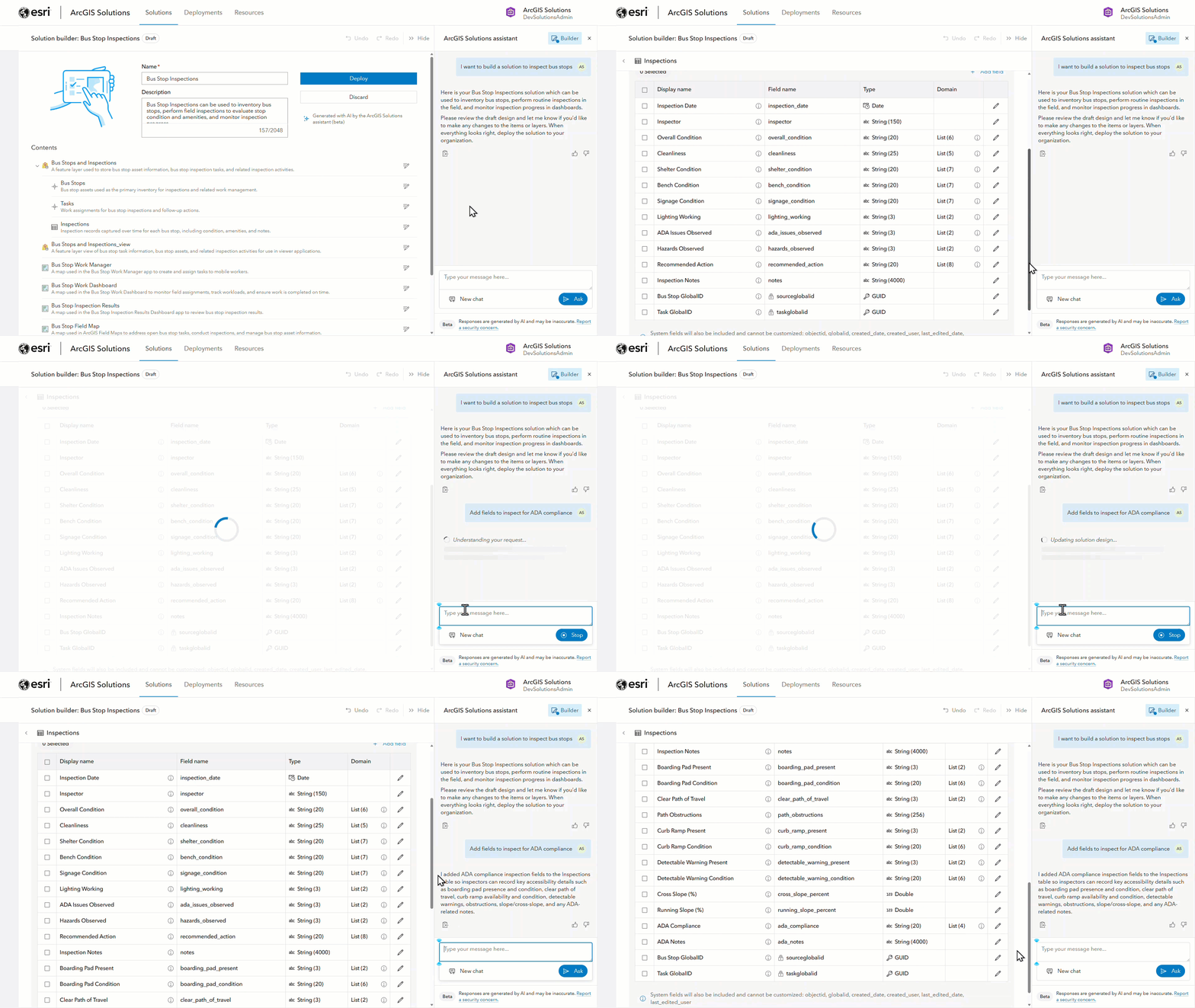
Deploy and configure
When your design is ready, the solution can be deployed directly to your ArcGIS organization.
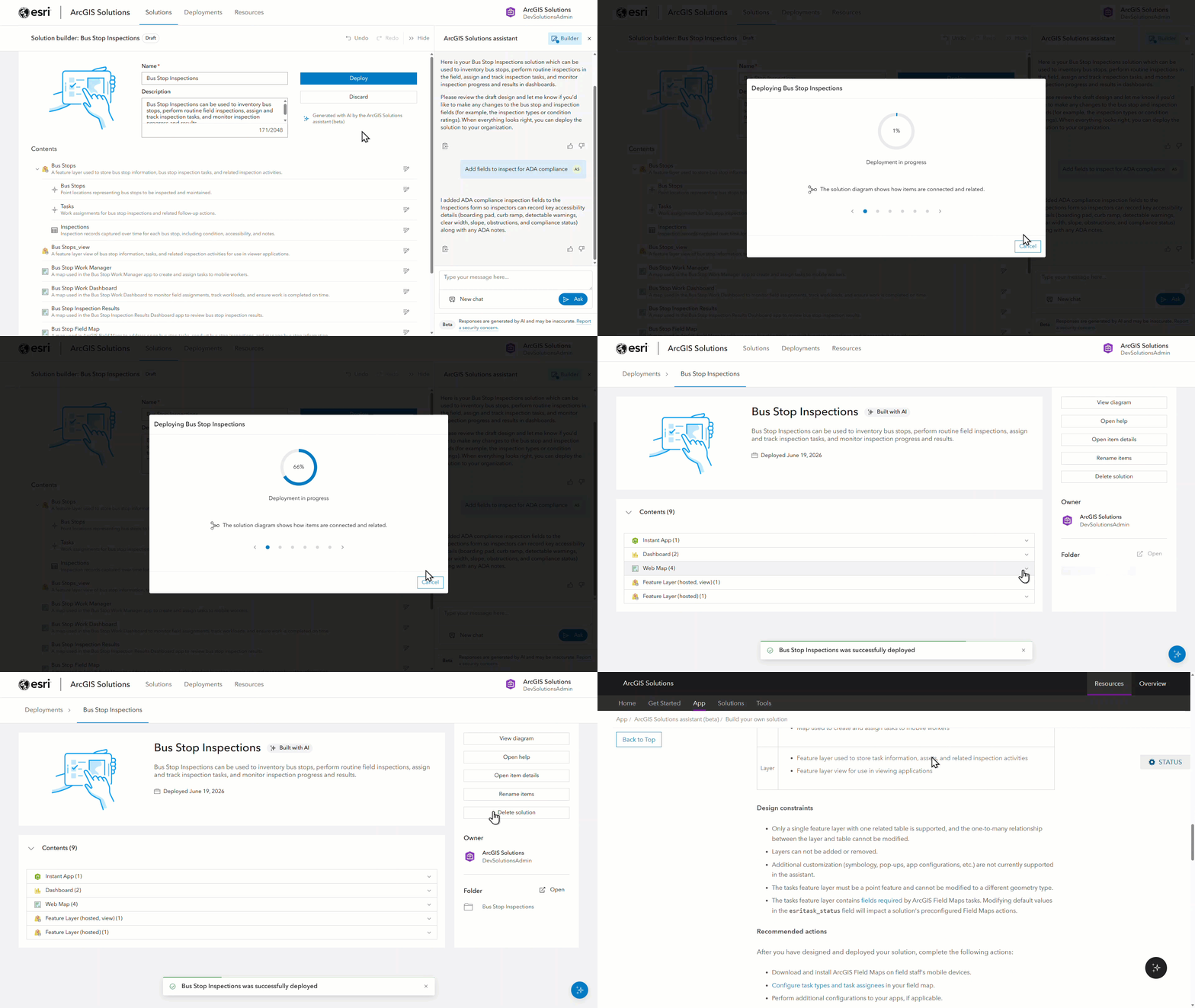
Once deployed, you can continue configuring the maps and apps in Map Viewer, Field Maps Designer, Instant Apps, and Dashboards.
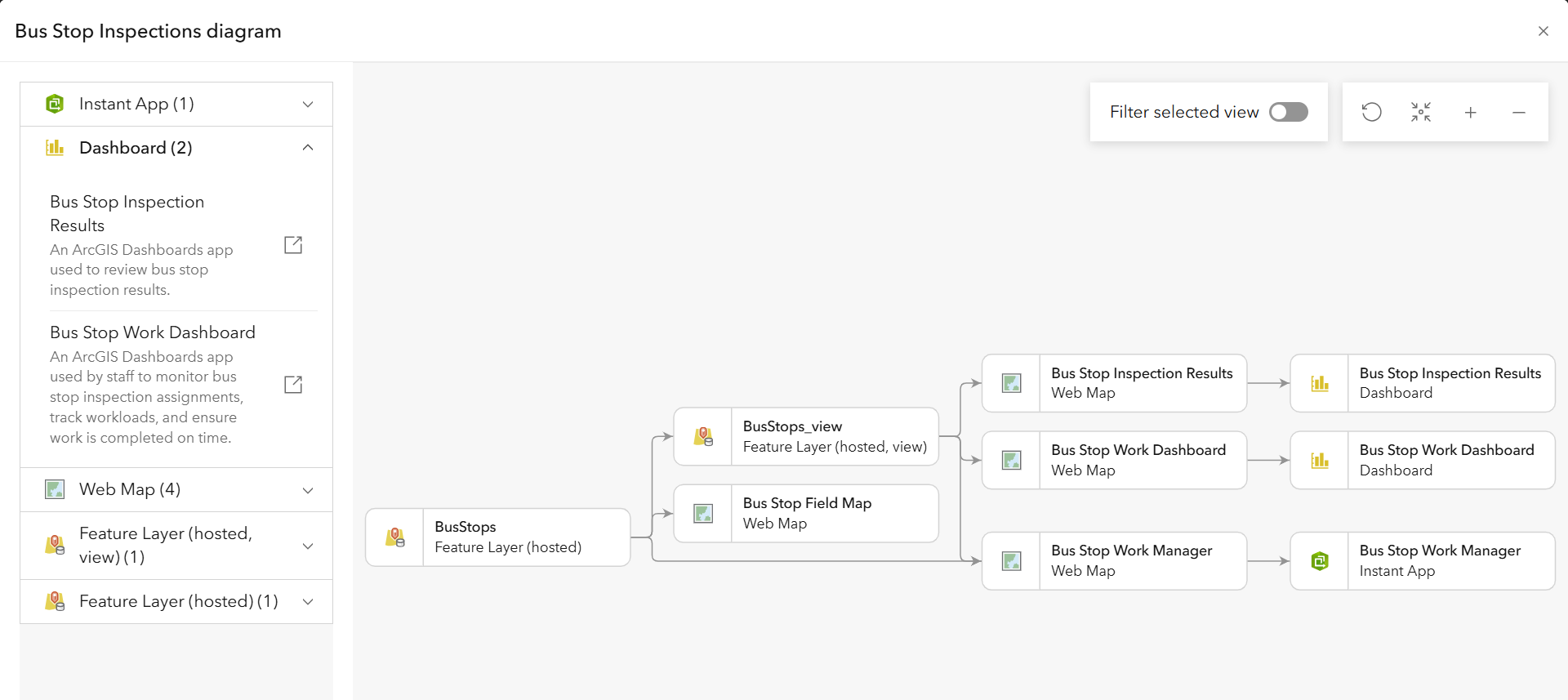
The ArcGIS Solutions assistant introduces a more intuitive approach to solution design—one that starts with intent, is guided by AI, and is grounded in proven patterns.
The new way to build solutions is here—fast, flexible, and easier than ever!
Learn more
For more information about ArcGIS Solutions, check out the following resources:
- Explore the ArcGIS Solutions gallery
- Get started with the ArcGIS Solutions assistant (beta)
- Learn more about ArcGIS Solutions
- View the full collection of solution demo videos available to the community



Article Discussion: