Frames is now available on ArcGIS Online and ArcGIS Enterprise. To learn more visit Introducing ArcGIS StoryMaps Frames: Mobile-First Storytelling for Modern Audiences.
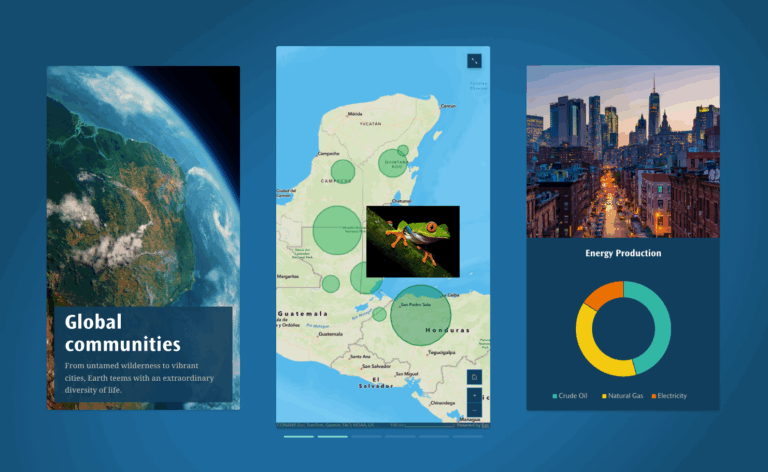
For many of us, ArcGIS StoryMaps is a top choice when we need to share maps and information with a large public audience. Reaching that audience means we need to do more than just author the story, publish it, and then wait for the results. The modern audience’s expectations about where and how to get information has prompted organizations to proactively share their stories on the platforms where their audiences already are — and in a format looks good on their phones.
Over the past few years storytelling with StoryMaps has evolved as new features and formats have been added to the product. StoryMaps was initially designed to support longform storytelling through vertically scrolling stories. Briefings, a slide-based presentation-style format, were added in 2023. Stories and briefings are typically made for the larger screens of tablets, desktops, and even conference room displays. A mobile-first, short-form storytelling format called frames is the next step in the evolution of StoryMaps.
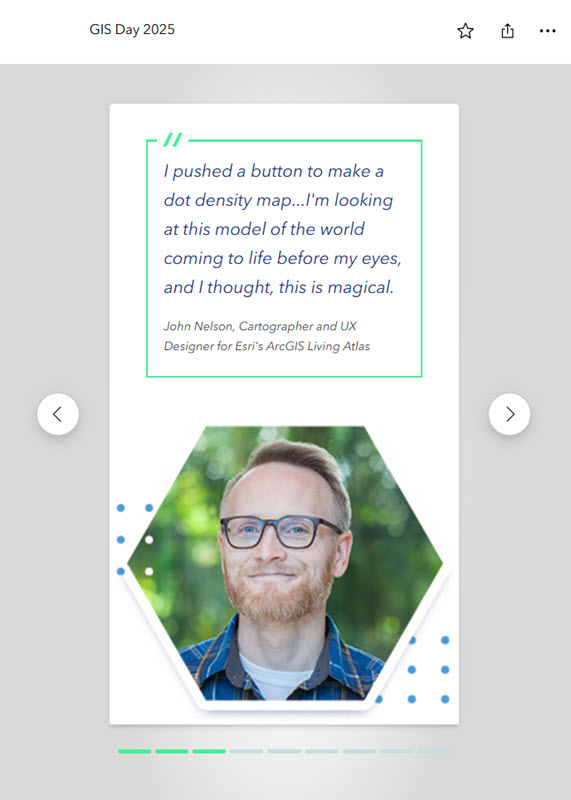
Frames are designed for the kind of quick-hit storytelling modern audiences expect, and they are optimized for the mobile devices those audiences typically use and are supported on desktop browsers as well. Frames are mobile-first, fast and easy to create, interactive, and look great when shared on social platforms. They complement (not replace) the other StoryMaps formats of stories, briefings, and collections, and seamlessly integrate with your existing ArcGIS workflows.
As a mobile-first format, being able to create and edit frames on a phone is important, so support for the frame builder on small screens like smartphones is coming soon. The StoryMaps team is also working on some advanced sharing features that will make it easy to post frames in full on popular social platforms.
Frames start with a cover slide, which is followed by content slides (up to 20) that allow you to add many of the essential story features such as text, images, videos, maps, and embedded ArcGIS apps. Mapping is core to the StoryMaps experience and frames support web maps, web scenes, and express maps created in the frame builder. Frames are also a great way to share maps and data from ArcGIS apps; you can embed instant apps, Survey123 web forms, dashboards, web experiences, and other items from ArcGIS Online. In addition to the mapping features, you can add captions and links to images and show simple data with charts and infographics. Frames can also help drive engagement with hyperlinked text and button links.
Check out the video below for a walkthrough of a frame about revitalizing Toronto’s waterfront – Building for tomorrow (or just click this link to open the frame directly).
_______________________________________________________________________
Get started by creating your first frame on ArcGIS StoryMaps
For more information about frames, visit ArcGIS StoryMaps Frames – Frequently Asked Questions
We would love to hear what you think. Please share your feedback at ArcGIS StoryMaps Frames Feedback


Article Discussion: