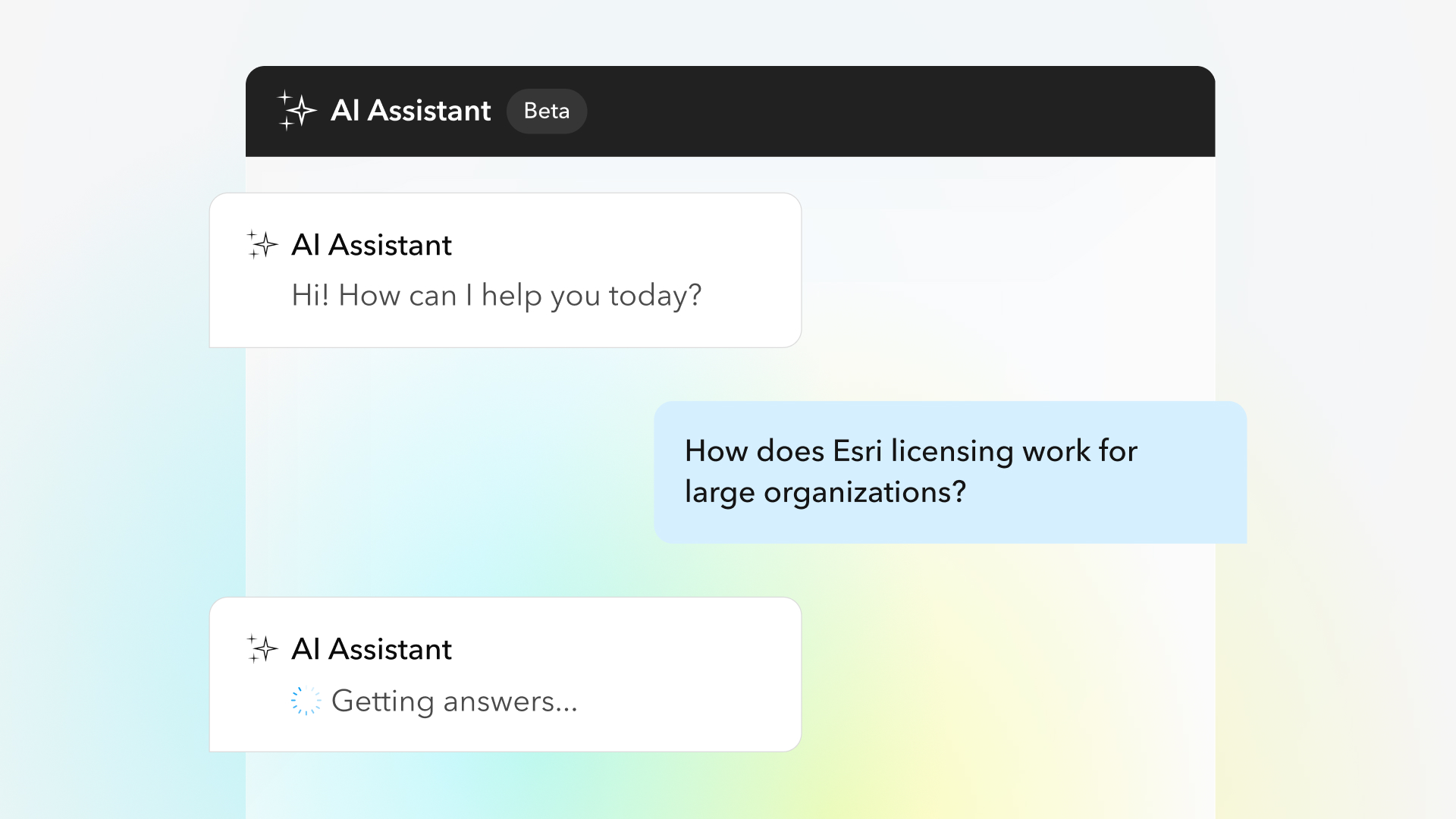
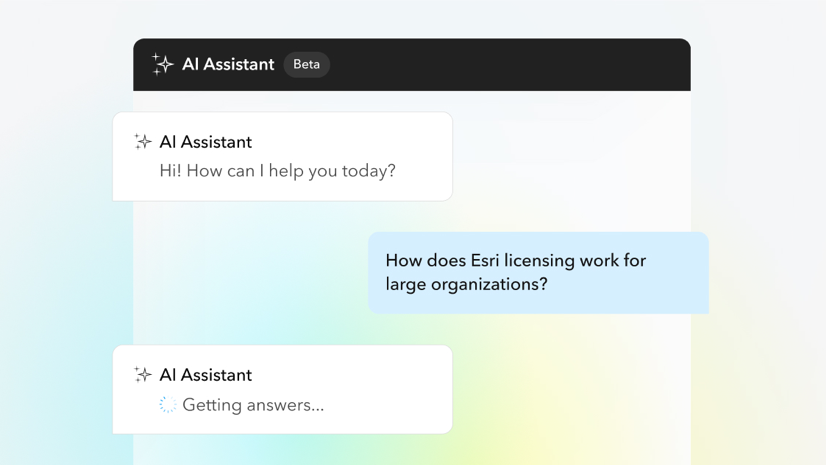
Since launching the AI Assistant (Beta) on esri.com this summer, we’ve been learning how people use conversational AI to explore Esri products, capabilities, and resources. Now, we’re introducing a significant set of updates designed to make that experience more useful, intuitive, and connected.
The AI assistant on esri.com remains in beta, giving us the opportunity to continue learning and improving as its capabilities expand.
Explore Esri through a dedicated AI experience
One of the biggest changes is a new full-page AI assistant experience at ask.esri.com, giving you a dedicated space for longer, more focused conversations.
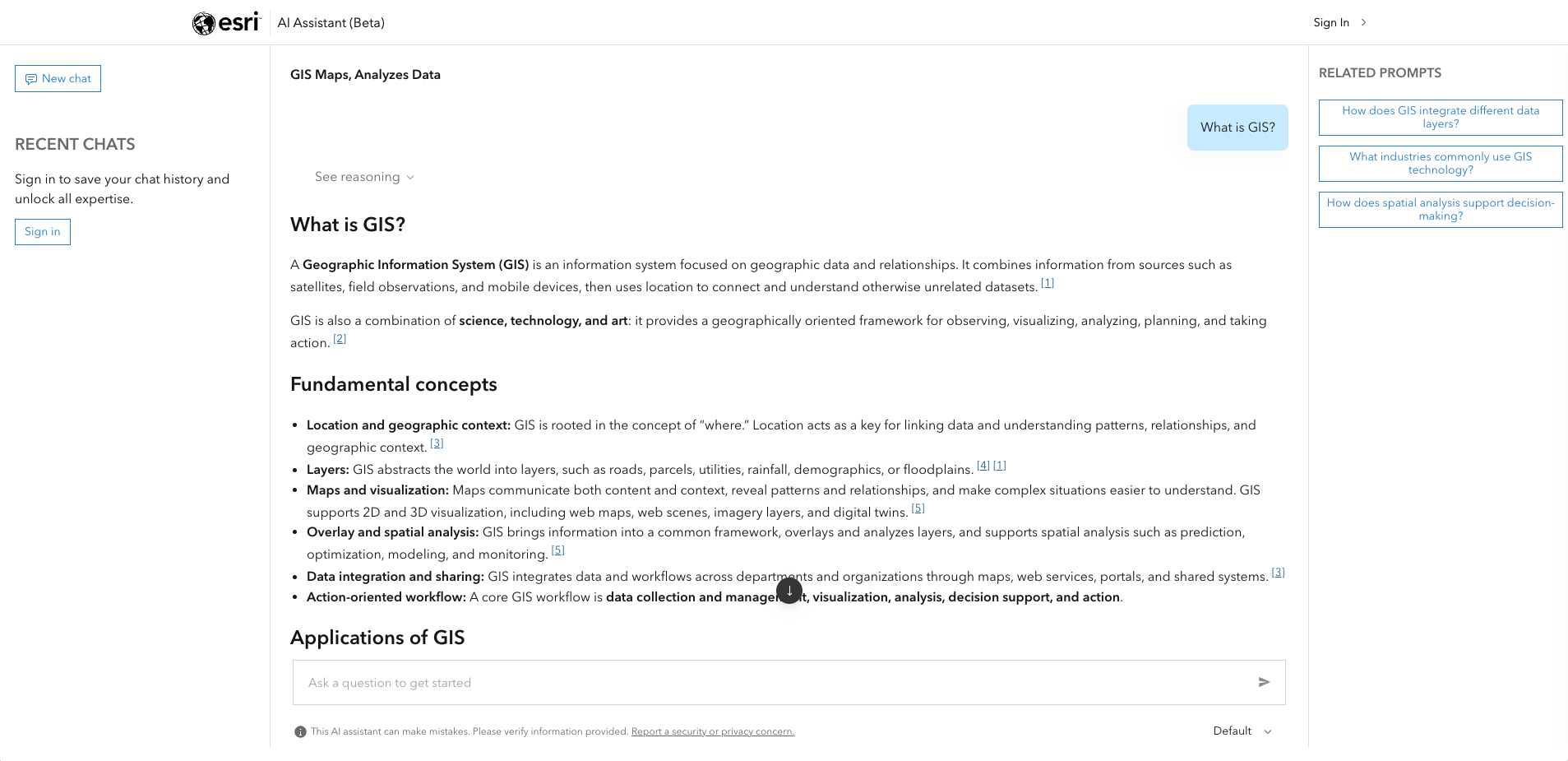
This new experience allows you to open the AI assistant in a separate browser tab to keep the conversation going while exploring Esri content or working in another tab. If you prefer to stay on the page you’re viewing, you can still use the familiar pop-up experience on esri.com and move to the full-page experience using the icon in the top right when you want more room to continue your conversation.
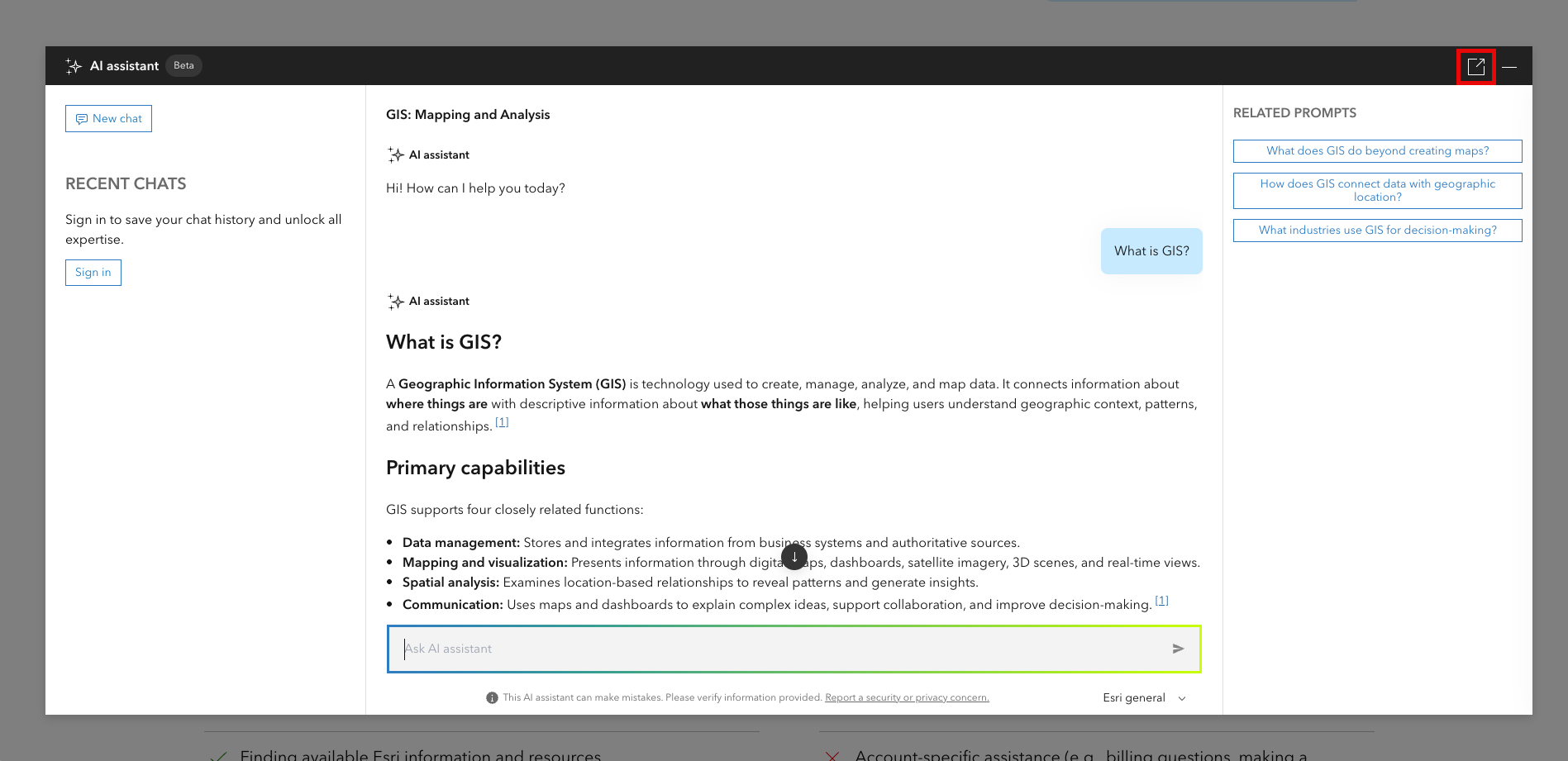
The full-page experience also brings the AI Assistant to mobile devices, with an interface optimized for smartphones and tablets.
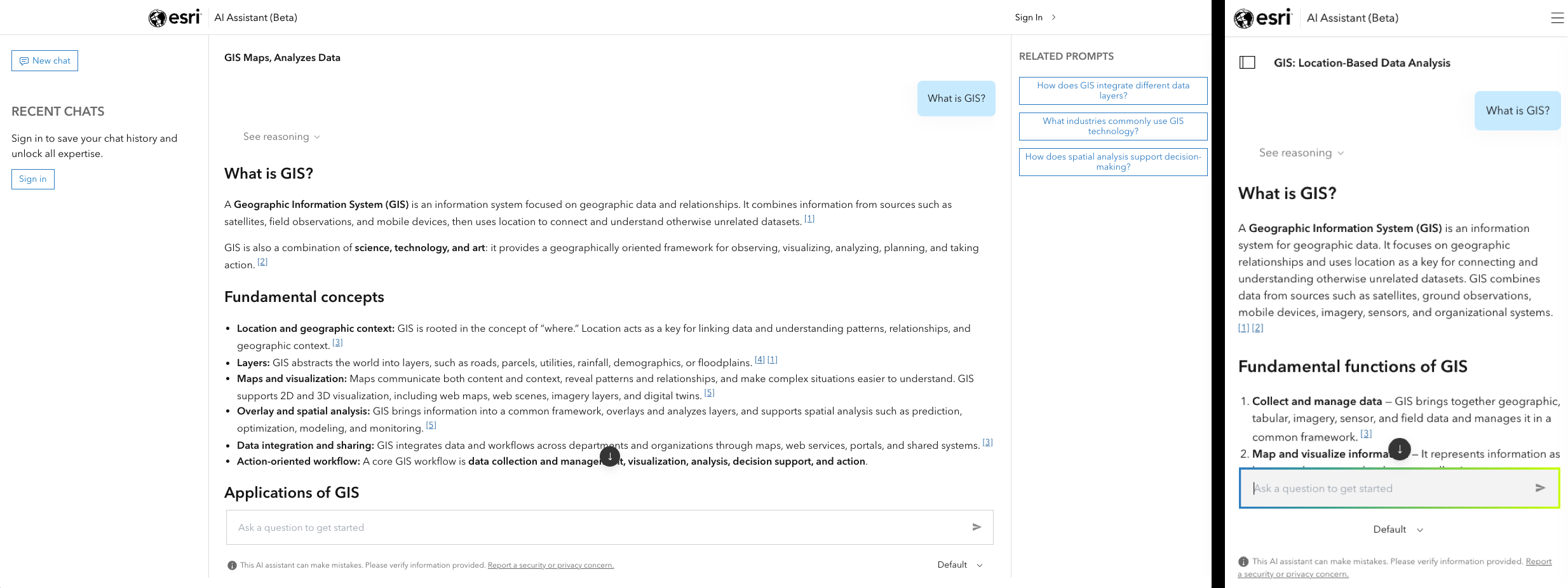
Regardless of how you choose to interact with the assistant, you can continue to follow sources and links from responses to explore the underlying Esri information in more detail.
Ask questions without knowing where to start
Esri has information and expertise across products, documentation, training, trust, and more. Instead of requiring you to navigate separate AI experiences or know where to ask your question, the AI assistant brings that expertise together in one connected experience.
If you’re not signed in:
Just ask your question. The AI assistant identifies the area of Esri expertise best suited to answer and connects your question to it automatically. If you prefer, you can also choose a specific area of expertise to focus your conversation.
If you’re signed in with an AI-enabled account:
The AI assistant can draw from multiple relevant areas of Esri expertise and bring that information together to provide a more complete answer. If your question could mean more than one thing, the assistant may ask a follow-up question or present options to clarify what you’re looking for before providing an answer.

If you need technical support:
For technical troubleshooting, errors, or support issues, use the Esri Support AI Chatbot. Technical support isn’t yet connected to the AI Assistant, so the Esri Support AI Chatbot remains the best place to get help resolving a specific technical issue.
Enable AI features for your ArcGIS account
You don’t need to sign in to use the AI Assistant. However, signing in with an AI-enabled ArcGIS organizational account gives you access to additional capabilities, including saved chat history and the ability to draw on multiple areas of Esri expertise for more complete answers.
If you sign in and discover that AI features aren’t available for your account, your organization may not have enabled them. Contact your ArcGIS administrator and ask them to enable AI features for your organization. ArcGIS administrators can control whether members of their organization can use AI assistants.
Help us shape what comes next
The AI assistant remains in beta on esri.com, giving us the opportunity to learn and improve as more people use it. We’ll continue refining the experience to make it easier to find trusted Esri information, get relevant answers, and confidently take the next step.
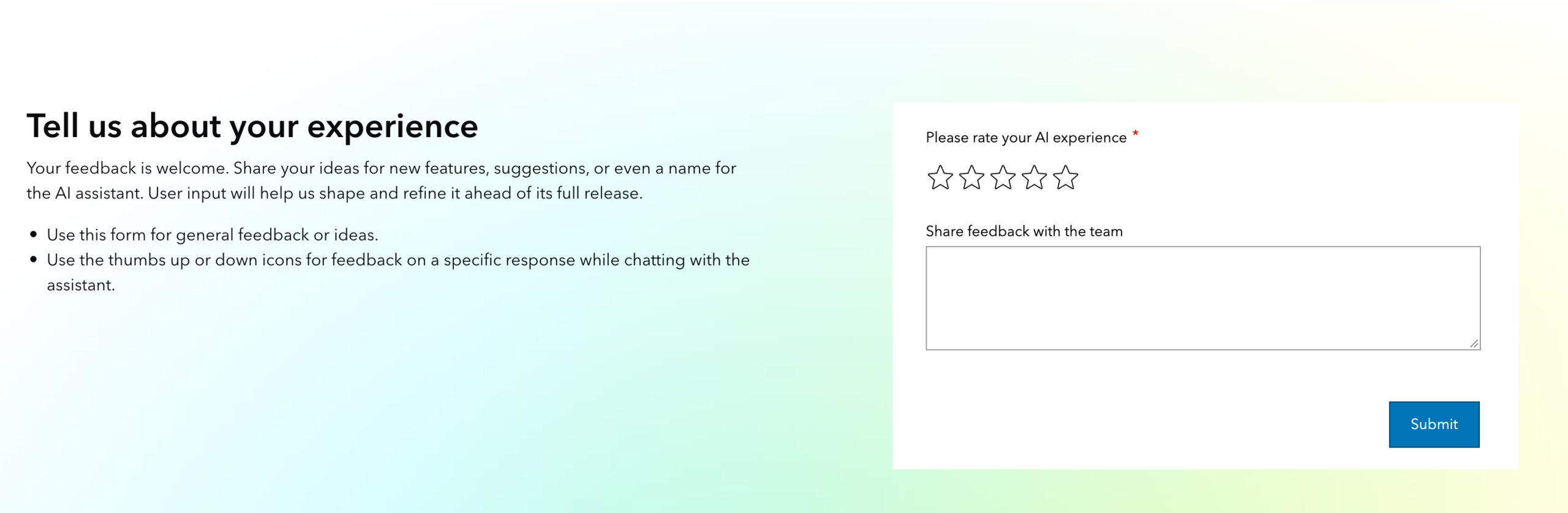
Your feedback is an important part of that process. It helps us understand what people are trying to accomplish, where the AI Assistant is helpful, and where the experience can improve.
Try the latest AI assistant (beta), ask it something about Esri, and let us know what you think. Your questions and feedback will help shape what comes next.


Commenting is not enabled for this article.