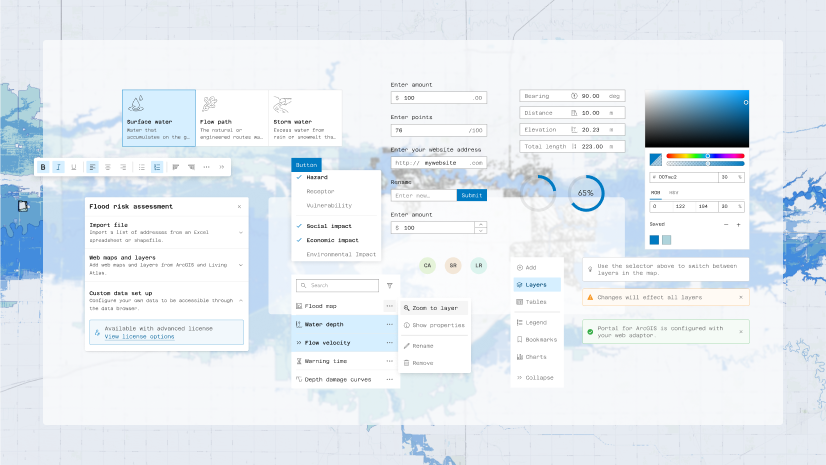
Learn all about the key updates in Calcite Design System recently released with 5.0, including the coordination of releases with ArcGIS Maps SDK for JavaScript’s move to semantic versioning in 2026.
Read on to explore some of the highlights since September, including:
- CDN naming convention
- Action redesign
- Disabled fullscreen functionality in Dialog
- Component grouping UI/UX
- Refined prefix and suffix text
- Enhanced pagination in Table
- Action Group’s selection mode
- Accessibility improvements
- 5.0 breaking change highlights
CDN naming convention
Calcite and ArcGIS Maps SDK for JavaScript now offer coordinated versioning and CDN naming consistencies with version 5.0. The updated CDN improves productivity and enhances tooling support across solutions:
<script type="module" src="https://js.arcgis.com/calcite-components/5.0"></script>
When creating apps using JavaScript Maps SDK you can reference a single CDN script tag, which includes: Calcite components, the Core API, Map components, Charts components, Coding components, Common components, and AI components (beta):
<script type="module" src="https://js.arcgis.com/5.0"></script>
Explore Calcite’s get started page to learn more about using the CDN and how to host assets locally for additional setup considerations.
Action redesign
Action has been updated to support more use cases – the default sizing has been adjusted and the component now supports a highlight display appearance.

Disabled fullscreen functionality in Dialog
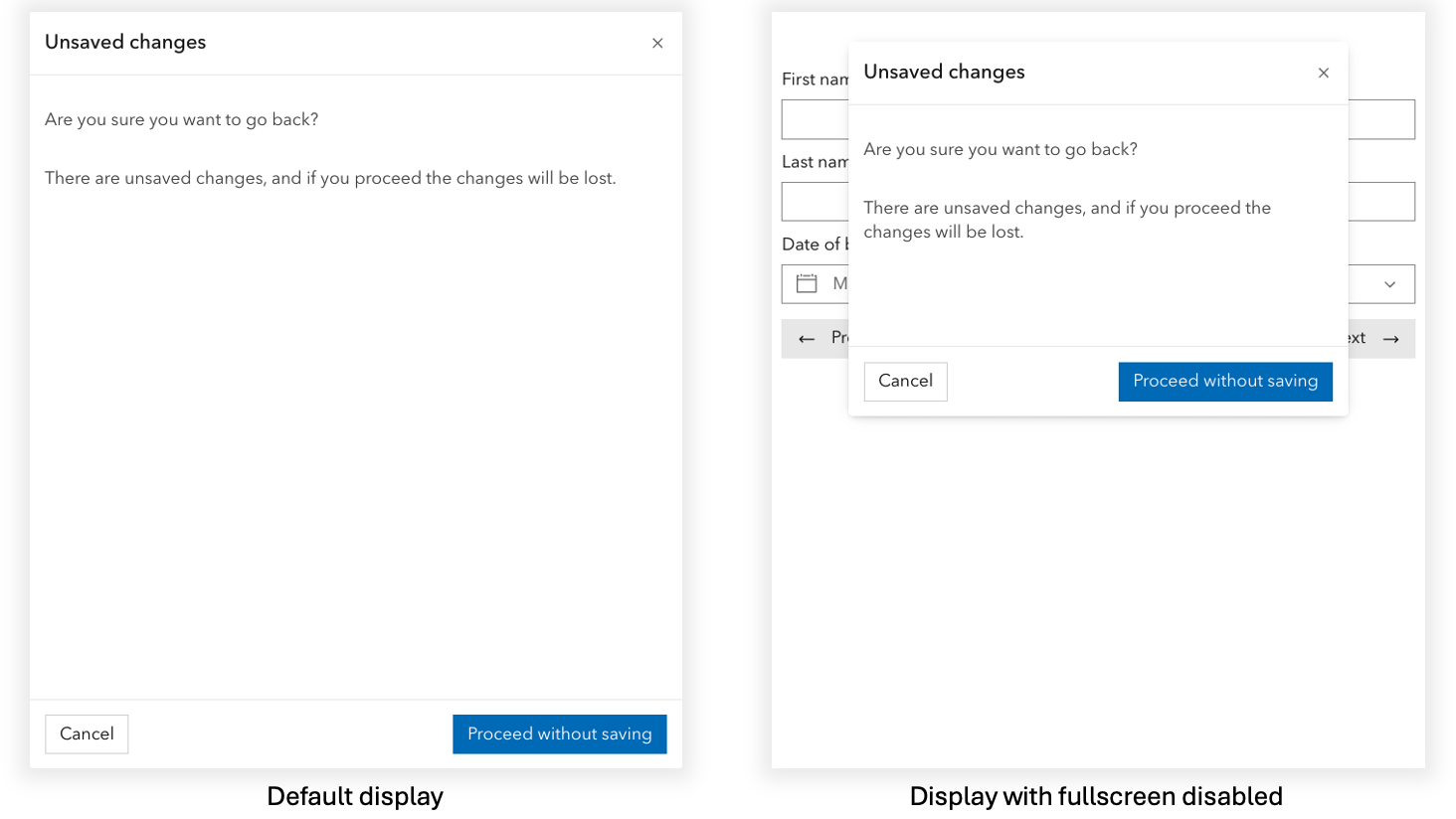
Dialog now includes a fullscreenDisabled property, which prevents the component’s full viewport display that blocks all visibility of underlying content on smaller width viewports. The property provides more configuration control over how the component and underlying content can be presented across screen resolutions, in particular mobile and tablet devices.
Component grouping UI/UX
The Dropdown Group, Combobox Item Group, and List Item Group components offer uniform UI/UX experiences in 5.0 with updated font weights and color improvements for consistent experiences across apps.

Refined prefix and suffix text
The Input, Input Number, and Input Text components have refined the visual display of their prefixText and suffixText properties, reducing the possibility of mistaking them as clickable elements and promoting proper UI/UX decisions, ensuring users have less visual noise and clearer directions.

Enhanced pagination in Table
Table introduces a currentPage property, providing the ability to get or set the component’s current page when pagination is enabled. The property is useful to set the initial page on render, retrieve the current page, or programmatically change pages. Learn more in Calcite’s 5.0 summary notes.
Action Group’s selection mode
Action Group now supports more control over the selection behavior of slotted Actions with the new selectionMode property. For example, the "single-persist" value allows one selection, preventing deselection from the group.

Accessibility improvements
Action’s aria property
Action offers a new aria property, which overrides or extends ARIA-named attributes on the component’s button. For instance, the property can provide assistive technologies more context when an Action toggles another component’s visibility. Refer to Action’s accessibility section for configuration considerations.
Combobox’s read-only support
Combobox supports more audiences when it is not editable, but its contents are available to users. Now in 5.0, the component communicates it’s value to assistive technologies when in read-only mode.
5.0 breaking change highlights
Removed deprecated APIs
With the 5.0 release, Calcite removed deprecated components, properties, values, slots, and events. For instance, Action‘s tooltip slot where the Tooltip component can be used directly instead.
Removed components in 5.0 include: Modal, Shell Center Row, Tile Select, Tile Select Group, Tip, Tip Group, and Tip Manager.
To learn more about the full list of removals, visit the removed components, properties, values, slots, and events in the summary notes for the migration steps needed for 5.0.
Notice’s design updates
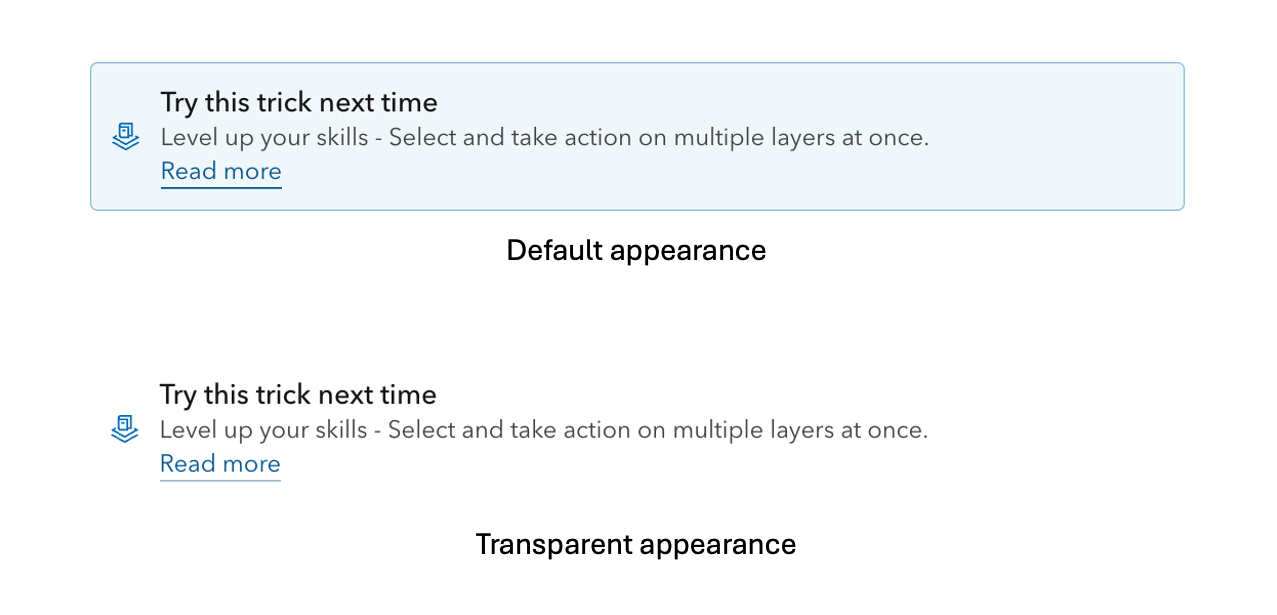
Notice now offers a minimal appearance, providing further visual distinction from the Alert component. In 5.0, Notice supports a range of inline message styling options, including an outline fill appearance for visual emphasis and a transparent appearance for less obtrusive messages.
Dark mode color mapping
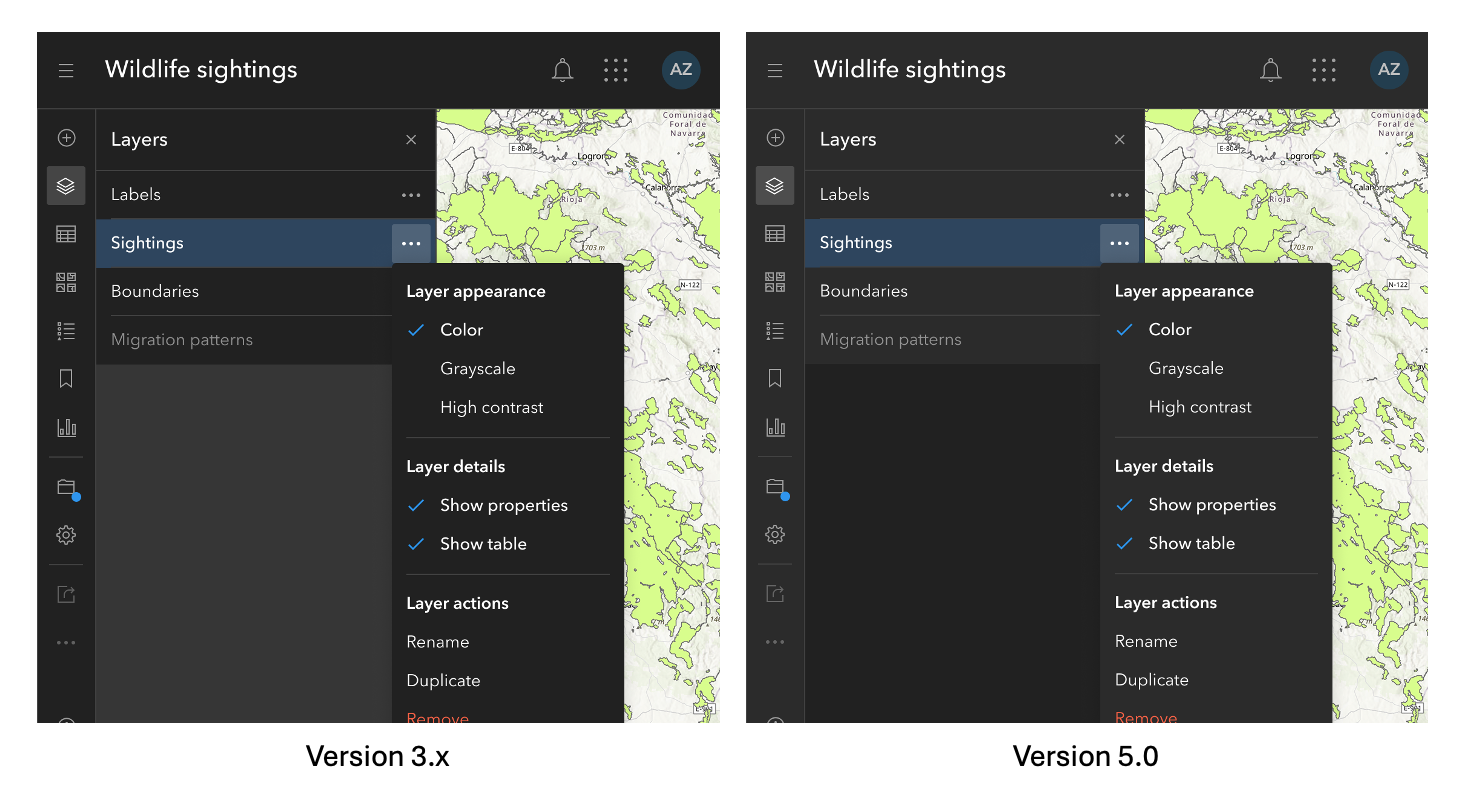
Dark mode color mapping has been updated to align with light mode by ensuring background colors remain darker than foreground colors.
Color token naming updates
The background and foreground color tokens have been deprecated in favor of a combined set of surface color tokens, making color usage and theming easier to manage. To learn more about color tokens and theming, visit Calcite’s Colors and theming page.
Framework integration
With React 19+’s support of custom elements, the @esri/calcite-components-react package is not needed and deprecated in 5.0, with removal in a future breaking change release. Consider upgrading to React 19+ and using @esri/calcite-components directly to ensure full compatibility and support for the future.
Explore what’s new in 5.0
For a full list of changes, visit Calcite’s 5.0 summary notes, which also lists changes since version 3.3 (October 2025) including breaking changes, features, bug fixes, performance improvements, and more.
YouTube live
Earlier this month Calcite designers and engineers presented the Latest Updates in Version 5.0 showcasing breaking changes, feature enhancements, and engaged in a live Q&A session. Thank you to all who attended with us live. The event was recorded and is available for viewing.
2026 Developer and Technology Summit
The 2026 Developer and Technology Summit kicks off next month in Palm Springs March 10-13, 2026. We hope to meet you in Palm Springs, however if you are unable to join us in person there are a few live stream sessions for you to join us virtually.
Explore sessions on building web apps with components, including Calcite:
- ArcGIS Maps SDK for JavaScript: App Development with Components, Part 1: Programming Patterns
- ArcGIS Maps SDK for JavaScript: App Development with Components, Part 2: Using Frameworks
- ArcGIS Maps SDK for JavaScript: App Development with Components, Part 3: User Experience
- ArcGIS Maps SDK for JavaScript: App Development with Components, Part 4: Extending and Styling
- Building Accessible Web Apps with ArcGIS Maps SDK for JavaScript and Calcite
- Calcite Design System: What’s New and the Road Ahead
And attend user interface and user experience (UI/UX) sessions to incorporate into your apps in 2026:
- ArcGIS Apps: Enhancing Accessibility and Localization
- Eyes on Design: The Art and Science of Creating Intuitive Interfaces
- ArcGIS Maps SDK for JavaScript: Better UX with Popups
- ArcGIS: Accessibility in Configurable Applications
- Empowering All Users: Strategies for Accessible App Development
- Improving Usability: User Research Techniques for Better App Experiences




Article Discussion: