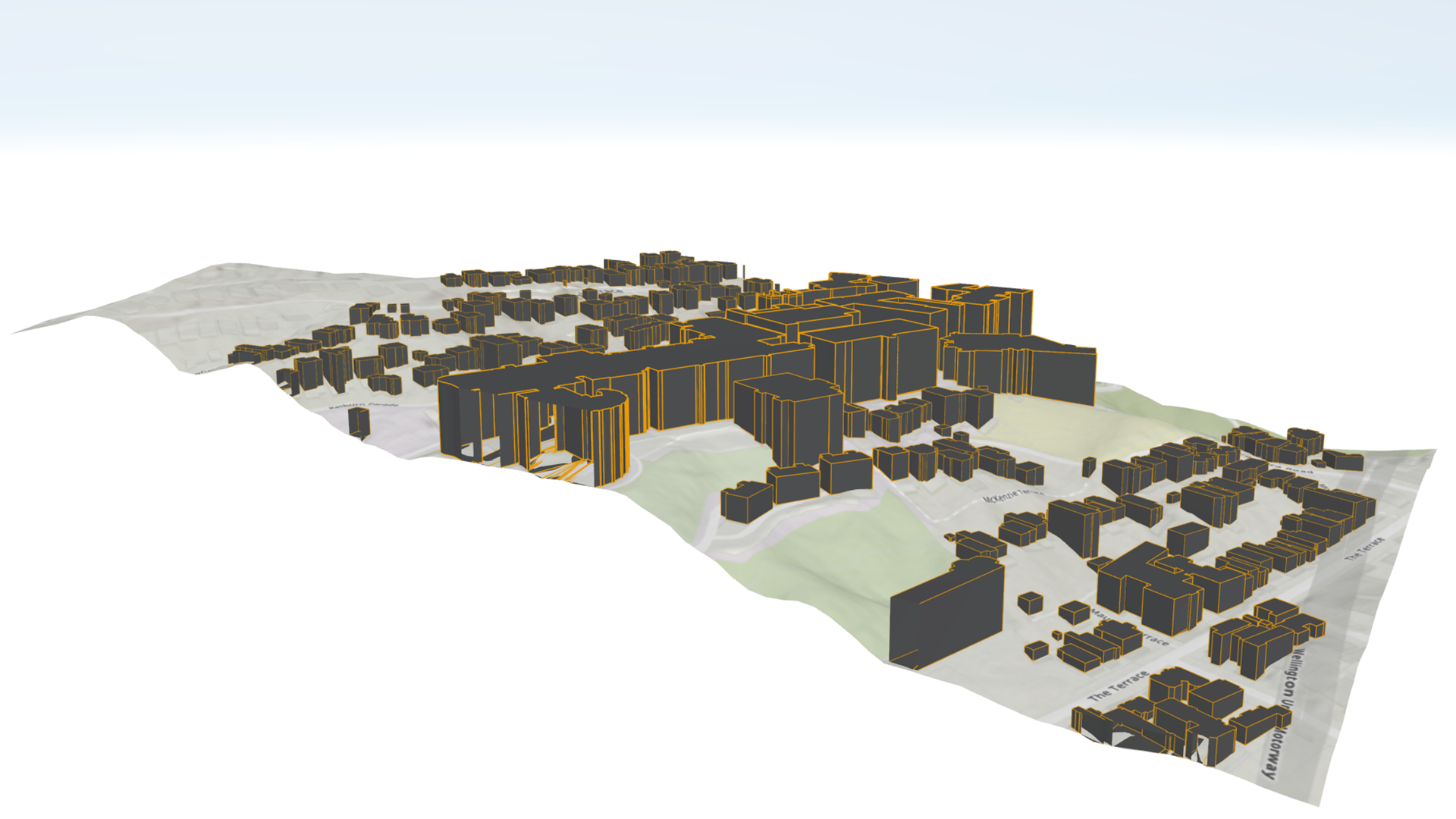
You have decades of GIS data sitting in a state plane coordinate system. You’d love to view it in 3D – as a model of construction site phases or a campus walkthrough. Until now, you’d need to either a) transform and republish it in a geographic coordinate system or b) reproject your data at runtime to display it in a global scene of ArcGIS Maps SDKs for Native Apps. What if I told you that you could now use that data in the coordinate system of your choosing – projected or otherwise – in your 3D app? Well, wonder no longer, because that’s exactly what I’m about to tell you!
We’re thrilled to announce that with the ArcGIS Maps SDKs for Native Apps 300.0 release, developers can now build apps with local scenes. Local scenes allow you to use projected coordinate systems in 3D. In Native Maps SDKs, they also bring in a ton of architectural changes under the hood.
Local scenes have been available in other ArcGIS apps like ArcGIS Pro and ArcGIS Online Web Scenes for a while, but the distinction between local and global scenes can be a little confusing to those unfamiliar with them.
tl;dr: should you choose a local or global scene?
- Use local scenes if you’re working with data in a projected coordinate system AND your data type is supported by the current version of Native Maps SDKs (check our Layer Types documentation for .NET, Flutter, Kotlin, Qt, or Swift). For example, digital twins, BIM, campus walkthroughs, and other localized representations.
- Use global scenes if your data spans regions, countries, or the whole globe – or if you want the broadest, most flexible foundation to build from today. For example, mapping flight paths, trade routes, weather patterns, and so on.
If you’re sticking around for the full post, I’m honored! I’ll walk you through the conceptual difference between global and local scenes, where local scenes stand today in Native Maps SDKs, the exciting future of 3D GIS local scenes unlock, and how you can help shape the development roadmap for local scenes.
Coordinate systems: the “why” behind local scenes
Local scenes primarily exist to solve a very specific problem: displaying projected data in 3D. As we can all unequivocally agree, without any room for sensible debate, the earth is not flat – it is of course an oblate spheroid. This fact has rather upset cartographers for about as long as we’ve made maps, because it is quite inconvenient to try to flatten a sphere onto a 2D plane.
Projected coordinate systems (and distortion)
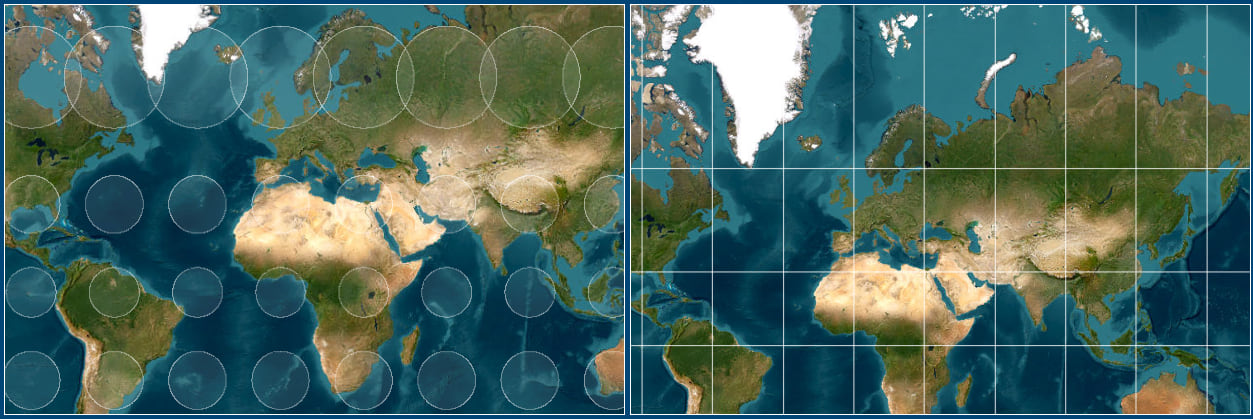
We account for this inconvenience with projected coordinate systems, which (as the name suggests) project the coordinates of our spherical earth onto a flat plane, at the cost of distortion.
For example, the most common projected coordinate system is Web Mercator. Most online mapping platforms use it, but it distorts the true size of land near the poles. In Web Mercator, Greenland looks about as large as all of Africa. In reality, it’s only about the size of Chad (based on the rough visual reference I just did while writing this).
Minimizing distortion with localized projections
So how do we minimize distortion within a region? With localized projected coordinate systems! Thousands of projected coordinate systems exist around the world, each one tuned for a specific region. Disciplines that need maximum precision rely on them heavily – especially architecture, engineering, and construction (AEC) users like local governments, engineering firms, and surveys.
Projected coordinate systems in 3D
As computers became more powerful, GIS broke out of two dimensions. We could finally render data in a true third dimension, no longer needing to flatten the Earth onto a 2D map. Instead, we could represent it as a true oblate spheroid in a proper geographic coordinate system.
Great news, except for one catch: this is largely incompatible with projected coordinate systems. Sure, you can reproject data from a projected coordinate system into a geographic one like WGS 84 – but if you’ve collected vast amounts of institutional data in a projected system over the years, you reasonably want to display it in 3D without the extra preprocessing step or runtime reprojection cost. That’s where local scenes come in!
If you found this projection info interesting and want to learn more about coordinate systems, take a look at our developer documentation on Spatial references.
Local and global scenes, conceptually
Now that I’ve given a good portion of you harrowing flashbacks to your “Intro to Geography” classes, let’s talk about coordinate systems in local and global scene viewing modes.
Fundamentally, local scenes render your local, projected data in 3D. Global scenes render your 3D data on a true-to-reality 3D globe. When choosing between the two, it really comes down to two questions: what kind of data do you have, and how do you want to display it?
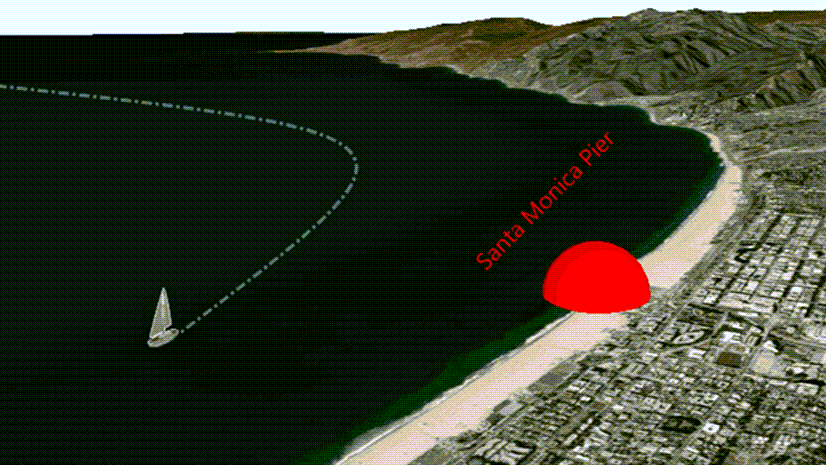
Building an app to track weather patterns across the surface of the earth? Visualizing international flight plans or trade routes? Global scenes give you that global perspective.
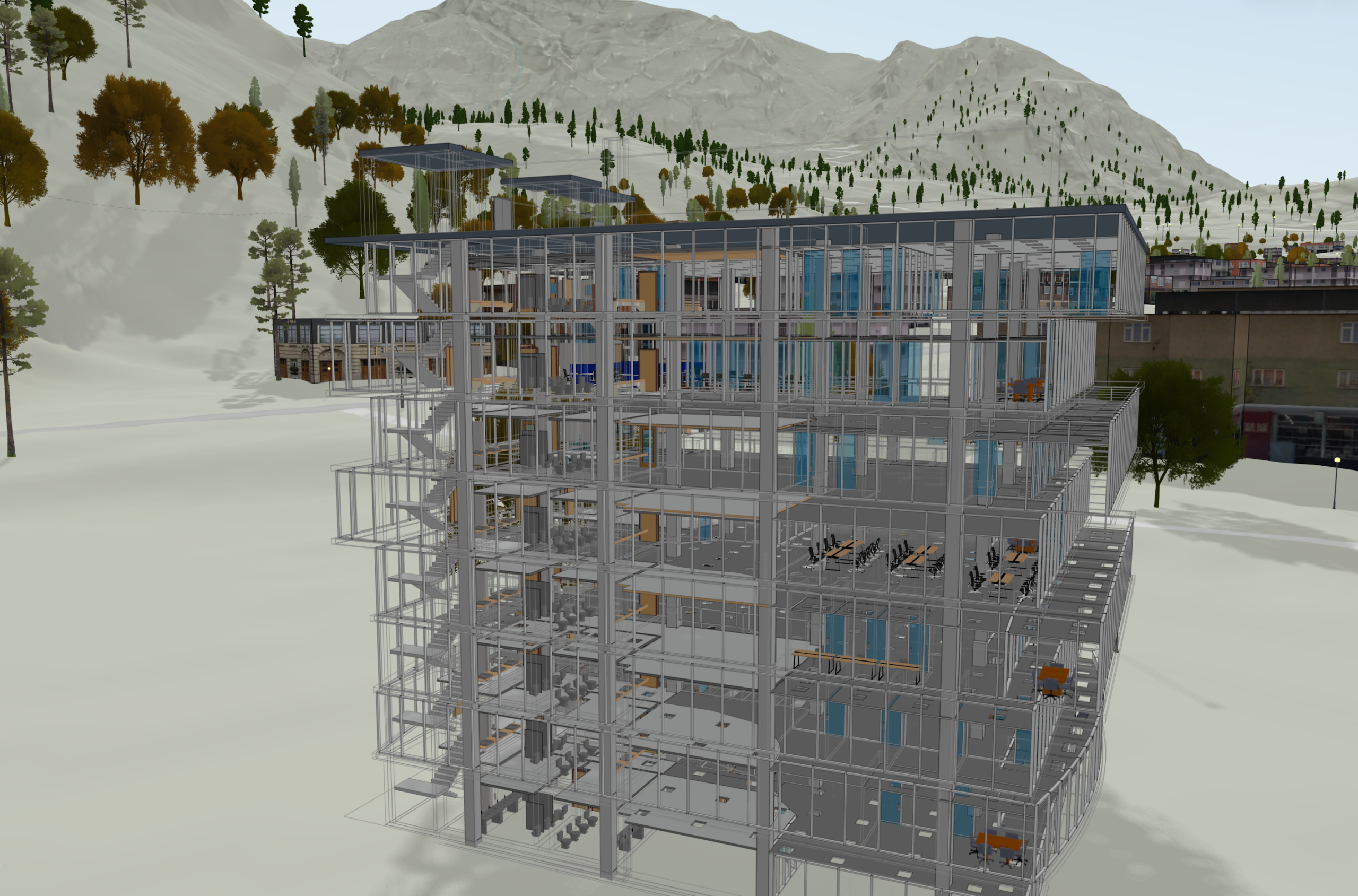
Building a digital twin of a construction site, a campus, or a city block? Working from data your survey team captured in a state plane coordinate system? Local scenes are made for this.
That’s the broad answer across the ArcGIS ecosystem. For ArcGIS Maps SDKs for Native Apps specifically, the answer is still developing.
Local and global scenes in Native Maps SDKs
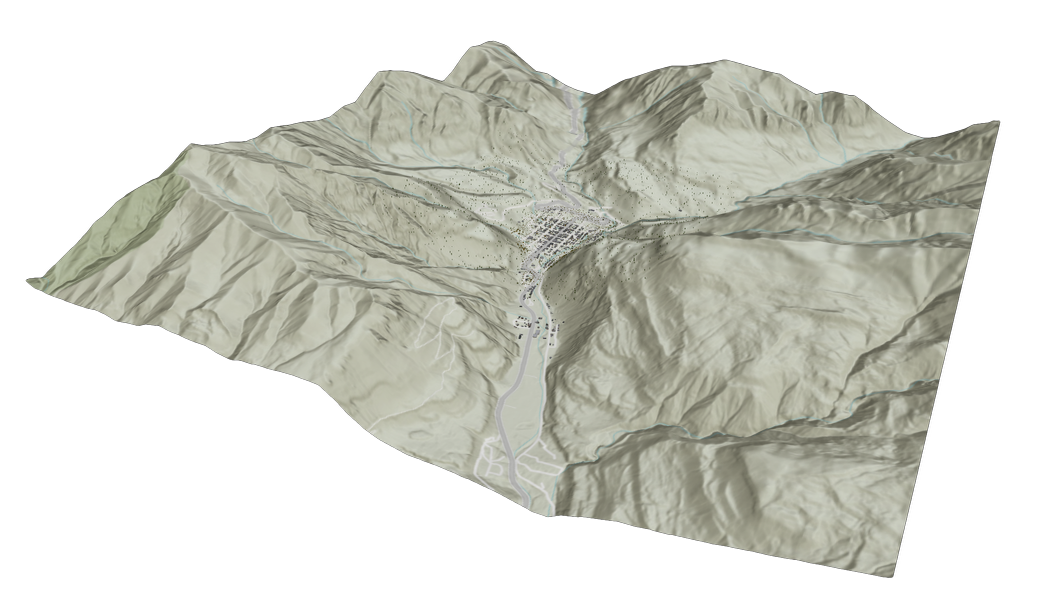
Native Maps SDKs answer is a bit more complicated, because when I said it’s still developing, I meant that literally. Local scenes aren’t simply a new feature; they’re an entirely new 3D GIS architecture built from the ground up to take advantage of modern systems and hardware. Of course, rebuilding the architecture for an SDK as robust as this one is a bit of a process.
What local scenes support in version 300.0
As of the 300.0 release, local scenes deliver a foundation to render highly detailed 3D data with an emphasis on stunning visuals and improved performance. They support detail-rich data types like ArcGIS Scene Layers, Building Scene Layers, and Integrated Mesh Layers. We’ve rigorously tested these features, and they’re production ready. There’s still plenty of work ahead, and we’re just getting started.
For a full and up-to-date overview of what each scene viewing mode supports, check our documentation on Layer Types for your preferred SDK: .NET, Flutter, Kotlin, Qt, or Swift.
Picking the right scene viewing mode for your app
Building a visualization focused app? Displaying projected data in a supported layer type? Perhaps a digital twin, BIM viewer, or campus walkthrough with rich 3D content like Scene Layers, Building Scene Layers, or Integrated Meshes? Use a local scene! They’re production ready for this, and you’ll benefit from the new architecture’s performance and visual fidelity right away.
Building something that depends on feature layers, graphics overlays, or 3D editing workflows today? Stick with global scenes for now. Reproject your data if needed. Global scenes provided the broadest and most flexible foundation to build your app from. We’re working on bringing local scenes up to parity, and you can help us prioritize what comes next (more on that below).
Building something that spans the globe? Global scenes without exception.
Switching between the two
Keep in mind, neither choice is permanent. They’re a starting point. You may start with a local scene and find you need features that aren’t available yet, then pivot to a global scene. Or you may start with a global scene and pivot to a local one once your data type lands.
To get a bit technical for a second: both LocalSceneView and the global SceneView inherit from a parent GeoView class, and they both display the same Scene GeoModel class – just instantiated with a different SceneViewingMode. Much of their implementation is identical. Each option has specific parts you may need to convert manually, but our internal testing shows that a few quick “find and replace” actions handle the bulk of the work.
Rebuilding 3D GIS from the ground up
You may be asking, “does this mean global scenes are inadequate for modern 3D GIS workflows? If not, why bother rebuilding the architecture for local scenes? Why not reuse the global scene architecture if rebuilding is such a significant process?” Fair questions!
To quickly answer the first question – no. We’re still actively developing and benchmarking global scenes to keep them competitive with all other 3D GIS software in speed and performance.
For the second question, let’s talk about it. Hopefully I can get you as excited as we are about this opportunity to restructure how we approach 3D GIS for a rapidly evolving world.
What this means for your apps
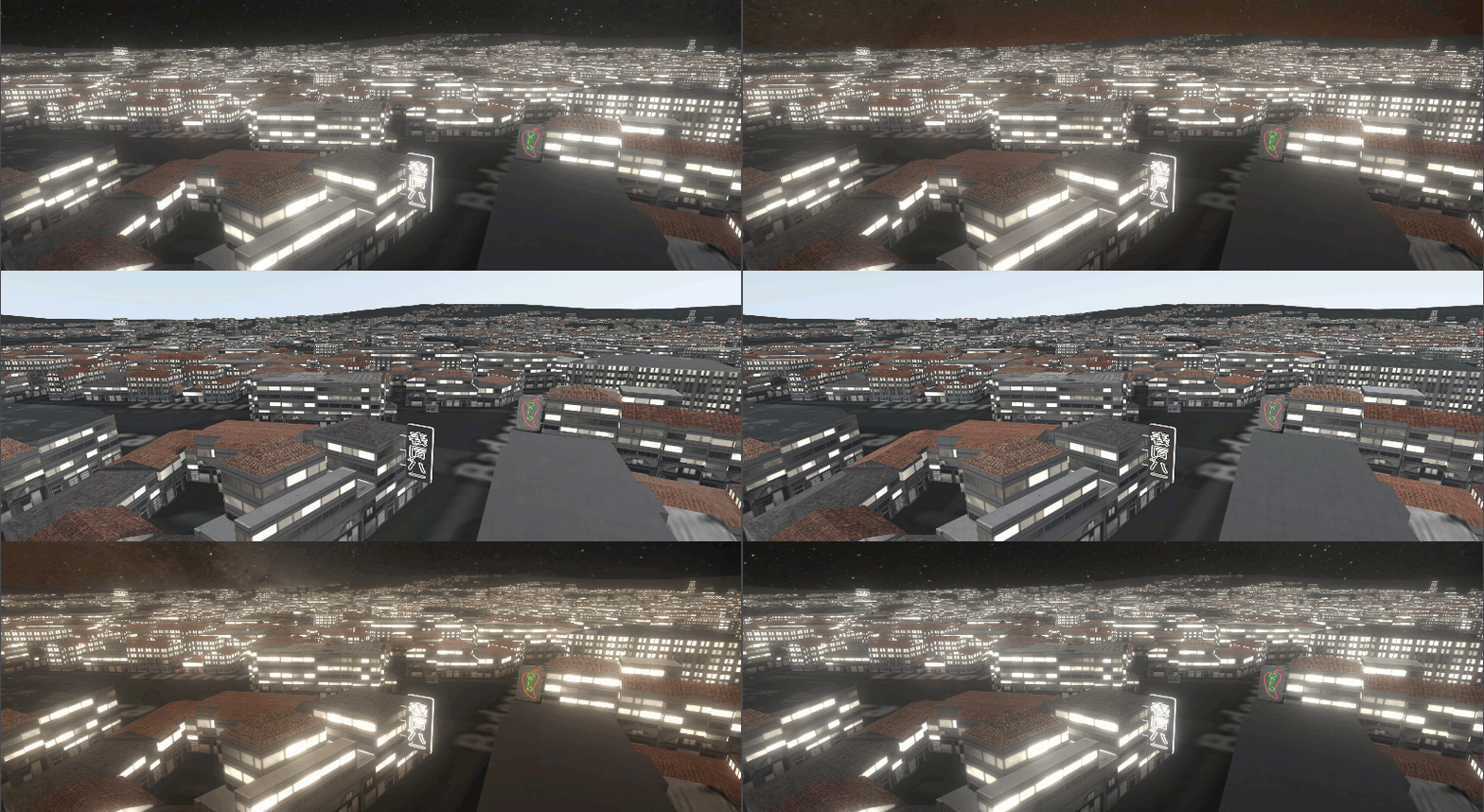
Refining our 3D architecture is a significant task, but here’s the payoff: apps that use less processing power, behave more responsively in detail-rich environments, get better battery life on mobile devices, and unlock richer visual effects – better lighting, atmosphere, animation, and water rendering. You can build visually compelling 3D experiences that perform great no matter your data processing load.
Under the hood
So how does the new architecture deliver all that? It separates data management from data rendering.
The current global scene architecture closely couples the two, which was the right choice when we started building Native Maps SDKs back in the early 2010s. The architecture has gotten regular updates since then and still serves us well, but the modern GIS landscape – and the devices that process your data – have changed significantly. That gives us the chance to make changes that previously weren’t viable.
In the new local scene architecture, your app no longer needs to redraw the scene every time data changes or your app requests new content. Native apps increasingly stream data from online services, render large 3D datasets on-device, and lean on powerful GPUs that ship in phones, tablets, and desktops alike. We built local scenes to take full advantage of this modern landscape.
The decoupling also means rendering is no longer locked into the data processing loop, which is what frees the SDK up to do more with those richer visual effects.
What this means for global scenes
We’re excited about this new architecture, and hope you are too. But I want to emphasize: the current 3D architecture supporting global scenes is still getting active development, including performance improvements, bug fixes, and new features. Global scenes – and the incredible apps you’ve built with them – aren’t being sidelined, deprecated, or planned for obsolescence.
The two architectures will continue development in parallel. In the future, once the two have reached parity, we plan to have both global and local scenes run off the same architecture.
Future development and how you can get involved!
Rebuilding 3D architecture in a product as extensive and feature-rich as the Native Maps SDKs takes a long-term effort. Rather than waiting for full parity, we’re taking the same approach we’ve used with Flutter Maps SDK and ArcGIS Maps SDKs for Game Engines. We’re shipping a foundation we’ve rigorously tested and deemed production-ready, then building it up based on your needs and feedback.
Now that the foundation is out the door, we’ll focus on delivering features release by release until we reach parity with the current global scene architecture. You – our developer community – largely decide what order we deliver those features in. So if there’s a feature or capability you need, we want to hear about it!
To guide the direction of our future 3D GIS work, let us know what you’d like us to prioritize. You can leave a comment directly on this post, or post in the ArcGIS Ideas section of the Esri Community Forums.
Otherwise, if you’re ready to start building today, take a look at our Getting Started documentation. You’ll find tutorials, samples, and guidance for building an awesome 3D app with Native Maps SDKs. We’re excited to see what you create!

Article Discussion: