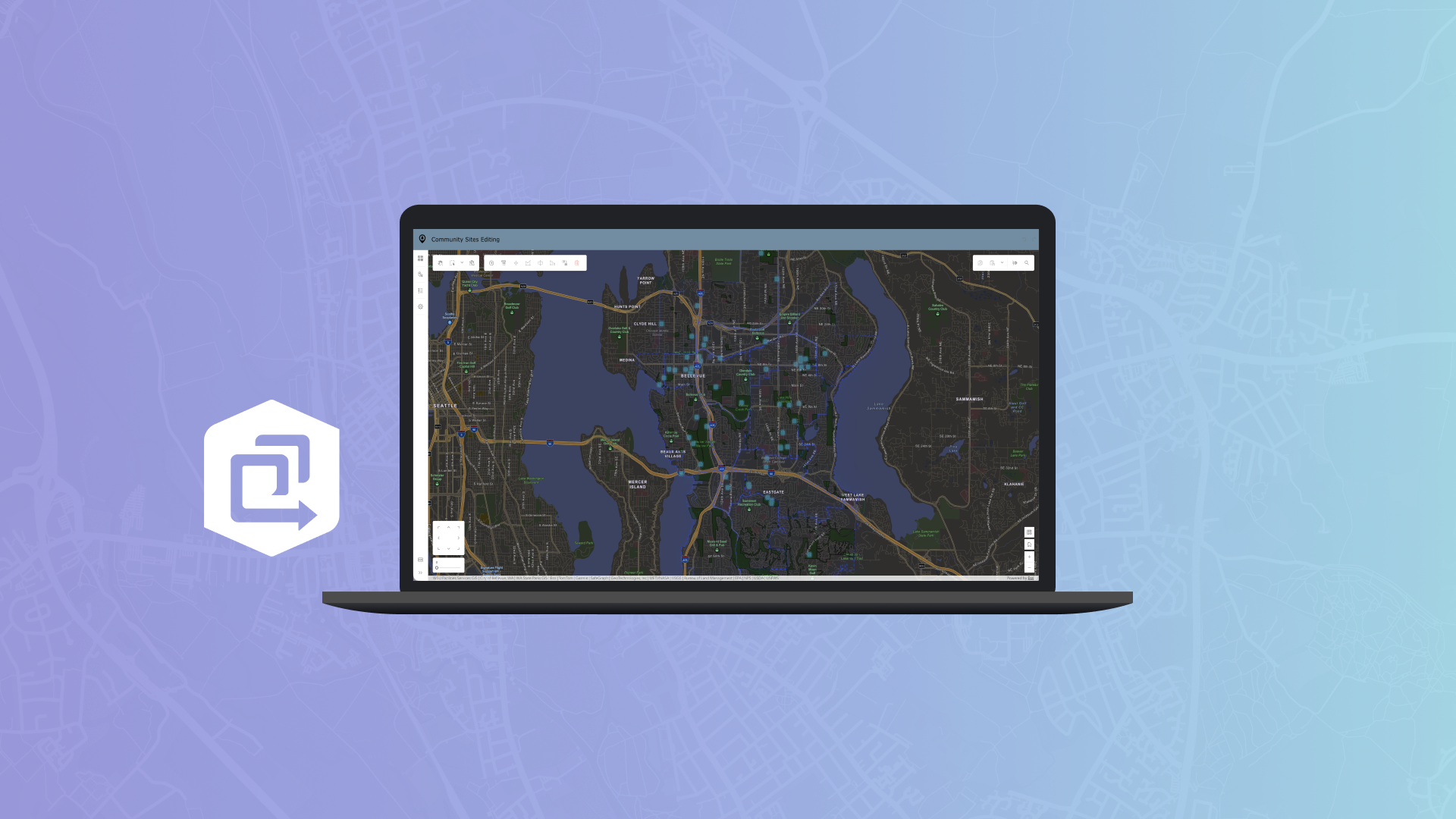
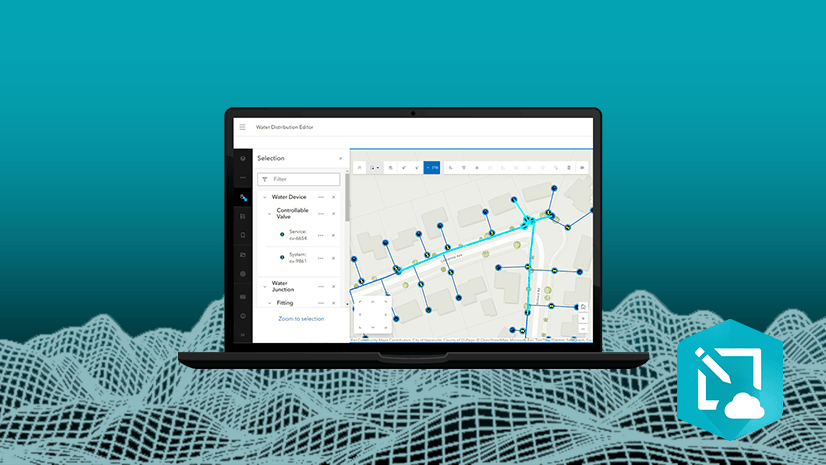
We’re excited to introduce the Web Editor Instant Apps template — a powerful solution designed to simplify and streamline data editing workflows for both GIS professionals and non-GIS users alike.
With this template, you can create a customized version of the ArcGIS Web Editor application, delivering a focused, efficient editing experiences. Whether you’re managing spatial data or supporting field teams, the Web Editor template helps you configure the right tools for the job.
Getting Started
To build a Web Editor app, you’ll need:
- A web map that includes at least one editable feature layer.
- Users must sign in and have a Creator, Professional, or Professional Plus user type, along with a role that includes Edit privileges (such as Data Editor, User, Publisher, Facilitator, Administrator, or a custom role).
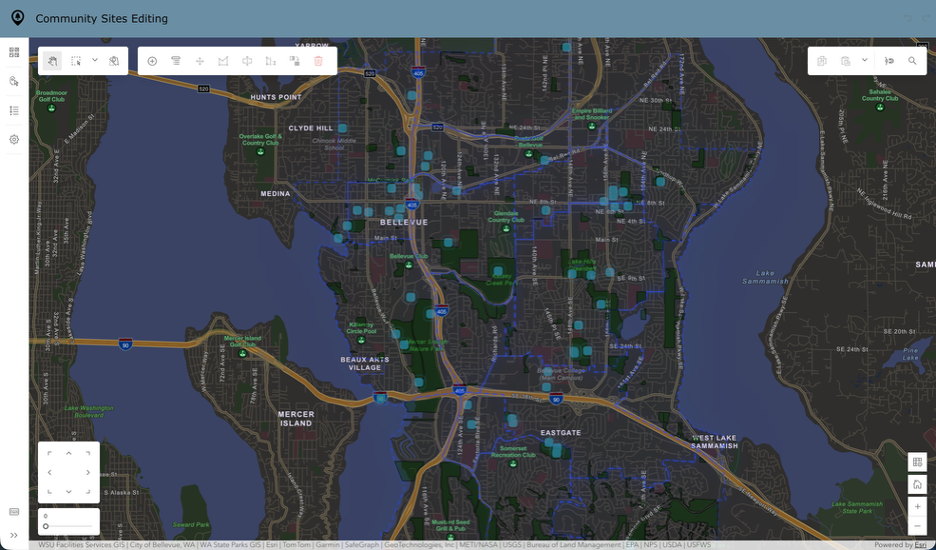
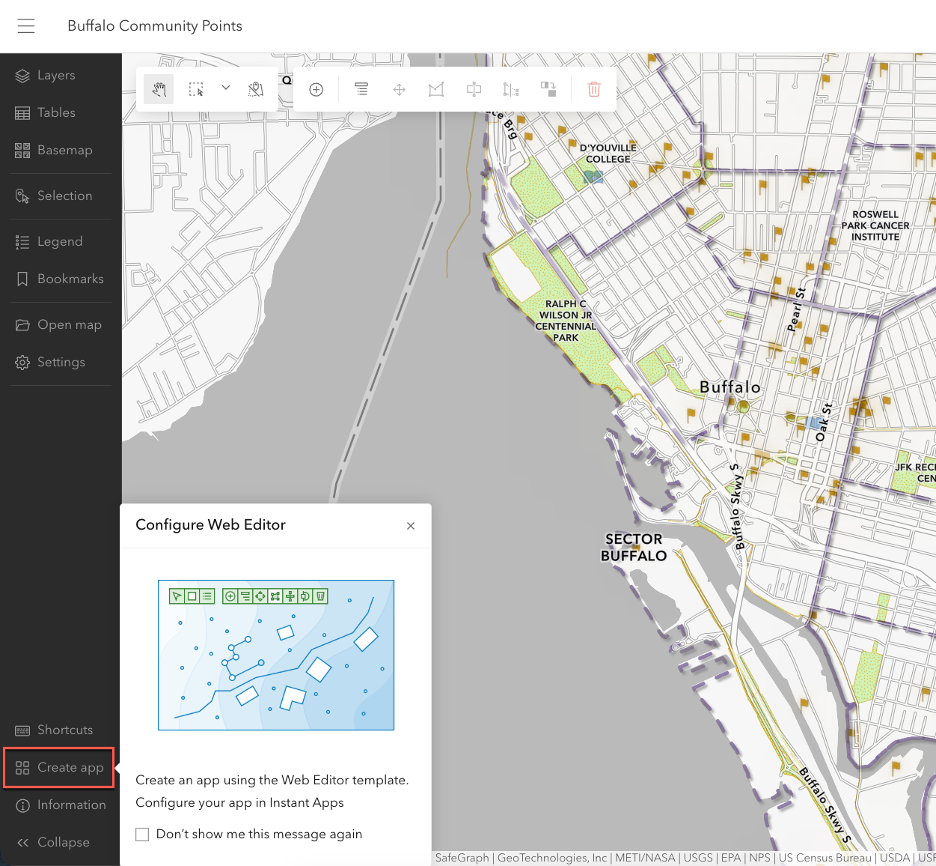
You can launch the template configuration from the Instant Apps home page or directly within the Web Editor interface.
Configuration Options
The Web Editor template offers a wide range of customizable settings, organized into intuitive categories:
App Details
Start by introducing your app with a clear header and title and optionally include an introduction window to guide users through the editing experience.
Editing Tools
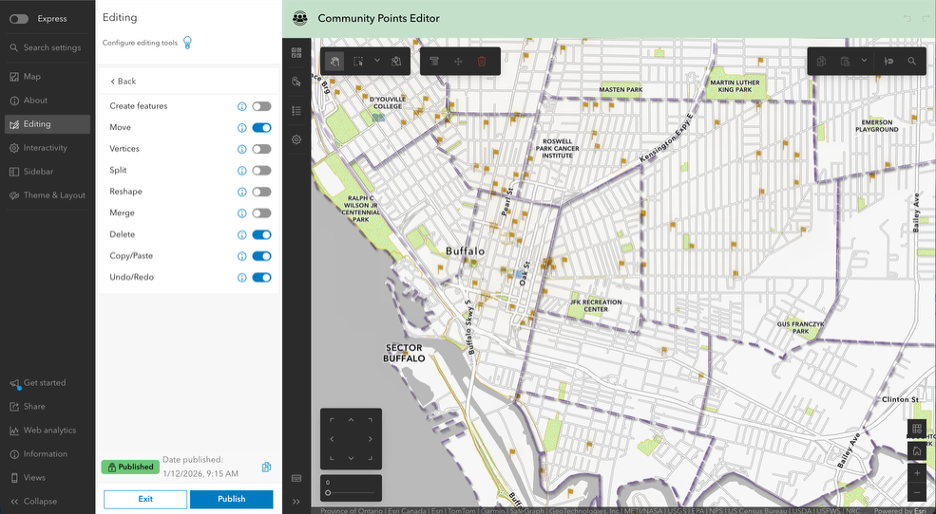
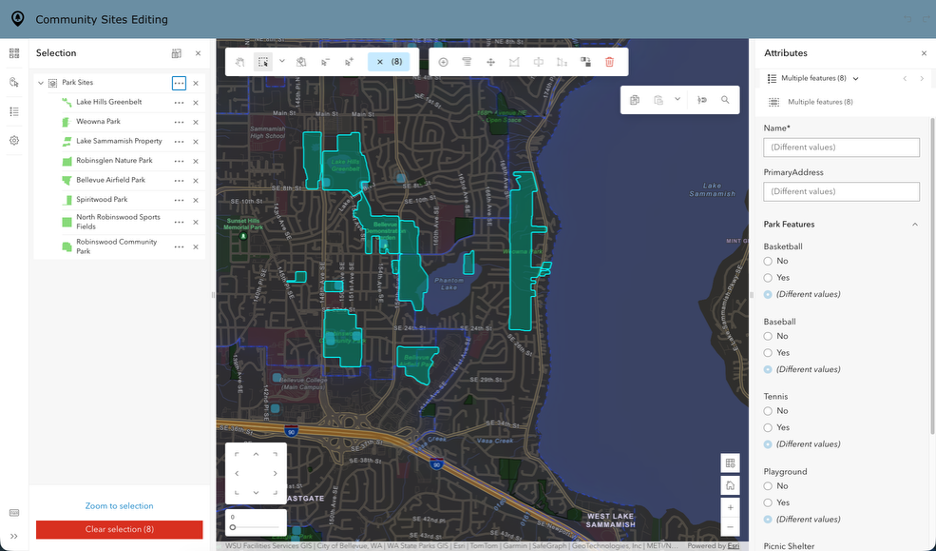
Next, fine-tune the editing experience by selecting which tools are available. You can enable feature editing capabilities such as editing vertices, splitting, merging, moving, reshaping, copying and pasting features, and undo/redo actions. Users can also create, update, or delete features as needed.
For selection tools, the template provides options to select features on the map or by attributes, making batch updates simple. You can define which layers are selectable by default, allow users to change these settings, and enable advanced options like Select by attributes.
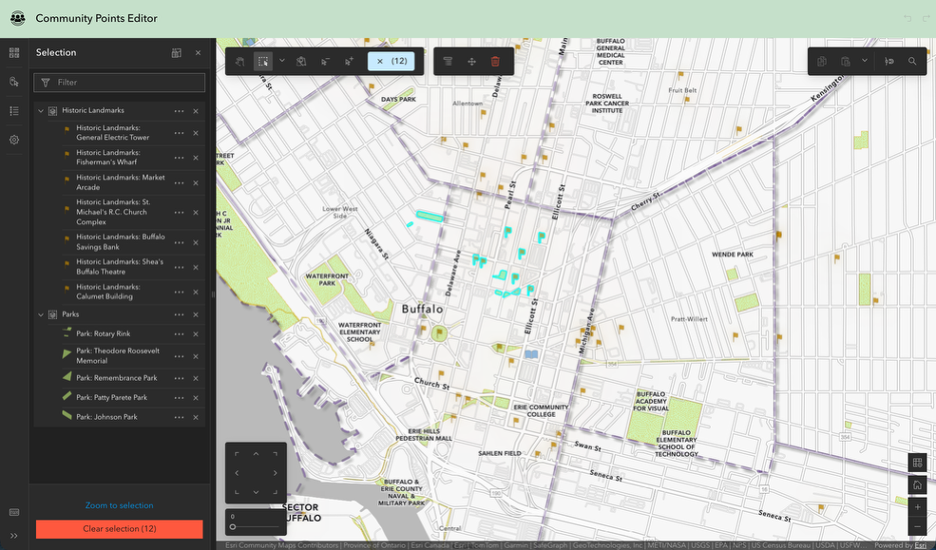
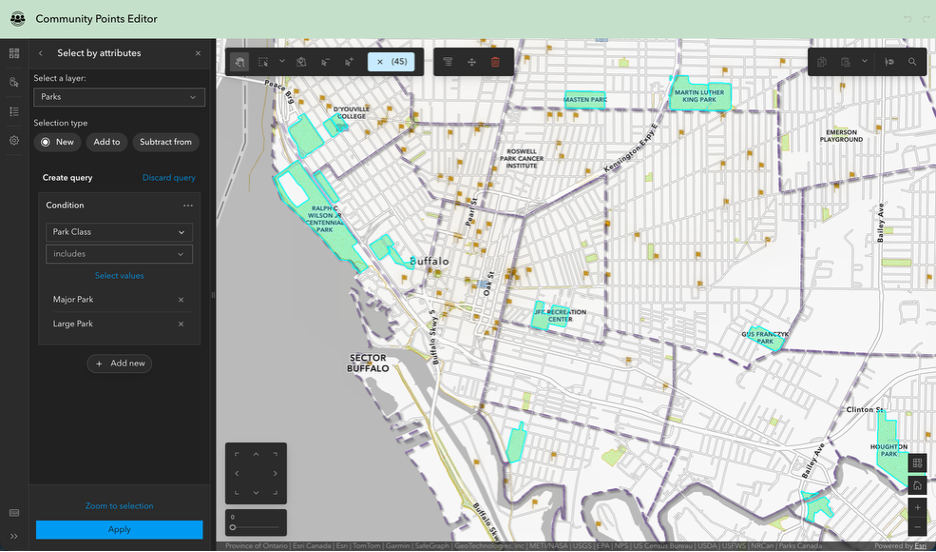
Precision editing is supported through Snapping, where you can customize default snapping settings, define snapping layers, and even allow users to adjust snapping preferences. Tooltips and grid tools can also be activated for better guidance.
Map Interactions
Enhance navigation by adding tools such as a home button, zoom controls, and search functionality, ensuring users can easily explore and interact with the map.
Side Panel
The side panel provides quick access to essential tools. Include a layer list, access to tables, basemap switcher, legend, bookmarks, and a keyboard shortcuts menu. You can also configure app defaults like directional pad, map rotation, default units, the ability to add temporary layers to the map and whether to display a prompt before deleting features.
Theme & Layout
Finally, personalize the look and feel of your app by choosing between light or dark mode, applying preset themes, and adding your own logo for branding.
Tailor to Your Workflow
The Web Editor template is a flexible, user-friendly solution that empowers teams to work smarter. By giving you control over every aspect of the editing experience, it ensures that your app fits your workflow, whether you’re making quick data updates or performing complex spatial edits. With its intuitive configuration and powerful capabilities, the Web Editor template helps you deliver precision, efficiency, and simplicity—all in one streamlined package.

Article Discussion: