ArcGIS Excalibur

ArcGIS Excalibur

Included with ArcGIS user types

Powerful imagery and video analysis made simple

Go to purchase options
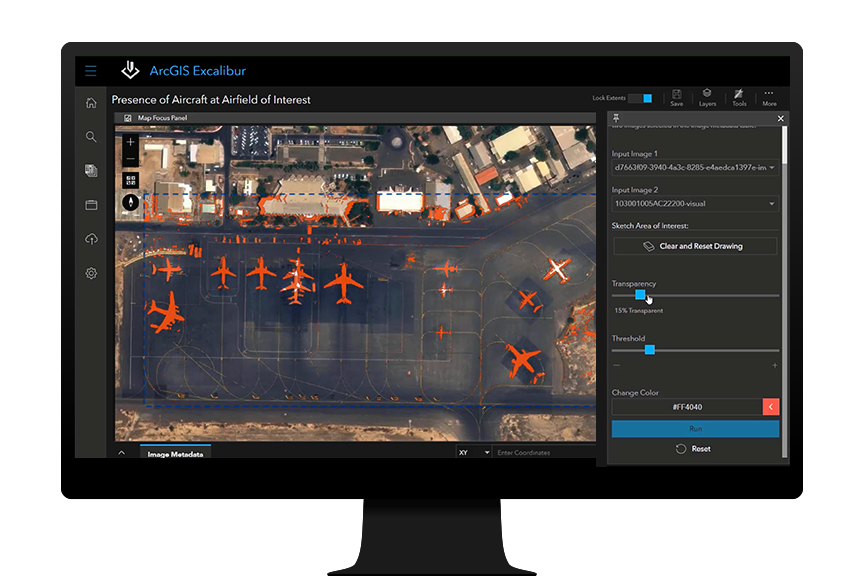
A digital image of red airplanes assembled at an airport representing ArcGIS Excalibur identifying aircraft activity changes

Integrated imagery and GIS analysis

ArcGIS Excalibur is web-based imagery and video analysis software for working with maps, images, and video services. Annotate, mark up, and add observations or measurements to imagery with easy-to-use analysis tools and workflows. Using images and video as key data sources, users can create content for reports, presentations, or dashboards to share with stakeholders for informed decision-making.

What can I do with ArcGIS Excalibur?

Search and discover

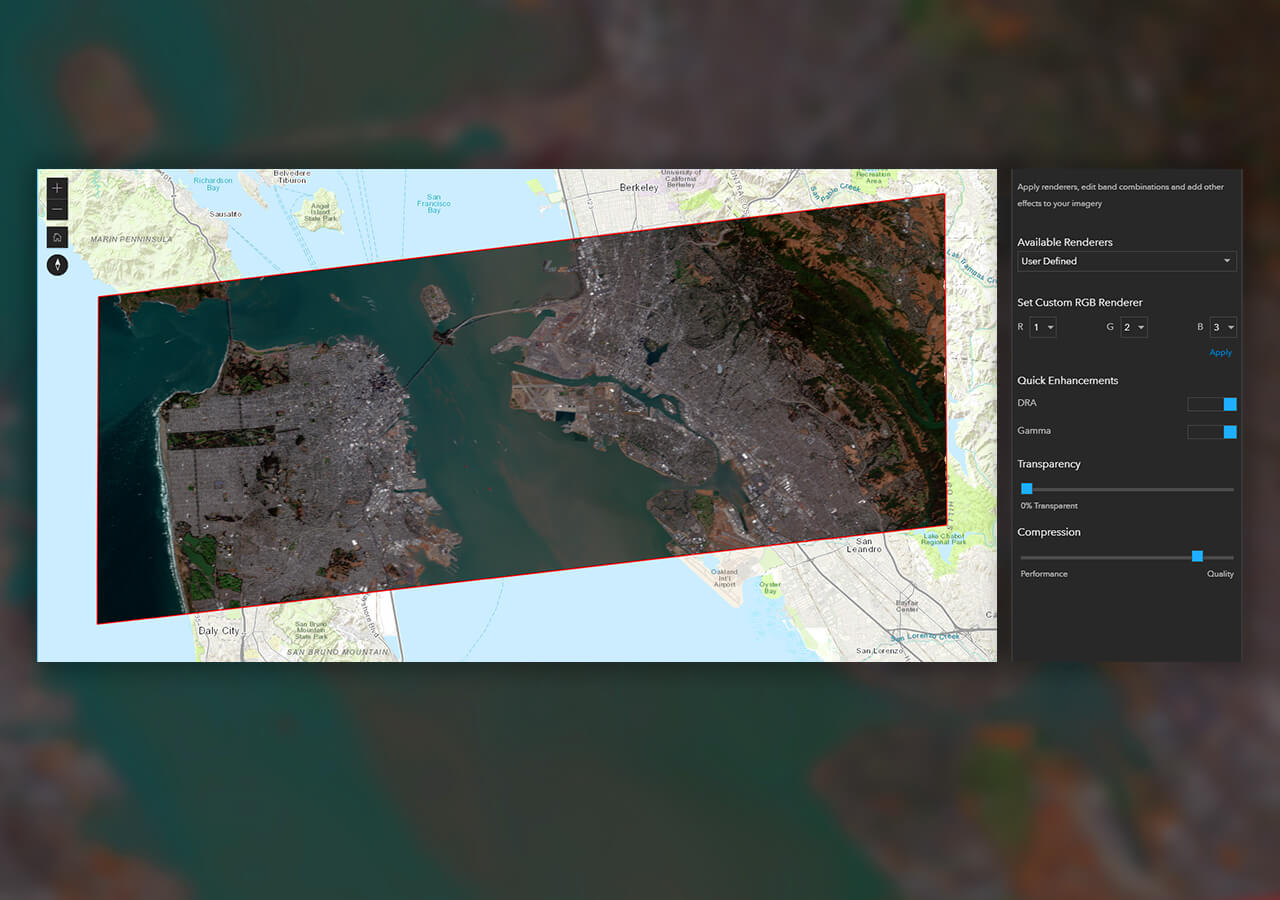
Interactively search available images and video from an enterprise web service. Set search settings, preview imagery, view metadata, and queue images or videos for further use. Search by name, date, location, time, and metadata or by map extent or area of interest. Save and easily get back to search queries.

A digital map of San Francisco with red lines in a square representing an available imagery search in ArcGIS Excalibur

Access imagery over the web

You can access images and video over the web from anywhere, making it easier to perform remote inspection workflows, through Web Map Services, Web Map Tile Services, Tile Layers, Tiled Image Layers, Map Image Layers, and Video layers. What was traditionally done on-site can now be done online with a larger set of service types to save time and expenses.

Three boxes with white text on a black background with a white line on top and dots representing a hosted layer in ArcGIS Excalibur

Ready-to-use workflows

Excalibur projects allow you to organize imagery, customize tools, and add instructions needed to a ready-to-use imagery analysis workflow. You can edit a project to add or remove capabilities at any time and determine which tools are available in the Tool Panel. Add observation layers to a project and include a web map with geospatial reference layers to help provide context.

A digital map of San Francisco with land and water next to white text representing an ArcGIS Excalibur project

Analyze in real time

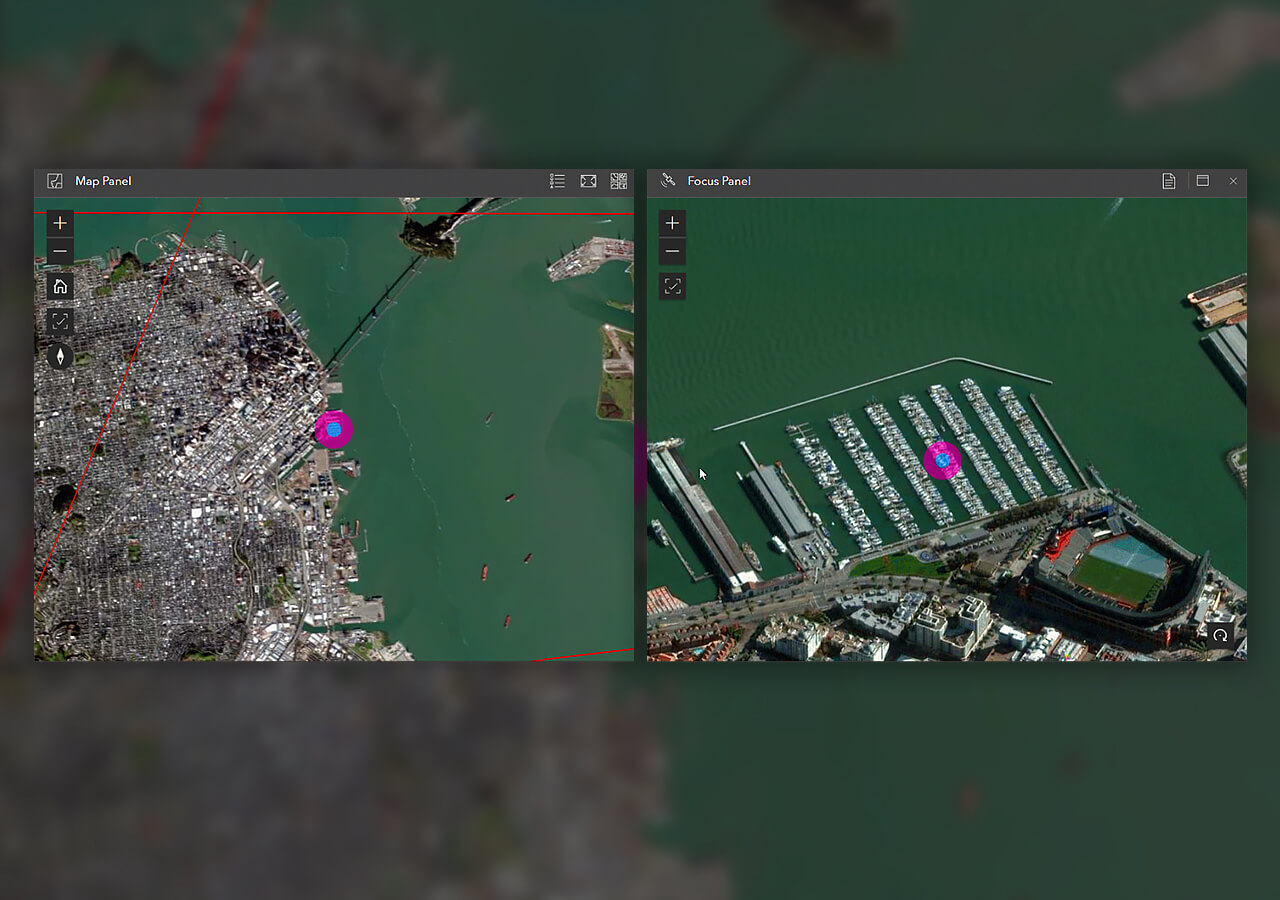
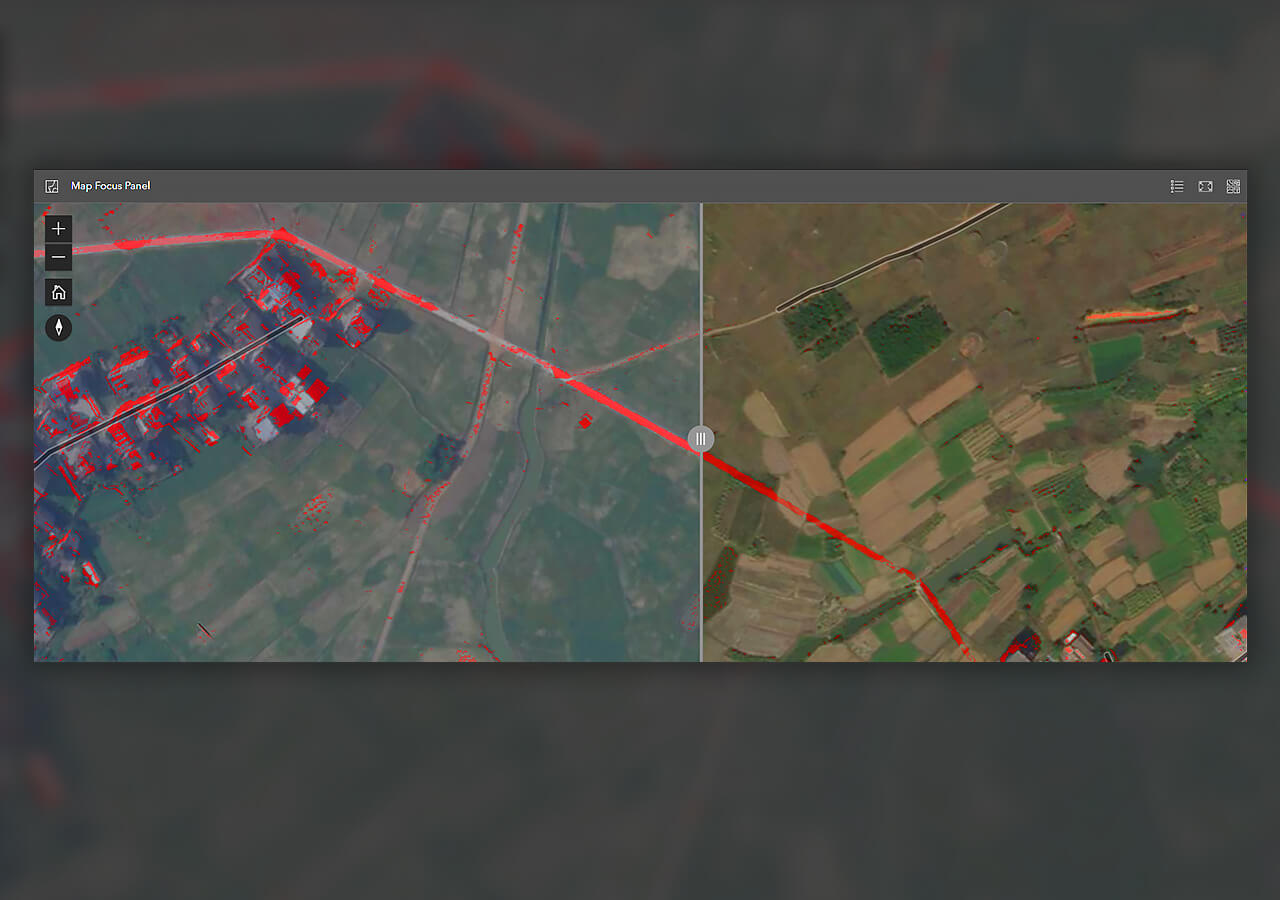
Annotate, measure, and count objects or collect observations on images and videos to get information that supports effective decision-making. Use built-in tools to perform remote inspections on utility networks or report on security vulnerabilities. Automatically detect changes in objects over time by comparing two or more images. Make multiple edits simultaneously and save them to the portal for later use.

The interface of ArcGIS Excalibur showing an image of an industrial facility with white text representing a remote inspection

Export and share

Add value to briefings with exported images. Then, share them with key stakeholders to help them make informed decisions based on insights from imagery as a data source. Use other ArcGIS apps and solutions in tandem to create reports, dashboards, interactive briefing materials, and dynamic analysis layers.

A multi-colored digital map next to a pie chart and black text representing a damage assessment dashboard of City of Sanibel

Play and analyze video in Excalibur

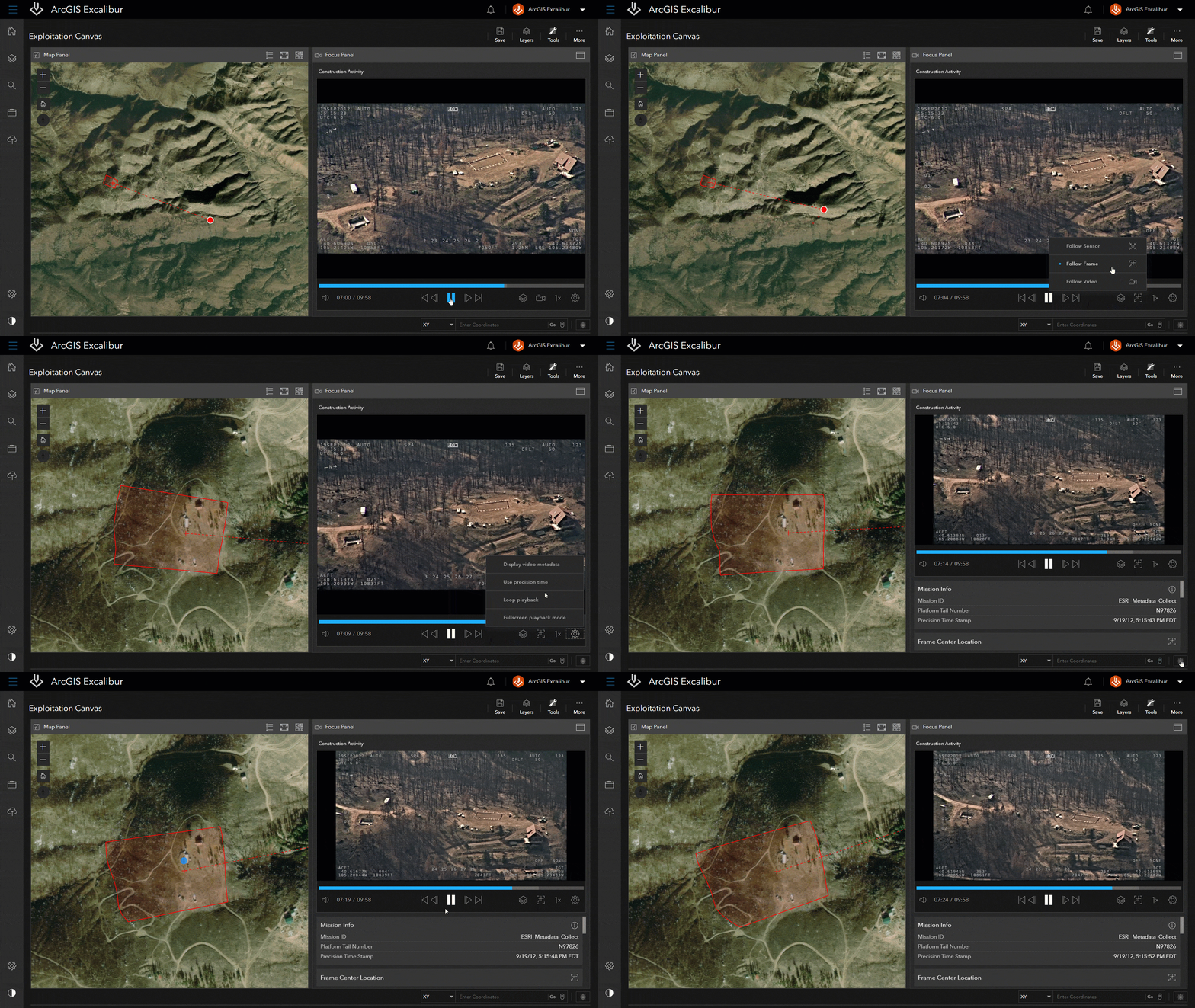
When paired with ArcGIS Video Server, users can access and stream video as a service in Excalibur. Publish video files from various data sources, then consume these in ArcGIS Excalibur to play alongside telemetry on a map. Use Excalibur to stream live video to find near real-time insights.

Explore ArcGIS Video Server
A moving aerial image of a forest next to a satellite image of green land showing ArcGIS Excalibur monitoring construction

How can I perform analysis in ArcGIS Excalibur?

Choose from a variety of easy-to-use tools to perform analysis, visualization, and interpretation on maps, images, and videos. Easily pull location and measurement insights or find changes over time by comparing images.

How it works

Previous
Next

Prevent service interruptions with Excalibur

An energy company prevents downtime in transmission service by assessing potential risks along a utility network through remote inspection.

Read the blog

Leverage the power of ArcGIS

ArcGIS Excalibur connects to your archives of imagery data stored with ArcGIS Online or ArcGIS Enterprise.

Previous
Next

This app is included with ArcGIS user types

ArcGIS provides a comprehensive set of capabilities for creating, managing, analyzing, and mapping geographic information. Gain access to the capabilities of this application, included in ArcGIS, with user types. Match user types to roles within your organization.

Learn more about user types
Learn more about ArcGIS
Stylized glowing Earth overlaid with the orange Excalibur logo connected to 8 icons depicting available computing services

Purchasing options for ArcGIS

Esri hosted software as a service

Go to ArcGIS Online pricing

Self-hosted geospatial infrastructure

Go to ArcGIS Enterprise pricing

Talk to someone on our sales team

800-447-9778

7:00 a.m.–5:00 p.m., Monday through Friday (PT)

Chat online

Start a chat

Contact the sales team

Fill out the contact form