Maps at your fingertips
It's your choice—street maps, political boundaries, terrains, satellite images, and other spatial data.


Included with ArcGIS user types
Design with data-driven maps
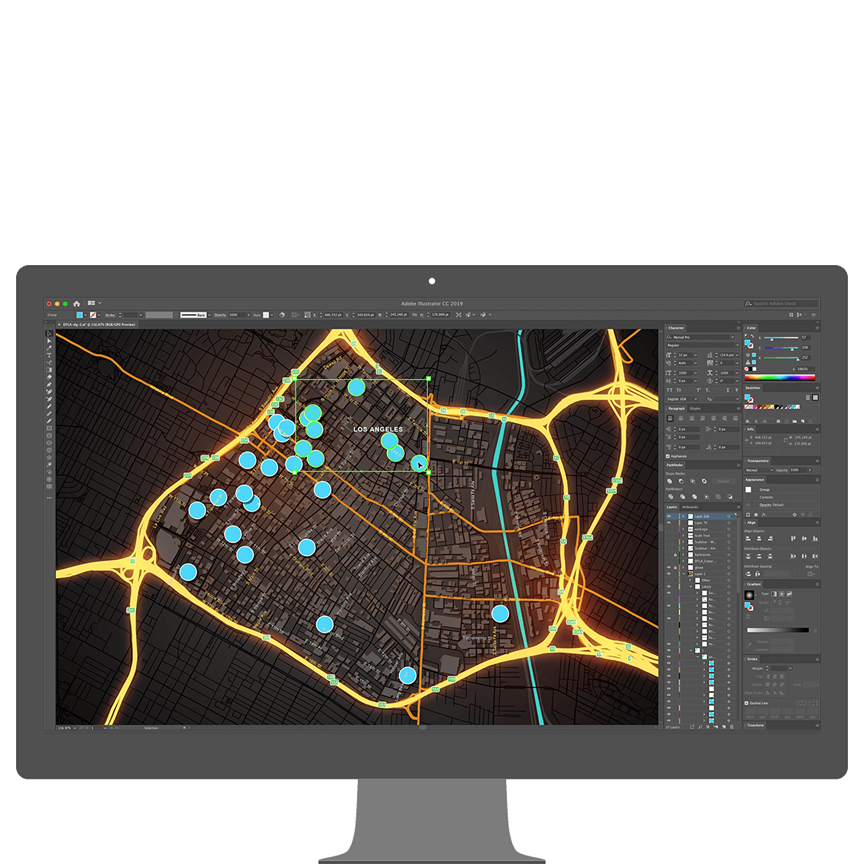
Add your own creative vision to the world’s most powerful maps. Tell your story in a unique way using data on thousands of topics. Reimagine mapping.

Maps for Adobe Creative Cloud allows user to get the most out of their maps, not just for internal decision making, but for external communication as well.
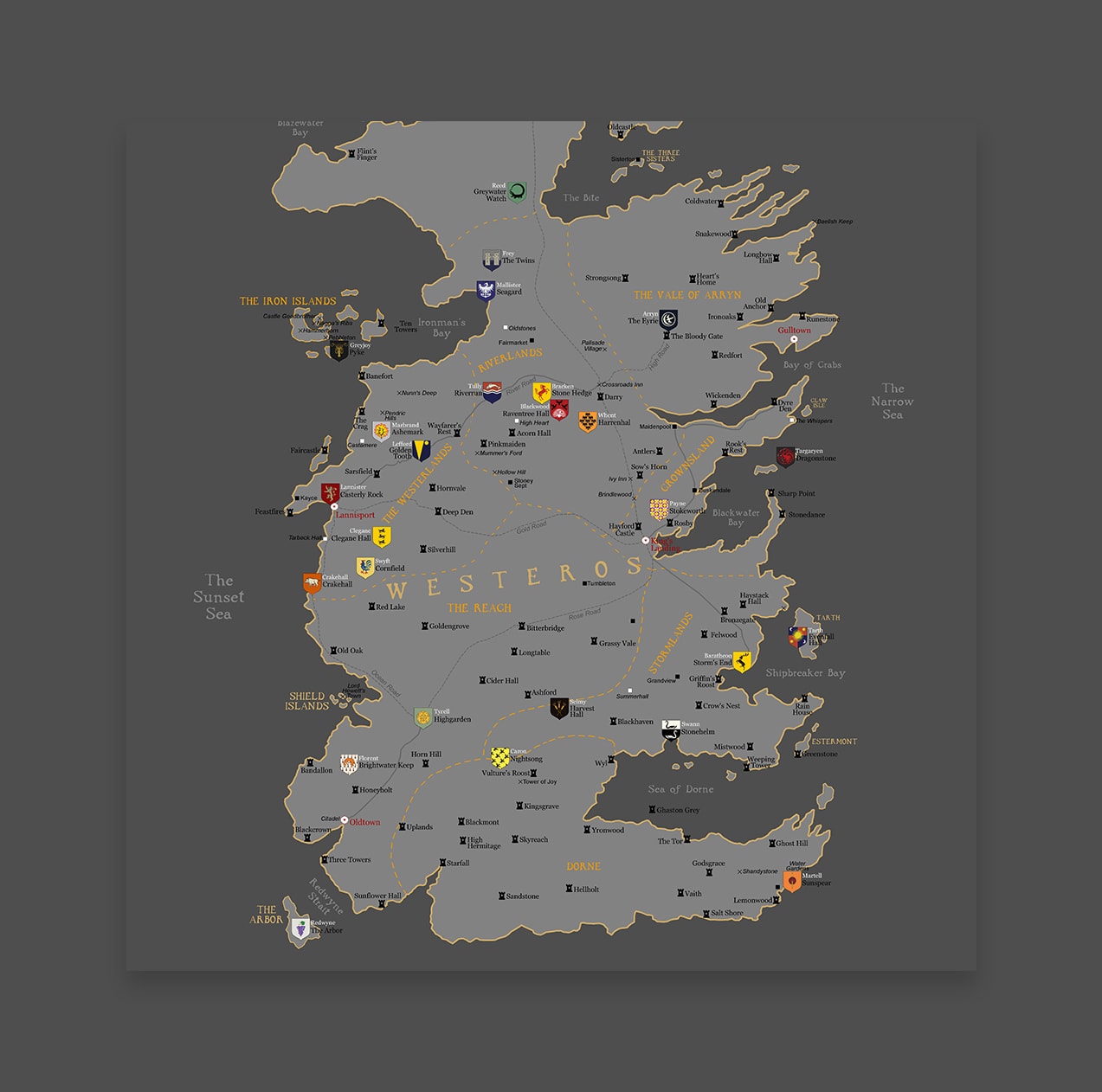 Create your unique style
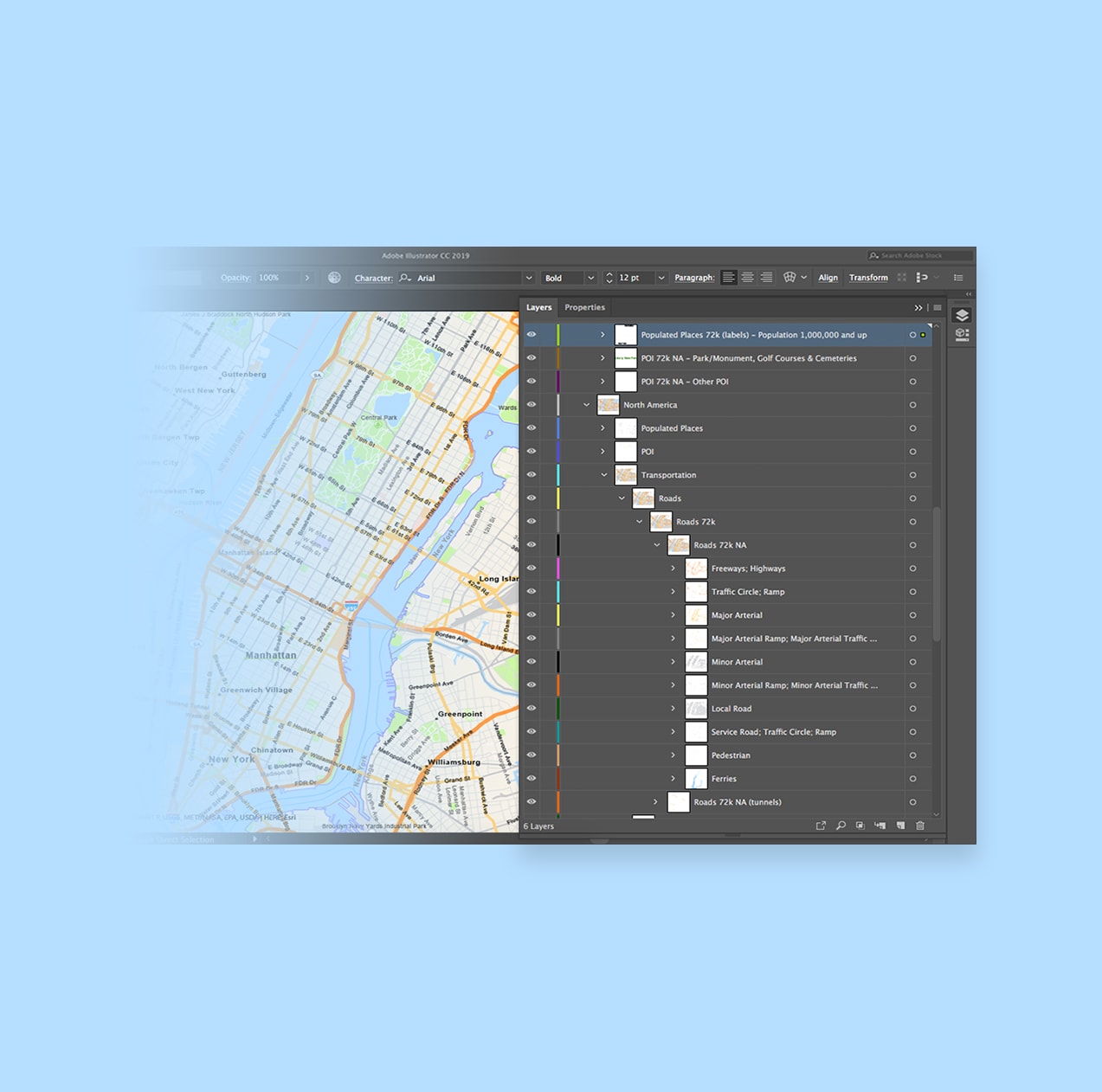 Well-defined layer structure
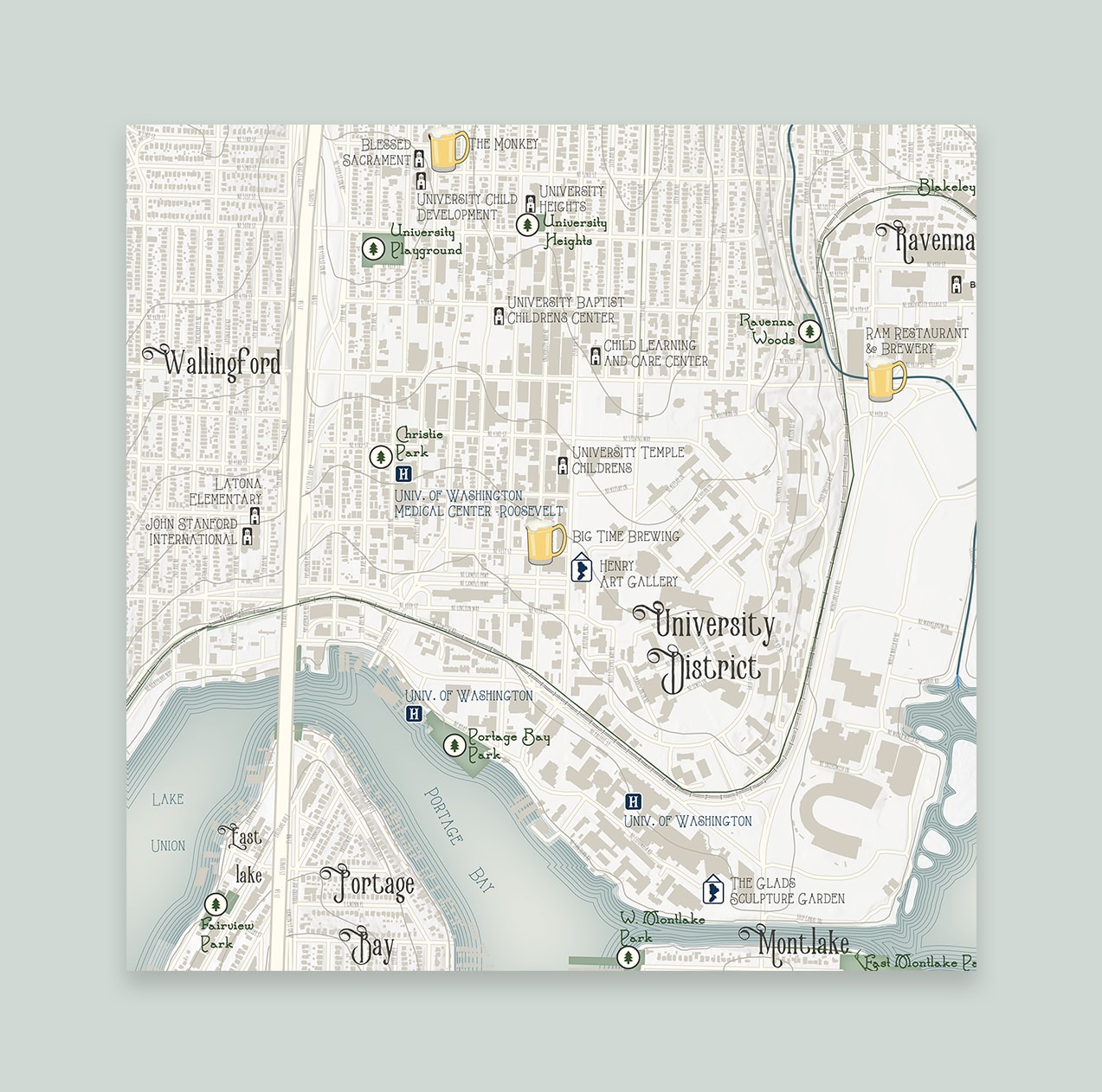 Revive classic map designs
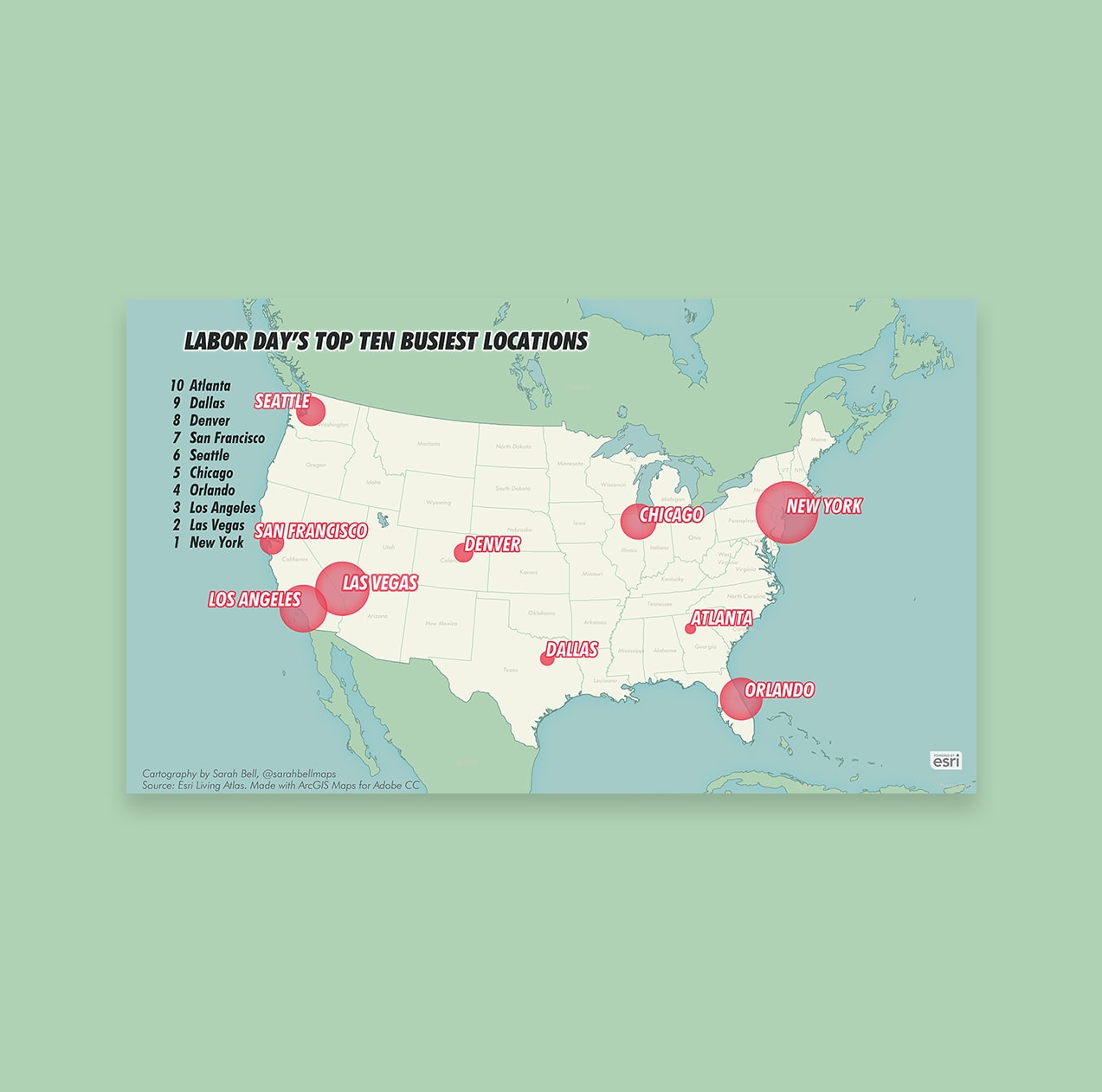 Visualize data spatially
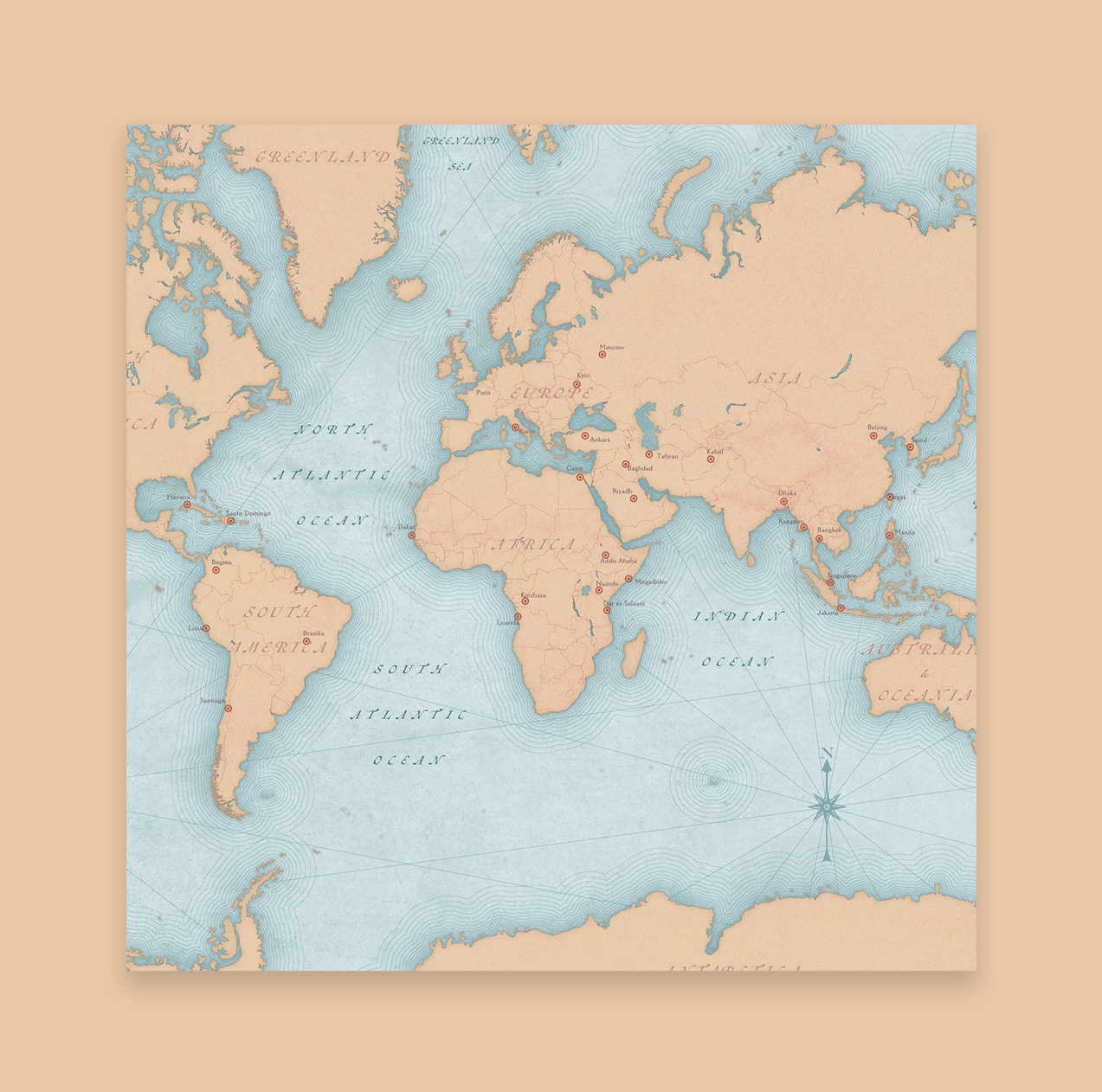 Match your branding
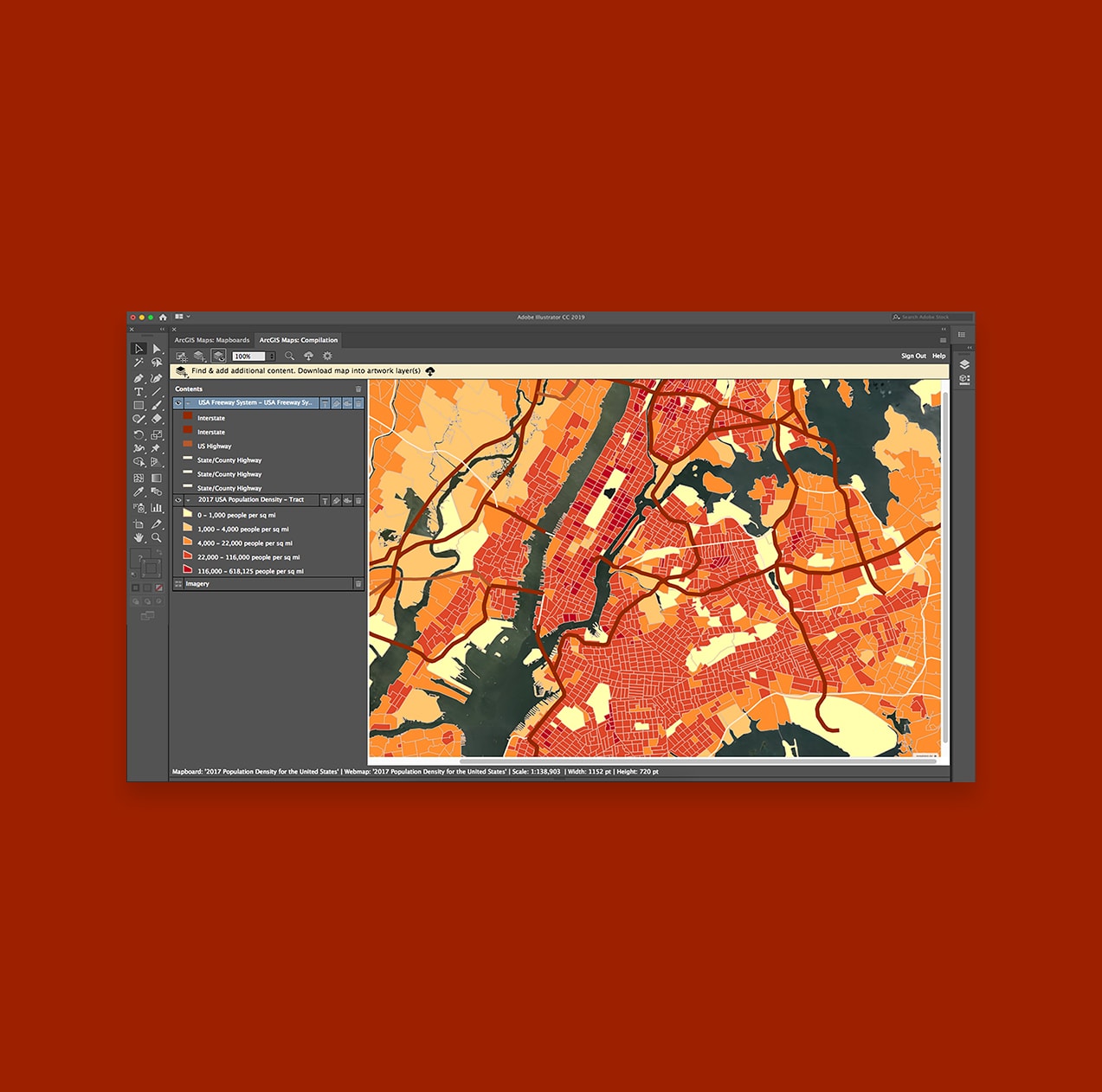 Cloud-hosted vector and raster maps
Creatively enhance your map-based projects by pulling in geographic data to Adobe Photoshop and Illustrator without needing to leave the application.
Save time tracing maps to highlight specific points while also eliminating the margin of error with ArcGIS Maps for Adobe Creative Cloud.
Import your data and—within seconds—begin designing a visually appealing story that enhances your company's branding.
Create an exciting narrative with unique visual designs by pulling map layers as vector files or image artwork into Adobe Illustrator or Adobe Photoshop. Alternatively, export your design maps and layouts as Adobe Illustrator Exchange (AIX) files. Access and use the extension based on your functional needs and budget. Learn more about functionality that's available with ArcGIS Maps for Adobe Creative Cloud.

Mapping by Design: A Guide to ArcGIS Maps for Adobe Creative Cloud is the practical guidebook for making effective maps using Maps for Adobe Creative Cloud. By connecting Adobe Illustrator to ArcGIS Online, this extension gives you the power to create maps by providing easy access to authoritative digital maps and map layers. Learn how to create compelling visual stories with maps by following comprehensive tutorials designed to navigate you through common mapmaking workflows.
ArcGIS provides a comprehensive set of capabilities for creating, managing, analyzing, and mapping geographic information. Gain access to the capabilities of this application, included in ArcGIS, with user types. Match user types to roles within your organization.
