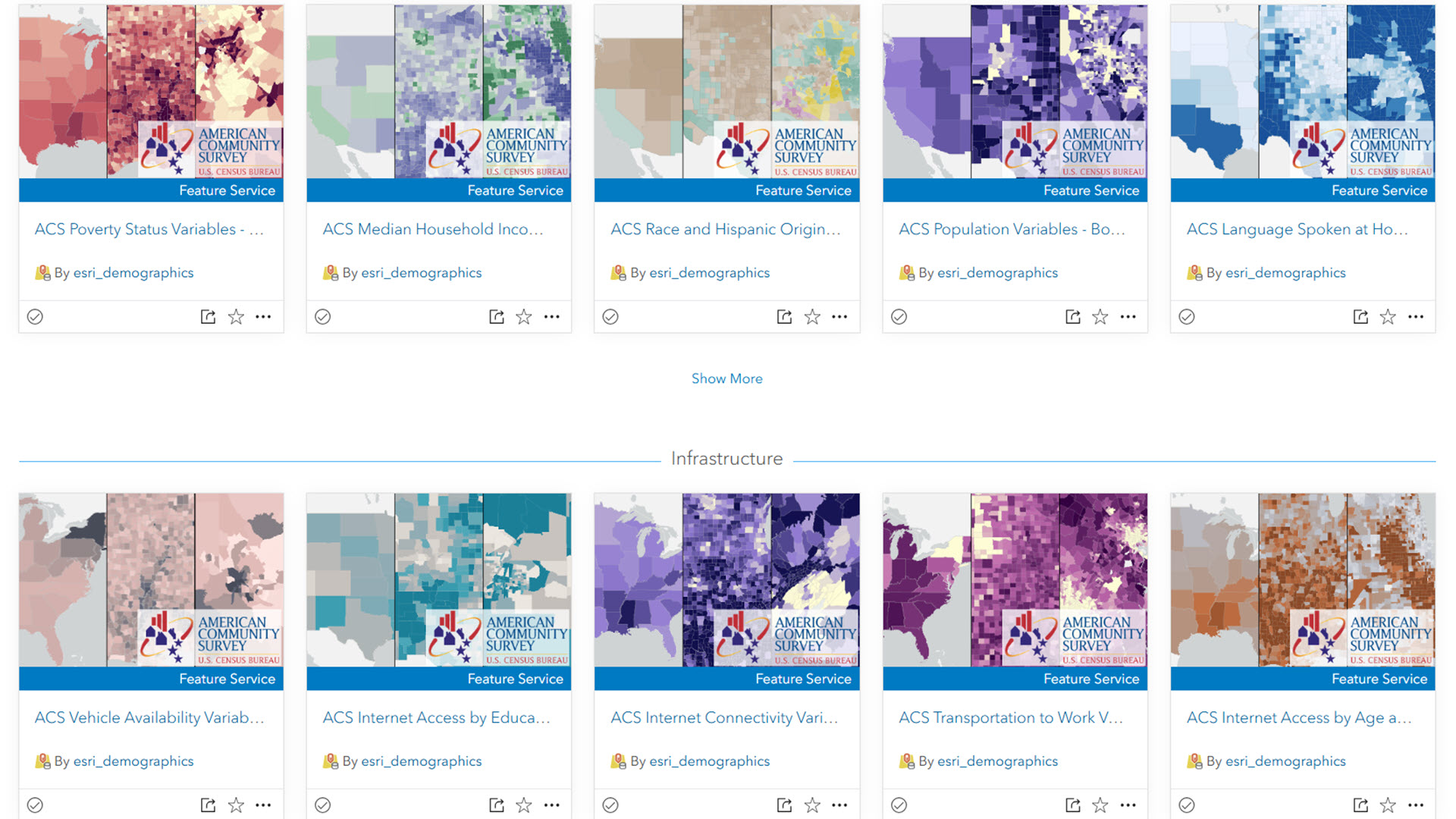
For the past seven years, Esri’s Living Atlas Policy Maps team has created and maintained layers in Living Atlas that contain American Community Survey data from the U.S. Census Bureau. They have been updated within days of the Census Bureau’s release with minimal downtime for users.
Thank you for all your comments on items, questions in Esri Community, interactions at conferences, and responses to our surveys. We hear how important these layers are in supporting your work.
Time has come for a transition
These layers were created seven years ago, which is an eternity in software standards. They were created in Map Viewer Classic, before layer views even existed. Still, these layers serve the GIS community well, and will continue to be available through January 2027.
In order to prepare for future capabilities, and to eliminate annual downtime for users, we are transitioning the way we do the ACS update this year. This year, instead of updating the ACS layers in place (risking downtime), we are creating net new layers as hosted feature layer views. This approach puts this content on a better path for future years – in particular, future updates will have much less risk of downtime.
What should I do?
All existing ACS layers in Living Atlas will have a replacement item you can swap into your apps, web maps, or code. Each original layer’s item page will indicate where the replacement layer is once the replacement layer is created on January 29th – January 30th. The original layers will continue to be available through January 2027. Stay tuned for upcoming blogs, demos, and videos about methods for migrating your existing maps and apps to these new layer views. This overlapping ability gives you a full year to migrate your content to consume the new layers.
This one-time change on your part has another benefit. You will have access to the latest version of ACS each year, and have access to the previous version for one year.
What if I do nothing?
Your existing maps and apps will work as-is with the 2019-2023 vintage. When you are ready to update to the 2020-2024 vintage, swap the new layer in your existing web maps, or update the item IDs in your code.
More to come
In the coming months, we will have
- a list of one-to-one old-to-new item IDs.
- step-by-step examples of how to transition a web map manually.
- step-by-step examples of how to transition multiple web maps with a scripted process.
- more details about what this means for ArcGIS Enterprise users.
We want to help you make this transition to ensure you can take advantage of the latest capabilities in ArcGIS. Going forward, you can expect higher quality layers that are more stable, symbolized with modern color ramps and visualizations.



Article Discussion: