
Calling all ArcGIS users who work with Google Earth Engine (GEE)! ArcGIS has provided direct access to an expanding universe of imagery and analysis-ready data and tools. This year, emerging from Esri Gold Star partner Woolpert Digital Innovations, is the Python-based Google Earth Engine toolbox for ArcGIS Pro.
🧰 What the Toolbox Does
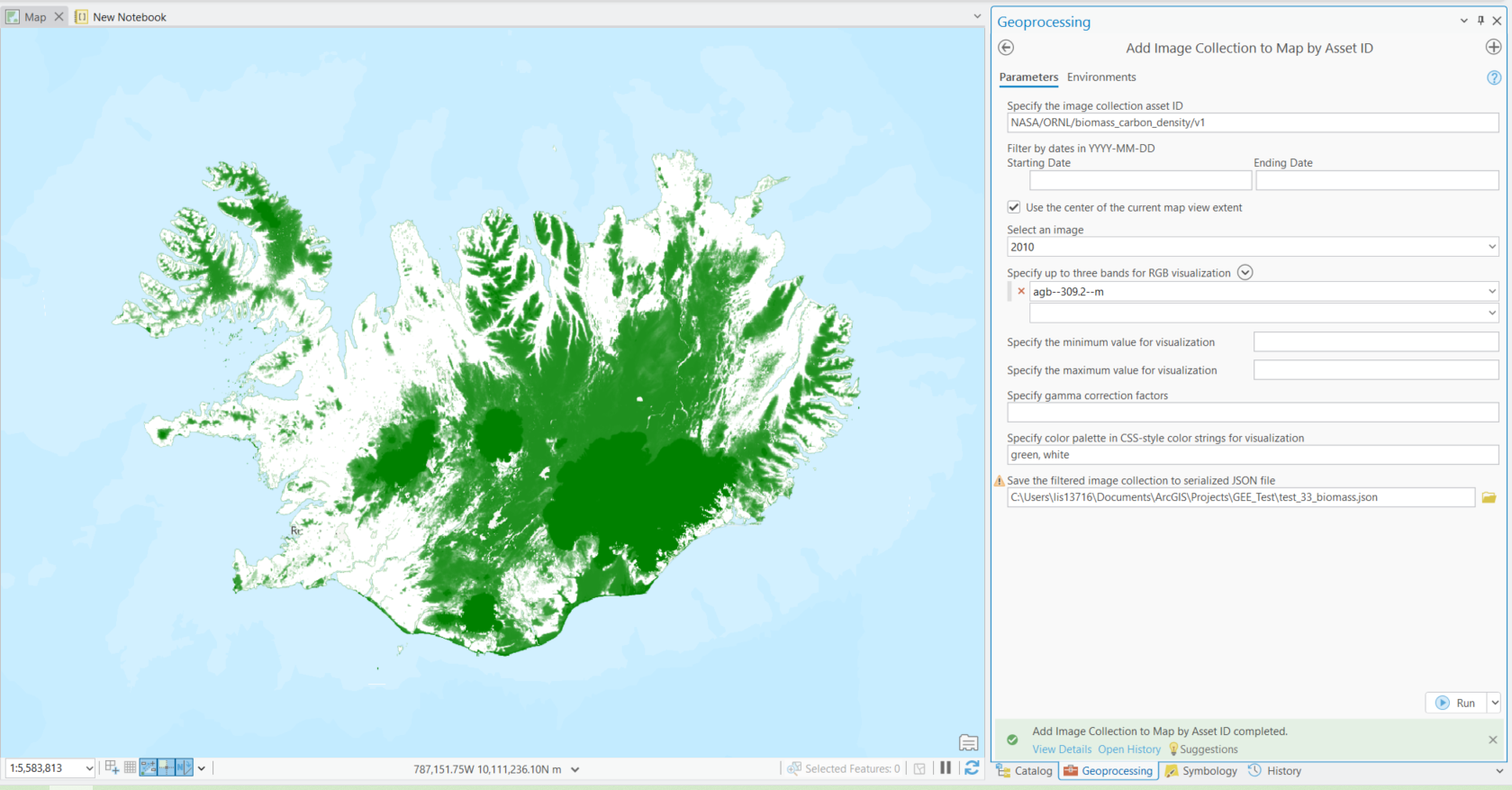
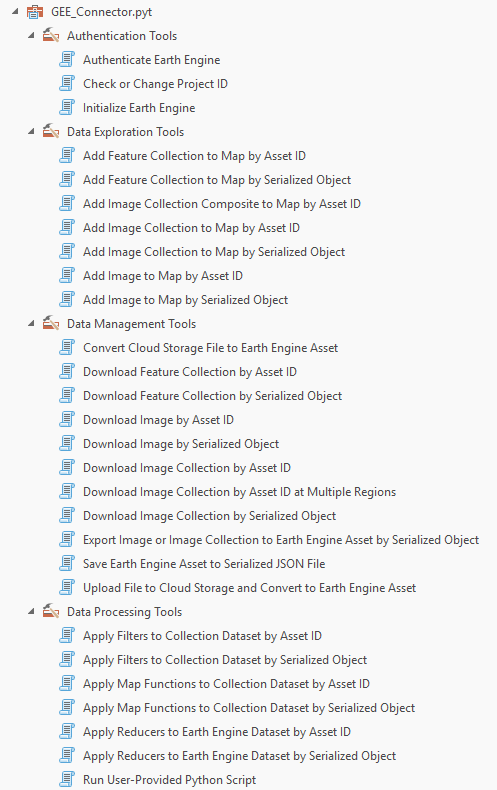
The GEE Toolbox acts as a no-code bridge between GEE and ArcGIS Pro that lets you bring datasets, assets, and tools straight into ArcGIS Pro for further analysis, visualization, or sharing. Its capabilities include:
- Explore, filter, and download data directly from the GEE Data Catalog.
- Add image or feature collections into your ArcGIS Pro map using a simple GEE Asset ID from the GEE Catalog or your Google Cloud project.
- Integrate GEE operations into ModelBuilder and run Python scripts that call GEE functions directly in ArcGIS Pro.
⚙️ How to Get Started
- Have the proper licenses. Be an ArcGIS Pro 3.2 or later user and have a GEE account.
- Access the Toolbox. You can set up the toolbox in under ten minutes by following the instructions. Set up the proper Python environment and then the toolbox can be downloaded as a zip file here. After unzipping, you finish set up by connecting to the toolbox in ArcGIS Pro.
- Explore the tools. With the tools, use the GUI as a no-code method to connect to GEE data catalog, assets, and functions. You can also transfer data from ArcGIS Pro to GEE
- Analyze in ArcGIS Pro. Once added, you can use the full power of ArcGIS—time sliders, raster functions, GeoAI, analysis tools, and more to visualize and work with your data. Some helpful geoprocessing toolboxes include image, raster, multidimensional, spatial, and statistical
Explore more data in ArcGIS Pro
The ArcGIS ecosystem has continuously grown to connect to diverse data sources. Together, these data sources let you pull data from multiple sources and unlock the full suite of ArcGIS tools for analysis, modeling, and decision-making all in one environment. Not finding the data you need? Try these sources!
- 🌐 ArcGIS Living Atlas of the World – Esri’s curated collection of authoritative, ready-to-use data. Connect directly in ArcGIS Online and ArcGIS Pro via the Portal. Learn more about how to work with these datasets here: ArcGIS Living Atlas ready-to-use imagery layers for analysis and Explore Ready-to-Use Imagery for Analysis.
- 📂 STAC Catalogs – discover imagery and datasets from sources like Microsoft Planetary Computer. Connect directly in ArcGIS Pro through a STAC connection and .acs files.
- ☁️ Cloud sources – connect directly via URLs, APIs, or cloud storage platforms like AWS directly in your ArcGIS Pro Catalog.
- 🌍 Google Earth Engine Data Catalog – now available directly in ArcGIS Pro through a new community-built toolbox!
🎥 Resources
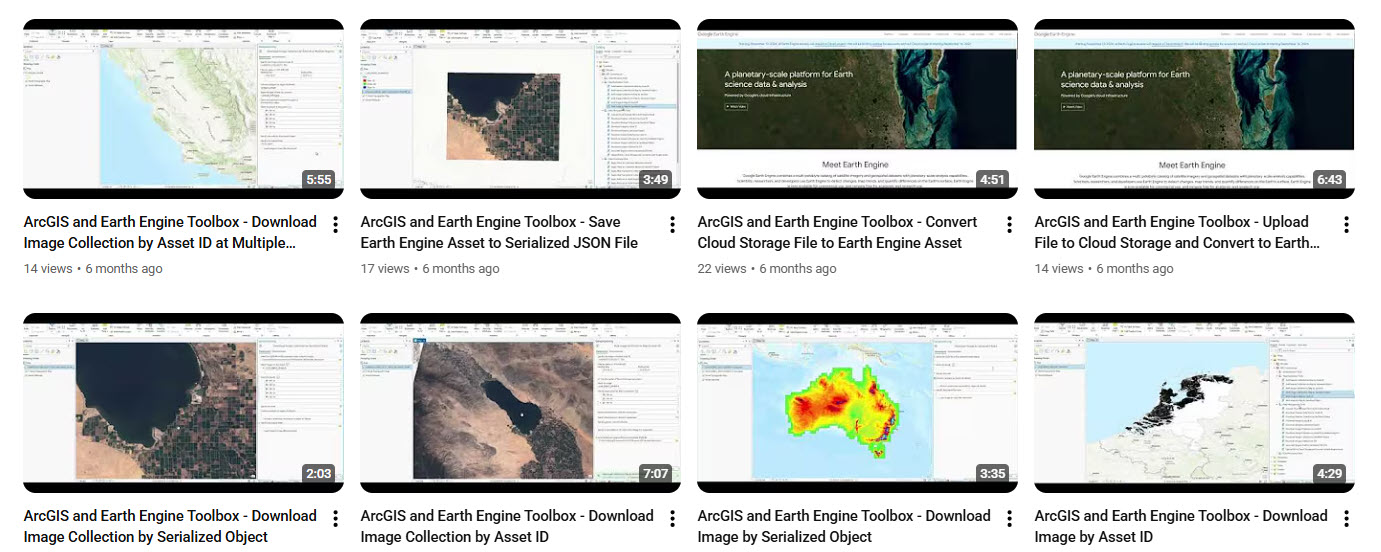
Ready to implement? There are resources such as videos and help documentation to guide your journey! Visit the GitHub and Youtube below for step by step instructions on setting up and using each tool.
- ▶️ ArcGIS GEE Toolbox Tutorials
It’s exciting to see how open collaboration continues to make powerful integrations like this possible. The GEE Toolbox isn’t an official Esri product, it’s community-built and maintained. Don’t be a stranger, we want to hear about any successful use cases and ideas! You can get involved with contributions and feedback here and represent this big step forward for interoperability. For analysts and researchers who already use both platforms, this toolbox makes workflows smoother and faster, putting Google Earth Engine’s data catalog, functions, and your project assets directly at your fingertips inside ArcGIS Pro.

Article Discussion: