ArcGIS StoryMaps is the professional tool for harnessing the power of maps to communicate your work using geospatial storytelling. The easy-to-use builder enables you to combine maps, 3D scenes, embedded content, multimedia, and more to create an interactive narrative that can inspire interest—and action—from your readers.
Each month, our team uses community feedback to help inform new capabilities that can enhance your storytelling adventures. Check out what’s new this month!
Quick links
- Explorer map tour layer style
- Create new theme from builder
- Classic story item replacement
- And more…
Explorer map tour layer style
Using a layer style with customized symbols in your web maps can make it easy for your readers to quickly distinguish between different types of features along with enhancing your visual storytelling efforts. To that point, we’re excited to introduce the capability to use your own layer style in an Explorer map tour.
Now, when you Adjust map appearance for your Explorer map tour, you will find the option to Use feature layer style (explorer tour); by toggling this option on, the pin symbols you usually see will be replaced by the symbols saved with the feature layer item.
While this new capability is similar to a Categorized (data-driven) map tour, it is important to note that it does not replace the categorized map tour workflow. The Explorer map tour provides a visual experience by symbology, whereas the Categorized map tour provides a navigable experience by category.

Create new theme from builder
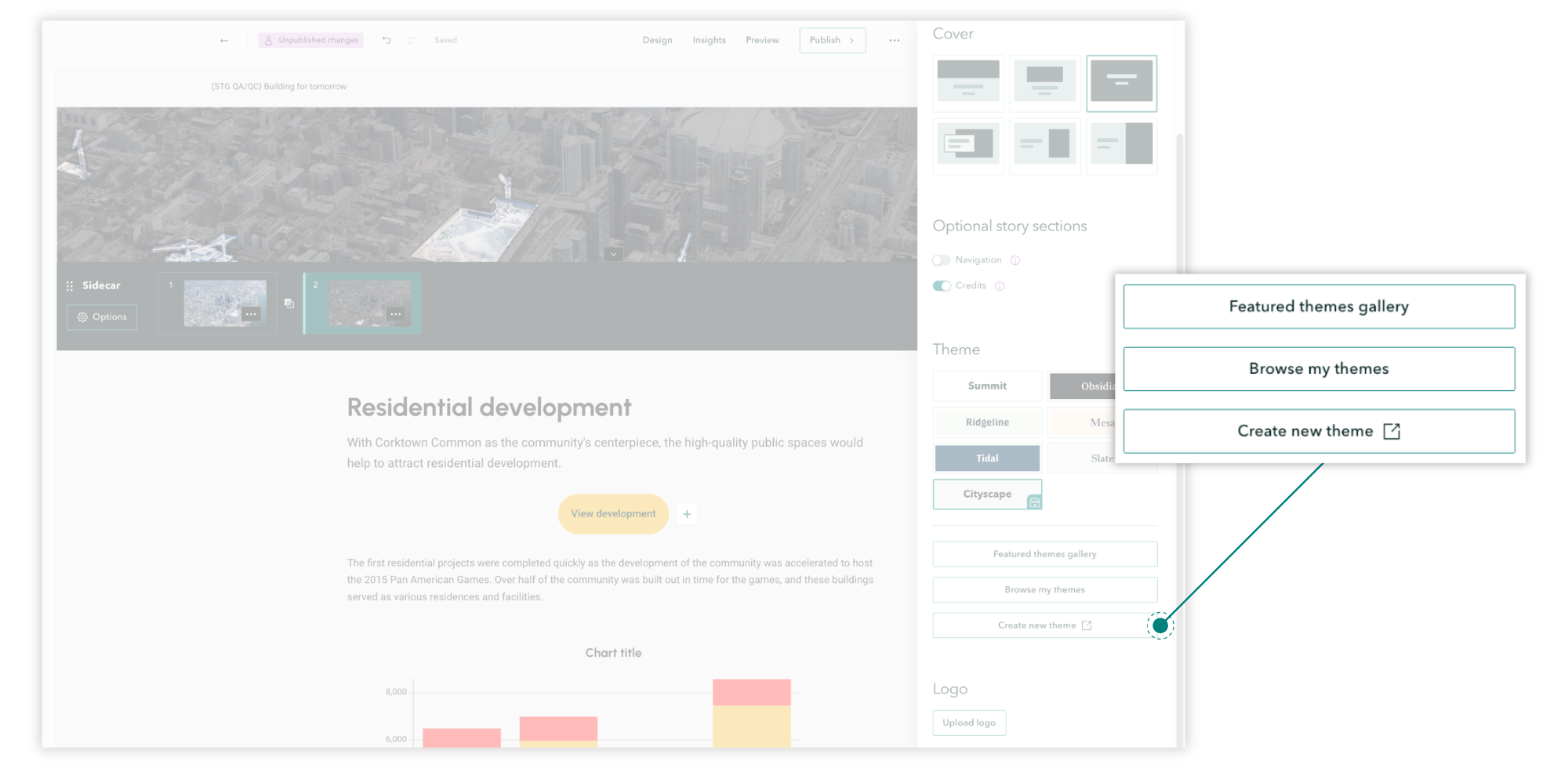
You want to create a new theme from the builder; we want to create a new theme from the builder. Inspired by feedback coming from, well, everyone, we are delighted to share that a Create new theme option has been added to the builder Design panel!
Now, you can click to launch the theme builder in a new tab, create and Publish your theme, and then access the new theme by returning to the Design panel and selecting Browse my themes.
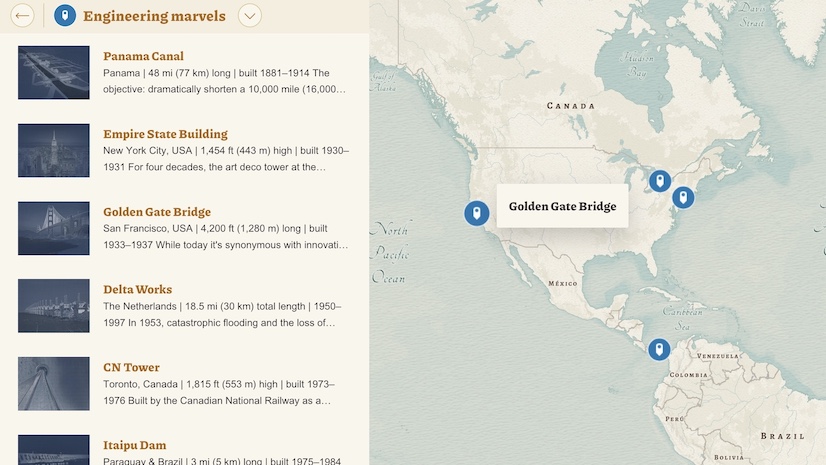
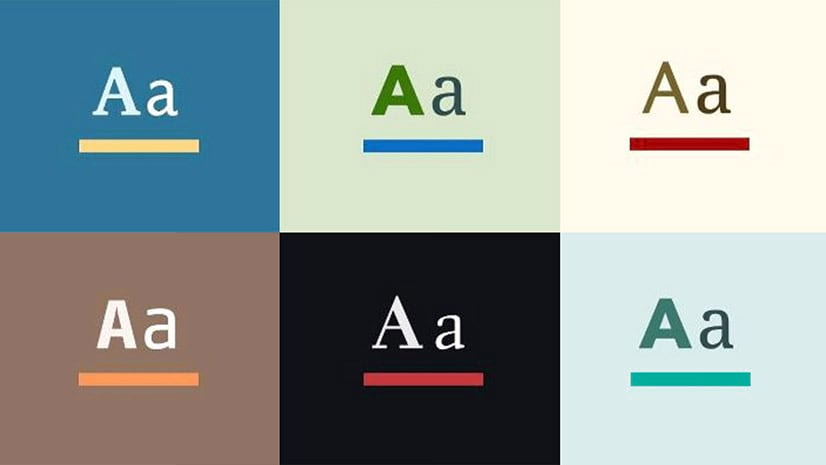
Read more about the efficacy of creating a little world for your readers—and get inspired to create your own custom theme!
Classic story item replacement
With classic Esri Story Maps (2011-2019) retiring in Q1 2026, you may have already set a replacement item; if not, visit our Esri Community page for managing the classic retirement, where you can find more information.
Furthering the option to set a replacement item, a redirect modal will now appear from a classic story link, redirecting readers to the replacement item. Note: If you have not set a replacement item, a classic story link will direct to the item details page of that classic story.
For a comprehensive look at remaking your classic stories in ArcGIS StoryMaps and related resources, watch the recording of our ArcGIS StoryMaps Live session, where we provide live demonstrations and Q&A with our team.
And more…
- Undo and redo are now available as keyboard shortcuts.
- The file size limit for 360º images has increased to 50 MB.
- AI assistants have moved from beta to preview.
Thank you to Ashley Du and Will Hackney for their contributions to this post.
All Adobe Stock images are © 2026 Adobe Stock. All rights reserved.


Hi Andria,
Do you have any date regarding the availability of some AI assistants (like replacement text on images) in non-english languages ?
Hi Gaëtan,
The StoryMaps dev team is hoping to have this in place by the end of the year. Thanks for the great question!