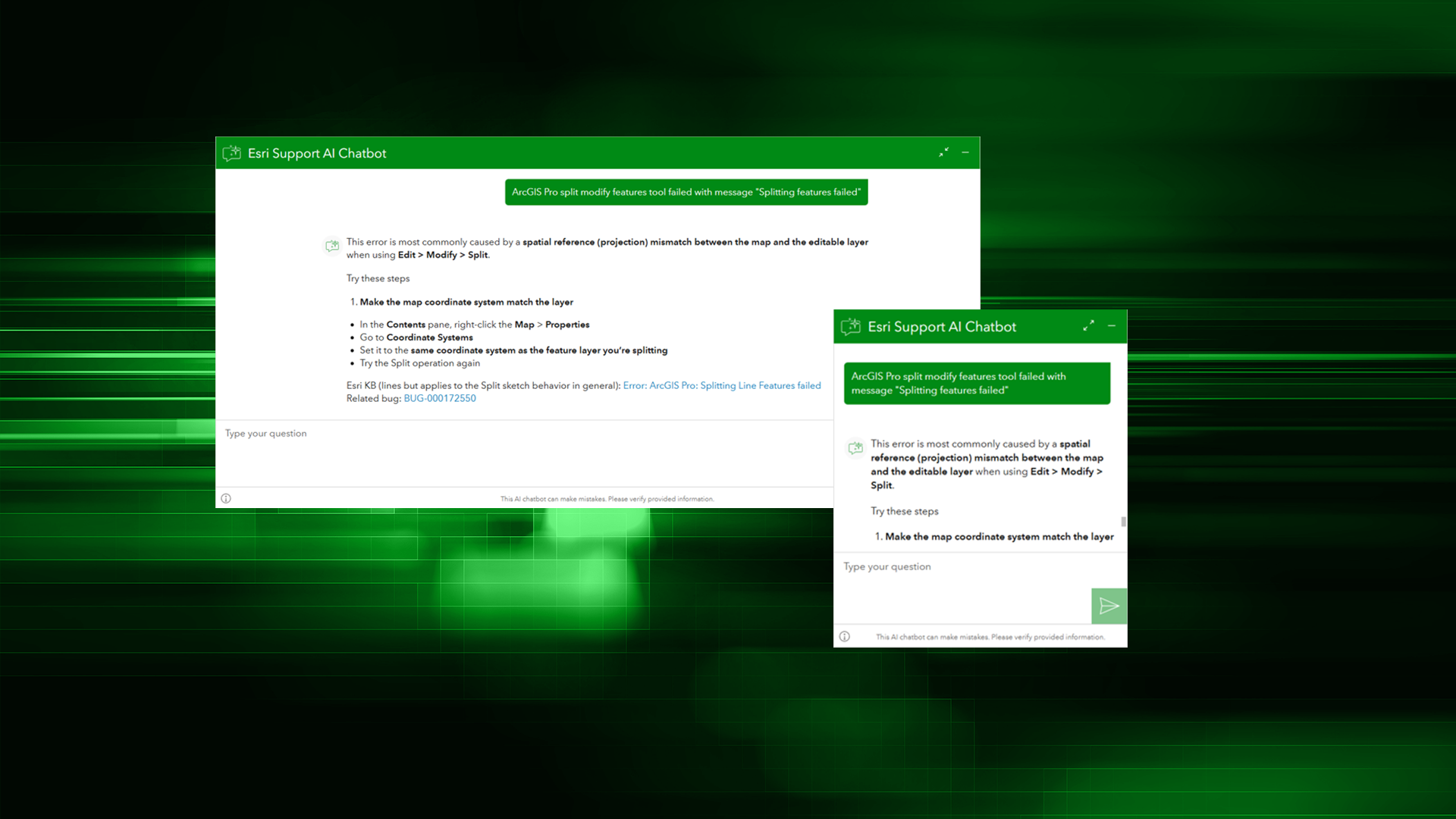
Our mission in Esri Technical Support is to help you troubleshoot quickly, avoid downtime, and keep doing GIS work that is vital to your organization, your industry, and the world. While our expert support analysts are always ready to help, we know picking up the phone might not be your first choice for every issue.
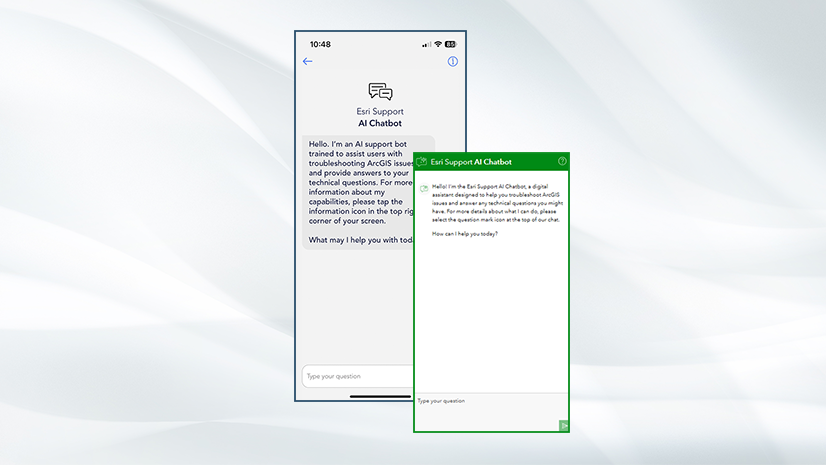
To fulfill our mission even when you don’t create a case with us, we build self-service resources. The knowledge base, available on support.esri.com, records thousands of bugs, error codes, how-to workflows, and solutions to known issues. The Esri Support app gives you a window into case management from your smart phone. And, in recent years, we developed the Esri Support AI Chatbot to help you find solutions.
Why troubleshoot with the Esri Support AI Chatbot?
In general, search engine replacement is a compelling use case for AI. Describing a problem in plain language is more intuitive than hoping you’ve landed on the right search terms. The ability to ask follow up questions and interrogate the answer simply can’t be replicated in traditional search. Additionally, the chatbot can ask you questions to clarify your query, resulting in better answers.
The Esri Support AI Chatbot is specialized for GIS troubleshooting. It’s trained on a library of technical content from documentation, product teams, and support. Unlike other chatbots, it also updates regularly as new content is added to those databases. In fact, some content is exclusive to the chatbot, not available elsewhere, so you’re getting a smarter answer than you would anywhere else. Also, because its answers are based on these libraries, not the internet as a whole, you can be sure the answers it returns are based on validated Esri content.
Triage issues and find solutions
Here’s an example of when the chatbot might be a useful troubleshooting tool. Working in ArcGIS Pro, I try to use the Split tool to modify a line feature—something I’ve done hundreds of times across dozens of projects. Here, though, it fails with the message “Splitting feature failed.”
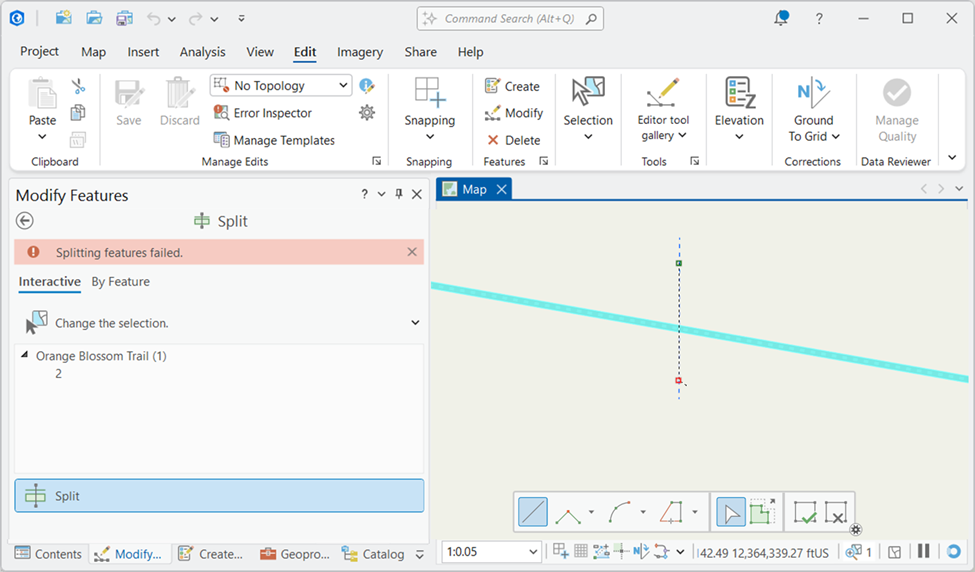
This is a small enough issue that I want to try to fix it myself before I escalate it to tech support. However, the error message is short, unnumbered, and generic enough that I worry I won’t find an exact match by searching online. It’s a good time to try the chatbot.
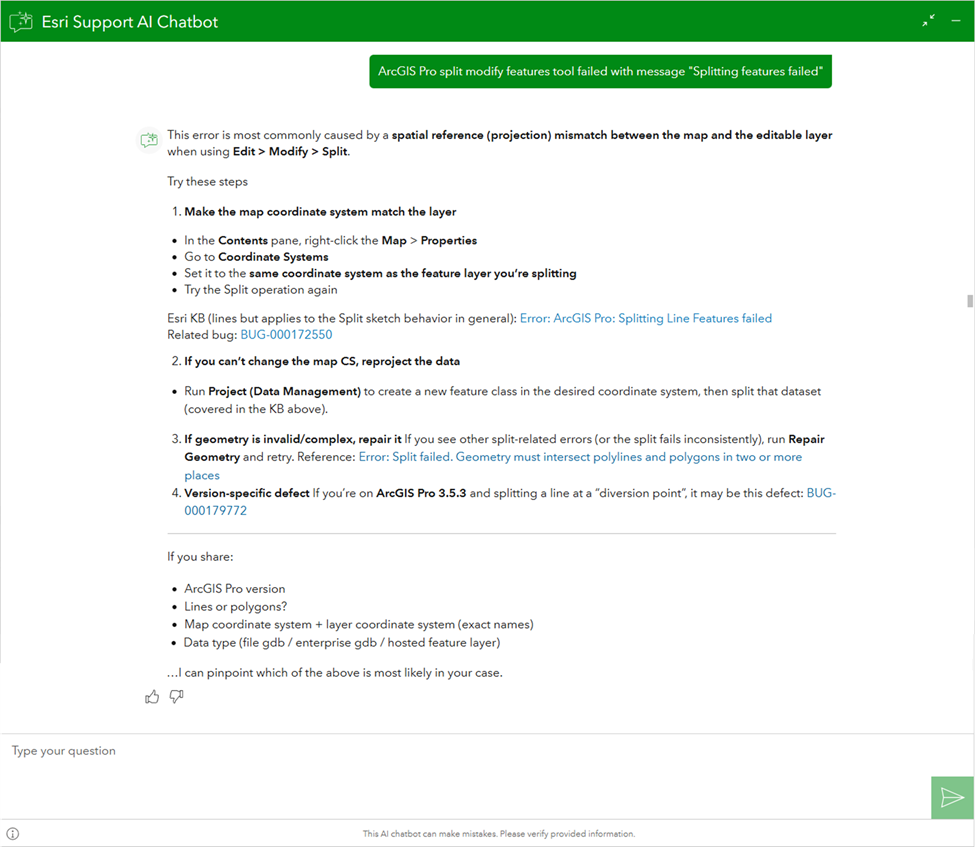
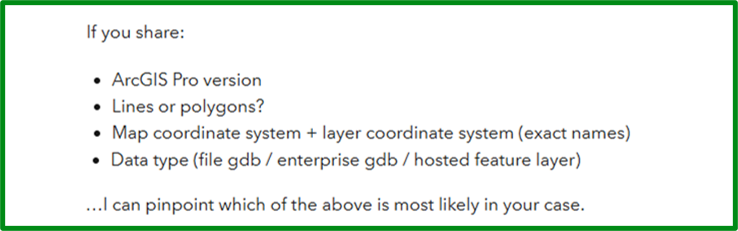
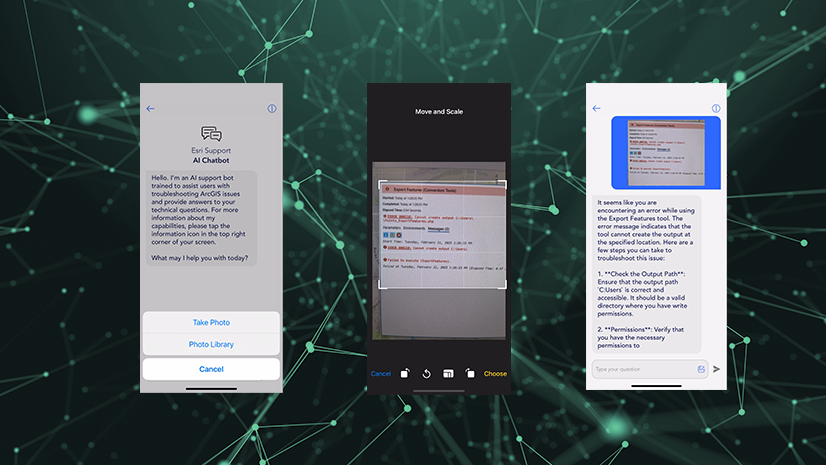
I tell it I’m working in ArcGIS Pro, which tool has failed, and the error message. It responds with the most common cause and some steps to solve for it, as well as some alternative causes. It also asks for some more information so it can narrow down the cause of the issue.
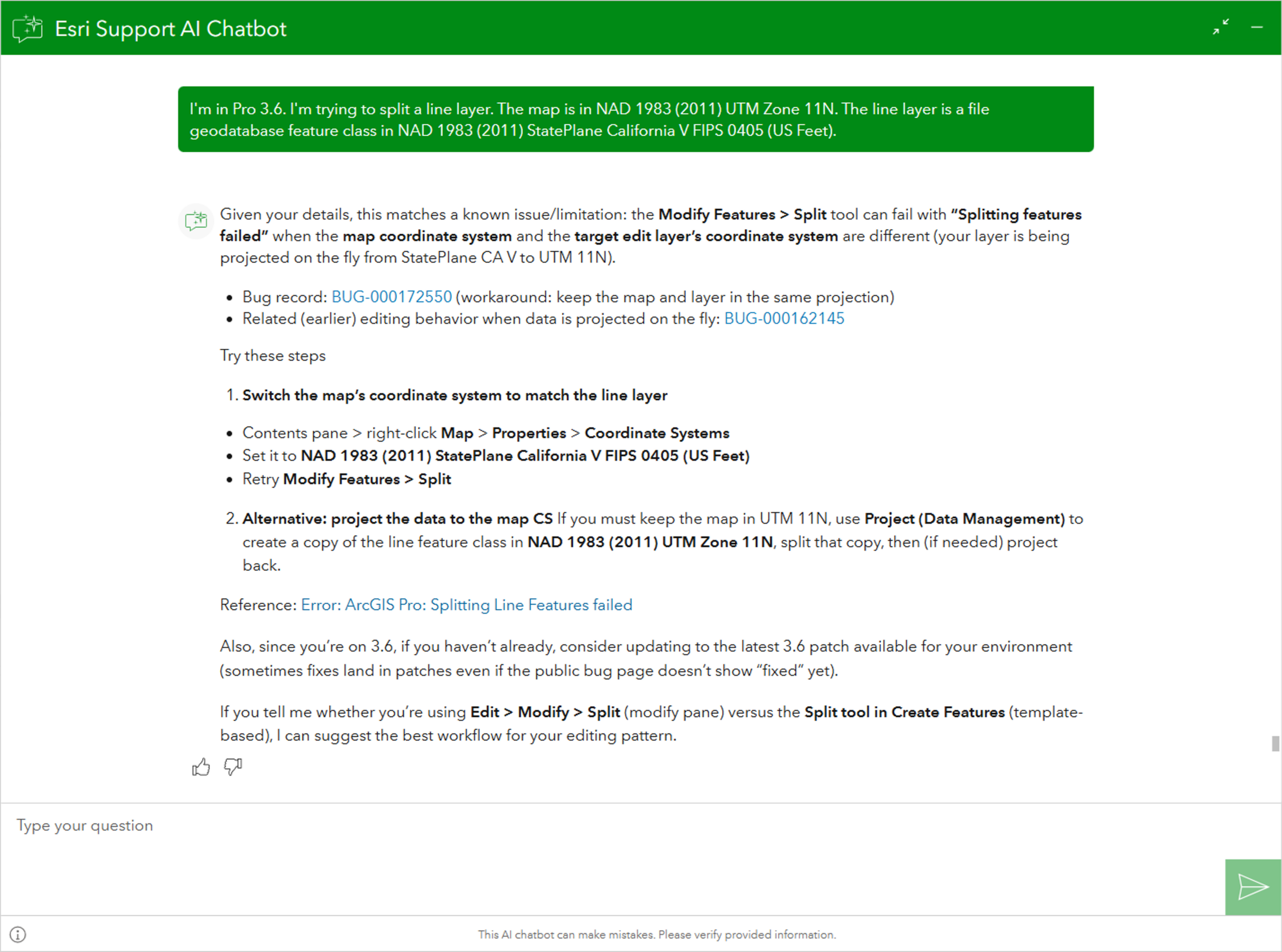
With more details from me, it confirms that my problem matches a known issue. It provides a couple of solutions. It also offers to suggest the best one for my workflow, if I can give it a bit more information, but I think I understand how to fix the issue now. I just need clarification about how one of its solutions will work for me; time for a follow up question.
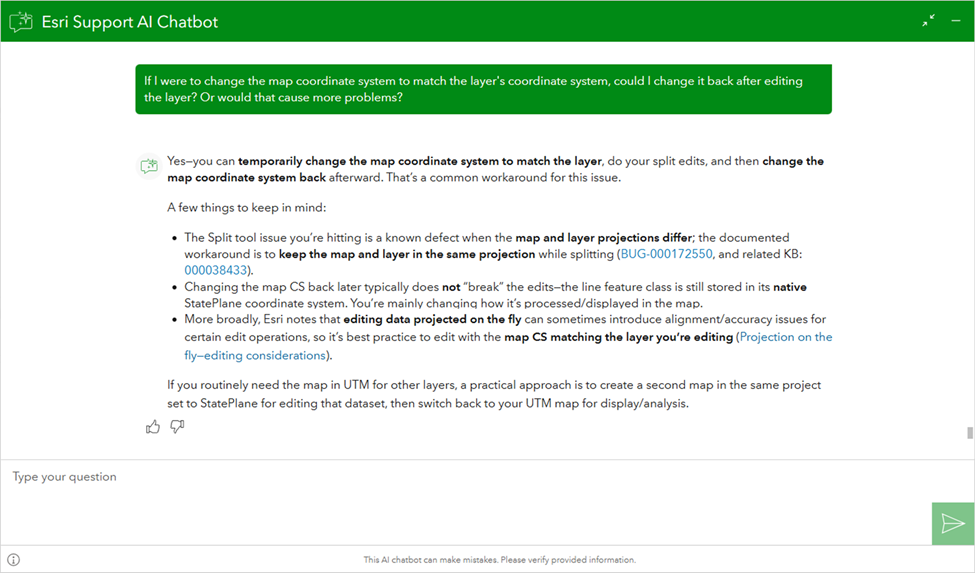
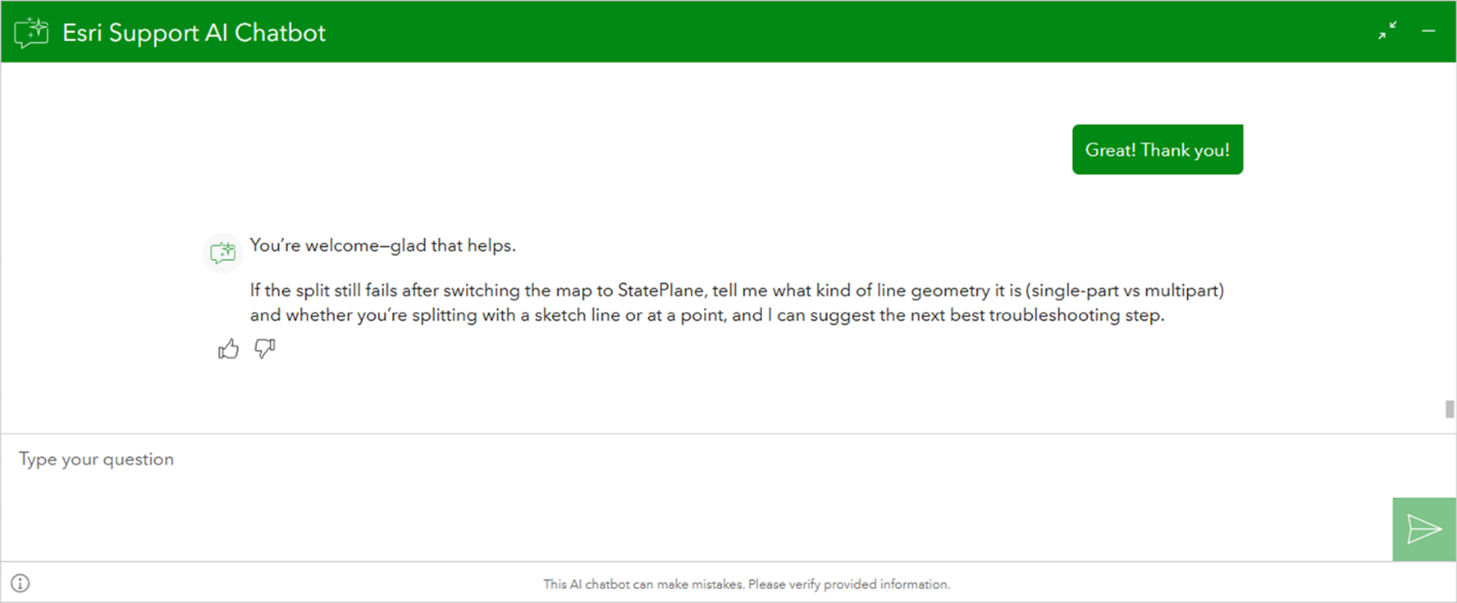
That settles how I’ll go about solving my problem. Even after I say “thank you” (it never hurts to be polite), the chatbot assures me that if I need more help, it’s ready to dive deeper into troubleshooting.
Of course, the chatbot isn’t designed to answer all questions. Some issues that are too complex for it to diagnose, or completely novel, without a preexisting solution in our database. Some questions are specific to your deployment. In those instances, it’s time to call Technical Support. But rest assured, whether you’re using the AI, another of our self-service tools, or reaching out to an analyst, you’ll get your questions answered.

Article Discussion: