A crucial component of planning any ArcGIS Pro release is direct customer feedback. By prioritizing customer needs, we can ensure that new features provide real value and make a significant impact. During the ArcGIS Pro 3.6 planning process, a prevailing sentiment was expressed: Enhance the usability of existing tools and workflows, focusing on improved performance and increased productivity. Put simply, the “ask” was to improve what we already have!
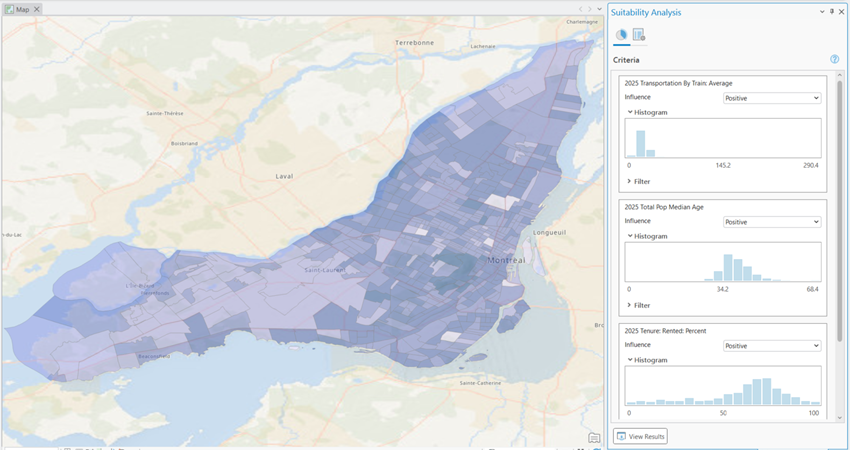
The Business Analyst team received the message and delivered on this theme. Key areas of focus include the following:
- Improved accessibility in popular workflows.
- Improved productivity when working with place icons in the points of interest search workflow.
- Improved user experience in territory design by providing uninterrupted access to the ribbon and panes.
Let’s walk through the specifics of these improvements to existing workflows.
Accessibility improvements
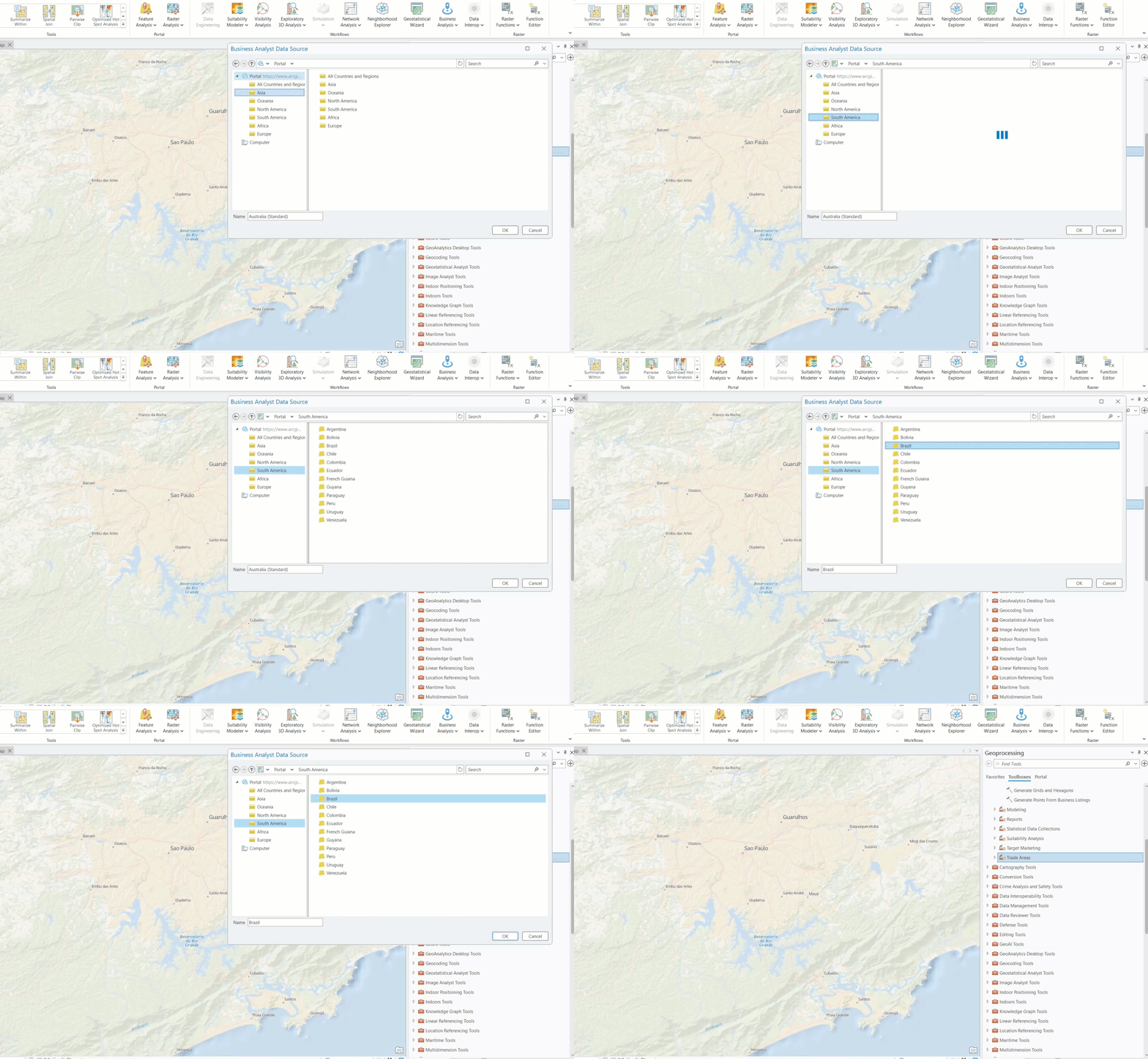
Accessible software provides alternative methods of navigation so that customers can engage using a method that is most comfortable for them. On this point, we recognize the need for ongoing improvements with each release. For 3.6, we are excited to introduce significant enhancements to keyboard navigation and screen reader announcements in key workflows of Business Analyst for ArcGIS Pro. In this release, we concentrated on refining the Business Analyst Data Source dialog, suitability analysis, and benchmark comparisons.
To enhance keyboard navigation, we have ensured that the tab stop order is logical and predictable, ensuring ease of navigation.
For screen reader users, we have improved the clarity and relevance of control narrations. For instance, when a user clicks into a folder to select a value from a list, they are informed not only that they have entered a new ‘level’ but also about the number of values available in that list. These precise and comprehensive announcements facilitate more efficient analysis for users relying on screen readers.
Points of interest search improvements
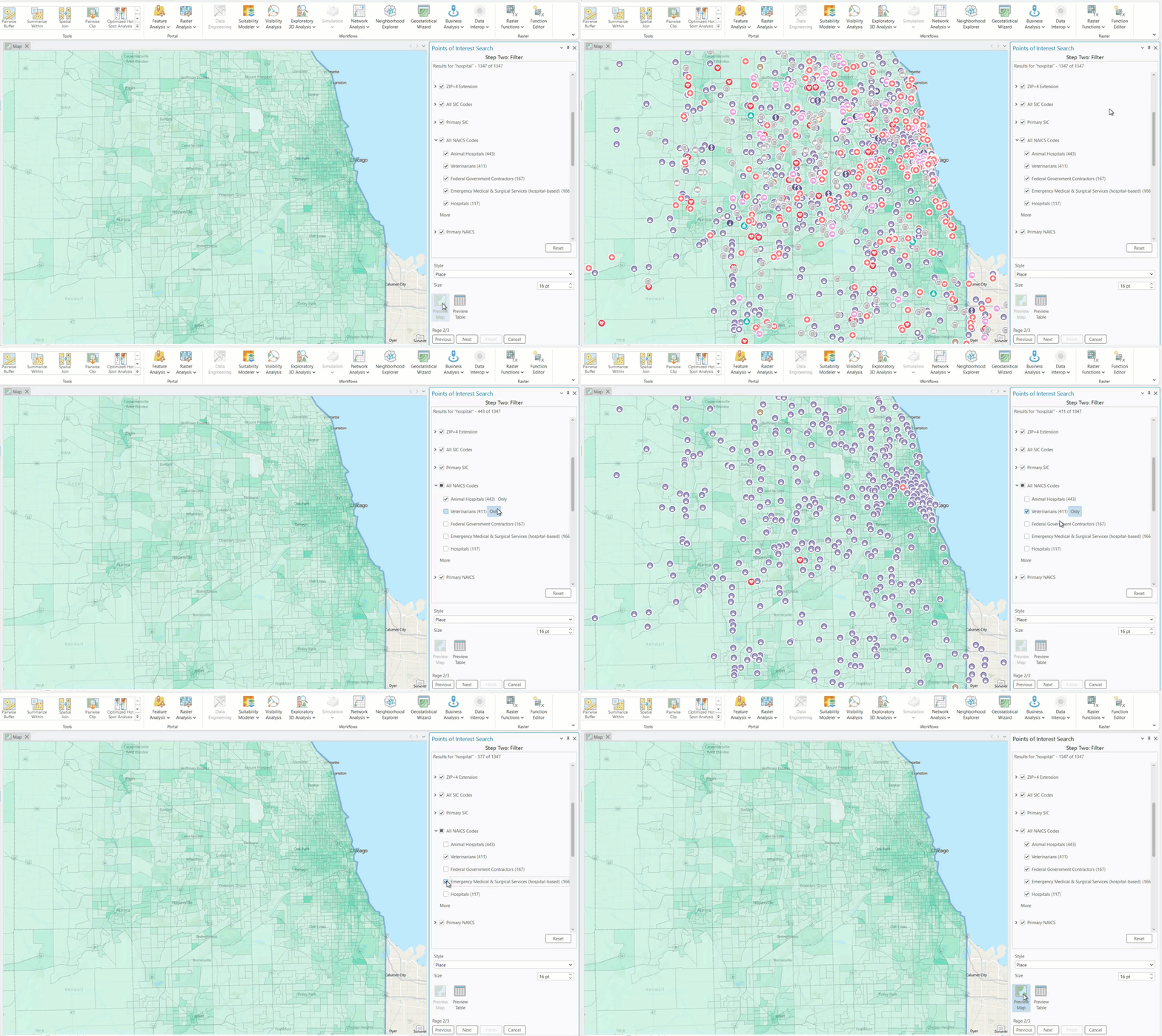
We are thrilled to announce the activation of the points of interest search workflow Preview Map functionality for Place icons. This enhancement was achieved by relocating the Style drop-down menu, where users select decorative place icons, from the end of the workflow to step two.
Previewing Place icons on the map is crucial for several reasons:
- Icon size adjustment: Users can verify whether the default icon size is suitable based on the density of points and the map scale. If adjustments are needed, users can easily modify the size in map preview mode before generating the final output.
- Interactive filtering: Previewing points enables users to set and adjust filters interactively, allowing them to analyze the changes on the map. This iterative process facilitates adjustments and visualizations before finalizing the output.
This improvement is designed to boost productivity and enhance the quality of work within the points of interest search workflow.
Territory design improvements
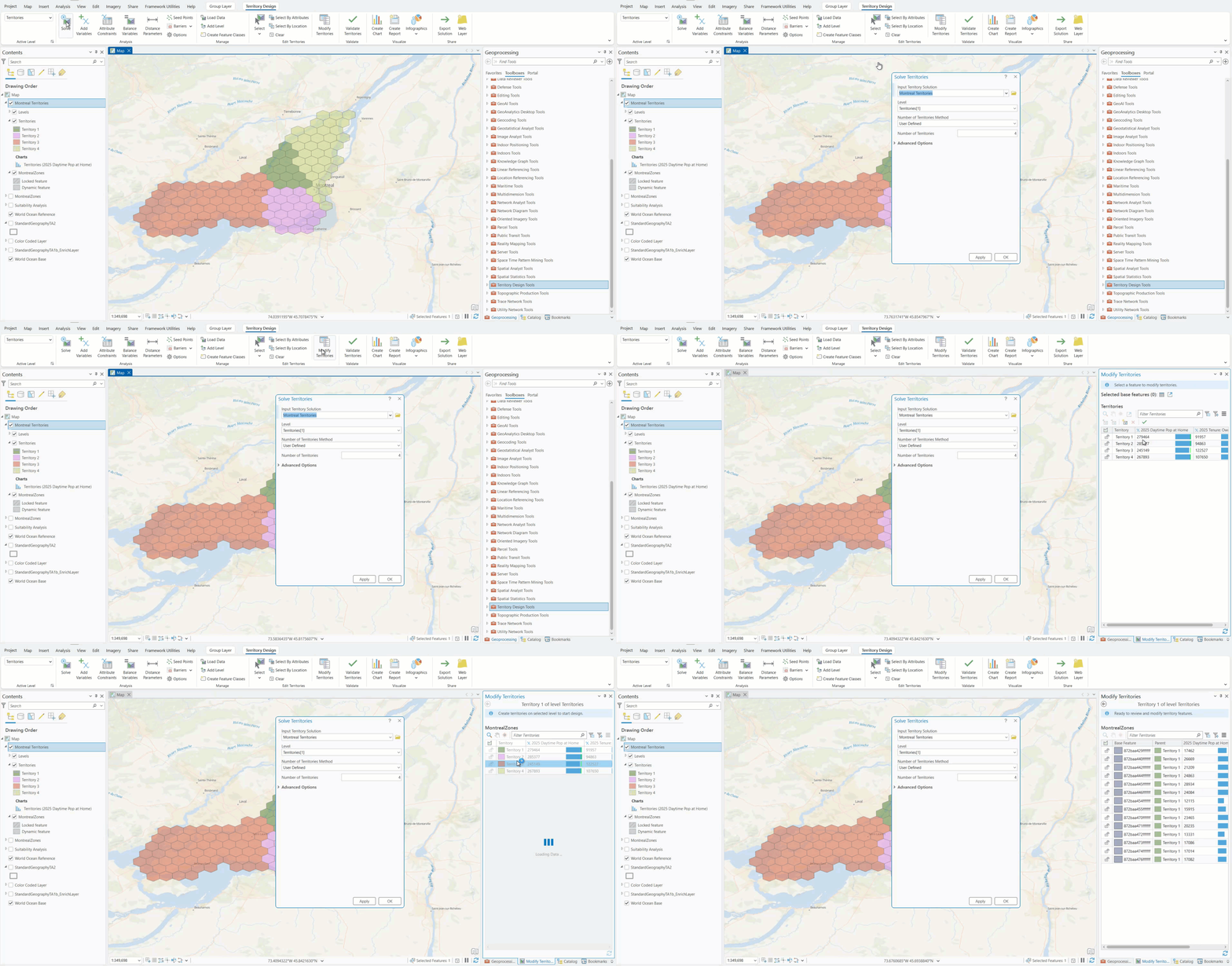
A significant yet simple enhancement to the territory design workflow is that tools accessed from the ribbon now appear as floating, non-modal windows rather than within the Geoprocessing pane. This change allows for uninterrupted access to the Modify Territories pane, which used to be hidden when the Geoprocessing pane opened. Furthermore, because the tools panes are non-modal, users can interact with all aspects of the application while the they are active. This improvement in productivity will increase efficiency while working in territory design.
The 3.6 release of ArcGIS Pro focuses on improving existing workflow through code optimization and improved UI. The updates highlighted in this article are based on feedback and represent a small sample of the work completed in 3.6. Are there enhancements to Business Analyst that would streamline your work? If so, we would love to hear from you!
This article uses the local Esri Updated Demographics dataset from Esri.
Resources
To continue your Business Analyst journey, visit the following resources:
- Business Analyst product overview page
- Review pricing and purchase Business Analyst
- Business Analyst resources page
- LinkedIn user group
- Business Analyst Web App video channel
- Business Analyst Pro video channel
- Business Analyst on Esri Community
- Business Analyst Web App login page
- Email the team: businessanalyst@esri.com


Article Discussion: