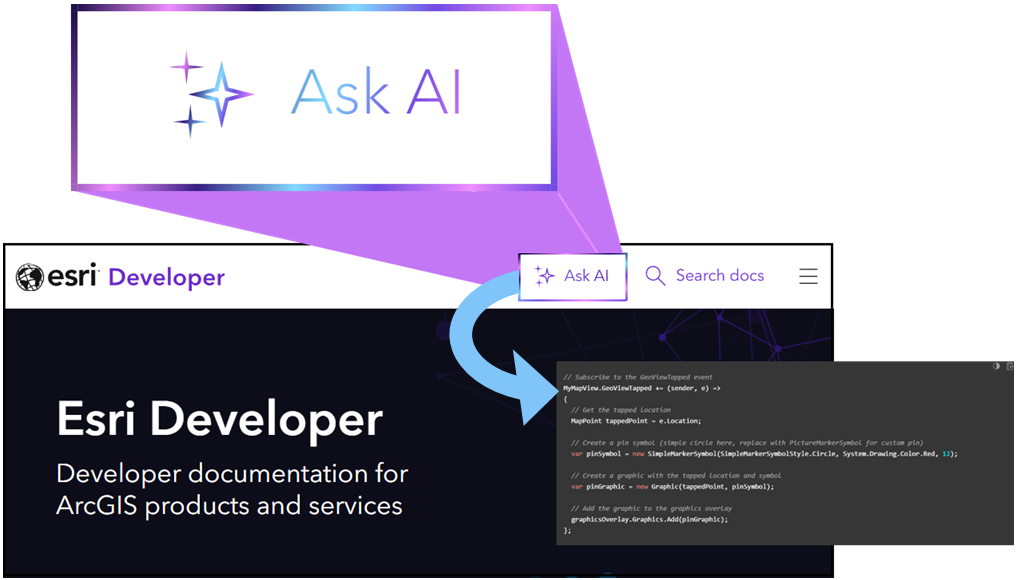
Today, developers who ask the frontier models about Esri developer technology often encounter hallucinations, outdated information, and SDK mix-ups. We are excited to announce an Ask AI beta tool which addresses these problems! Ask AI is a free, lightweight question answering tool on the Esri Developer website designed to help quickly find answers from Esri Developer documentation and generate code blocks. You can move from question to solution faster than ever! The model has been trained comprehensively on Esri-authoritative documentation and is deeply knowledgeable about Esri developer technology, Maps SDKs, and ArcGIS APIs. Let’s walk through its features.
What is Ask AI?
Ask AI is a one-shot answering tool which rapidly answers developer-focused questions. It is not intended to be a back-and-forth conversation. Rather, it’s focused on a single query at a time. If you do ask follow-up questions, be sure to provide enough context. A good way to start using the tool would be to ask about GIS capabilities offered by Esri. For example, when querying “What are the utility network trace types?” Ask AI will list the trace types and their functionality.
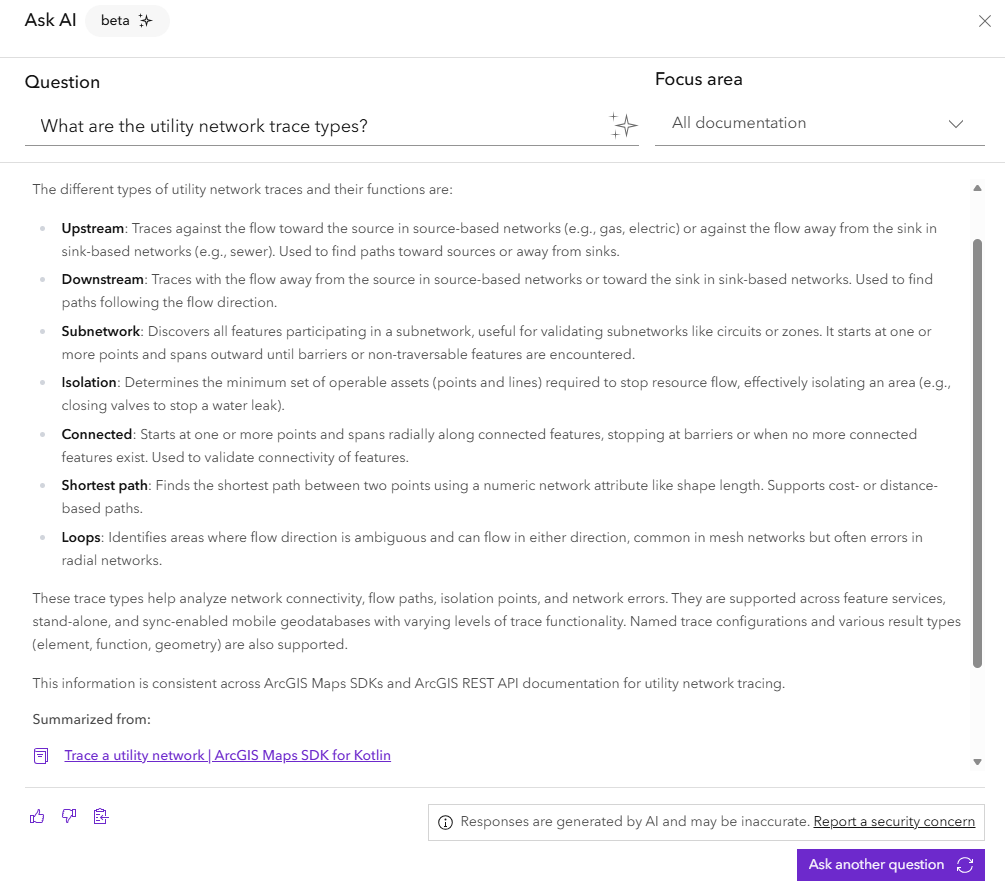
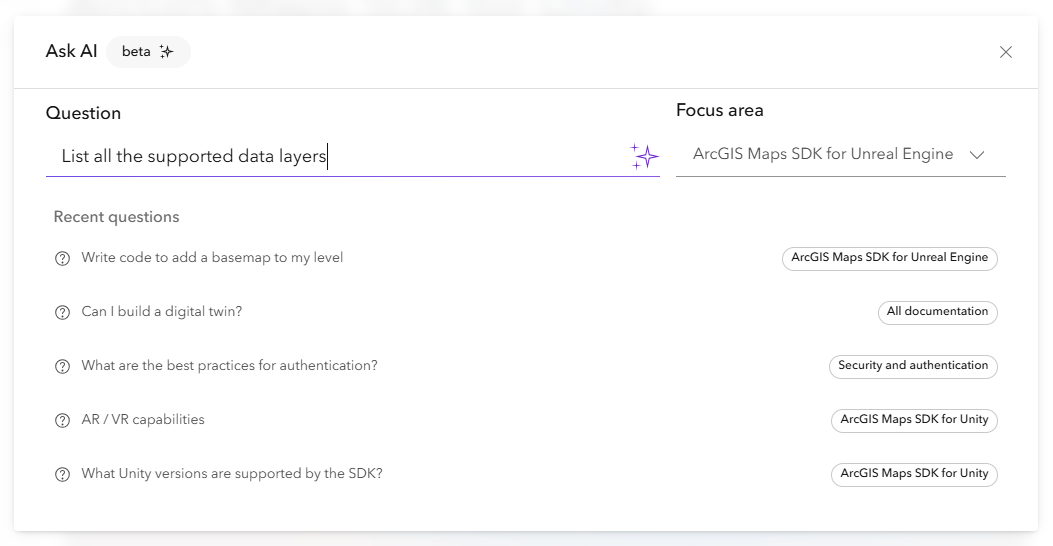
Responses are formatted as a concise search summary which can be quickly copied to the clipboard as Markdown. You can also review the last five generated responses from the “Recent questions” section. Ask AI is a beta feature, and responses at this time may be inaccurate, so it’s important to verify information.
How AI enhances documentation search
Ask AI is a great complement to the existing documentation search engine. The underlying model understands the semantics, nuances, and intent of a query. To reduce the risk of mistakes and hallucinations, Ask AI pulls information directly from Esri Developer documentation. This includes Esri-authored tutorials, guides, code samples, blogs, videos, and more. The “Summarized from” section shows the specific pages it used to provide an answer. You can click these sources to quickly navigate the documentation for additional context and verification. To narrow the search scope and optimize response accuracy, you can select a focus area, like “ArcGIS API for Python” or “Offline mapping applications.” Focus areas will be automatically selected based on where in the documentation you launch Ask AI from, so please change the focus area as needed. For broader searches and queries, you can select “All documentation”.
Ask AI generates code blocks
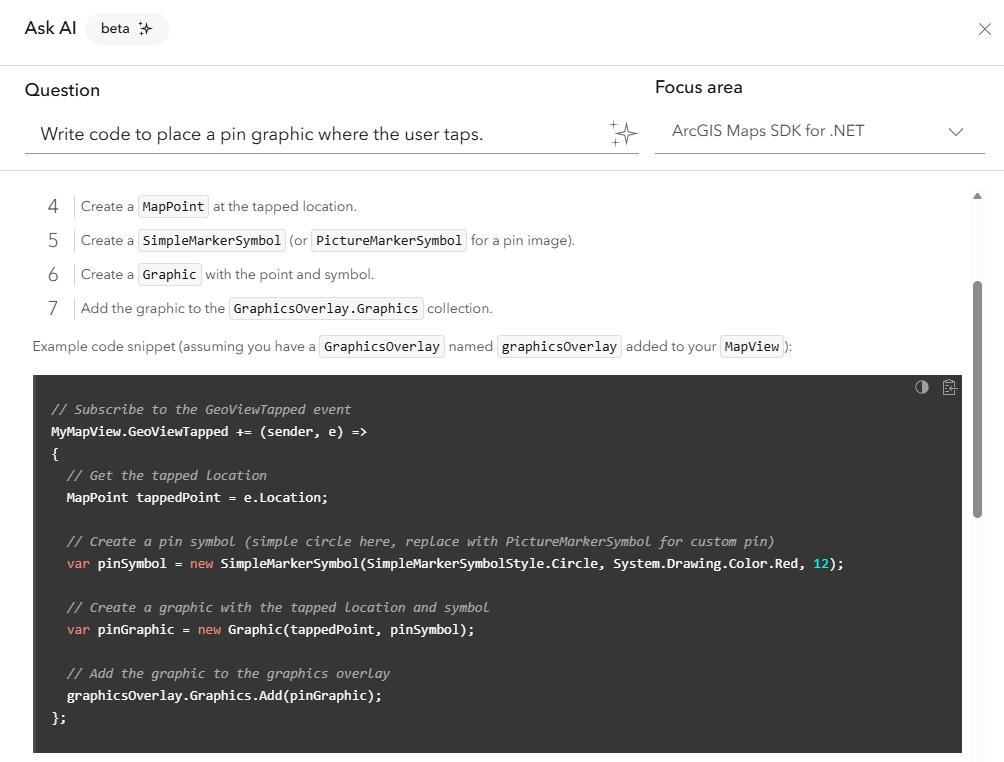
A powerful capability of Ask AI is its ability to generate code blocks. For example, you can ask it to “Write code to place a pin graphic where the user taps” with the ArcGIS Maps SDK for .NET focus area selected. A nicely formatted C# code block will be generated, which you can easily copy-paste into your IDE. Please verify the code for inaccuracies before committing to your codebase. Code blocks are commented and surrounded by context, making them easier to understand. Ask AI is not an autonomous coding agent and won’t be able to build entire applications.
Providing feedback
Users who attended the last two Esri Developer & Technology Summits in Palm Springs may recall a generative AI feature being demoed for developer documentation search. Informed by user participation and feedback, this feature materialized into Ask AI. In that same spirit of valuing customer voices, we invite you to provide feedback. Click the thumbs up / thumbs down option below the AI-generated response to open a Survey123 form and fill it out with your thoughts as to why the response was or was not helpful. Doing so helps us improve Ask AI. For privacy and security concerns, please report them directly to the ArcGIS Trust Center.
What’s next
We are excited for you to begin using Ask AI, whether you need a summary of what raster analysis is, steps for your geometry editing workflow, details about a specific API call, or to generate a code block for a reverse geocode operation. Just think about what type of summary or code block you need and Ask AI will generate if it’s in the Esri Developer domain. Ask AI is built on Esri’s AI infrastructure and will continually be enhanced and integrated into the ArcGIS system.
We’re actively researching and implementing AI solutions to better your developer experience. Stay tuned by subscribing to the Developer Newsletter and to @EsriDevs on YouTube.
You may also be interested in:
- AI-Infused Development: Lessons Learned and Patterns from Esri Engineers
- ArcGIS AI Assistants: Fundamentals
- ArcGIS: A GeoSpatial AI Platform
- New MCP Support (beta) and ArcGIS Static Maps Service in Latest ArcGIS Location Platform Release
- Why AI Orchestration Belongs in the Browser
And be sure to let us know what you think of the Ask AI beta!

Article Discussion: