Overview
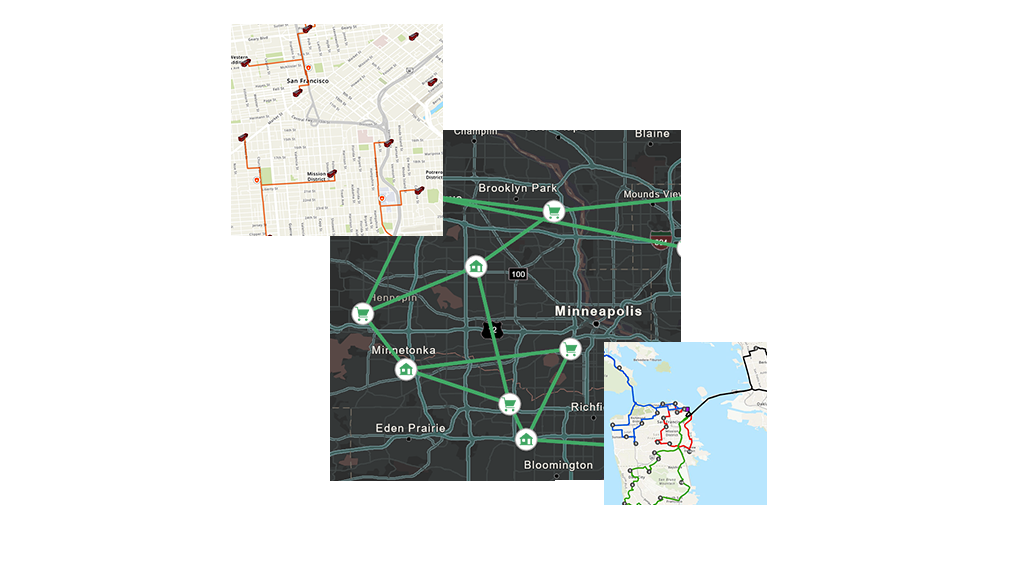
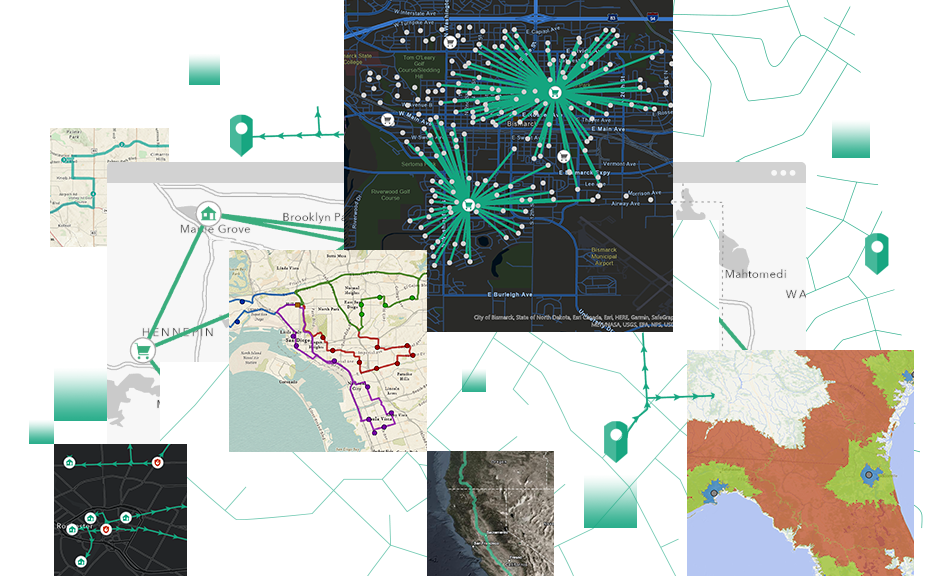
ArcGIS Network Analyst provides network-based spatial analysis, such as routing, fleet routing, travel directions, closest facility, service area, and location-allocation. Using ArcGIS Network Analyst, you can dynamically model realistic network conditions, including one-way streets, turn and height restrictions, speed limits, and variable travel speeds based on traffic. You can easily build networks from your GIS data by using a sophisticated network data model.
With ArcGIS Network Analyst, you can
-
Find shortest routes.
-
Produce the most efficient routes for a fleet of vehicles that must visit many locations.
-
Use time windows to limit when vehicles can arrive at locations.
-
Locate closest facilities.
-
Determine optimal locations for facilities by performing a location-allocation analysis.
-
Define service areas based on travel time or distance.
-
Create a network using your existing GIS data.
-
Generate a matrix of network travel costs from each origin to all destinations.
ArcGIS Network Analyst is also available as an extension for ArcGIS for Server and ArcGIS Engine.