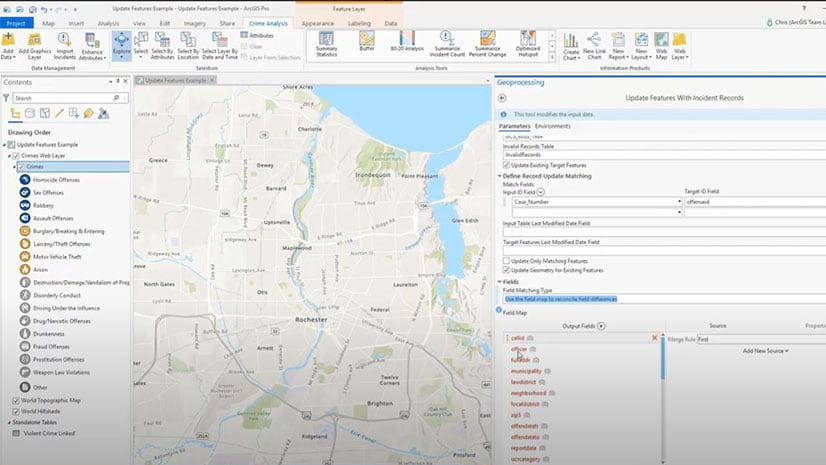
Automate a Crime Data Workflow
Use the Crime Analysis solution in ArcGIS Pro to automate the process of importing crime data from systems of record to a GIS for analysis.
Use the Crime Analysis solution in ArcGIS Pro to automate the process of importing crime data from systems of record to a GIS for analysis.
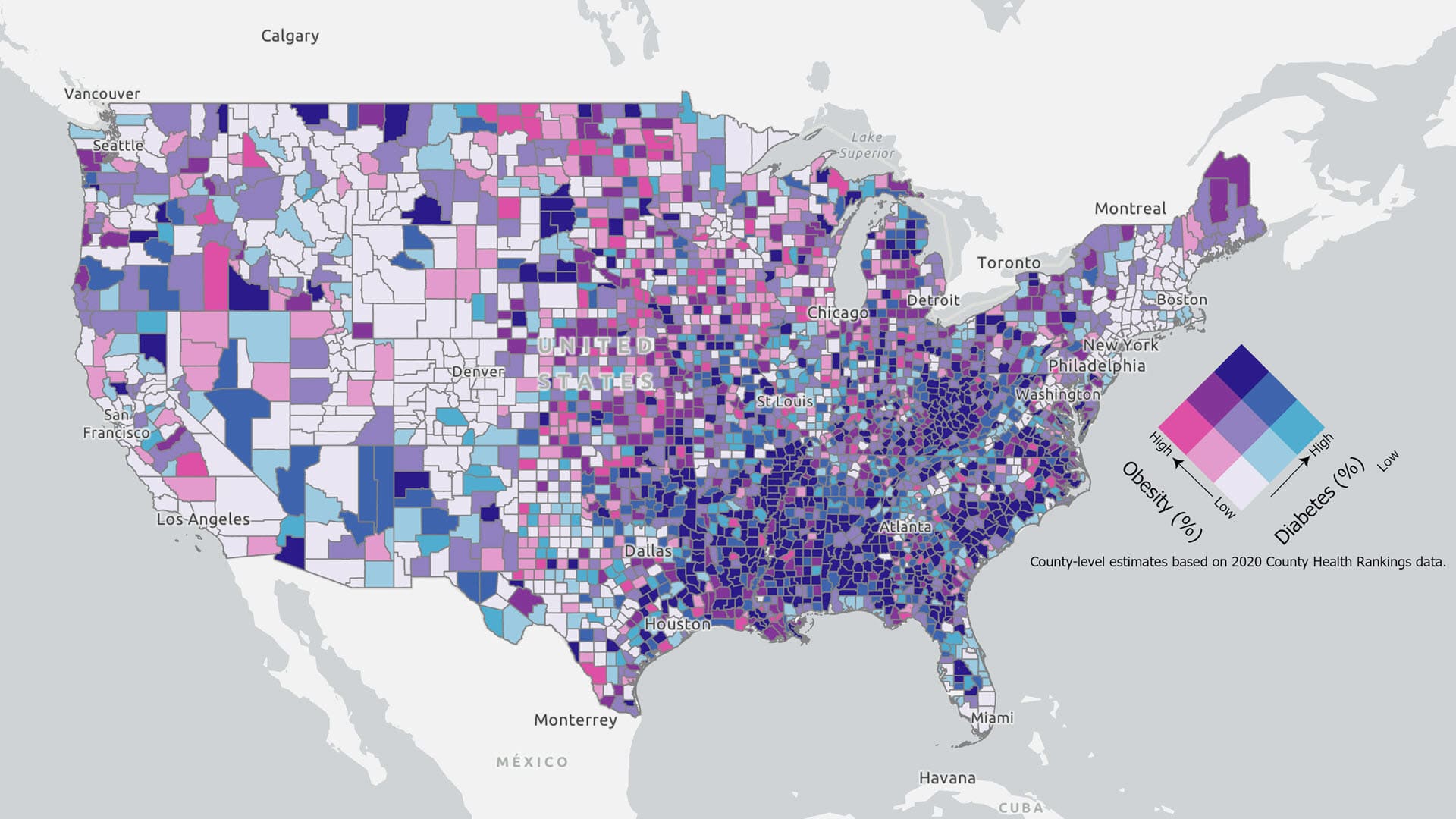
Esri cartographic researcher Aileen Buckley walks you through the process of customizing a legend for a bivariate colors map.
Gachina Landscape Management in Silicon Valley uses GIS to map its clients' irrigation information, which saves water, time, and money.
Explore, visualize, clean and prepare your data with the new Data Engineering view in ArcGIS Pro.
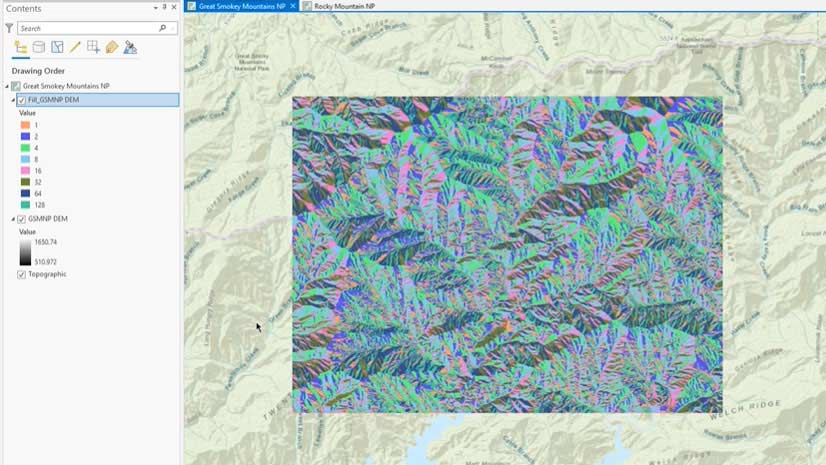
Esri instructor Tim Kinlaw shows you a quick and easy way to create a raster function template in ArcGIS Pro.
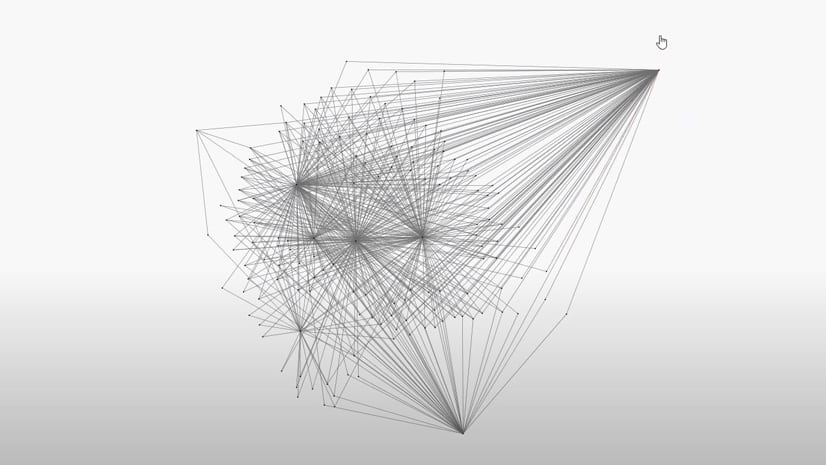
Learn about the new features and functionality in the latest version of ArcGIS Pro Intelligence—including updates for link analysis.
New ArcGIS Pro styles are available that emulate the thematic styles of the French engineer Émile Cheysson.
Be more productive with an ArcGIS Pro license packaged with a Dell Workstation or Rugged Tablet.
The web course Data Science Workflows Using ArcGIS Notebooks introduces you to data engineering processes using ArcGIS Notebooks in ArcGIS Pro.
Take a look back at the Tōhoku earthquake and tsunami in Japan and see the new GIS technology you can use to analyze these types of events.
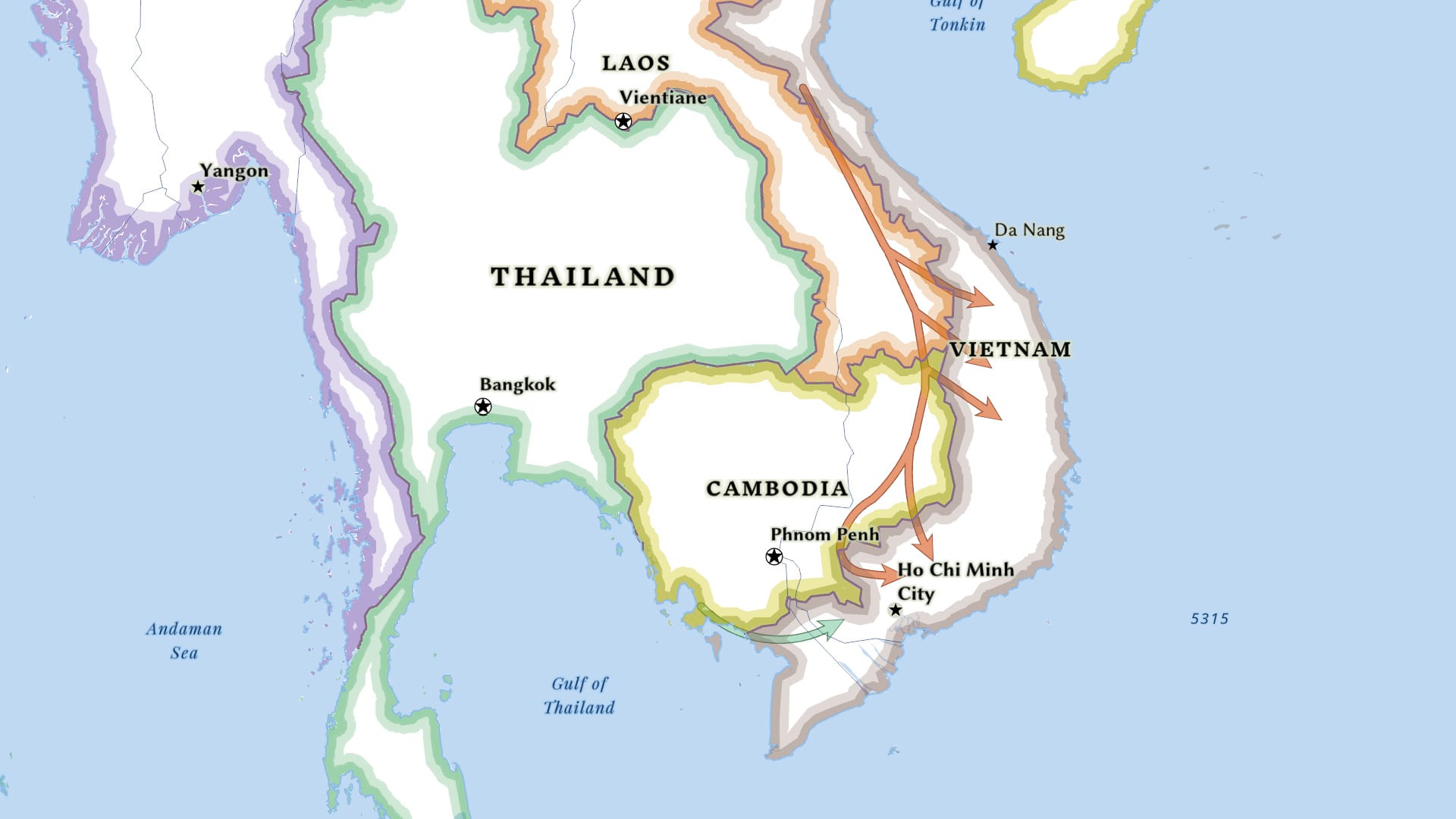
Learn to use ArcGIS Pro to create a complex line symbol and add an arrowhead to the end of the line to show direction.
Cartographer John Nelson explains how to create a side-by-side layout in ArcGIS Pro, comparing the same location at two different points in time.