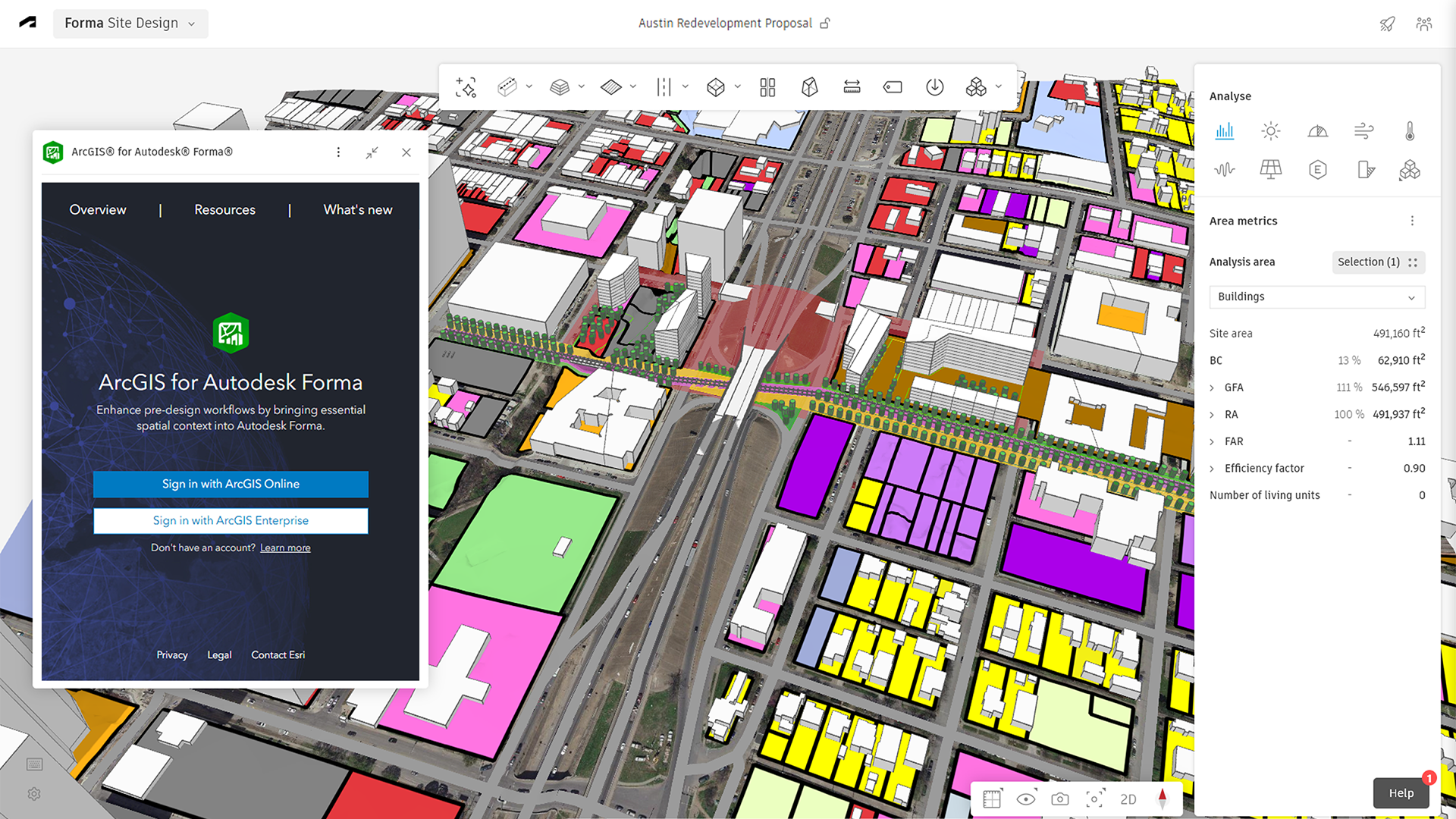
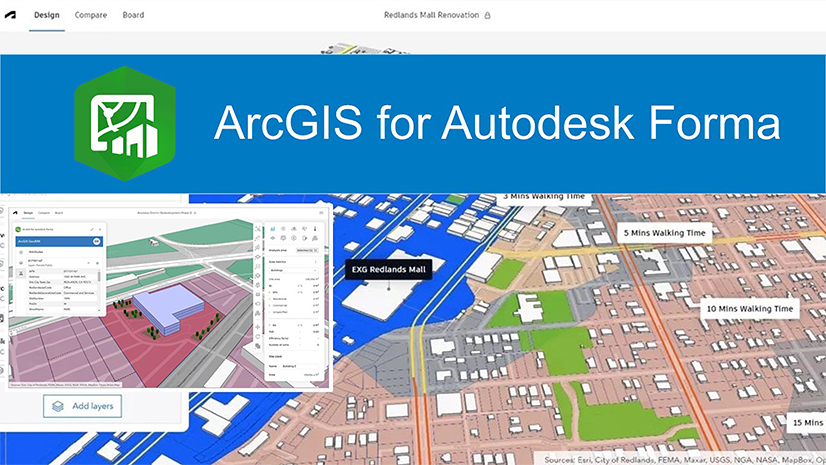
ArcGIS for Autodesk Forma enables users to easily add authoritative ArcGIS data into Autodesk Forma Site Design proposals. This provides geospatial context for environmental impact assessments and real-world visualizations to improve the overall quality and fidelity of pre-design workflows. The extension enables architects to work within their native environment while providing a simplified workflow for them to enrich their designs with ArcGIS data.
The May 2026 update of ArcGIS for Autodesk Forma simplifies how project teams find and access trusted ArcGIS content in Autodesk Forma Site Design. With an improved ArcGIS Enterprise sign-in experience, support for 16 additional languages, and enhanced category-based filters, this update makes it easier and faster to make GIS-driven design decisions using the right data.
Release highlights
Dive deeper into the latest capabilities now available in ArcGIS for Autodesk Forma by visiting the product documentation and try them out for yourself. Have questions, feedback, or product ideas to share with our team? Visit and make a post in Esri Community today.
Native ArcGIS Enterprise sign-in
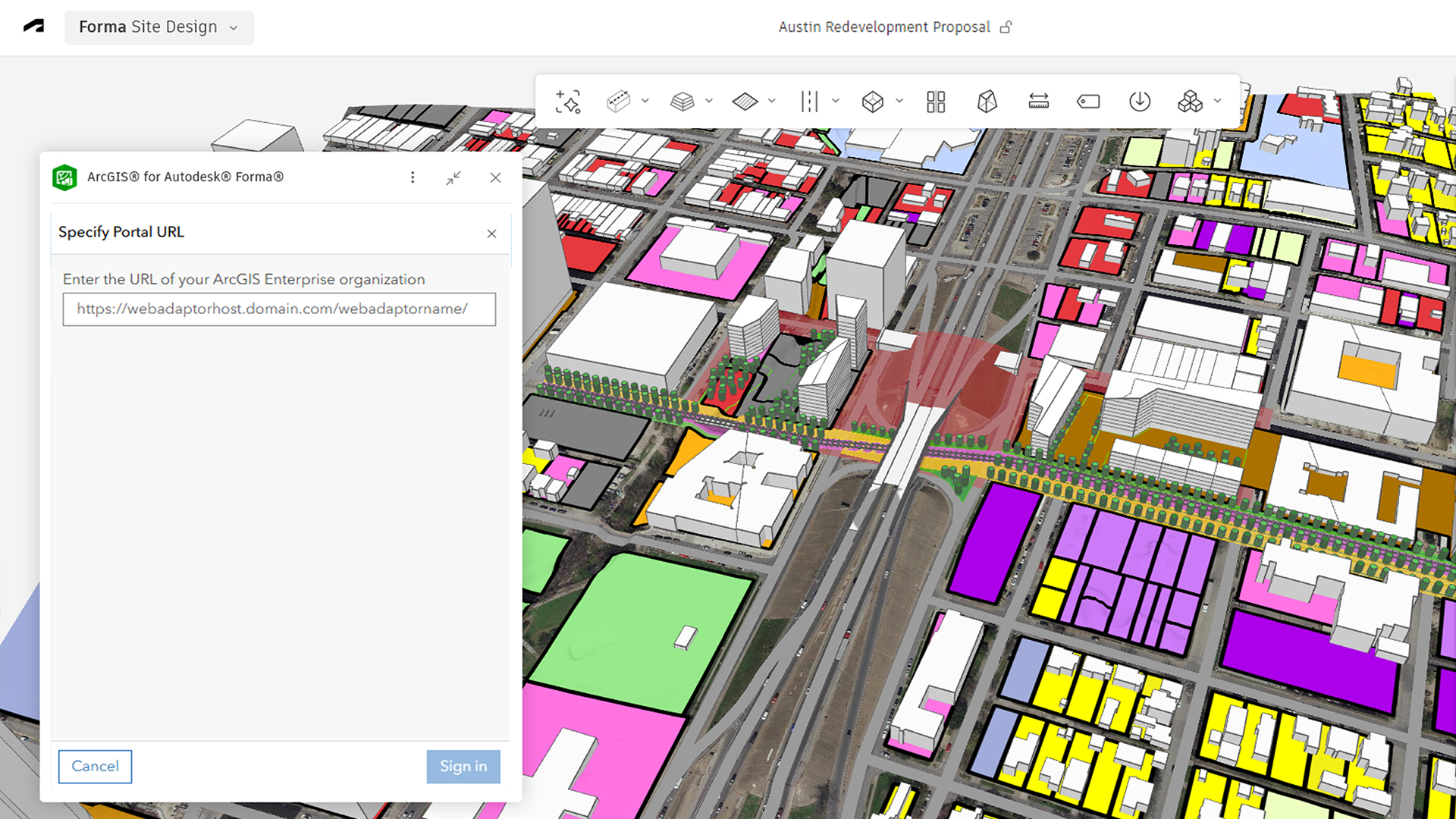
This update introduces a native sign-in experience for adding GIS data to projects from ArcGIS Enterprise, eliminating the need to create and manage custom extensions.
Designers can more quickly connect to ArcGIS Enterprise portal content from the Forma Site Design interface. With simplified setup and sign-in, it is now significantly easier for IT teams to scale access to GIS content across the organization.
Expanded language support
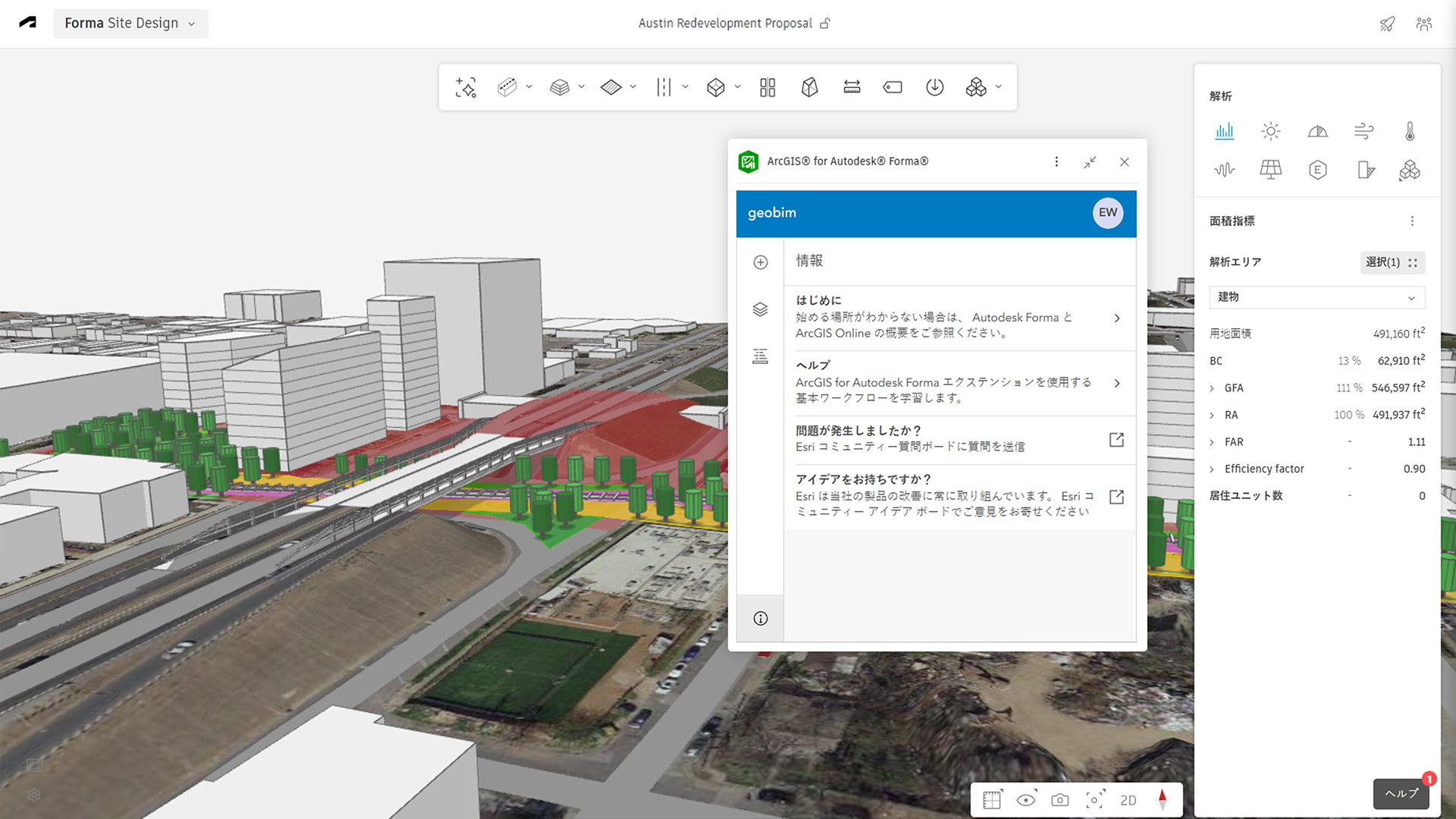
ArcGIS for Autodesk Forma now supports 16 additional languages, empowering designers to work more confidently in their preferred language. For project teams collaborating internationally, this helps to improve trust in using GIS data, while enabling.
Supported languages include Chinese (Simplified), Chinese (Traditional), Czech, Danish, Dutch, French, German, Hungarian, Italian, Japanese, Korean, Norwegian, Polish, Portuguese, Spanish, and Swedish.
Find content faster with categories
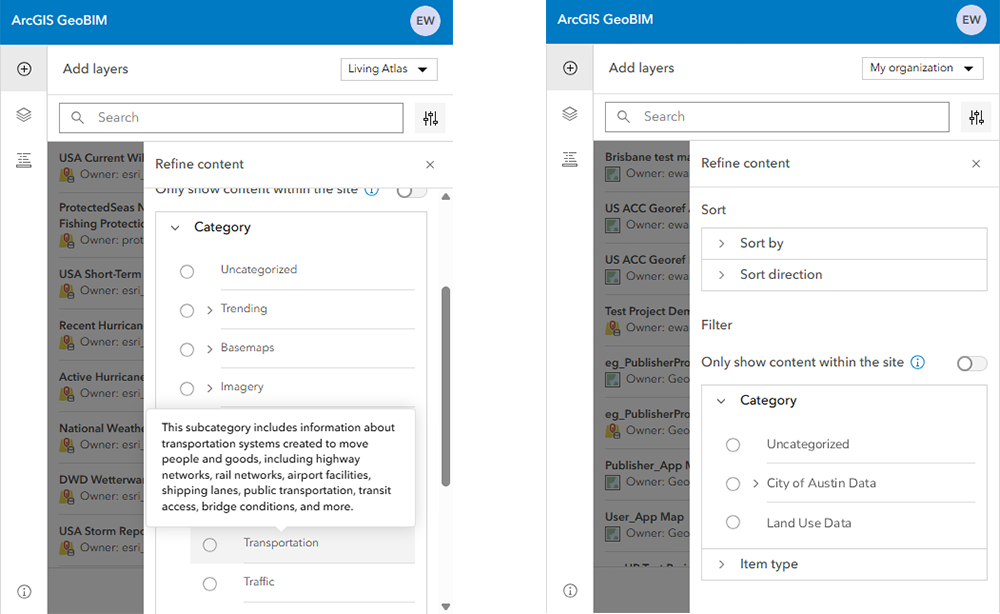
Category-based filters are now available across more content collections to improve how users search, browse, and refine content from ArcGIS. In addition to My groups, category-based filters have been added to My content, My favorites, My organization, and Living Atlas.
When adding layers to Autodesk Forma Site Design project, categories and subcategories help teams navigate ArcGIS content more easily, narrow down the content list, and find relevant data more quickly. This is especially useful when working with your internal GIS teams, who can curate organizational datasets and structure categories so designers can access trusted content for their projects.
Resources
Get started with ArcGIS for Autodesk Forma
Begin enriching your conceptual and schematic designs with ArcGIS data. In this video playlist that compliments our documentation, you’ll learn how to enable the extension in Autodesk Forma Site Design, add GIS layers, and send proposals to Autodesk Revit for detailed design.
Discover the power and potential of ArcGIS for Autodesk Forma
Follow a real-world design scenario to learn how ArcGIS for Autodesk Forma helps teams integrate geographic data early on to evaluate zoning, environmental constraints, and site context. This article shows how adding GIS data to Autodesk Forma Site Design projects enables faster, more reliable decisions that reduce risk, prevent costly revisions, and improve overall design outcomes.
Get started
To use ArcGIS for Autodesk Forma, follow the steps to access and add the extension in Autodesk Forma Site Design. Once enabled, sign in to your ArcGIS Online or ArcGIS Enterprise account using a Contributor user type or higher.
Don’t have an ArcGIS user type? Explore pricing or start a 21-day trial of ArcGIS Online today.





Article Discussion: