AU 2025: The design and make conference
Esri and its strategic alliance with Autodesk were front and center at Autodesk University (AU) 2025, which took place September 16-18 in Nashville, Tennessee — both in-person and virtually. As a proud Diamond sponsor, Esri’s team of experts engaged with thousands of Autodesk users during AU — the premier conference for design and make professionals — to share insights and real-world examples about the power of GIS.
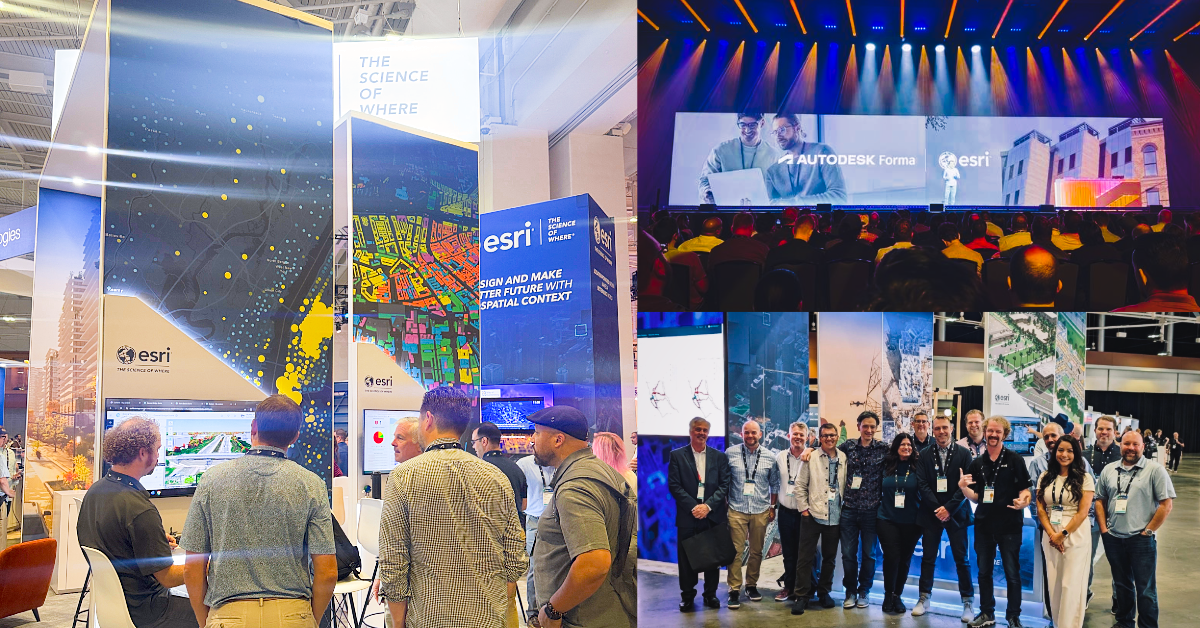
Located near the architecture, engineering, and construction (AEC) expo area, Esri’s booth was a vibrant hub featuring demos of ArcGIS and hands-on guidance by Esri experts about using GIS to address challenges across the AEC, transportation, and water industries. Through a number of AU sessions, attendees also explored how GIS and BIM integration is driving innovation and digitally transforming workflows from planning and design through to operations.
Location-powered design makes a better built world
The Esri and Autodesk partnership was forged from a shared vision to break down data silos and connect GIS and BIM for improved project outcomes. Integrating GIS and BIM in the design process helps to enable more seamless data exchange, enhance collaboration between project teams and stakeholders, and drive digital transformation across industries.
Architecture, engineering, and construction
Project teams — from architects to civil engineers and construction professionals — are increasingly seeing the need for infusing geographic information early-on in the BIM process and automating workflows with GIS throughout. This means spatial context is no longer an afterthought, but a foundation for every project phase.
Transportation
Momentum continues to build for integrations enabling civil designers, on-site teams, and project managers to work with the same data, including alignments and surface models.
Water
On-demand geospatial context is now directly accessible to water infrastructure professionals, enabling them to make better informed decisions.
Session highlights from AU 2025
Esri experts along with users of ArcGIS and Autodesk technology presented over a dozen AU classes, technical sessions, panel discussions, and more. These included presentations by users and representatives from leading AEC firms, international airports, industry partners, and more. Below are five session highlights on cross-platform GIS and BIM workflows that showcase powerful use cases and best practices across the entire asset lifecycle.
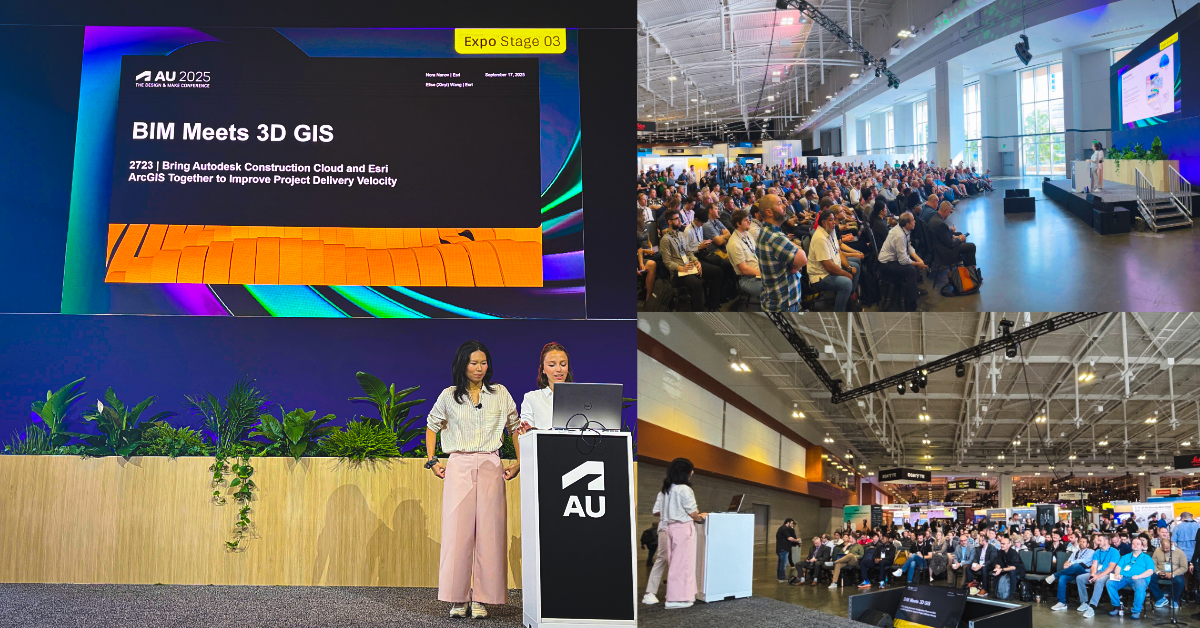
1) BIM Meets 3D GIS: Bring Autodesk Construction Cloud and Esri ArcGIS Together to Improve Project Delivery Velocity
This in-person technical session introduced GIS and BIM integration, covering the benefits for improving the management of project sites, data, and processes. Attendees saw examples from leading AEC firms Arup, Arcadis, and Ramboll, including the Wrexham AFC stadium project. The session showed how BIM and GIS integration improves environmental analysis, adapt designs to future conditions, and simplifies communication. It focused on the various ways to connect ArcGIS and Autodesk Construction Cloud, like using BIM Cloud Connections in ArcGIS Pro and ArcGIS GeoBIM for project-level collaboration.
2) From Design to Digital Twin: Building Indoor GIS with CAD and BIM Data
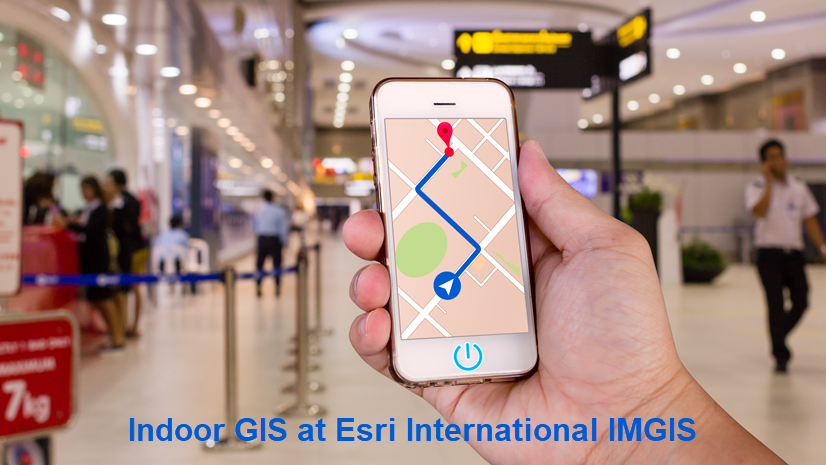
This in-person technical class showed how to extend the life of CAD and BIM data for building an indoor GIS system. Doing so enables users create digital twins to support building operations. Attendees learned how to import design data into ArcGIS Indoors, and enabling real-time navigation with ArcGIS IPS. They also saw saw how to give facilities staff mobile tools for inspections and maintenance workflows.
3) Enterprise-Wide Access to Project Data: An Autodesk Construction Cloud and Esri ArcGIS GeoBIM Success Story
In this in-person case study session, AEC firm Parsons shared how they are using ArcGIS GeoBIM to create a centralized window into all their project data. By combining design data in Autodesk Construction Cloud with geospatial context, Parsons built an interactive map that allows users to search projects by name or number, view budgets and timelines, and explore linked documents and 3D models. This approach avoids data duplication, keeps workflows intuitive, and enables managers to easily assess, present, and reuse project information. With ArcGIS GeoBIM as the foundation, Parsons is streamlining project visibility and exploring further integrations with platforms like Microsoft SharePoint to maximize the value of their data.
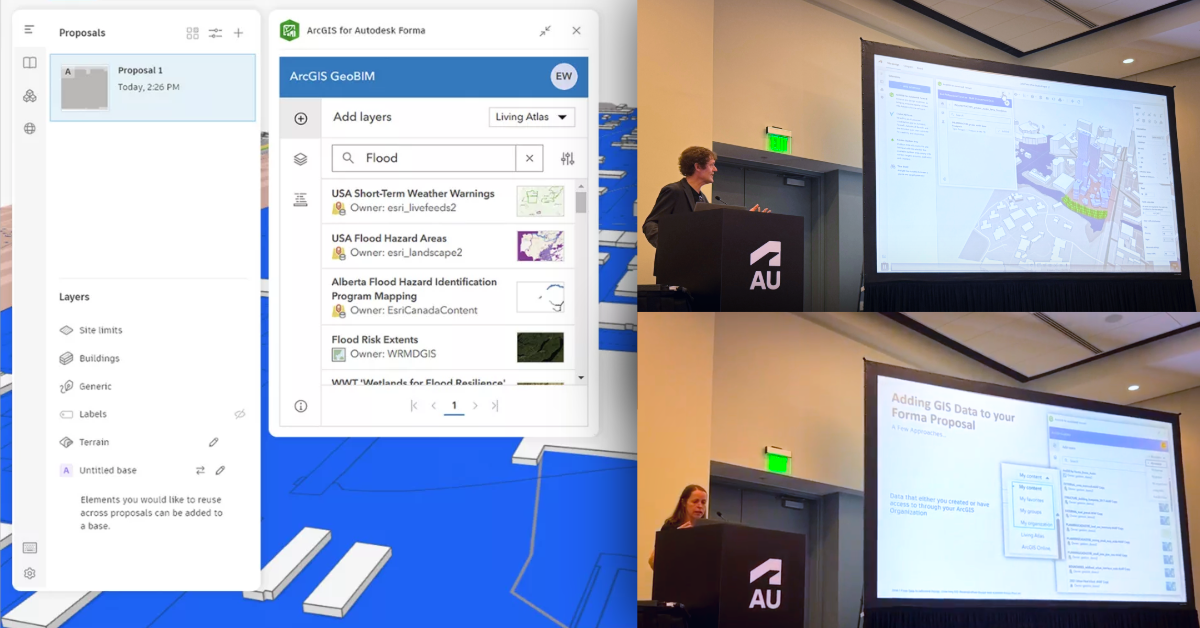
4) From Data to Informed Design: Unlocking GIS-Powered Urban Design with Autodesk Forma Plus Esri
This session introduced users to ArcGIS for Autodesk Forma for bringing site context and environmental data into early-stage design. Attendees saw how to enrich Autodesk Forma projects by pulling in GIS layers — such as demographics, soils, and hydrology — from ArcGIS Online and ArcGIS Enterprise. A demo showed how GIS-enhanced designs can be shared in Revit (beta). Dan Stine of Lake Flato Architects presented real project examples using ArcGIS for Autodesk Forma to strengthen workflows by adding geographic context and site data. The session also covered best practices for searching and curating GIS content, including data from ArcGIS Living Atlas of the World.
5) Revit to Indoors: A Digital Transformation Journey at Denver International Airport
Denver International Airport (DEN) shared its experience integrating BIM and GIS as part of a major modernization initiative. Their team created an 18-million-square-foot ArcGIS Indoors database. This used detailed Revit models to spatially enabling over 7,000 rooms, linking them to existing asset and facilities systems. The presentation covered key milestones from their 10-year digital transformation journey, breakthroughs in connecting Revit and ArcGIS workflows, and strategies for bidirectional data exchange. Learn more about the industry talk and log in with your AU Digital Pass to watch the recording.
Looking ahead
Esri’s continued presence at Autodesk University underscores our commitment to helping AEC professionals unlock the full potential of GIS and BIM integration. Whether you’re designing, building, or managing the built environment, ArcGIS and Autodesk together provide the tools you need to deliver smarter, more connected projects.
Hear from leaders at leading AEC firms at Arup, Arcadis, HDR, Parsons, and more share the benefits of integrating GIS and BIM to break down silos and make better decisions in geospatial context.
Get started
If you’re an Esri and Autodesk user looking to get started with GIS and BIM integration today, discover these resources, tutorial series, and training courses:
- Get started with ArcGIS for AutoCAD and Civil 3D
- Get started with ArcGIS GeoBIM
- Learn BIM and GIS using ArcGIS Pro
- Prepare CAD floor plans for indoor mapping
- ArcGIS fundamentals for Autodesk users
Register for Esri’s IMGIS 2025
Finally, if you’re an AEC and infrastructure professional, register to join us at the 2025 Esri Infrastructure Management and GIS (IMGIS) conference taking place October 28-30 in Palm Springs, California. Session topics include connecting civil design and field workflows, managing geotechnical data, leveraging indoor GIS, and much more.
Can’t make it to Palm Springs this October? Early bird registration opens November 3 for International IMGIS in Frankfurt, Germany from April 15-17, 2026.





Article Discussion: