Have you ever experienced challenges when accessing rich content from ArcGIS when using your Android Tactical or Team Awareness Kit (ATAK) mobile device? The ATAK Plugin to ArcGIS extends these capabilities and can be accessed via the TAK.gov website.
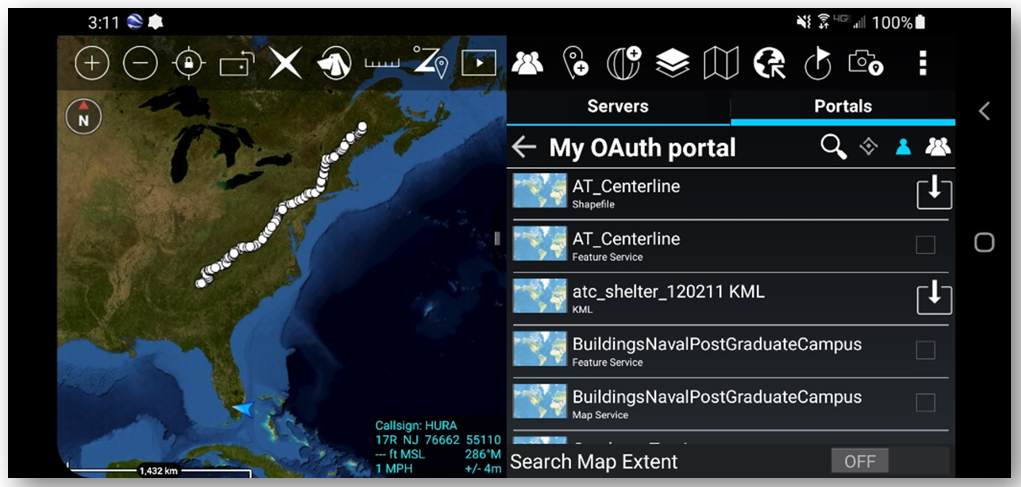
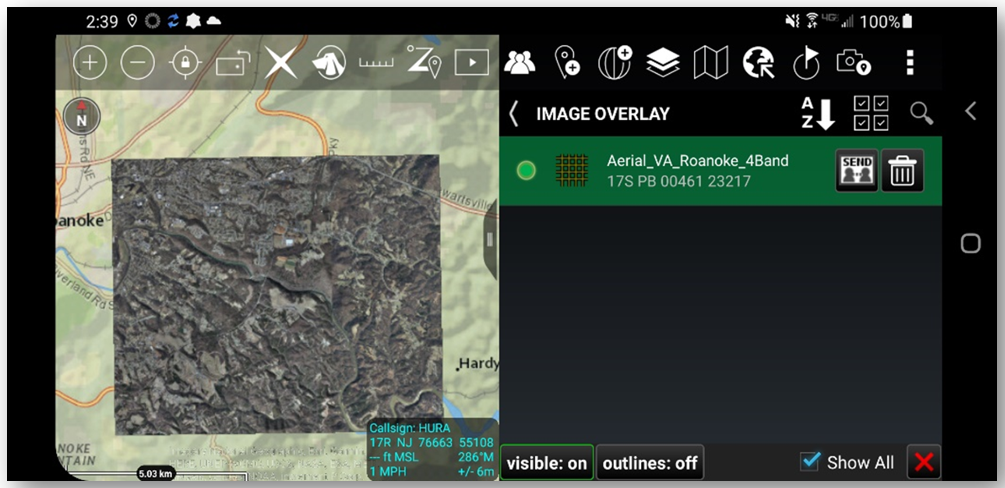
ATAK’s mobile client users can now receive, process, and handle foundational raster and vector content provided by ArcGIS. When connected, users can browse supported services or access protected content using built-in security authentication. This content can also be cached for offline use.
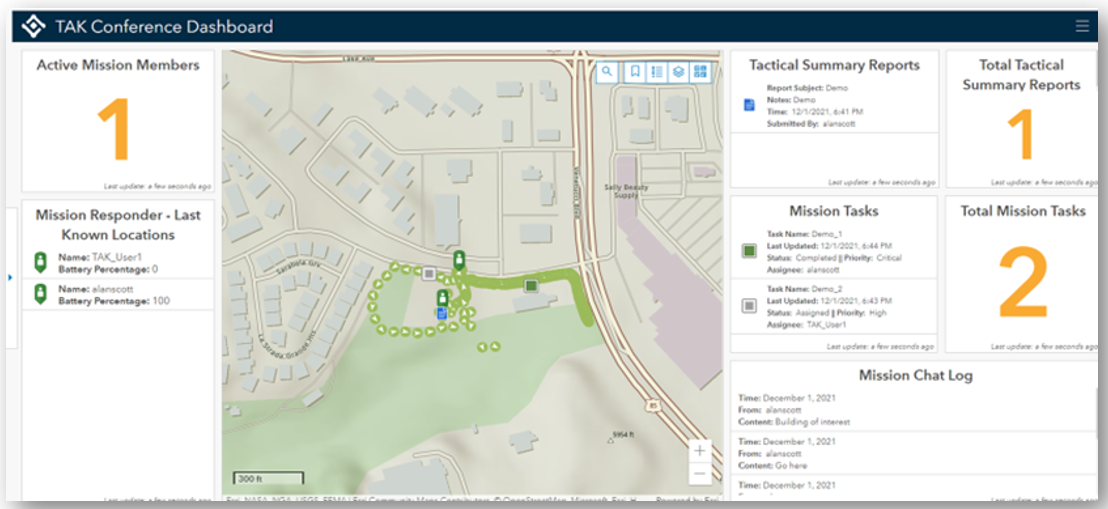
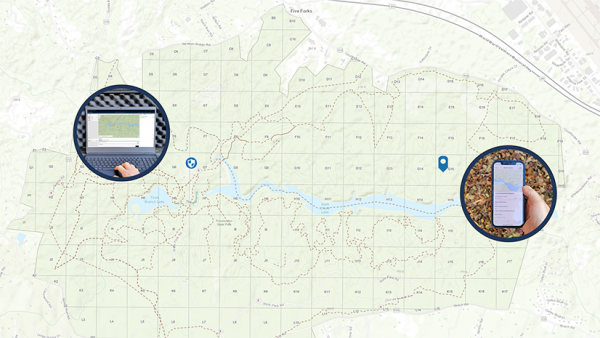
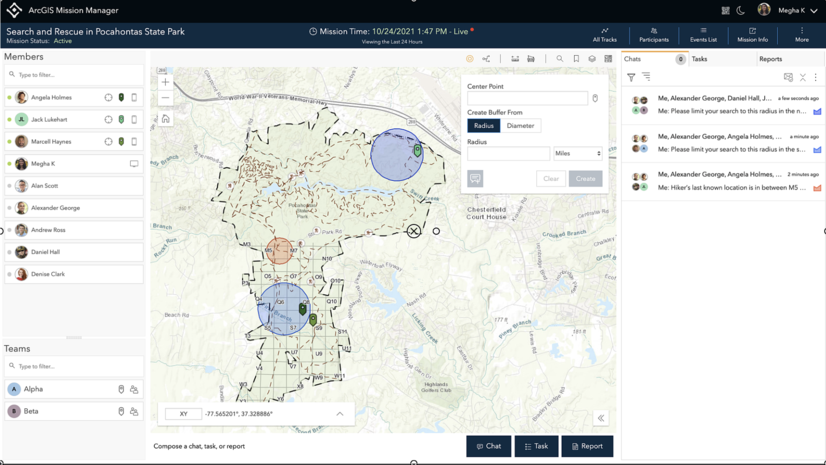
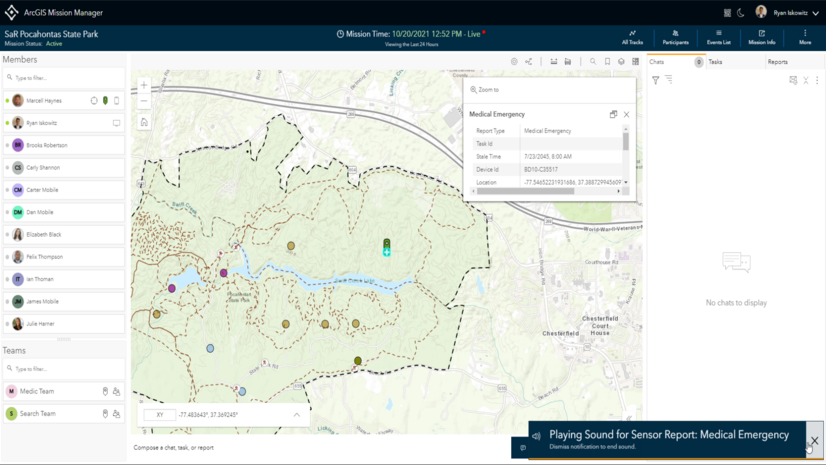
Additionally, the ATAK Plugin to ArcGIS enables users to stream their location from an ATAK device back to ArcGIS. This feature enables an ATAK user’s location to be visualized in applications like ArcGIS Dashboard, or when actively participating in team activities in ArcGIS Mission.
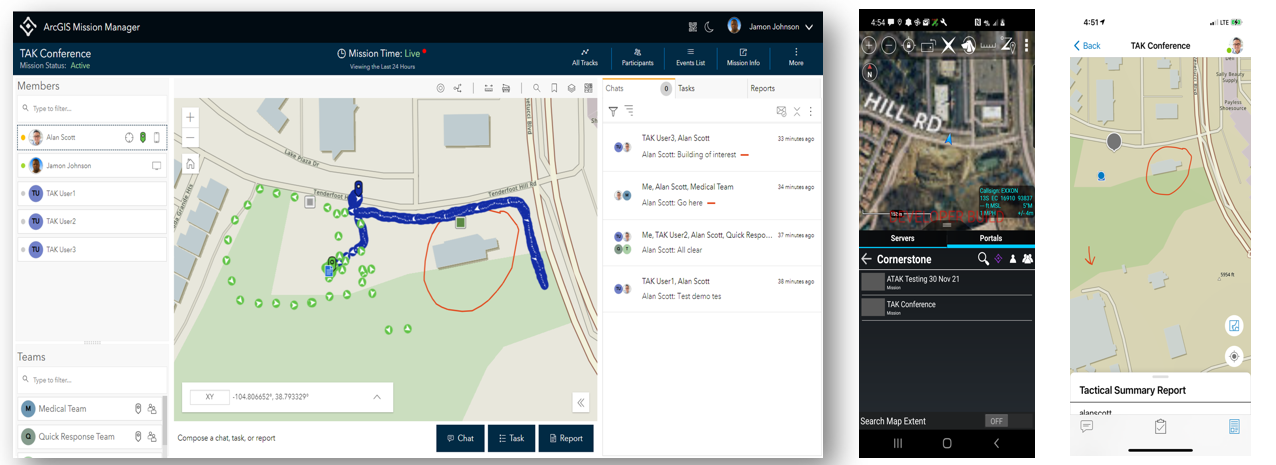
ArcGIS Mission enables analysts, mobile teams, and executives to quickly establish command and control by organizing and managing teams and resources, whether working on planned events or dealing with unplanned circumstances.
Please note that ArcGIS Mission is being deprecated (See Announcement). The final supported release will be ArcGIS Enterprise 12.3 (Q2 2027), with standard Product Life Cycle support continuing through 2031.
Most integration patterns outlined within this article, such as accessing ArcGIS Enterprise content from ATAK devices and streaming ATAK locations into ArcGIS Dashboards, will remain available via tak.gov. However, those that depend on ArcGIS Mission, such as streaming ATAK device locations into Mission team activities, will be discontinued after ArcGIS Mission at ArcGIS Enterprise 12.4, Q4 2027.
The TAK Plugin to ArcGIS is distributed and maintained by the U.S. Government. Esri does not control the plugin’s release cadence or distribution. For continued access to the TAK Plugin to ArcGIS, please visit https://tak.gov/. For more information about ArcGIS Mission’s lifecycle and support timeline, please visit https://support.esri.com.



Is ArcGIS Mission required to use the TAK Plugin? Or will at least some of the plugin’s features still work if we do not have ArcGIS Mission? Thanks
Hi William. Thank you for your question.
No. Mission is not required to use the plugin. TAK users were disadvantaged because they did not have access to stream \ consume data directly from ArcGIS and thus have’ up to date’ information from multiple mapping sources availiable to them in the field during a mission, as is inherent in ArcGIS Mission.The plugin now enables you to get ArcGIS data on to your devices. And, in addition, with ArcGIS Mission you are able to see and track the locations of TAK mobile users alongside Mission Responder users inside of Mission Manager, the web app component that provides the operational intelligence piece. However, to get capabilities such as being able to chat, securely store activities happening in the field, and leverage the ArcGIS ecosystem to enhance decision making during and after an incident or event, you will need to have ArcGIS Mission.
The plugin described here is for the TAK Android solution “ATAK”, but there is also a iOS TAK solution “iTAK” which our organization has to use instead of Android – is there a plugin coming for iTAK also? I see within the last few days the iTAK app (v 2.4) has added support to access ArcGIS Portals, but there is no documentation on the TAK portal/website about how to use it. Do y’all have any insight on the iTAK app and how to use ArcGIS Online or ArcGIS Enterprise/Portal with it, or have any contact leads for that? Thanks for any help.