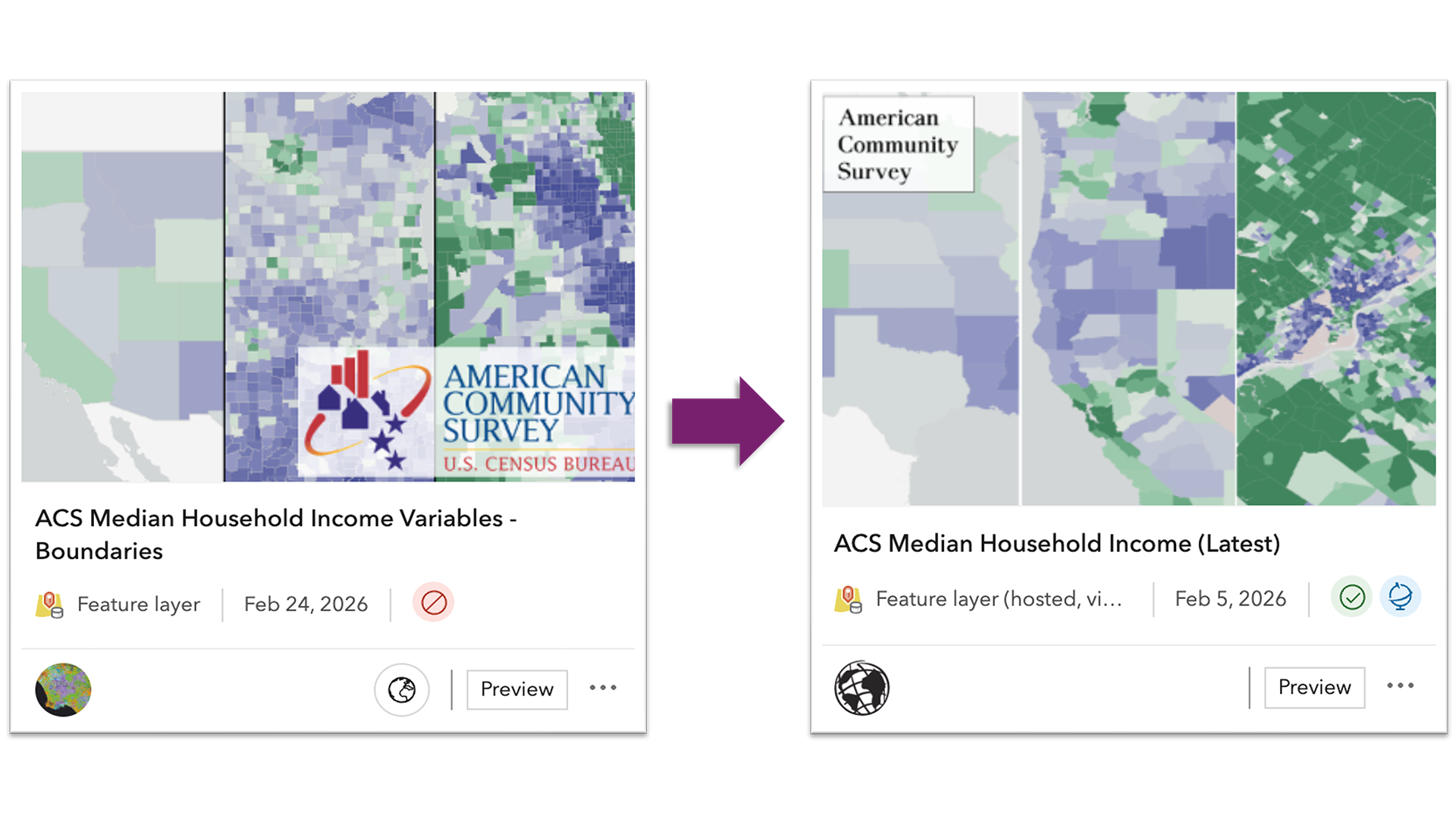
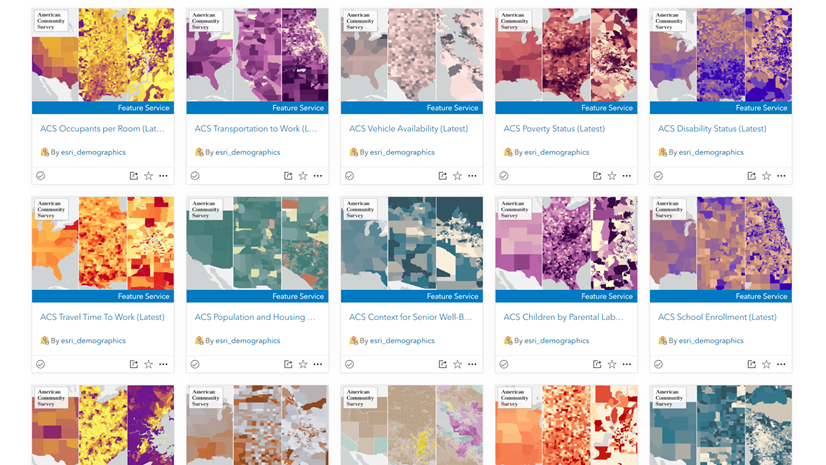
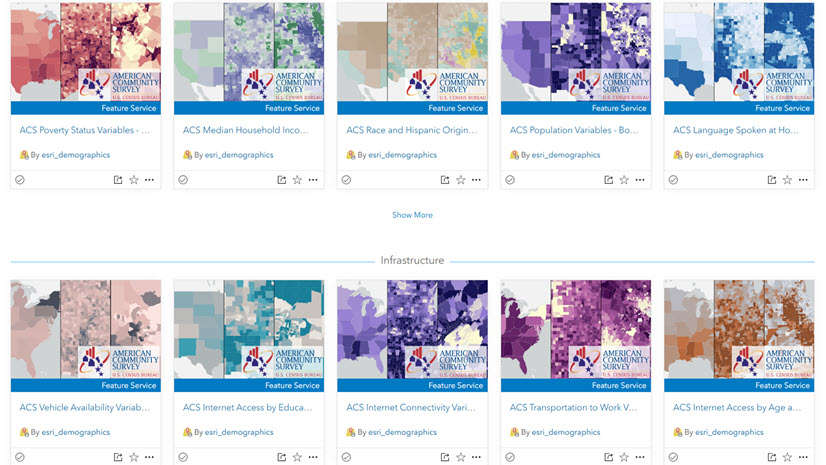
With the latest update to the American Community Survey (ACS) 5-year estimates, the Living Atlas Policy Mapping team has transitioned from updating Hosted Feature Layers in place to delivering content through Hosted Feature Layer Views. This new approach provides a more stable method of updating the 114 items in the ACS Collection. Now that the new views are available, users may want to update their existing web maps, dashboards, or other apps to take advantage of the latest data.
If you have content that references previous ACS 2019-2023 vintage layers, those items will continue to function. However, to take advantage of the newest vintage (2020-2024), you will need to update your content to point to the new Feature Layer Views. This blog outlines what the process looks like and offers guidance on making the switch smoothly.
There are three ways to update your content: manually replacing layers (best when you have only a few items to update), replacement using ArcGIS Assistant (ideal for a few items), and using a Notebook as a tool to automate the update process across many maps. A recommendation up front, always make a back-up just in case!
Updating your Maps and Apps with the New View Layers
Most users might only need to make simple changes in each map, app, or dashboard. Below are some common update paths.
Web Maps
Start by reviewing your content to find web maps that contain the previous 2019-2023 vintage layers. These items are now marked deprecated (see the retirement notice in their item details.)
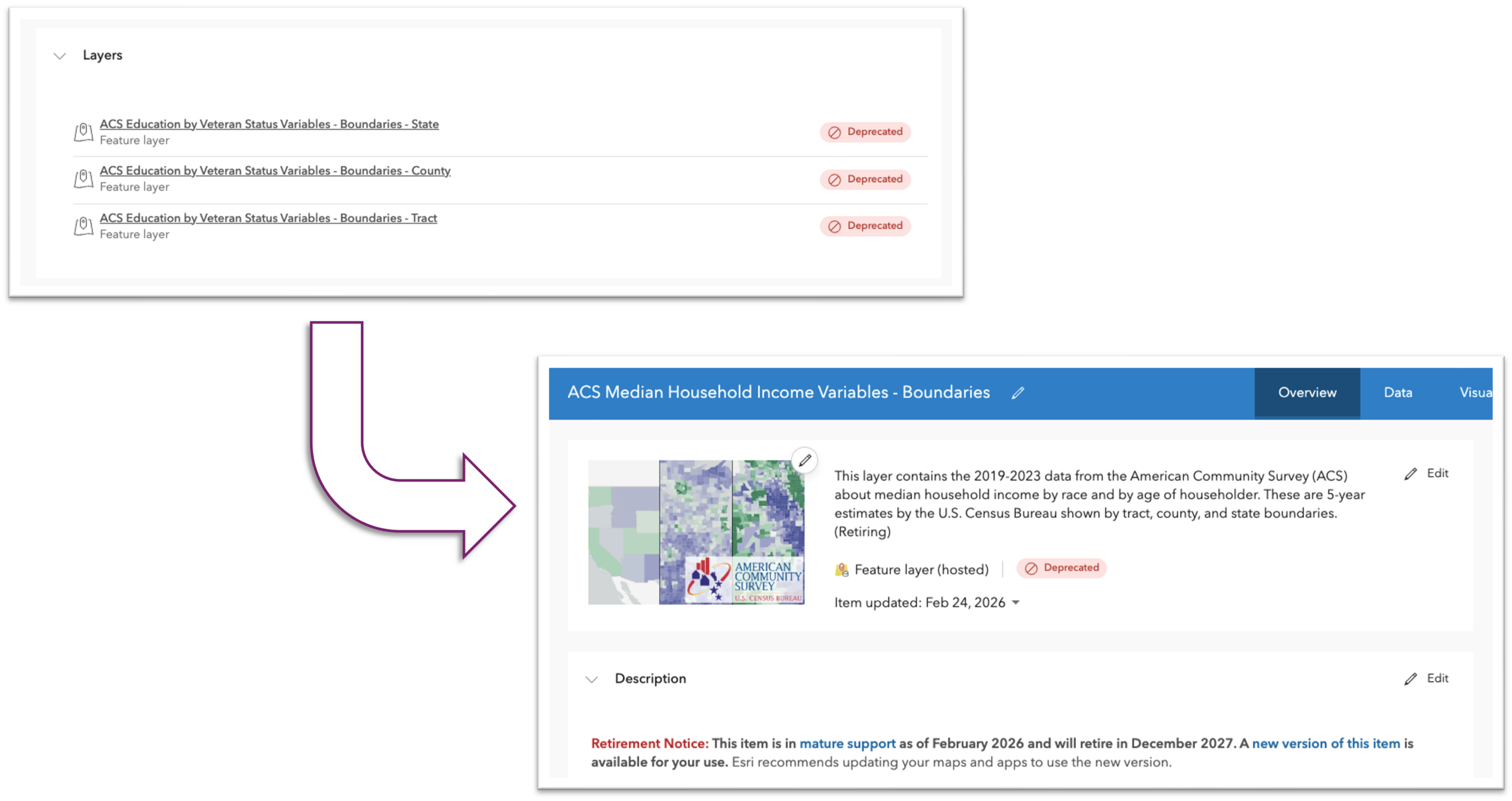
After opening a map, add the new view layers and copy any symbology, scale settings, pop-ups, effects or Arcade expressions. When everything looks correct, remove the old layers and save the map. Since the new view layers have the same schema as the previous layers, most formatting can be copied directly.
Dashboards
Dashboards elements (indicators, charts, lists, and tables) often reference specific layers. In edit mode, check the data source for each element and swap in the new view layer wherever the old one is being used. This will preserve any configurations by simply pointing to the new source.

Experience Builder
Updating Experience Builder apps will vary depending on how they are configured, so the steps will depend on whether the app is map-centric or data-centric.
Map-centric apps rely on a web map as their primary data source and widgets are typically configured to point to the layers inside the map. After updating the map, make sure that the widgets (Lists, Tables, Charts, etc.) still have valid data connections. A simple “widget audit” ensures nothing breaks.
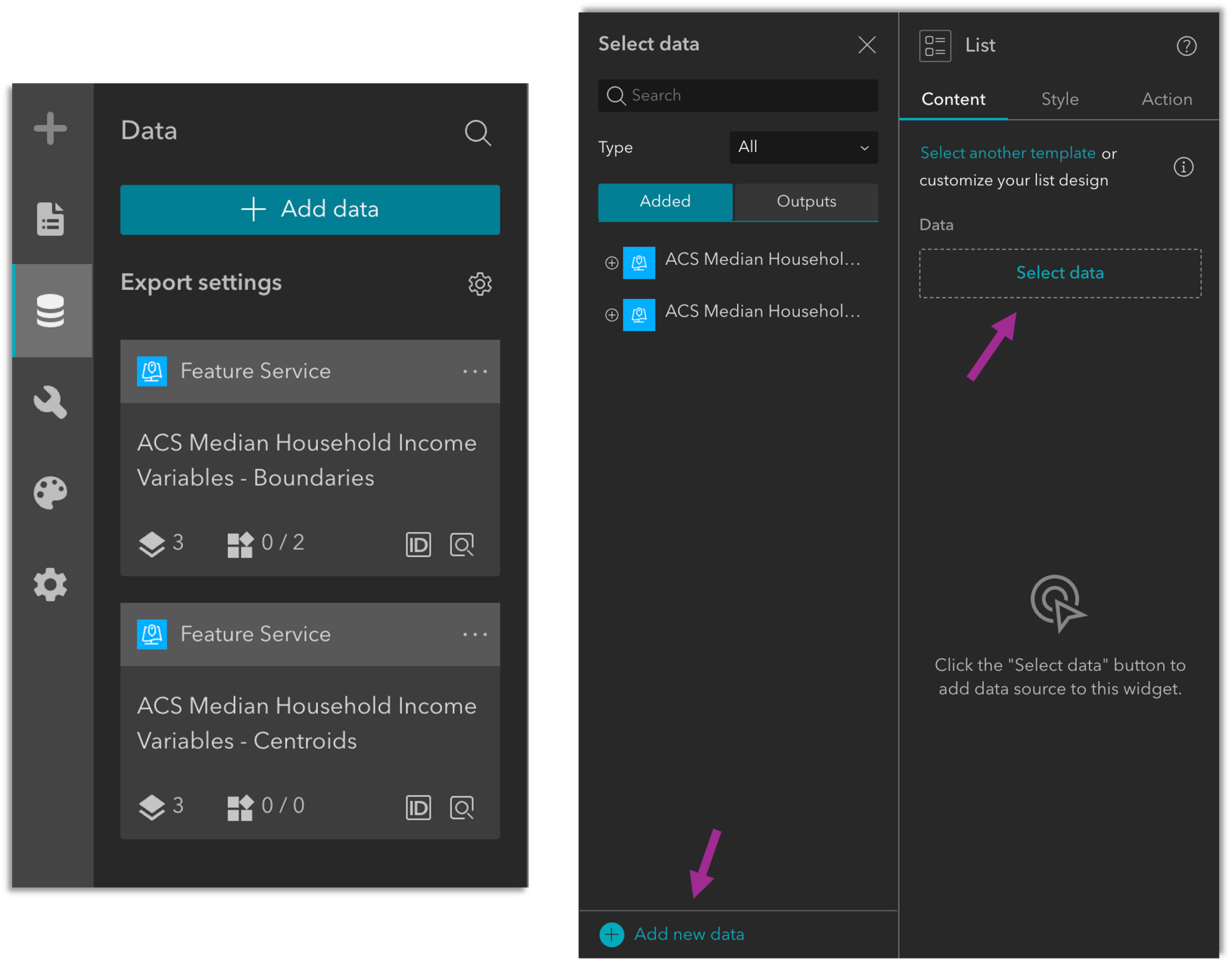
Data-centric apps can connect directly to feature layers instead of a web map. This is a common pattern for apps that focus on attribute-driven lists, filters, and general data exploration in a dashboardesque way. In these cases, open the Data panel, add the new data sources, and reconnect any widgets that rely on the old layers.
Advanced Option – Editing JSON in ArcGIS Assistant
If you are comfortable working directly with an item’s JSON, another option is to update layer references using ArcGIS Assistant. This approach allows you to manually replace old layer URLs or item IDs with the new ones.
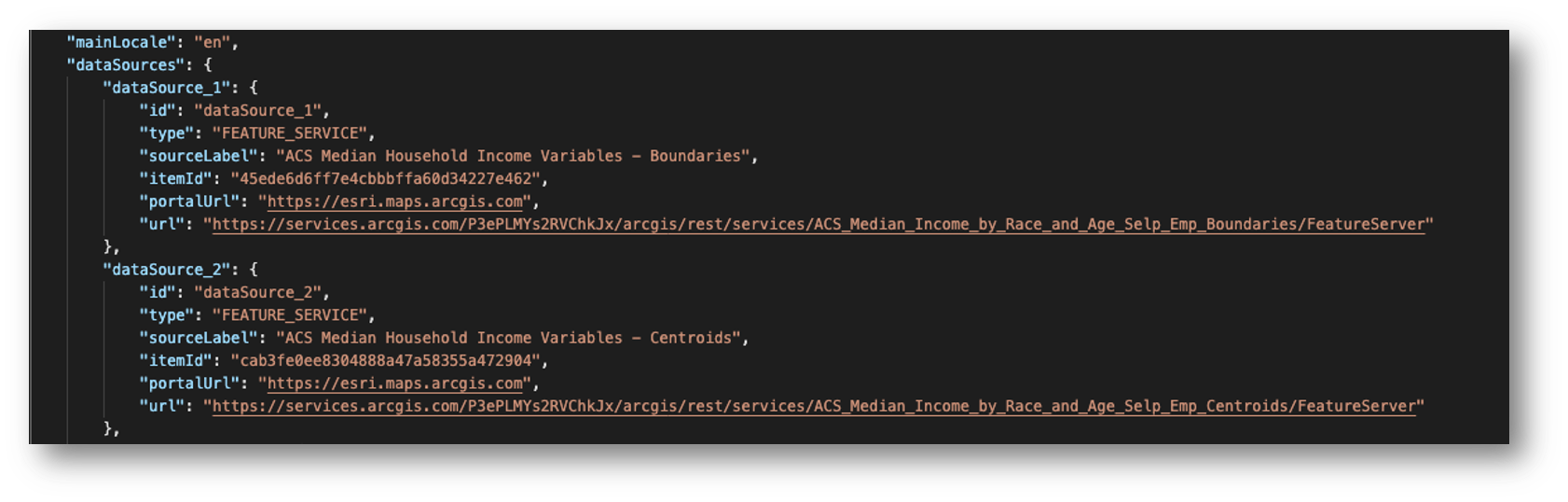
This method is efficient for small, targeted updates, however, this is only recommended for users experienced with working with JSON, as it can be challenging to understand what edits will affect the map or any dependent apps. Proceed with caution when choosing this route and try on a copy of an item before making permanent changes to an application in production.
Automating Layer Swaps in Web Maps with a Hosted Notebook (Advanced Option)
For users managing a large number of web maps, a notebook hosted in ArcGIS Online is available to automate the process of replacing deprecated layers with the new view layers in web maps using the ArcGIS API for Python. The notebook reads from a lookup table that pairs old item IDs with their new equivalents. When run, it checks each input map, identifies any ACS layers being used, and replaces them, preserving any existing configuration. This tool updates web maps only, dashboards and Experience Builder apps must still be reviewed manually. It is still recommended to review any maps and make any necessary updates to the item details to reflect the latest ACS vintage. If you are interested in using this tool, please connect with me!
Summary
There are several ways to update content to use the new ACS Hosted Feature Layer Views, from manually adding layers in individual web maps to taking advantage of more advanced tools that automate layer swapping with the ArcGIS API for Python. Regardless of the method, updating to the new view layers results in a more stable and future-ready experience using ACS content from the Living Atlas.

Article Discussion: