The latest release of ArcGIS Reality for ArcGIS Pro delivers a powerful set of enhancements designed to help GIS professionals work smarter, faster, and with greater precision. Read on to learn about the new Gaussian splats generation, the simplified installation process, support for LiDAR data and other significant enhancements to product quality, productivity and sensor support.
Product Enhancements: Smarter, Faster, More Flexible
Gaussian Splats – A New Era of High-Fidelity 3D
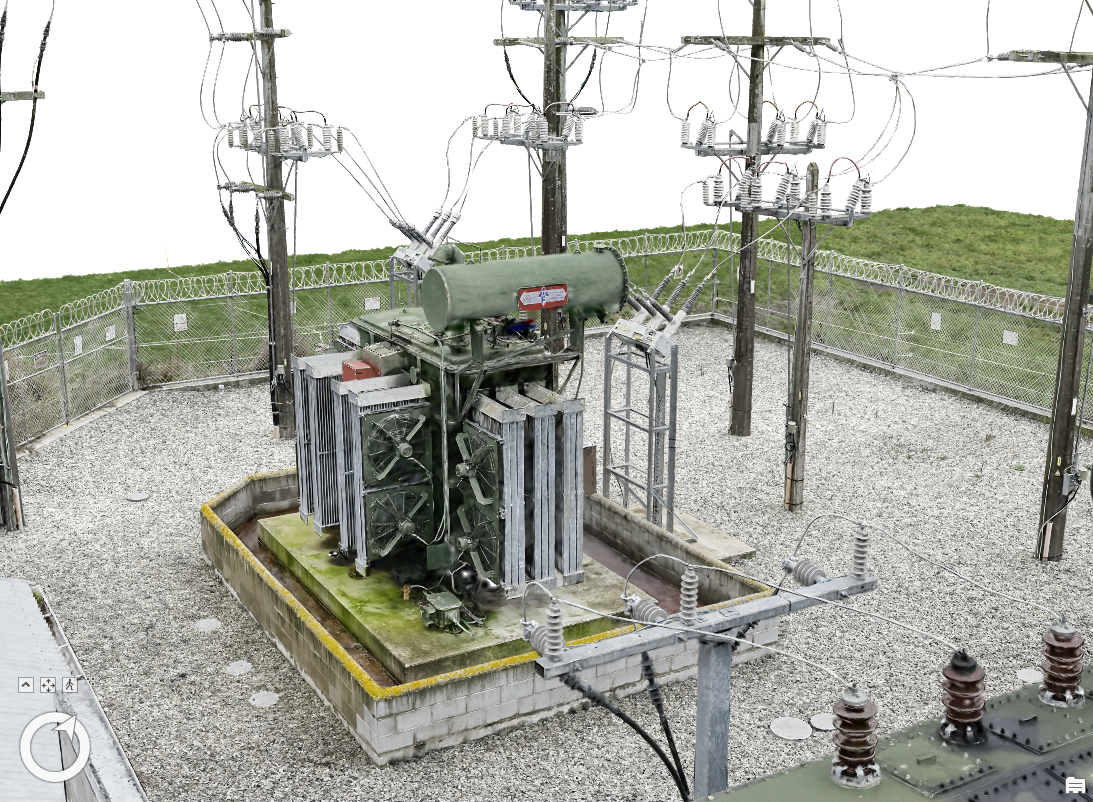
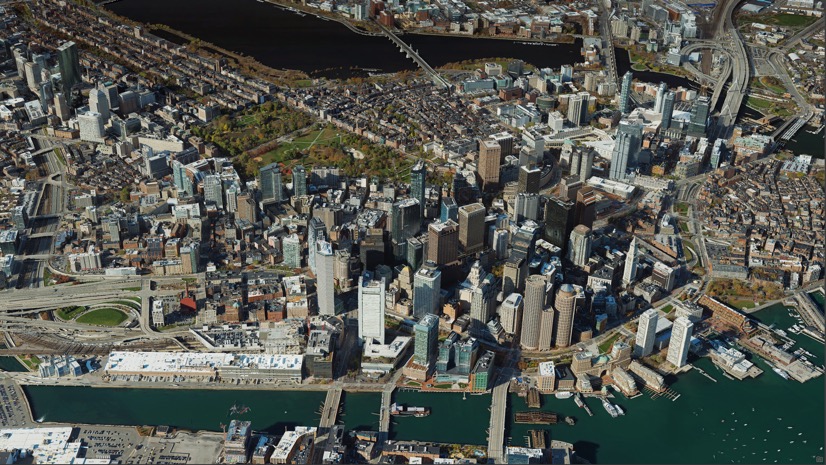
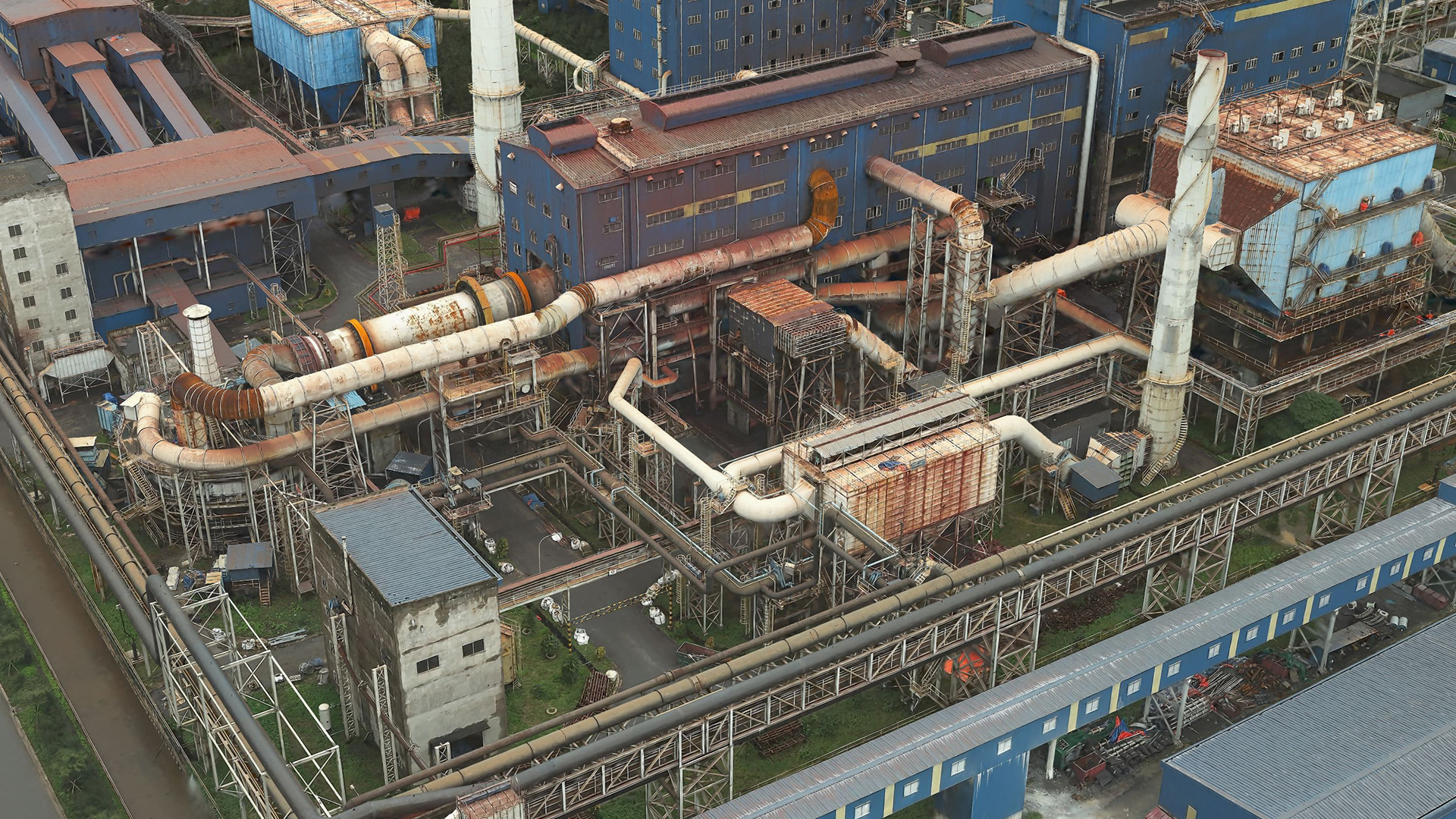
This release introduces Gaussian splats, a new 3D layer generated from drone or aerial imagery. Gaussian splats excel at capturing fine-grained details of infrastructure, vegetation, and urban environments with exceptional fidelity, creating a more immersive GIS experience. Plus, you can generate Gaussian splats layers in your desired spatial reference, ensuring seamless integration into existing GIS workflows.
More Complete True Orthos – Even in Challenging Areas
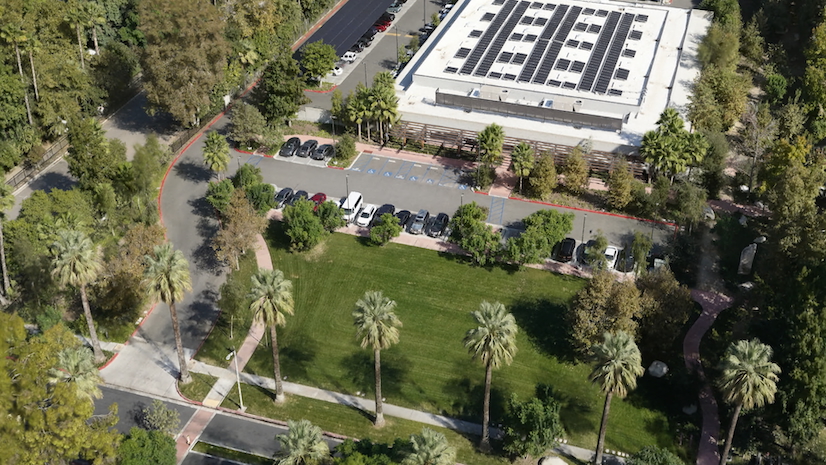
The generated True Orthos are now more complete, even in areas with low texture or insufficient overlap—such as tall tree canopies or complex structures—eliminating the need for manual gap filling. This results in more production-ready True Orthos straight out of processing.
Refine Your 3D Mesh Results with Ease
New in-app mesh editing tools enable you to create multipatches to correct anomalies in output meshes. These tools are especially effective for fixing gaps on reflective surfaces like glass or noisy results in shadowed areas. Edits trigger reprocessing only for affected tiles, making corrections fast and efficient.
Selective Tile Reprocessing
Beyond mesh editing, selective tile reprocessing enables you to regenerate only the portions of DSMs, True Orthos, or Meshes that need correction based on a shapefile. This dramatically reduces processing time and increases product generation efficiency.
Reflectance Data Support
Reality Mapping products can now be generated from reflectance satellite imagery data such as Maxar’s ACOMP or Airbus Reflectance product. This expands the vendor specific products type natively supported for Reality Mapping processing.
General Enhancements: Faster Setup, Expanded Sensor Support
Simplified Installation
The ArcGIS Reality for ArcGIS Pro Extension installer is now bundled with the core ArcGIS Pro installer, eliminating the need for a separate installation process. This means that you only need to activate the extension license to start integrating Reality Mapping into your workflow. Additional information on licensing can be found here.
Lidar Support for Derived Product Generation
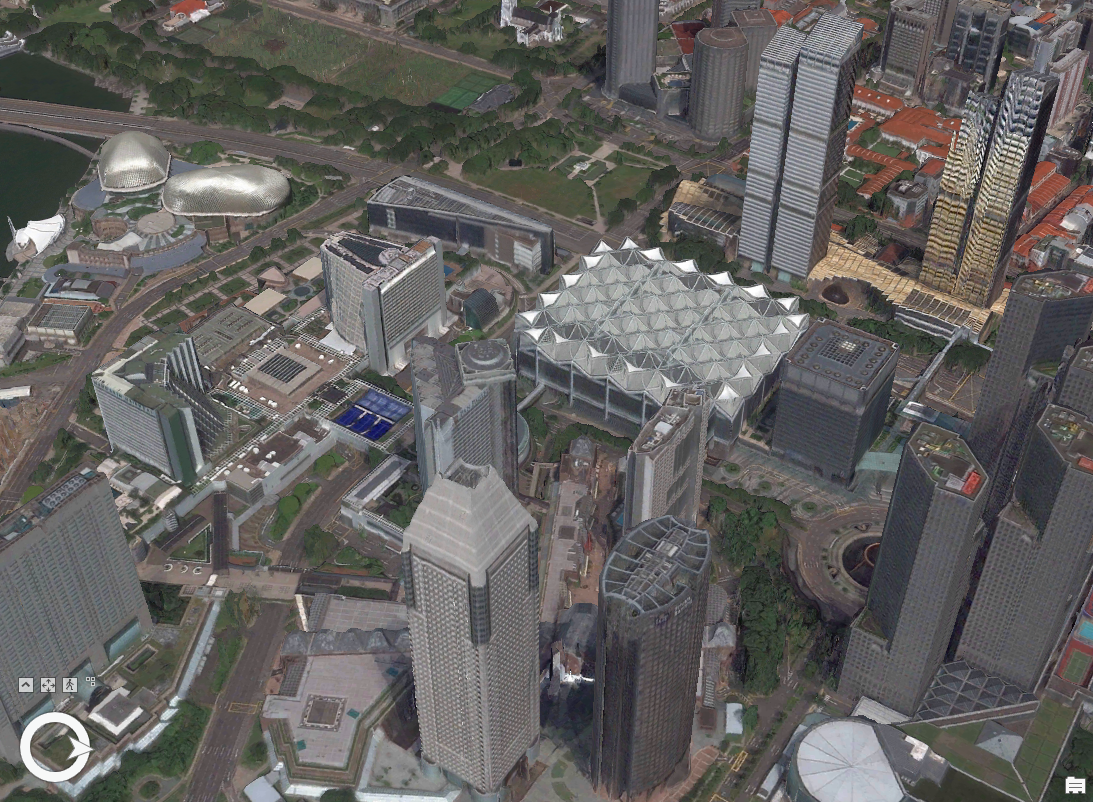
You can now integrate aerial lidar with imagery when generating DSMs, True Orthos, DSM Meshes, and 3D Meshes for superior product quality—especially in urban environments, areas with reflective surfaces or street canyons where image coverage may be limited.
Expanded Satellite Support
ArcGIS Reality for ArcGIS Pro now supports the full constellation of Vantor’s WorldView Legion satellites, giving users access to the next generation of very-high-resolution imagery—including up to 15 cm HD quality—directly within their workflows.
With this added support, organizations can seamlessly ingest, process, and analyze Legion imagery to generate high-fidelity 3D meshes, DSMs, and True Orthos for rapid situational awareness and global monitoring.
GCP Manager: Precision Made Easier
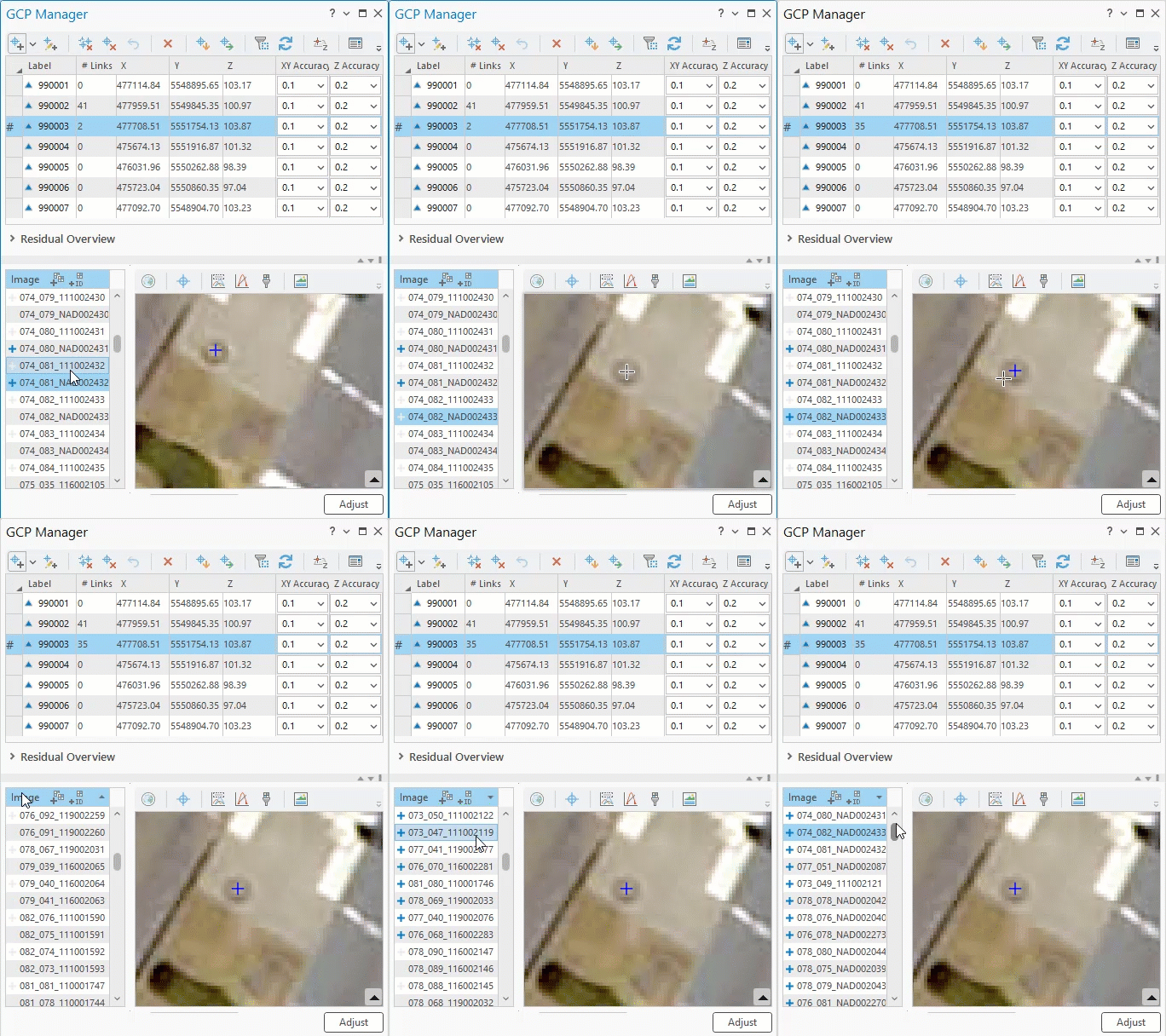
Ground Control Points (GCP) are central to producing accurate Reality Mapping outputs. This release delivers significant workflow improvements that streamline GCP management and boost precision.
- Improved Auto-Correlation Accuracy
Improved algorithms deliver more reliable GCP matches, reducing mis-correlations and improving overall alignment quality. - Manual GCP Tagging
Users can now manually tag GCPs on multiple images before running auto-correlation. This reduces blunders, improves matching confidence, and improves alignment accuracy. - Quality-Based Sorting of Tagged GCPs
After tagging, images can be sorted based on a calculated quality score—ascending or descending. This makes it easier to spot outliers, detect issues, and correct errors faster.
Why It Matters
These enhancements collectively give GIS professionals more control over accuracy, faster and more efficient workflows, higher quality 2D and 3D outputs and more sensor flexibility and product interoperability. Whether you’re building 3D city models, analyzing terrain changes, responding to events or generating immersive digital twins, the latest ArcGIS Reality for ArcGIS Pro release empowers you to deliver exceptional results with less effort.
Ready to explore these new capabilities?
Dive deeper into the latest features in the ArcGIS Reality for ArcGIS Pro documentation, or join the ArcGIS Reality for ArcGIS Pro community to share ideas, ask questions, and stay connected with other Reality Mapping professionals.



Article Discussion: